

What is Enterprise VoIP? A Complete Guide for Growing Businesses

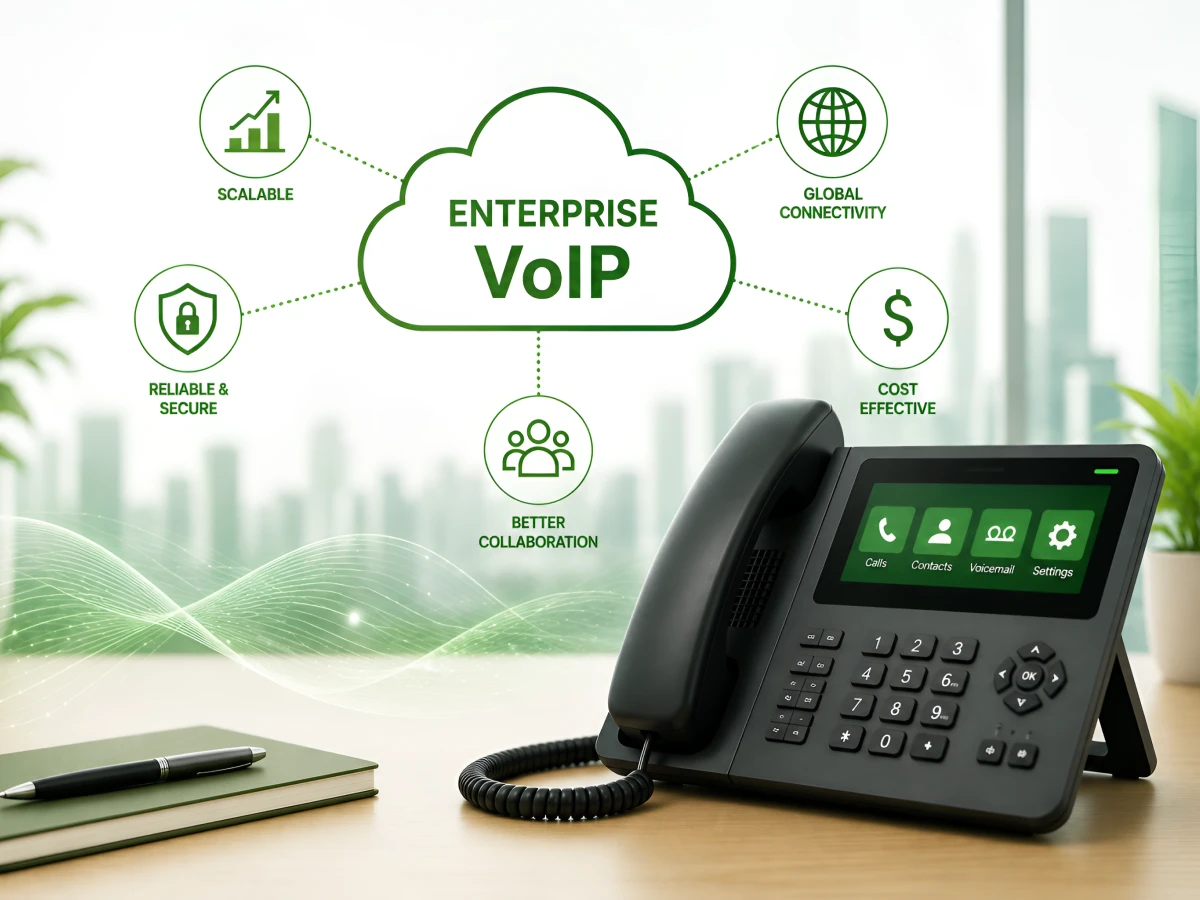
The shift to digital communication is massive.
Studies indicate that the VoIP market was already worth more than $176 billion in 2025. It is projected to more than double to nearly $389 billion by 2034. Currently, 87% of start-up businesses are already using or planning to deploy VoIP systems.
Why? Because traditional phones are essentially anchors.
An enterprise VoIP system doesn’t live in a dusty closet. It lives in the cloud. It lets your team work from a laptop in a coffee shop or a mobile app on a train. If you feel your current office environment is like a relic, it probably is.
This guide explains how a modern enterprise VoIP system actually works in the real world.
Technically, enterprise VoIP solutions turn your voice into digital code. Think of it like a high-speed email that sounds like a person. For a growing business, this means your “office phone” is now just a smart piece of software.
Unlike basic residential apps, the enterprise version is built for high-volume traffic and global reliability. It uses a scalable software layer to connect multiple locations while maintaining strict security and 99.99% uptime for your entire team.
Here’s how it actually works:
When you speak into an enterprise VoIP phone, the system samples your audio. It chops that sound into tiny digital packets. This happens in milliseconds, keeping your VoIP calls sharp and clear.
These packets zip across your existing fiber or broadband. The VoIP system uses specific protocols to prioritize your voice. This prevents lag or “jitter” even if the rest of the office is busy downloading files.
The receiving device puts those packets back together instantly. Whether you use a desktop and mobile app or a headset, it sounds completely natural. The whole round trip is faster than a blink.
Therefore, it’s a cleaner, faster way to communicate that doesn’t care where your desk actually is. Once your voice is data, your office can be anywhere.
Landlines depend on physical wires. If a storm hits or a line is cut, your business goes silent. Enterprise VoIP phone systems run on the cloud. If your office loses power, you just keep working from your phone.
Here’s a detailed comparison table for you:
| Feature | Enterprise VoIP | Traditional Landline |
|---|---|---|
| Setup | Fast software activation | Weeks of waiting for a tech expert |
| Monthly Cost | Lower cost per seat | High rental and per-line fees |
| Growth | Add 100 users in a click | Heavy wiring and new hardware |
| Remote Support | Native desktop and mobile app | Usually doesn’t exist |
| AI Features | AI transcription built in | Not an option |
| International | Cheap global local phone rates | Outdated long-distance fees |
Beyond the money, you’re future-proofing. The old copper network is being retired. Moving from landline to VoIP now is a survival tactic, not just an upgrade.
Scaling a company requires speed. You can’t wait for a telecom company to show up and drill holes in your wall. VoIP enterprise gives you the keys to your own infrastructure.
Old systems are a drain on the budget. You pay for the hardware, the maintenance, and the minutes. Business VoIP offers a lower cost because it uses the internet you’re already paying for.
If you hire a new sales team, you can set up fifty new enterprise VoIP phone extensions by lunch. If things slow down, you just stop paying for those seats. No hardware gathering dust in a closet.
Staff don’t want to sit in a cubicle all day. With unified communications, they can receive calls on their laptops or personal phones. Your professional caller ID stays the same regardless of where they are.
Modern systems provide AI transcription for every conversation. This lets you monitor calls and see exactly what your customers are asking for. An AI-powered contact center can even help your agents answer faster.
The VoIP integrates directly with Salesforce, HubSpot, or Zendesk. Any client who places a call displays their complete history on your screen. This makes customer interactions go from reactive to proactive.
High-quality enterprise VoIP solutions employ robust encryption. They are designed to comply with HIPAA and GDPR. You can be assured that your data is kept safe and that your conversations remain private.
You can set up a local phone number in London or Tokyo from a desk in Chicago. It makes a global brand feel local. It’s the cheapest way to test a new market.
Don’t just chase the lowest price. Look for an enterprise VoIP phone system that actually kills your daily headaches. The right advanced feature set can replace three other software subscriptions.
Don’t get distracted by this long list of features you might never use. Focus on the tools, like call routing and AI transcription, that actually make your team’s life easier and your customers happier.
How you set this up depends on your IT comfort level. Most people want the cloud, but some industries have specific needs.
The provider owns the servers; you just use the software. This is the smartest move for 95% of businesses. It requires zero maintenance and updates itself while you sleep.
You keep the server in your building. You get total control, but you also get the repair bill when it breaks. This is usually for high-security firms like banks.
Keep some of your old gear, but link it to the cloud. This is a solid bridge if you’ve already spent thousands on legacy hardware and aren’t ready to let go yet.
Comparison mini-table:
| Type | Setup | Cost Structure | Control | Best For |
|---|---|---|---|---|
| Cloud | Fast | Low upfront, subscription | Limited to Moderate | Remote teams, fast-growing firms |
| On-premise | Slow | High upfront, lower ongoing | Full | Regulated industries, large IT teams |
| Hybrid | Medium | Moderate (Mixed costs) | High | Businesses transitioning from legacy |
There’s no one-size-fits-all here. The right choice depends on your budget, technical needs, and how much control you want over your system. Most growing businesses today lean toward cloud or hybrid for the flexibility they offer.
While everyone needs a phone, some sectors really feel the boost. High-volume business communications demand a lot more than just a dial tone.
Clinics use HIPAA-compliant VoIP solutions to protect patient privacy. Features like AI receptionists can manage appointment calendars around the clock. This lets the medical staff focus on patients, not phone lines.
Law firms live on the details. They use call recording and AI transcription to document every single advice session. Encryption ensures those conversations stay between the lawyer and the client.
Online brands use an AI-powered customer service setup to speed up returns. Integrating the phone with the order database saves minutes on every call. It keeps customers happy when things get busy.
Tech teams are almost always remote. They rely on video meetings and conference calling to build products. A solid VoIP business system keeps the whole global team on one page.
Hotels use VoIP to coordinate guest services across multiple properties. Smart call routing makes sure a guest’s request never gets lost. It simplifies life for owners managing several locations at once.
It doesn’t matter if you’re billing hours, filling prescriptions, or selling software. If you talk to customers, these enterprise solutions make those conversations more professional and much easier to manage at scale.
Setting up an enterprise VoIP phone system isn’t a massive construction project. If your internet is good, you’re basically done.
Look at your call volume and team size. Do you really need a desk phone, or is a desktop and mobile app enough? Figure this out before you compare plans.
Look for 99.999% uptime. Ask if they have an AI-powered contact center for your support staff. You want a provider that acts like a partner, not just a bill.
VoIP doesn’t need much data, but it hates interruptions. Make sure your router has Quality of Service (QoS) turned on. This keeps your voice clear even if someone is streaming video.
You don’t have to change your number. Your new provider will “port” it over for you. It’s a standard process that keeps your brand consistent for your customers.
Go into the admin portal and map out your “call flow.” Decide who answers first and where calls go after hours. This is where you set up your local phone extensions.
This is where the magic happens. Link your VoIP system to your sales tools. Now, every call automatically updates your customer records without you lifting a finger.
Make a few test VoIP calls from the office and from home. Check the mobile app on both Wi-Fi and 5G. If it sounds great, you’re officially live.
It looks like a lot of steps, but most of it happens in the background. With a decent provider, you’ll be making high-quality VoIP calls before you even finish your morning coffee. It’s much simpler than the old days.
The price of an enterprise phone system is usually very transparent. You pay per user, so your bill only grows when your team does. No surprise “maintenance” fees here.
Cost Breakdown Table
| Tier | Price Range | Target Business |
|---|---|---|
| Starter Cloud | $15–$25/user | Small, fast-growing teams |
| Professional | $30–$45/user | Mid-market with CRM needs |
| Enterprise AI | $50–$75+/user | Heavy customer communications |
| Custom | By Quote | 500+ employee companies |
Look at the big picture. A system that includes video meetings can replace your Zoom bill. Often, the AI features save so much time that they pay for themselves in a month.
Is your phone system a helper or a hurdle? If you feel stuck at your desk, you’re already behind.
If this sounds like your office, the hardware is costing you growth. Switching to enterprise VoIP solutions is the fastest way to fix it.
Here’s a quick checklist for you to quickly assess your current phone system:
Guides & How to
May 19, 2026
Read More
Enterprise VoIP isn’t a luxury anymore. It’s the standard. It gives you the reliability of an old-school desk phone with the brain of a modern AI.
Whether you need better conference calling or a high-end AI-powered contact center, the cloud is where you need to be. Don’t let 20th-century wires slow down your 21st-century business.
Ready to upgrade your business communication and scale without limits?
Basic VoIP is just a digital line. Enterprise VoIP is a complete platform. It includes unified communications, complex call routing, and data tools built for large, busy teams.
It’s safer than a standard cell call. Most providers use end-to-end encryption and meet strict compliance rules like HIPAA. Your data is guarded by military-grade security protocols.
You’ll usually see prices between $20 and $50 per user. It depends on which advanced feature set you want; things like AI tools or unlimited international calling will change the price.
That’s what it was built for. Your team can receive calls on any device with an internet connection. It keeps your office connected, no matter where people are sitting.
VoIP is the tech that moves your voice. UCaaS (Unified Communications as a Service) is the whole package; it combines VoIP with video meetings, instant messaging, and web chat.
Nope. You can run the whole thing on a desktop and a mobile app. Many offices still like physical enterprise VoIP phone sets for desks, but they aren’t strictly required.
You can have the software running in a few hours. Moving your old phone numbers over usually takes about a week, but you can use temporary numbers in the meantime.
