

Optimize Business Communication with Dialaxy x Zoho
Seamlessly connect Dialaxy with Zoho to simplify call management and supercharge your CRM. Track conversations, access customer insights instantly, and keep your team in sync—all without the manual hassle!
Advanced Features Designed Just for You
Boost Efficiency with Dialaxy and Zoho Integration—streamline operations, automate workflows, and enhance customer engagement.
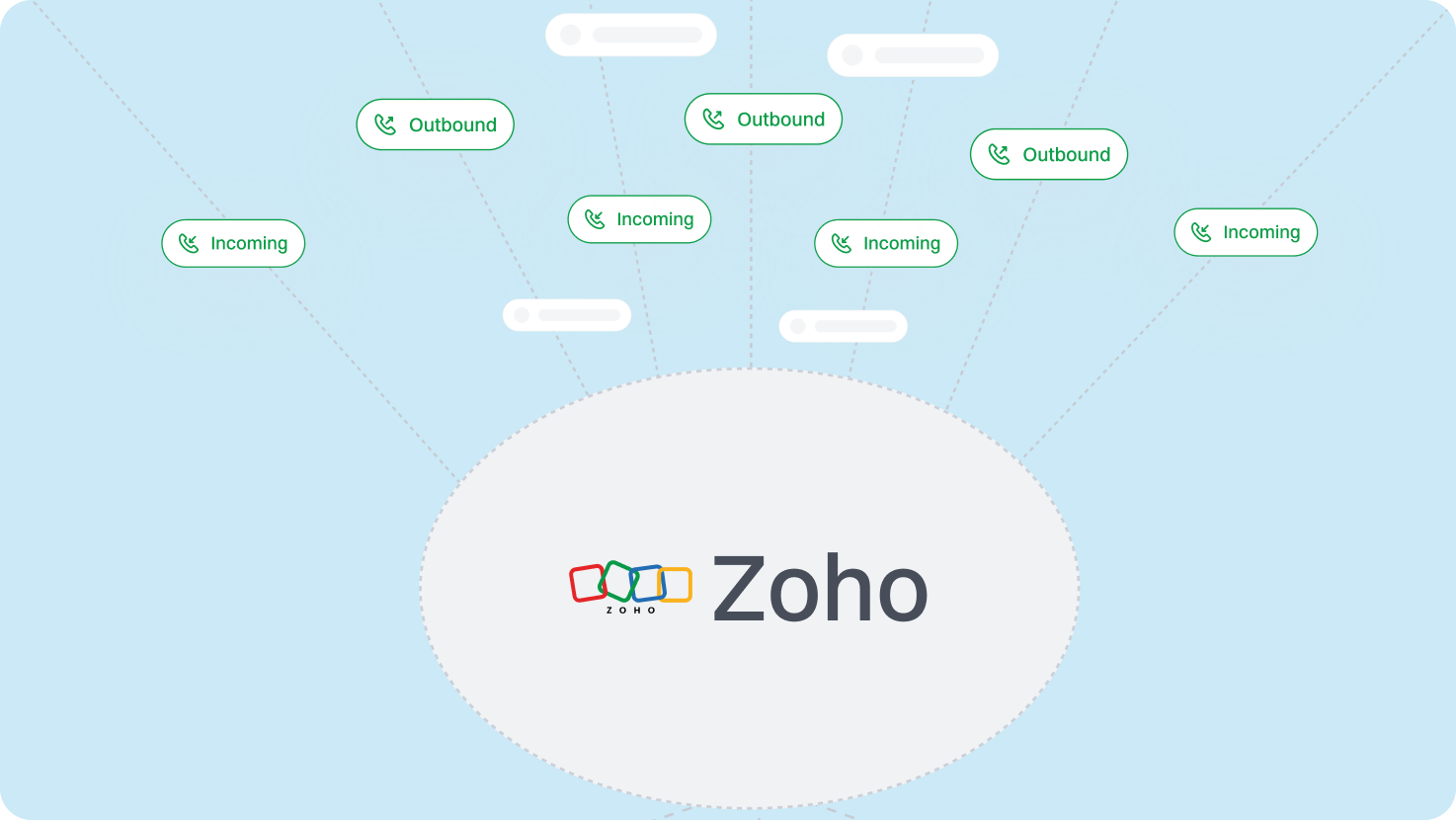
Automatically log all incoming and outgoing calls in Zoho, ensuring accurate records, performance insights, and better customer follow-ups.
Set up workflow automation to trigger actions in Zoho after calls or messages, such as assigning tasks, updating records, or sending follow-up emails.
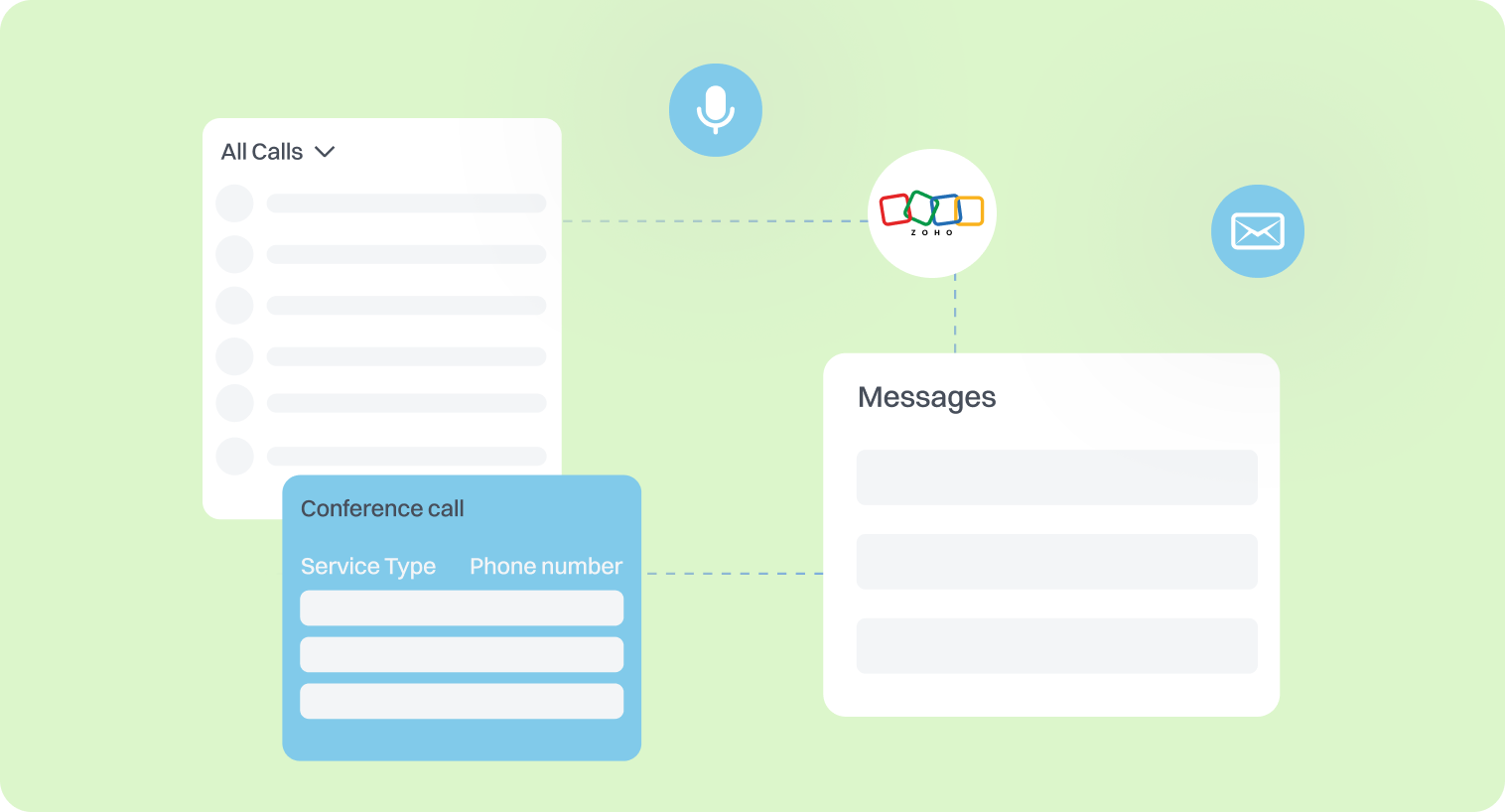
Receive instant call and message notifications within Zoho, allowing your team to respond faster and improve customer service.
Enhance Dialaxy Cloud Phone System with Zoho Integration
Unite Dialaxy with Zoho to supercharge team collaboration, improve lead management, and enhance customer engagement.
Click-to-Call from Zoho CRM
Dial contacts directly from Zoho with a single click. There is no need to switch between apps—initiate calls instantly while viewing customer details for efficient communication.
Live Call Monitoring and Coaching
Supervisors can listen in on live calls, whisper guidance to agents, or take over conversations when necessary. This feature is ideal for training new hires and ensuring quality service.
Automated Lead Scoring
Assign scores to leads based on call interactions, frequency, and duration. Prioritize high-value prospects and ensure sales teams focus on the most promising opportunities.
Voicemail-to-Ticket Conversion
Missed calls and voicemails can automatically generate support tickets in the Zoho Desk. This ensures that no customer query goes unanswered and improves response time.
Custom Call Analytics and Reports
Gain deeper insights into call performance with custom analytics inside Zoho. Track agent productivity, call trends, and customer interaction patterns to optimize business decisions.
Start Integrating Zoho CRM with Dialaxy Today!
Take your customer interactions to the next level by integrating Dialaxy with Zoho CRM. Automate call tracking, streamline workflows, and keep all your communications in one place for a more innovative, more efficient sales process.
Explore More Integrations
Connect Dialaxy with your favorite tools to enhance productivity and smooth communication effortlessly.
Step-by-Step Guide to Integrating Zoho CRM with Dialaxy
Here’s a comprehensive guide on how to integrate Zoho CRM with Dialaxy.
-
Visit the Zoho Marketplace and search for "Dialaxy."
-
Alternatively, you can start the process directly from the Dialaxy integration section.

-
Hit the "Install app" button on the Zoho Marketplace.
-
This will redirect you to the Dialaxy workspace; log in if prompted.

-
In the Dialaxy dashboard, navigate to the "Integrations" section on the sidebar.
-
From the available integration options, select Zoho CRM.
-
Click on Connect and choose the Zoho CRM account you’d like to link.
-
Confirm the connection to finalize the integration setup.

-
Review the permissions needed for the integration.
-
Approve them and click Connect app to complete the setup.

-
Once the installation is complete, you can tweak the integration settings to suit your preferences.
-
Click the three-dot menu and select Edit to customize the options.
-
Under "General Settings," you can enable or disable options like:
Two-way synchronization of contacts
Showing phone numbers as contacts
-
Under "Call Settings," you can enable or disable:
Outgoing calls
Incoming calls
Voicemail syncing
-
Assign one or more Dialaxy phone numbers based on your preferences.

Benefits of Integrating Dialaxy with Zoho
Automated Call Logging
Dialaxy seamlessly logs all incoming and outgoing calls in Zoho CRM, reducing manual data entry. This ensures accurate records, helps track customer interactions, and enables teams to stay informed for better follow-ups and decision-making.
Instant Contact Synchronization
Keep customer details up to date across Dialaxy and Zoho with real-time contact syncing. This eliminates duplicate data, enhances team collaboration, and ensures a smoother sales process with the most accurate customer information.
Click-to-Call for Faster Communication
Make calls directly from Zoho CRM with a single click, eliminating the need to dial manually. This feature saves time, reduces errors, and allows sales teams to connect with prospects and customers more efficiently.
Automated Task and Reminder Creation
After each call, Dialaxy automatically creates follow-ups, tasks, or reminders in Zoho. This helps teams stay organized, prevents missed opportunities, and ensures timely customer responses for improved engagement and conversion rates.
Comprehensive Call Analytics
Track call performance with detailed analytics, including call duration, response rates, and missed calls. These insights help refine sales strategies, improve agent productivity, and enhance the overall customer experience.
Seamless Workflow Automation
Integrate Dialaxy with Zoho’s workflow automation tools to trigger actions like lead assignments, status updates, or email follow-ups. This streamlines sales processes, reduces manual workload, and boosts overall team efficiency.
Frequently Asked Questions
The integration centralizes call logs, SMS records, and contact details in Zoho and ensures that teams have access to real-time customer data. This enhances coordination, reduces miscommunication, and streamlines workflows.
Yes, the integration enables workflow automation, allowing you to trigger actions such as follow-up reminders, task assignments, and status updates in Zoho based on call activities.
Absolutely. Dialaxy logs all calls, messages, and voicemails in Zoho, giving you a complete interaction history. This helps improve customer engagement and ensures no lead or follow-up is missed.
With real-time call logging and contact syncing, sales teams can track lead progress, prioritize high-value prospects, and respond faster to inquiries directly within Zoho’s CRM.
Yes, the integration allows you to set up real-time notifications for missed calls, voicemail messages, or follow-up tasks, ensuring timely responses and improved customer service.