

Build Your Virtual Contact Center with Dialaxy
Run your customer support and sales operations from anywhere in the world. Scale your team instantly, manage high call volumes, and keep your customers happy without the massive overhead of a physical office.
What Is a Virtual Contact Center?
A virtual contact center is a customer service hub that lives entirely on the internet rather than in a physical building. It allows your business to manage all customer interactions, voice calls, messages, and emails through a unified cloud platform. This setup lets your team work remotely, whether they are at home, in a satellite office, or spread across different time zones.
Think of it as a traditional call center, but without the rows of desks, expensive hardware servers, and tangled wires. Instead of proprietary desk phones, everything runs through software. All your agents need to get started is a laptop, a high-quality headset, and a stable internet connection.
With a virtual setup, you aren’t just buying a phone line; you are gaining a command center. It provides smart tools like automated call routing, real-time recording, and performance tracking. It is the most efficient way for modern businesses to offer flexible, 24/7 support while keeping operational costs significantly lower than legacy systems.

How to Set Up a Virtual Contact Center on Dialaxy?
Getting your remote support team up and running is designed to be a friction-free experience. You don’t need a technician or specialized hardware. To access these features, you simply need a Dialaxy account. Once you’re signed up, you can configure your entire virtual hub in a matter of minutes. Follow these steps to get started:
- Click on “Try For Free” and register for an account.
- Verify your email address to access your dashboard.
- Go to “My Number” and buy the business phone number you need.
- Use the Call Flow Designer to set up menus and routing.
- Invite your agents and connect your CRM tools.
How Does a Virtual Contact Center Work?
A Customer Reaches Out
A client calls your number or sends an SMS. The system instantly picks up the signal on the cloud, regardless of where your team is located.
The Auto-Attendant Greets Them
An automated menu greets the caller before a human picks up. It asks what they need and guides them to the right department immediately.
Intelligent Call Routing
Based on the input, the system routes the call to the best-fit agent. It connects them based on skills, availability, or time of day.
The Agent Interaction
The agent receives the call on their dashboard. With CRM integration, customer details pop up instantly, allowing for a personalized conversation.
Real-Time Supervision
Managers can monitor live interactions from the dashboard. They can even whisper advice to agents to help solve issues without the customer hearing.
Automated Logging and Analytics
Once the call ends, the system saves the recording and call details automatically. You can review this data anytime to spot trends and improve quality.
Benefits of Using a Virtual Contact Center
Flexibility and Scalability
Scale operations up or down based on fluctuating call volumes or business needs without the constraints of physical infrastructure.
Cost Efficiency
Eliminates the need for physical office space, equipment maintenance, and utilities associated with traditional contact centers.
Customer Experience
Provides customers with more options for contacting support and receiving timely assistance.
Disaster Recovery
Quickly switch operations to alternate locations or maintain continuity with remote agents in case of a natural disaster or power outages.
Adaptability and Innovation
Innovations like AI chatbots, NLP, machine learning, etc, enhance customer interactions, automate routine tasks, and improve overall service efficiency.
Compliance and Security
Providers often offer enhanced security features, data encryption, and regular audits to safeguard data integrity.
Why Choose Dialaxy for Your Contact Center?
Managing a support team shouldn’t be a technical nightmare or a financial burden. Dialaxy was built to simplify the complexity of modern business communication. We focus on providing a "plug-and-play" experience that works for everyone from two-person startups to large-scale enterprises.
Instant Global Presence
We offer a massive inventory of numbers. Whether you need a local presence in London, a toll-free 800 number for the US, or a vanity number that is easy to remember, you can claim it in minutes. This allows you to look like a local business to customers all over the world.
A Feature-Rich Toolkit
We don’t just give you a dialer. You get access to over 100 professional features. This includes everything from advanced call queuing and voicemail-to-email to SMS marketing and internal team chat. It’s an all-in-one interface for your entire communication strategy.
Real-Time Insights
You can't improve what you don't measure. Dialaxy provides deep insights into your team's performance. Track your Average Handling Time (AHT), First Call Resolution (FCR) rates, and peak call hours. Use this data to optimize your staffing schedules and training programs.
Things to Consider Before Setting Up The Virtual Contact Center
-
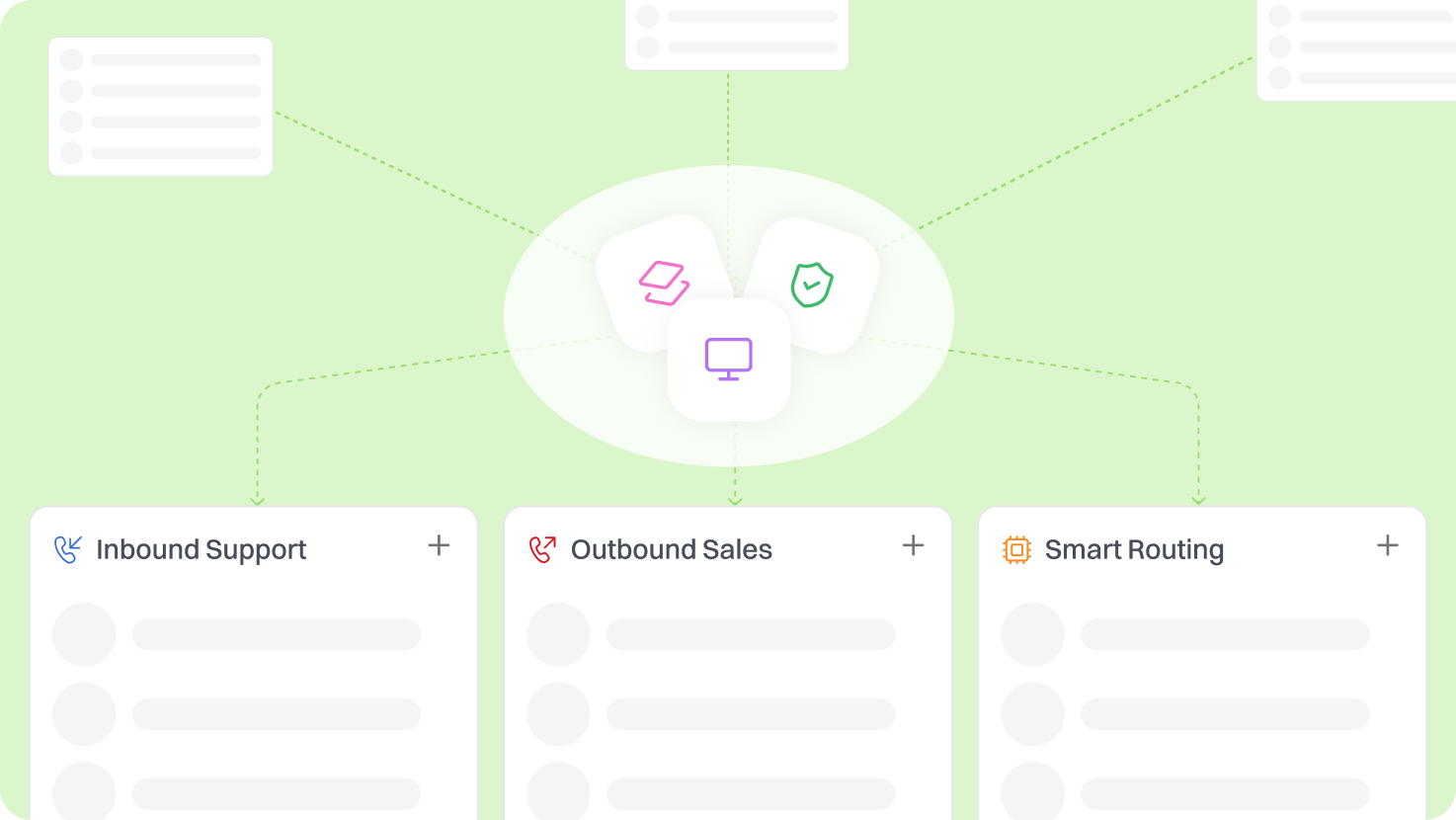
Decide if your main focus is inbound support or outbound sales before setting up.
-
Tailor your call flows and features (like smart routing or power dialers) to match that specific goal.
-
Ensure agents have a stable broadband connection to avoid choppy audio or dropped calls.
-
Encourage wired Ethernet connections over Wi-Fi for the clearest voice quality.
-
Set clear expectations and KPIs, like response times and daily call counts.
-
Check in regularly to keep the team connected and ensure standards are met without micromanaging.

-
Invest in high-quality, noise-canceling headsets for professional sound.
-
Good hardware blocks out background noise like pets or doorbells, keeping the customer experience polished.
Virtual Contact Center Solutions: Built for Businesses That Need to Scale
Customer Service & BPO
Cut infrastructure costs and manage high call volumes easily. Tools like live monitoring and automatic call distribution help remote agents deliver consistent service. BPOs can manage multiple clients from a single dashboard by grouping agents into specific "client pods."
Travel & Hospitality
Airlines and hotels need to be available 24/7. A virtual contact center lets you shift support between time zones seamlessly. If your US team goes offline, your European or Asian team can pick up the slack instantly, ensuring no traveler is ever left stranded.
Ecommerce & Retail
Speed matters. Handle spikes in shipping queries and returns during sales seasons with intelligent routing that cuts down wait times. Integrate your Shopify or Magento store so agents can see a customer's order history the moment the phone rings.
Telecommunications & Tech Support
Resolve tech issues faster without overcrowding local offices. Use smart menus to solve simple billing questions automatically through an IVR, leaving your specialized tech agents free to handle complex troubleshooting.
Do’s and Don’ts of Virtual Contact Centers
Do’s
-
Do set clear goals and performance metrics
-
Do hire people who are self-disciplined and tech-savvy
-
Do integrate your CRM for a better customer context
-
Do use call recordings for quality assurance and training
Don’ts
-
Don't forget to calculate setup and training time
-
Don't skip regular check-ins with your remote team
-
Don't ignore security protocols for remote access
-
Don't overcomplicate your IVR menus for callers
Additional Features like a Virtual Contact Center
Interactive Voice Response (IVR)
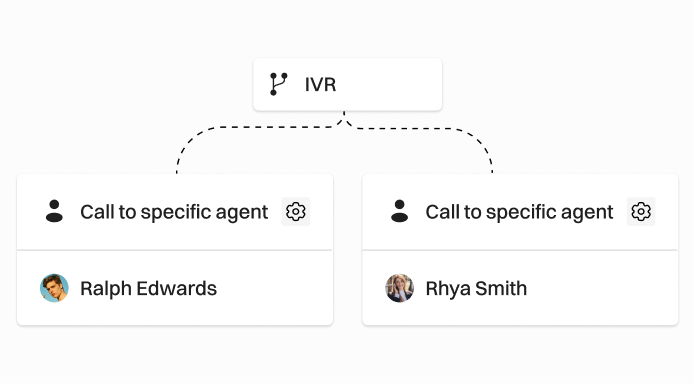
Let customers help themselves via a voice menu. It saves time for everyone and ensures calls go to the right person. You can update your IVR greetings in real-time to reflect holiday hours or special promotions.
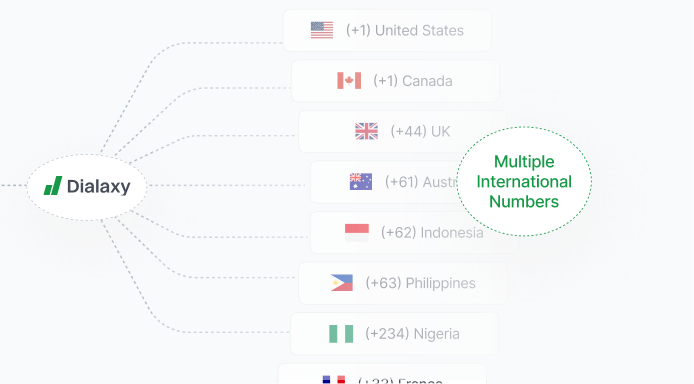
Multiple Phone Numbers
Easily add and manage multiple international phone numbers from one dashboard, allowing your business to grow its presence in various markets simultaneously.

Call Routing
Customize exactly where calls go based on agent skills, business hours, or language preferences. You can even set up "VIP Routing" to ensure your most important clients are always moved to the front of the queue.
Frequently Asked Questions
IVR (Interactive Voice Response) is a system that lets callers interact with automated menus using voice or keypad input. It routes calls or delivers information without needing a live agent.
Absolutely. Your IVR system operates 24/7, providing self-service access and routing calls even when your office is closed.
Log in to your Dialaxy account, go to “My Numbers,” enable IVR, and configure your call flow with prompts and routing rules.
Yes. Dialaxy’s IVR supports multilingual prompts, helping you serve customers in their preferred language.
IVR is ideal for small businesses, healthcare providers, service professionals, and large enterprises transitioning from legacy systems.
Absolutely. You can update your IVR menu, prompts, and routing preferences at any time through your Dialaxy portal.
Yes. IVR integrates seamlessly with call recording, forwarding, routing, and analytics features for a complete communication solution.