

How to Set Up Business Call Forwarding: A Complete Guide

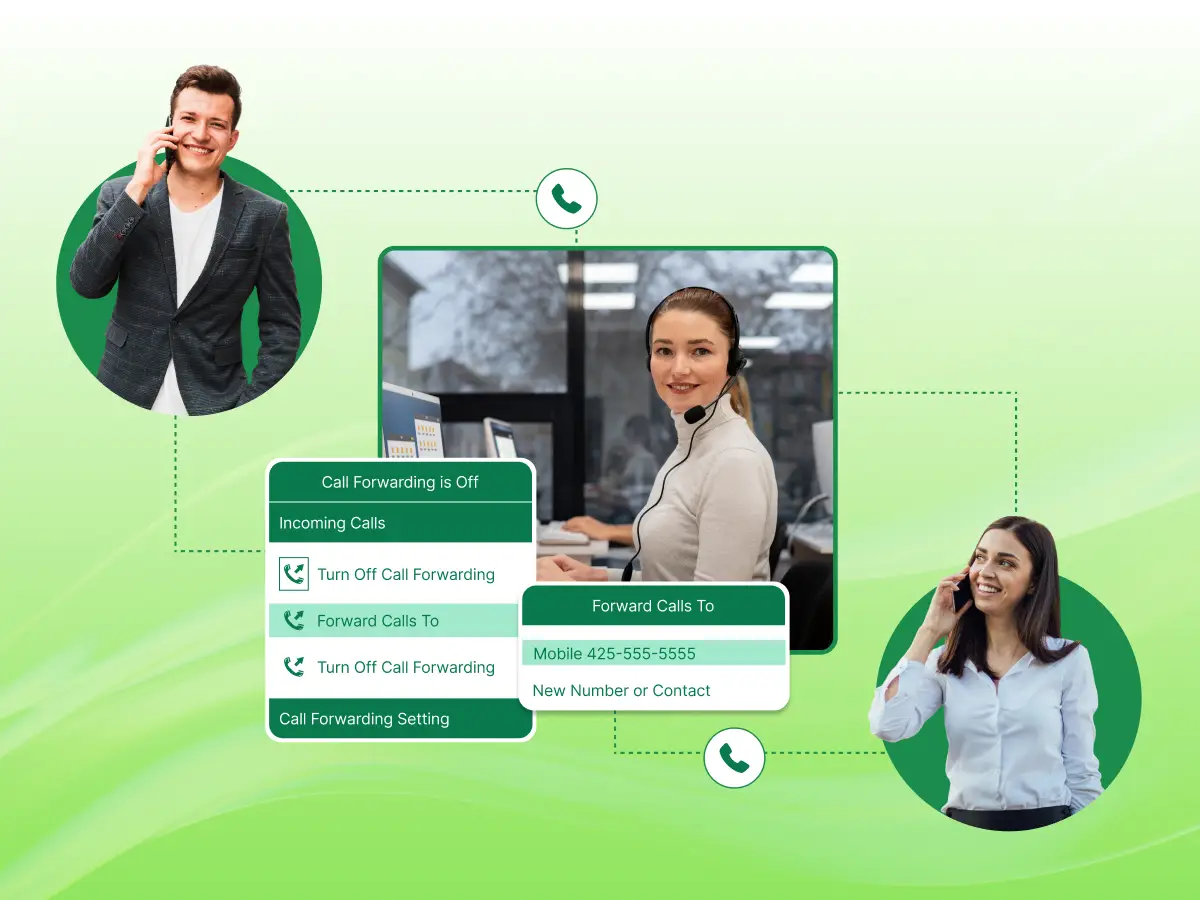
Missing a phone call from a new client can feel like a heavy loss for your brand. You spend a lot of time and money to make your phone ring. Using call forwarding for your business is the best way to ensure you never miss those important moments again. It allows you to stay flexible while keeping a professional image for the world to see.
This feature connects your office desk to wherever you happen to be. You can forward rings to your cell phone or a remote team member in just a few seconds. Setting it up is a simple task that gives you back your freedom and keeps your team active.
This blog will show you the step-by-step process and the top benefits of using a business call forwarding system for your company.
Before choosing a provider, ensure they offer these essential features:
Caller ID transparency lets you see the caller ID of the person trying to reach your office line. This feature helps you answer every business call with the right tone for the client. You will know if the person is a new lead or a personal friend. Good call forwarding options must show this data on your screen every time.
Scheduling allows you to automatically forward your customer calls at specific times of the day. You can set the phone system to send signals to your mobile phone only when you are out. This tool ensures that unanswered calls do not happen during your busy peak times. It gives you more control over how you handle incoming calls throughout the week.
Multi-device support means you can receive calls on your laptop or a mobile device. A good virtual phone app should work on any hardware you own today. You can forward calls to a tablet if your main phone runs out of battery power. This flexibility is a core part of a modern virtual phone system for small teams.
High reliability ensures that the call forwarding feature works every single time a client dials. You do not want to lose a missed call because the service had a technical glitch. A strong business phone setup stays active even when your local internet goes down. Constant uptime is the most important part of setting up call forwarding for your brand.
Advanced filtering lets you choose which customer calls get sent to your personal line. You can forward calls from VIP clients while sending others to a general queue. This helps you manage your time without forwarding the call to the wrong person. It is a key part of how you customize call flows to fit your daily needs.
Business call forwarding is a communication service feature that redirects incoming calls from one number to another number. It helps you forward calls from your office line to a mobile phone or a colleague’s phone. This feature ensures you never have a missed call when you leave your desk.
This call forwarding feature works by redirecting calls through your service provider. You can set up call forwarding to handle customer calls from any location. It is a major part of a modern business phone setup used to manage a business call.
You might wonder how your phone knows where to send a dial. The process happens fast behind the scenes to link you and your client.
An inbound call connects your main line first when a customer contacts you. Your service provider picks up the signal at their central hub right away. The system looks for your specific account to see your current status. It stays ready to move the data to the right place for you. This first step is the start of every business call you get.
The system checks your call forwarding settings to see your active call routing rules. It looks at the admin portal to find which phone should ring now. You might have a rule to forward all incoming calls after three rings. The software follows these steps to make sure the path is correct. It acts as a digital map for every single person who calls.
Your provider will redirect calls to the new number you chose. The system uses SIP trunking to send the voice data over the internet to the new destination. This happens so fast that the person calling does not hear a lag. The call forwarding option triggers the switch to the secondary device you set. It sends the data through the network to reach your device anywhere.
You see the caller ID pop up on your screen at the end. You can then receive calls just like you were at your home office. The connection is clear, so you can communicate to the client with ease. Answering the phone helps you avoid a missed call during your busy day. This final step completes the circle of forwarding the call to your side.
Setting up your system takes only a few minutes of your time. Here is the simple path to follow to get your calls moving correctly.
First, you must choose the device that will take your business calls. Most people choose a mobile phone or a specific desk in a remote office. You need to have the full number ready, including the area code.
Deciding on one main contact helps to keep your business communication simple. You can also send calls to a group of people at once. This ensures that someone always picks up the line for your customers.
Next, you need to log in to your admin portal on the web. This is the place where you manage all your call forwarding options. You will find a menu for your specific user profile or phone line.
Most modern tools make this part very easy to navigate with clear icons. You just look for the tab labeled forwarding settings to begin. This central hub gives you full control over how you forward calls today.
Now you must select call forwarding triggers that fit your daily work life. You can choose to forward all incoming calls if you are on a long trip. Another choice is to only send calls when your main line is busy.
You can also use an auto attendant to route callers to the right person. This lets you manage phone paths based on who is trying to reach you. These rules help you stay organized without doing extra work every day.
You should decide how long the first phone rings before it decides to forward the call. Most people set this for about 10-15 seconds of total time. This gives you a chance to answer at your desk first.
If you do not pick up, the virtual phone system steps in to send the call. This step prevents the caller from waiting too long on a silent line. It is a great way to handle unanswered calls with a reliable process.
The final step is to activate call forwarding and check if it truly works. Use a different phone to call your main office number and wait. You want to see if the call reaches your device with a clear sound.
Confirm that the caller ID shows the right information on your screen. Testing ensures you never deal with a missed call due to a simple mistake. Once you see it work, you are ready to handle your business calls anywhere.
Most of the companies face times when they cannot be at their desk. Here is the list of common times to use call forwarding for your business.
You can use this feature to help clients once the standard business hours end. Most teams send incoming calls to a dedicated person who stays on call for emergencies. This ensures that late-night requests do not go to a generic inbox for days. It allows you to maintain a high level of service at any hour.
Employees can stay connected to the main line while they work from a park or a cafe. You can forward calls to their personal devices so they stay in the loop. This creates a bridge between your physical office and your distributed workforce. It helps every team member receive calls without needing a bulky desk phone.
Sales reps often spend a lot of time moving between different cities to meet new clients. They can activate call forwarding to keep their mobile devices ringing while they are out. This prevents a missed call from a key lead who needs a fast price quote. Staying connected helps the brand grow even when the leaders are in transit.
Sometimes your local internet or power might fail due to a bad storm or a local outage. A virtual phone setup allows you to keep taking calls even when your office is offline. You can send the signal from a VoIP phone to a cell network to keep the lines open. This backup plan protects your income and your reputation during a tough technical fix.
Modern tools offer many advantages for a growing company today. Here is the list of call forwarding benefits businesses can expect from this setup.
People appreciate talking to a real person when they dial a support line. A quick response to an inbound call builds trust and keeps clients happy for the long term. No one likes to wait for a call back that might take several days to happen. This feature makes it easy to provide great service at any time.
Staff can answer questions fast to solve problems on the spot. Clients feel valued when a company stays reachable and helpful.
A small firm can look like a large corporation by using a single main number. One can forward calls to different departments to handle various tasks with a professional image. This keeps personal cell numbers private while still allowing for a high level of reachability. The phone system ensures that every caller hears a consistent and polished brand message.
The brand appears more stable and reliable to potential clients. This helps bring in new leads who want a trusted partner.
Buying a lot of expensive hardware for every single office location is not necessary anymore. A virtual phone allows for a minimal setup that works over the internet for a low price. Staff members can make outbound calls and handle arrivals using gear they already own. This saves a lot of money on monthly bills and maintenance fees over time.
Lower overhead costs mean more money for other parts of the development. It is a smart way to manage a budget while keeping high standards.
Setting a timer helps protect personal time for every worker. The system can automatically forward calls to a main office box once the day ends. This prevents work stress from carrying over into the evening hours at home. Staff feel more refreshed when they have a clear break from the business call load.
Proper boundaries lead to a stable workplace. Employees perform better when they have time to rest and reset.
Teams can focus on their main tasks without worrying about a missed call. The automatic call routing sends the client to the person who is free to communicate. This removes the need for manual transfers and saves time for the whole office. Staff can manage their workflow better when the phone system manages the complex tasks.
Smooth operations lead to better results for every project the team starts. Efficiency grows when the right tools handle the busy work of the day.
Modern phone features offer more than just a simple diversion of a dial. The following are the advanced call forwarding features that make a phone system powerful.
This feature sends a signal to a list of phones in a specific order. If the first person is busy, the call is routed to the next available staff member. This continues until someone picks up the line or the list ends. It is a perfect way to ensure every client reaches a live human.
You can set the order to ring the office first and then a mobile. This ensures that no important call ever goes into a void.
This feature makes multiple devices ring at the exact same time for every arrival. The first person to answer takes the lead while the other phones stop ringing. This setup is great for support teams who want to lower the wait time for customers. Your team can work as a unit to handle a high volume of incoming calls.
Fast response times help build a very strong reputation for your brand. This feature is perfect for busy sales or support departments today.
The system creates a digital file whenever a caller leaves a new voicemail message. This audio clip goes straight to your inbox as an email attachment for easy playback. You can listen to the note on your computer without dialing into a menu. It helps you keep a record of what every person needs from your firm.
Reading a transcript or hearing the file is faster than checking a phone. This keeps your communication organized and easy to search later.
A multi-level Interactive Voice Response (IVR) uses a menu to help a caller find the right department on their own. It provides a menu of choices. For example, “Press 1 for Customer Support”, “Press 2 for Technical Help”, and so on, to guide the person through the process. This system reduces the need for a human to manually transfer every single arrival.
The system handles the heavy lifting of sorting every incoming request. It keeps your lines clear for the most urgent tasks of the day.
An AI receptionist can look at the data to decide the best path for a new call. It checks which agent has the best skills to solve the specific problem. The software learns over time to make better choices for your daily workflow. This advanced technology helps you provide a high level of care to every customer.
It reduces the need for transfers and keeps the conversation moving well. Smart features like this help a modern company grow without adding more staff.
You need a well-defined plan to make the most of your phone tools. Using the right steps will keep your brand looking professional.
Here are the lists of best practices for business call forwarding.
Your voicemail greeting must sound clear and helpful on every device. Ensure your mobile message matches the tone of your main office line for a smooth feel. This shows callers they reached a valid company, even if you are out of the building. A steady voice builds trust with new leads who call your virtual phone number for the first time.
Avoid using casual music or loud background noise in your recordings. A short and polite message works best to keep people on the line.
Check your forwarding settings often to see how many people use the service. Look at your logs in the admin portal to find your busiest times of the week. This data helps you decide if you need more staff to handle the flow of inbound calls. You can see which lines get the most traffic and adjust your staff levels to match.
Tracking your stats helps you save money by cutting out lines that no one ever uses. It makes your business communications much smarter and more focused on real results.
Change your rules as your team grows or when someone leaves the group. You do not want a business call going to a person who no longer works for you. Take a few minutes each month to select call forwarding paths that are still correct. This keeps your business communications safe and prevents any leaks of private client data.
Set a reminder to check your system every month to ensure every path is still valid. This habit keeps your workflow smooth and prevents any technical errors for the team.
Not every network provides a clear signal for your international calling needs. You should call your own line from another device to check for any lag or echo. If the sound is unclear, your clients might struggle to hear your important advice or sales pitch. A quick check ensures that every business call sounds like you are in the same room.
Clear audio is a must for any professional who wants to close a deal fast. Do not let a poor connection ruin a great communication with a new client.
Use the call forwarding feature to balance the work across your entire group. Do not let all the calls be directed to just one person while others stay idle. You can customize call paths to ensure every team member stays productive during the day. This keeps the stress low and ensures a fast response for every person who calls.
A balanced flow helps projects move along without any big delays. Everyone stays in the loop and handles their fair share of the load.
Mastering business call forwarding is an important step for any modern team that wants to grow. It allows you to redirect calls away from a single desk to reach your staff anywhere. This flexibility ensures that your company stays active even when you are on the move. By using a virtual phone setup, you can keep your personal life private while staying reachable for every new lead.
A good system does more than just transfer a call from one line to another. It connects multiple phones at once to ensure a fast response for every client. Many platforms also offer text messaging to help you follow up with people in a way they prefer. When you start forwarding your lines correctly, you remove the risk of losing a client to a busy signal.
Finding the right path for routing call traffic will make your daily life much easier. The software forwards incoming calls based on your own rules and timing. This blog shows that a few simple steps can lead to a more professional and efficient office. Take the time to set up your tools today so you can focus on your real work tomorrow.
Most business phone providers allow you to send calls to any phone in global locations for a small fee. You should check your specific plan to see the rates for international calling before you activate this.
You can contact sales to discuss options like call recording or an AI receptionist for your team. These tools help you manage a higher volume of business calls as your company grows.
The software manages calls based on the specific rules you create in your digital dashboard. It looks at your status and moves the signal to the right person or device instantly.
While not strictly required, cloud communications make it much easier to manage routing from any web browser. These systems offer more power than a standard carrier menu for a growing team.
You can find these features in your device settings or your specific business app. These communications platforms make it simple to toggle the rules with a few taps.
