

How to Choose the Best VoIP Softphone in 2026?

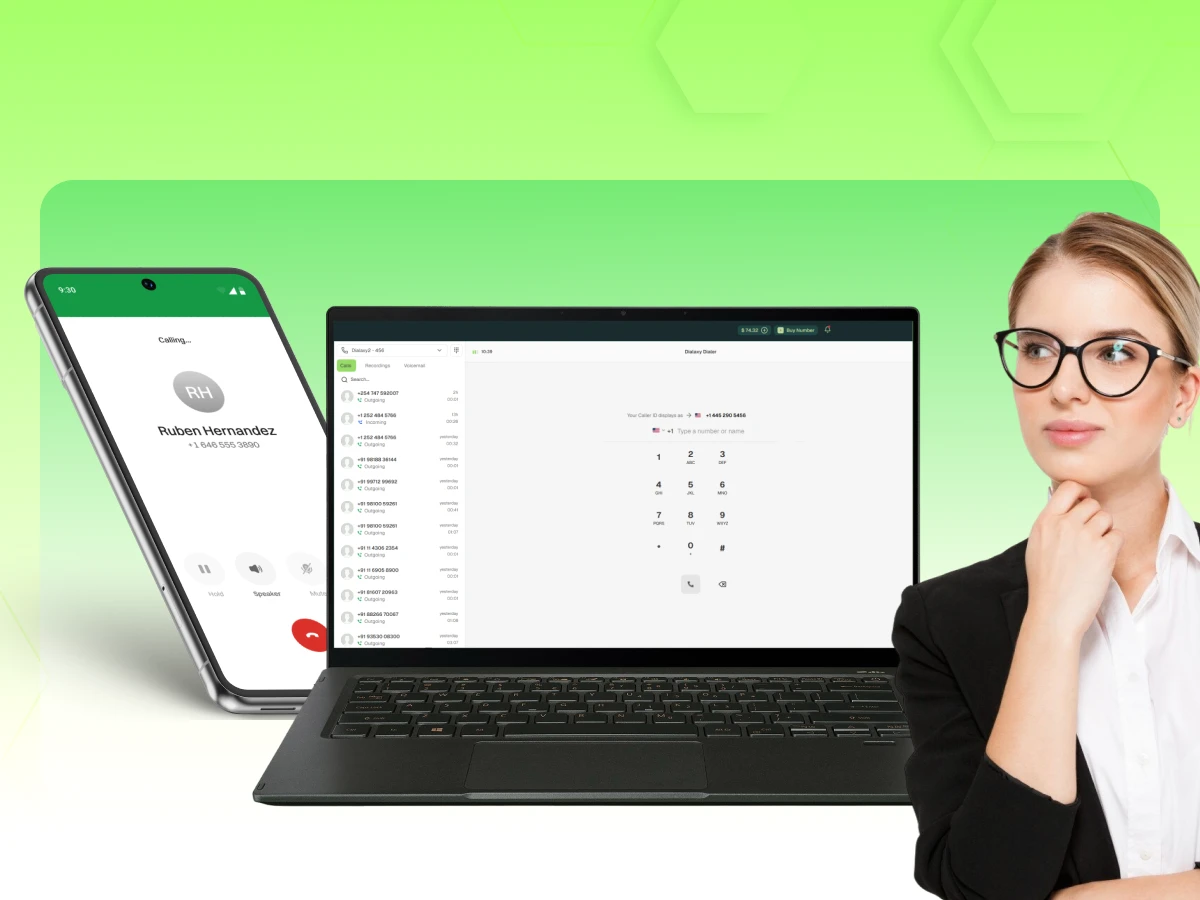
Choosing the best VoIP softphone in 2026 isn’t just about finding an app that makes calls. It’s about creating a unified communication hub. Whether you are a solo entrepreneur or managing a global enterprise, the right VoIP softphone software acts as the bridge between your VoIP provider and your daily workflow.
I’ve spent the last decade testing softphone VoIP solutions, from the early days of X-Lite VoIP softphone to the high-def, AI-integrated VoIP softphone apps we see today. If there is one thing I’ve learned, it’s that a “free” app isn’t free if it drops your most important business calls.
In this guide, we will break down exactly how to evaluate softphone VoIP providers, compare VoIP vs softphone mechanics, and find the perfect VoIP softphone for Windows, Mac, or mobile.
If you are constantly wondering what a VoIP softphone is or what is a softphone VoIP, just imagine something like this: A VoIP softphone is essentially a program that turns your PC, iPad, or mobile phone into a regular office telephone. It doesn’t need a phone cord; however, it uses your internet connection. With a computer or your smartphone, you can do whatever operation you would have done with a telephone through your mouse or the touchscreen of your device.
This is the “interface” that allows you to interact with your VoIP service with softphone features. It’s a device that connects your device to a VoIP provider through the internet, allowing you to make calls via the internet. Provider via the cloud, which enables you to make voice calls over the internet.
It’s common to hear people use these terms interchangeably, but there is a distinct difference when looking at softphone vs VoIP or VoIP vs softphone.
You can have a VoIP provider without a softphone (using a desk phone), but in 2026, most modern professionals prefer the flexibility of a VoIP with softphone setup.
While you just see a “dial” button, a lot is happening under the hood of your softphone VoIP SIP client.
When you initiate a phone call, your VoIP softphone software talks to your VoIP-hosted PBX softphone. It uses a video codec or audio codec to compress your voice into tiny digital packets. These packets fly across the internet, are received by the VoIP softphone provider, and are converted back into sound for the person on the other end.
In 2026, we’ve moved beyond the “laggy” calls of the past. With a VoIP cloud PBX softphone and high-speed fiber or 5G, the latency is so low that calls over the internet actually sound better than traditional cell calls.
Not all softphone VoIP setups are created equal. Depending on your technical needs, you will likely choose one of these three paths:
Many VoIP softphone providers like Vonage VoIP softphone, Comcast VoIP softphone, or 1-VoIP softphone provide their own dedicated apps.
Apps such as Zoiper VoIP softphone, Bria VoIP SIP softphone, or Acrobits VoIP SIP softphone let you connect SIP accounts from pretty much any VoIP provider.
For the tech-savvy or those requiring VoIP softphone app development, products like Linphone open source VoIP SIP softphone, or Jitsi VoIP softphone, are perfect.
Troubleshooting & Support
Aug 12, 2025
Read More
Choosing between VoIP vs softphone options comes down to your “Power User” level.
Let’s look at “Apex Digital,” a fictional but realistic agency I consulted for last year. They had 15 employees scattered across the US, UK, and Australia.
Initially, they used personal cell phones, but they hit a wall. Clients couldn’t reach the right person, and international voice calls were costing a fortune. They switched to a VoIP-hosted IP-PBX softphone system.
They deployed Bria mobile: a VoIP softphone for their sales team because they needed seamless call transfer while on the road. The back-office staff used MicroSIP VoIP softphone windows because they were free and didn’t slow down their older PCs. Within three months, their communication costs dropped by 40%, and they never missed an incoming call thanks to the multi-device “ring all” feature. This is the power of matching the right VoIP softphone app to the right role.
Most business happens on a PC. If you are looking for a VoIP softphone Windows solution, you have the most variety, but also the most noise to filter through.
If you are looking for a Windows 10 VoIP softphone that simply works without unnecessary features, MicroSIP is the solution. It is a free VoIP softphone for Windows, open source, and very privacy, friendly.
There are still many people who look for X, Lite VoIP softphone or X, Lite VoIP softphone free download. However, you should know that CounterPath (the developer) has officially changed X, Lite into Bria.
If you’re looking for x-lite 4.0: VoIP softphone style simplicity, the modern Bria VoIP softphone is the successor. It offers a more polished interface for Windows VoIP softphone users and better support for video calls.
Zoiper VoIP softphone remains a powerhouse for Windows 10 and 11 users. It’s famous for its “Gold” version features, but even the Zoiper Lite VoIP softphone is robust enough for most.
Apple users often struggle with software that feels like a lazy port from Windows. For a VoIP softphone Mac experience, you need something that respects the macOS ecosystem.
In 2026, your “office” is wherever your phone is.
Android Powerhouse
The Android VoIP softphone market is dominated by flexibility.
iOS Sophistication
For the iphone VoIP softphone user, stability is key.
The easiest way to install a softphone is to use a QR code that is given by your VoIP provider to automatically set up your SIP accounts. Basically, all VoIP softphone providers, such as Vonage or Zoiper, now have a feature through which you can just scan a code from the VoIP softphone app, and in that instant, your server settings, username, and password are all filled in automatically; thus, the VoIP softphone setup procedure takes less than 30 seconds.
| Feature | Bria VoIP Softphone | Zoiper SIP Softphone | Groundwire |
|---|---|---|---|
| Best For | Corporate/Enterprise | High-Volume Callers | Mobile Power Users |
| Video Calls | Excellent | Good | Limited |
| Messaging | Instant Messaging included | Basic | Basic |
| Setup | Easy (Cloud Sync) | Moderate | Moderate |
| Price | Subscription Based | Freemium | One-time Purchase |
When scanning VoIP softphone reviews, don’t just look at the star rating. Look for these specific technical markers:
Once you have chosen your VoIP softphone software, you need to connect it. While the VoIP softphone setup varies, the core logic remains the same across all VoIP softphone providers.
Essentially, when setting up a VoIP softphone, you need to have three bits of information handy: your SIP User ID, Domain/Proxy (for instance, SIP.VoIP.com), and your SIP Password. In order to properly finish a VoIP softphone installation, one should employ either G.711 or G.729 codecs to achieve the highest possible connection stability when the bandwidth is limited.
The VoIP MS Softphone setup is popular among DIY enthusiasts. Because VoIP.ms is a “bring your own device” provider, you’ll manually input your server (like atlanta.VoIP.ms) into your SIP softphone. Pro tip: Always enable “STUN Server” in your VoIP softphone settings to avoid one-way audio issues.
Large organizations often rely on the Cisco VoIP softphone or the Citrix VoIP softphone for virtual desktop environments. These are optimized for high-security voice calls and video calls. If you are a business customer using Comcast VoIP softphone or Centurylink hosted VoIP softphone, look for the “auto-provisioning” toggle in your admin panel; this eliminates manual data entry for your employees.
You might ask, “Is faxing still a thing in 2026?” Yes, especially in legal and medical fields. A fax VoIP softphone allows you to send digital documents through your SIP softphone interface. While most softphone VoIP apps focus on voice calls, specialized plugins for a VoIP softphone can handle T.38 protocol faxes, effectively making your laptop a virtual fax machine.
| Pros | Cons |
|---|---|
| Significant Cost Savings: Drastically cheaper than physical hardware and traditional lines. | Internet Dependency: Your call quality is only as good as your Wi-Fi or 5G connection. |
| Unmatched Mobility: Access your VoIP softphone app on your phone, laptop, or tablet anywhere. | Battery Drain: High-performance VoIP softphone apps can consume mobile battery life. |
| Feature Rich: Standard features include call recording, instant messaging, and video codec management. | Complexity: Setting up SIP accounts manually can be intimidating for non-tech users. |
| Scalability: Add new SIP accounts in seconds through your VoIP cloud PBX softphone dashboard. | E911 Limitations: You must manually update your location for emergency services. |
Recent VoIP softphone news highlights the integration of AI-driven noise cancellation. The best headset for VoIP softphone use now includes built-in firmware that works with the VoIP softphone software to strip out background noise (like barking dogs or cafe chatter) using neural networks. This makes business calls sound professional regardless of your location.
In 2026, picking the top VoIP softphone really depends on what kind of device you have and how you work. For a slick interface and a mobile phone that just works, Groundwire or Bria are the obvious choices. Open source softphone tools such as Linphone or MicroSIP might be your best pick if you happen to be a developer or just a small business trying to save some money.
There, you get extraordinary performance at zero cost. Keep in mind that the software is just one side of the story. It is your VoIP provider, along with the quality of your internet connection that will decide if your voice calls are going to be crystal clear or a hassle with dropped packets.
Softphone VoIP is a technology that lets you use software on a device (such as a computer or smartphone) to make phone calls over the internet. A softphone is not a device; it is an app that connects to a VoIP provider to route your voice and video calls.
At the moment, the best free VoIP softphone for Windows is MicroSIP. It is an open, source VoIP softphone that delivers high-quality HD audio, supports SIP accounts, and is free of any advertisements or “freemium” upsells.
Setting up a home office can be done in 15 minutes by following these steps. First, select a free softphone VoIP app such as Zoiper Lite VoIP softphone. Second, register with a VoIP provider (e.g., VoIP.ms or Vonage). Third, input your SIP account credentials in the app. Lastly, make a test call to ensure that your incoming calls and HD audio settings are correct.
Yes, you can use a VoIP softphone on a Raspberry Pi with Linphone or Jitsi. It is a common project among hobbyists who want to build a low-power, dedicated VoIP softphone.
The difference between softphone vs VoIP is that VoIP (Voice over Internet Protocol) is the broad technology that enables internet calling, while a softphone is the specific software application you use to make those calls. You need a VoIP service to make a softphone work.
Yes, there are several. The best VoIP softphone for Mac users is often Bria or Acrobits, as they are specifically optimized for macOS and integrate with Apple Contacts.
Absolutely. Using a VoIP softphone Android app like Groundwire allows you to carry your office extension on your smartphone, enabling you to receive calls and make business calls from anywhere.
A SIP account is a set of credentials (username, password, and server) provided by your VoIP provider that allows your softphone to connect to the global telephone network.
To complete a 1 VoIP softphone setup, you must enter your SIP credentials into your chosen app’s settings. Follow the specific 1 VoIP softphone settings guide provided by your provider, usually involving
