

How to Transfer Calls Without Errors: Desk Phone, Mobile, and VoIP Guide

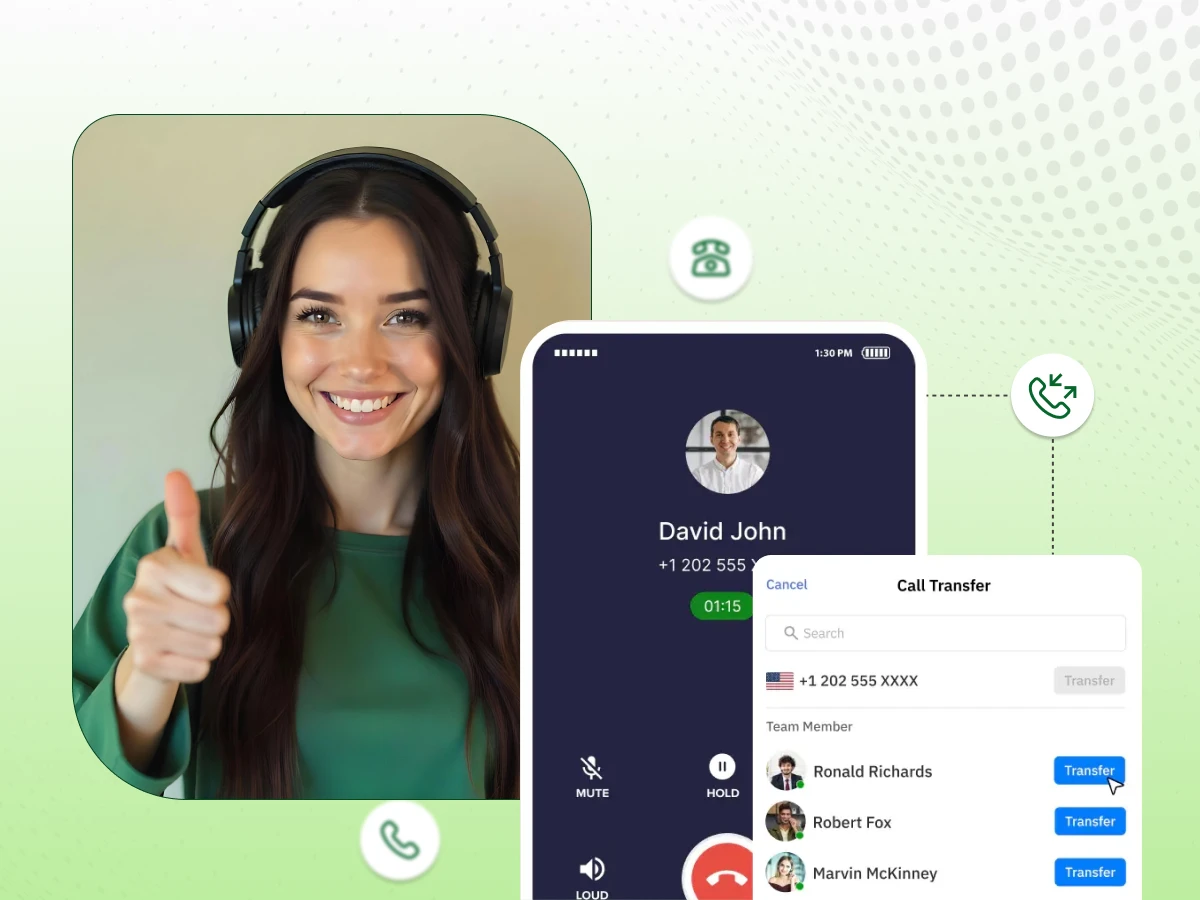
A modern call center’s future depends on how well it handles phone calls. A customer does not care which department they need. They care about being helped fast. Misrouted calls waste time, money, and brand trust, hurting long-term reputation.
Call transfer is not just a button on a phone. It is a workflow. It controls how information moves between teams, how long customers wait, and how professional your company sounds across every business phone system in use today.
This guide explains how call transfers work across desk phones, mobile apps, and VoIP platforms. It shows proper use, avoids mistakes, and builds call flows that keep customers moving smoothly in the right direction every single business day. Let’s start right away without further delays.
One of the phone systems is a call transfer. It forwards a live call from one individual, device, or department to another without breaking the caller’s connection. The caller stays on the line. In the meantime, the system switches the parties to the discussion.
This differs from call forwarding. Forwarding happens before a call is answered. Transfers occur during an active call. This keeps the conversation seamless for the customer.
In a business setting, call transfers help route customers to the right team. This can include billing, sales, support, management, or technical staff. Transfers also allow calls to move efficiently between locations, remote employees, and mobile devices.
Modern cloud phone systems make transfers almost invisible. A call can go from a desk phone to a mobile device. Then it can move to a softphone. Finally, it enters a call queue. The caller only hears hold music while the system manages the transfer.
This is a considerate transfer between agents. The first agent has to talk to the next agent and then hand the caller over. This makes the new agent well prepared. The customer is not required to repeat any information in the process.
It gives their customer engagement a personal touch. Agents exchange essential information on the matter. This gives the agent receiving the info the opportunity to respond effectively. The flow of calls is smoother for the customers. They feel valued. Well-informed agents provide a higher level of service.
Benefits of Warm Transfer:
When to Use Warm Transfer:
Example of Warm Transfer:
A customer calls your main support line. The agent learns the customer needs technical assistance. The agent contacts the technical team first and explains the issue. Then, the agent transfers the call. The technical agent is prepared. The customer does not have to repeat information and feels supported.
A cold transfer, or blind transfer, occurs when an agent transfers a caller to another agent without notifying the caller. The receiver agent has no idea the call is happening. Immediately, the handoff occurs. Without any prior consultation, the caller gets connected.
Cold transfer focuses on speed rather than personalization. The caller is connected within a short time. The recipient might be forced to acquire context on their own. It is applicable in simple queries or in high-volume setups. It can save time. It can, however, lead to a less smooth customer experience.
Benefits of Cold Transfer:
When to Use Cold Transfer
Example of Cold Transfer:
A customer calls about a shipment status. The agent immediately transfers the call to the logistics department without explaining the details to the next agent. The customer is connected quickly. The logistics agent receives the call and resolves the issue.
This method prioritizes speed over personalization.
Being able to transfer calls effectively does not just entail pressing a button. It entails learning how to use your phone system, how to use etiquette, and the right way. This is a step-by-step guide on desk phones, mobile devices, and VoIP platforms.
Having discussed the types of call transfers, it is time to learn how to transfer calls in practice. It might also differ depending on the specific mechanism used in your phone system or contact center configuration. The overall process is similar across devices. Here is how to do it:
These measures are followed to ensure that call transfers are handled professionally and efficiently. Customer experience is also smooth whether on a desk phone, a mobile phone, or a VoIP system.
You can use the phone’s built-in features, which are readily available on your mobile. The steps may vary slightly depending on your device or carrier.
Cloud phone systems enable employees working from home to make and receive calls as if they were in the office.
Google Voice:
When choosing a VoIP system such as Dialaxy, you will have access to flexible tools that facilitate efficient call transfers. Such characteristics allow your group to handle calls more quickly, maintain quality, and enhance the customer experience.
Call Park:
This option lets you make a call in a virtual waiting room. The call can be picked up by any available team member later. Call Park prevents missed calls during busy periods.
Call Announce:
You are given a preview of the incoming call before replying. This will enable you to be ready for the conversation, know who is calling, and respond effectively without making the caller wait.
Call Continuity:
You have a computer crash, or the power supply goes off, and your calls are redirected to a backup number. This is because you will not get lost. Customers do not wait in line, resulting in an easy, professional experience.
VoIP systems also make it easier and more accommodating towards warm and cold transfers.
Affecting the customer experience and the effectiveness of your phone system, call transfers are a key aspect. Customers can be assisted more quickly when calls can be easily transferred among agents. With each business call, businesses look more organized, reliable, and professional.
Proper transfers help customers stay on the line without needing to redial. They get to the right person fast, which lowers stress and speeds up answers. This makes it much easier to solve the entire problem during that single phone call.
When the transfer mechanisms are properly established, there is no confusion of calls in the departments. The agents specialize in their areas of strength. This helps eliminate time waste and internal handoffs, and enables your contact center to handle additional calls without added pressure.
Transfer of calls can be made to sound smooth and appropriate, making your business sound effective. Customers are assured that calls flow without embarrassing delays. Haphazard transfers will give callers a sense of uncertainty and frustration, and your brand will appear ill-equipped and less reliable to them.
Cloud call transfers enable the teams located in another city or country to operate as a single office. The calls are received by the appropriate employee wherever they are. This helps with flexible work, coverage, and consistent customer service across all regions.
Transfers are properly configured to redirect calls rather than letting them go to waste. This would make sure more customers are contacted by a real person. Fewer call being missed calls will give more opportunities, a greater level of contentment, and an improved overall performance of the business.
Good call transfers start with good configuration because routing rules determine speed, accuracy, and customer satisfaction across every phone system, reducing errors, delays, dropped calls, and wasted agent time daily in busy service environments worldwide today, always.
Each department and employee should have a unique extension, so callers reach the right person quickly without confusion or repeated transfers, improving productivity, accountability, and call handling quality across your entire business phone network every single day.
Support sales and billing should have queues so incoming calls are distributed evenly across available agents, preventing overload, reducing wait times, improving service levels, and keeping customers engaged in your call center phone system throughout peak hours.
Make sure agents are allowed to speak to each other during transfers, so context is shared clearly. Customers avoid repeating details, and conversations continue smoothly across departments within your unified business phone platform for better experiences.
If no one answers, calls should go to voicemail instead of dropping, ensuring messages are captured, follow-ups are completed, and customer issues are recorded in your company phone system for reliable service continuity every working hour, guaranteed.
Agents should be able to transfer calls from any device, including mobile and desktop apps, so workflows stay flexible, teams respond faster, and your cloud phone system supports modern remote and office-based operations without disruption anywhere.
Sales & Marketing
Sep 24, 2025
Read More
Call losses typically occur due to poor internet connectivity or system glitches. The phone call is terminated during the transfer. Customers must dial again. This will be frustrating, a waste of time, and project an image of a poor, inadequately managed business.
Wrong transfers are those sent to the wrong individual or department by agents. The client gets in touch with a person who is not helpful. They need to be retransferred. This adds frustration, and it makes the service experience seem chaotic and unorganized.
Voice-mail traps are situations that are routed to voicemail rather than an agent. The customer expected help. Instead, they listen to an audio message. This destroys trust and usually results in unanswered calls and unresolved cases.
No context implies that the receiver agent is unaware of the customer’s purpose for the call. The caller will have to rephrase everything. This slows the conversation. It makes the transfer less fulfilling and useless rather than beneficial.
Several transfers occur when a customer is switched among agents. Each handoff adds delay. The problem is still not solved. This frustrates, reduces confidence, and makes your contact center appear inefficient and uncoordinated.
Call transfer and call forwarding both transfer business calls; however, they do it in very different ways. The distinction will help you make the appropriate decision regarding customer service, after-hours coverage, and efficient call handling.
| Feature | Call Transfer | Call Forwarding |
|---|---|---|
| When it happens | During a live call | Before the call is answered |
| Who uses it | Agents and staff | The phone system |
| Caller experience | Stays on the same call | The call is rerouted before pickup |
| Best used for | Moving active callers | After-hours or routing rules |
| Supports warm handoff | Yes | No |
Before transferring, agents must understand the issue and confirm contact details. Gathering clear info first helps the next person solve things fast. This stops customers from repeating themselves, prevents confusion, and ensures a smooth, professional experience.
Always explain why a call is being moved, what happens next, and whom they will meet. Clear talk calms callers, stops confusion, and sets expectations. This keeps the transfer process smooth and reassures the customer throughout.
One respects the caller by asking whether they are comfortable with the transfer. This will enable them to explain issues, assure the timeline, and feel authoritative, demonstrating professionalism and concern without losing faith in the service experience.
It is prudent not to give guaranteed solutions or quick solutions during a transfer. Rather, establish doable expectations regarding what the next agent can help with, be honest, be credible, and avoid disappointing the customers by having the results of the work not coincide with the presumptions.
Before finishing, thank the customer for their patience and check for extra questions. Say a polite goodbye so they feel truly valued. This ensures a positive final impression and makes the entire interaction feel professional and helpful.
To master your phone system, use proper call transferring etiquette. Choose the right type of call transfer: a blind transfer for speed or a warm transfer (also called a hot transfer) to avoid a business call being transferred to voicemail.
Before you complete the transfer, ensure the call isn’t transferred directly if you’ve reached the wrong person. Always dial the extension carefully, then, when ready, tap the transfer button to complete the transfer and maintain a professional contact center flow.
Stop losing customers to dropped calls and messy handoffs. Optimize your business communication with Dialaxy today.
Call transferring etiquette means using the right tone. It also means explaining why you wish to transfer the call. The agent should make sure the next person has the details before transferring the caller.
An auto attendant sends callers to the right department. It works before an agent answers the call. This reduces the chance that the caller has reached the wrong team.
The agents are to authenticate the caller’s needs before dialing the extension, clarify the etiquette to be followed, and ensure the call is made to the correct person to avoid unnecessary transfers.
Warm and cold transfers have a difference in communication, as a warm transfer enables the agents to communicate the details at first, but a cold transfer transfers the call in real-time without the background of the call to the receiving agent.
This is a pro tip because in case a caller has been connected to the wrong department, remain polite, tell them why you want to transfer, and etiquette call transferring calls so the customer does not feel rejected.
Etiquette is important when transferring the call. It helps the customer understand what is happening. It also makes sure they do not have to repeat their problem when the next agent answers the call.
