

Best App to Change Phone Number: Features and Benefits

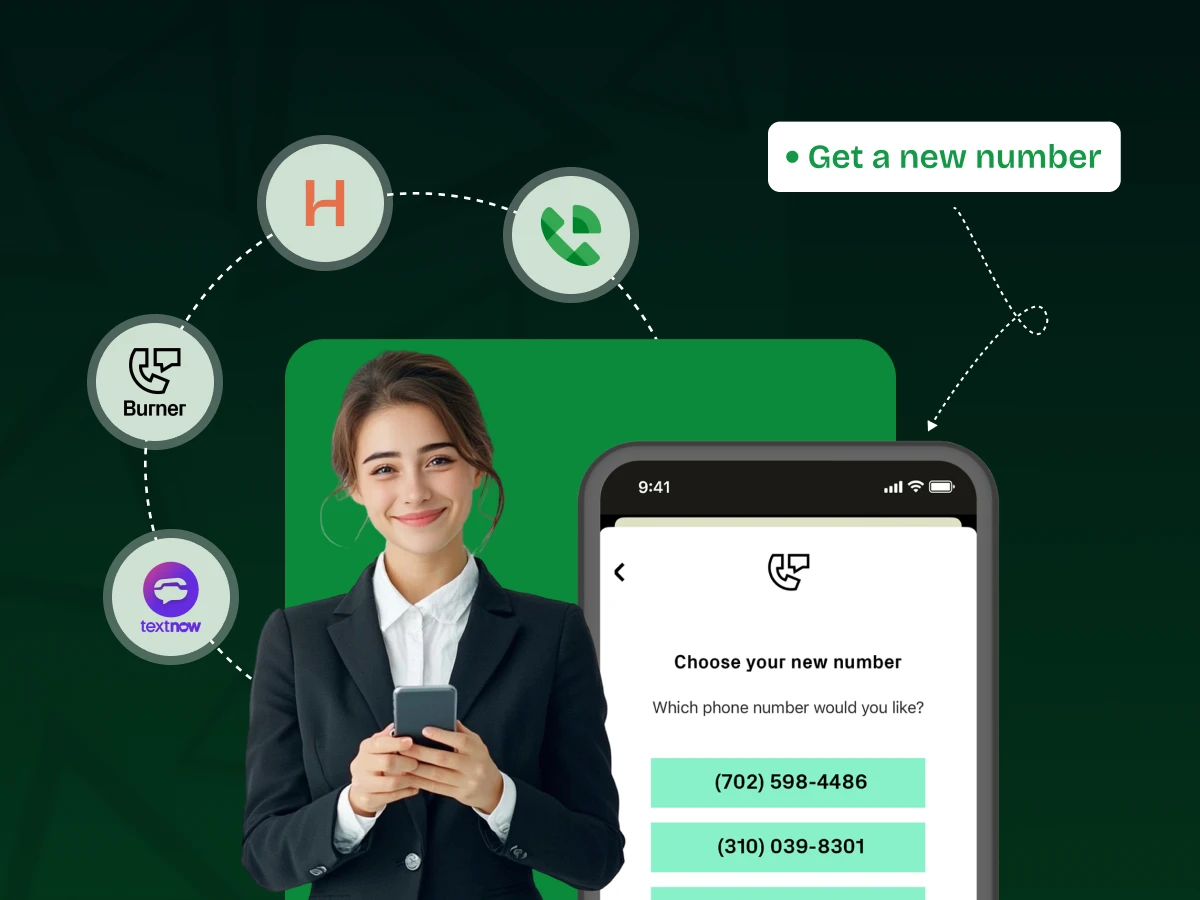
Stop giving out your real number! The secret to mastering business communication and reclaiming personal privacy is a powerful second number app to change phone numbers.
It is the ultimate marketing tool for the modern age, allowing you to separate personal life from professional marketing campaigns instantly. We dive deep into the best choices, revealing features that boost customer relationship management and drive business growth.
Learn how to select the perfect communication solution to protect your privacy and enhance your professional brand’s image today. This comprehensive guide is the only checklist your marketing teams need.
There are a few steps to finding the perfect app; follow these simple steps. These actions help you check different choices based on what you need. Taking time now leads to success with your new communication tool later.
You have to decide the main reason you need the number. Is it for personal privacy or for official business communication? A temporary, easy-to-throw-away number is very different from a full contact center software. The best way to find the right app is to know your main goal right away.
Be sure the app offers clear call quality and trustworthy text message functions. VoIP (Voice over Internet Protocol) is widely used and performs best when there is a consistent internet connection. You can also look at what others are saying about the app’s strong performance and overall reliability.
If your business growth plans include getting bigger, the app should allow you to add new users easily. Solutions for a growing internal team should have tools like shared numbers. This simple feature helps keep your marketing efforts consistent as the company expands.
A good provider always puts user safety and data protection first and foremost. Read their rules to understand how they handle your private calls and messages. High security is a must-have, especially for important customer relationship talks.
You have to carefully check the monthly cost and all the features included in the price. Some apps charge extra through in-app purchases for each user or for tools like automation tools. Select a plan that fits your budget without taking away the necessary functions or needed security.
Using a dedicated app for a secondary number is a smart and strategic choice. It helps you manage business communication and personal life much more effectively. This digital solution provides flexibility, privacy, and valuable organizational tools.
A secondary number shields your primary contact details from the wider public instantly. When signing up for an online service or contacting a stranger, you give out your phone number instead. This significantly reduces unsolicited calls and protects you from annoying direct marketing.
This separation is vital for good digital security and strong relationship management. It creates a clear boundary, ensuring your personal line is reserved for trusted friends and family only. It keeps your personal calls private. Protecting your main contact keeps it out of undesirable management systems databases, too.
A virtual number gives your freelance work or small business a more credible and established appearance. Presenting a dedicated business line, often local or toll-free, builds greater trust with potential customers. This professional image is a key asset for better customer experiences.
The app often includes features like custom greetings and a business voicemail, which strengthen your overall brand’s image. This powerful communication tool makes your operation appear larger and much more organized than it might actually be. It helps secure crucial business credibility easily.
Apps enable you to use unique phone numbers for tracking the success of specific advertising efforts effectively. By assigning one number to your social media platforms and another to your website, you gather important data. This is a simple, effective method for advanced campaign management.
Analyzing which number rings the most helps your marketing teams refine their spending and focus their marketing strategy better. This precise measurement is an essential component of modern integrated marketing. It ensures your resources are directed toward the most profitable digital channels.
VoIP technology allows you to use your second number from anywhere in the world with a strong internet connection. This freedom is great for remote workers and business travelers needing to maintain a local presence easily. You are no longer physically tied to a specific geographic area.
A dedicated app allows you to schedule when the business number will ring, automatically sending inbound calls to voicemail. This vital function protects your personal time from work interruptions completely. Maintaining this clear separation is important for sustained workforce engagement.
Picture Sarah, a busy real estate agent who meets many people every week. She uses a secondary phone number app solely for all her property listings and client calls. When an interested buyer, John, calls the app number, Sarah instantly sees it is a business contact.
She can answer professionally, even if she is at the grocery store, without revealing her personal number. This dedication simplifies her customer relationship management and keeps her private life secure.
A marketing manager, Mark, launches a new content marketing strategy, promoting their company in two ways: through blog posts and short-form video. Mark assigns one virtual number to the links in the blog posts and a different number to the calls-to-action in the short-form video content.
Over the next month, Mark’s marketing team will analyze the app’s reports, which show the video received four times as many calls. This insight immediately tells Mark to reallocate more marketing efforts toward short-form video content.
Consider David, a freelance web designer who must regularly sign up for different management software trials and speak with new vendors. David uses his secondary app number for all these initial contacts and sign-ups.
When a vendor continues to call him after he has decided against their service, David knows exactly which number to block or delete. This simple action keeps his main number private and prevents unwanted interruptions from becoming a bigger problem.
The best second number apps have smart features that make your daily calls easier and faster. Focusing on these tools ensures the app meets your business communication goals well.
A top app does much more than just handling phone calls or basic texting for customer service and high-volume calls. Look for strong features like sending bulk text messages or automatic replies for new contacts. It will quickly let you send messages. The automation tools make sure no potential customer’s question is ever missed.
Also, check if it supports MMS (for sending images and media) and has secure texting options. Integrating these business SMS features smoothly into your workflow is vital for fast, modern customer service. This capability immediately makes the link between your company and its target audiences much stronger.
The most useful apps connect easily with other important business programs, like your customer relationship management (CRM) system. This link lets the app automatically save all calls and messages directly to the client’s file. It saves time and effort, making your phone app part of your complete marketing stack.
Look for connections to team tools like Microsoft Teams or Slack for fast alerts and teamwork. This connection makes sure every internal team member can see the full talk history right away. This high level of connectivity is key to successful integrated marketing communications.
Good voicemail transcription quickly turns recorded messages into text you can read easily and clearly. This feature helps you quickly check important messages by just scanning them, saving you from listening to long voice mails. The text message is often sent right to your email.
The app should also keep messages organized, with logs you can search and filters for different calls. This is very important for easy content management and finding old messages when a client mentions them. A good organization helps with strong customer relationship management.
This smart feature lets you set rules to direct incoming calls based on time or caller. You can give callers a professional menu, like a virtual receptionist, directing them to sales, support, or a certain internal team member easily. This professional setup greatly improves the customer experience.
For businesses running many marketing campaigns or serving many areas, being able to handle several virtual numbers in one app is essential. This lets you easily keep track of different marketing efforts and keep separate identities for various projects. It is an important part of a growing communication solution.
The app should give clear, simple reports on how many calls you get, your outbound call performance, and where calls come from. This information is highly valuable for seeing if your outreach is working and for guiding your overall marketing strategy. Looking at these numbers makes sure your marketing communication is always working its best.
Call & Contact Center
Sep 19, 2025
Read More
Finding the right app is key to your communication strategy. We review four popular choices, looking at their features, prices, and main advantages. Your ideal communication tool is among these options.
| App Name | Features | Pricing | Pros (Advantages) | Cons (Disadvantages) |
|---|---|---|---|---|
| TextNow | – Free unlimited calling and text messaging in the US and Canada. – Desktop and mobile apps. – Voicemail. |
– Free (Ad-supported). – Paid plans for ad removal or data. |
– Excellent free basic plan. – Easy to set up quickly. – Great for personal backup. |
– Ads on free version. – Limited business features like call routing. – Number may be lost without regular use. |
| Hushed | – Multiple number support. – Auto-reply for business SMS. – Customizable voicemail. – International numbers. |
– Pay-as-you-go, 7-day, monthly, or annual plans. – Starts around $3.99/month. |
– Strong privacy focus with no ads. – Flexible pricing options. – Supports international numbers. |
– Call quality depends on internet connection. – Premium features require payment. |
| Burner | – Disposable phone numbers. – Auto-replies. – Call forwarding. – Slack integration. |
– Monthly plans starting around $4.99/month. – Pay-as-you-go credit packs. |
– Ideal for privacy and temporary use. – Strong personal number protection. |
– Expensive for long-term use. – Not designed for team-based business communication. |
| Google Voice | – Free US number. – Voicemail transcription. – Call forwarding. – Google Workspace integration. |
– Free for personal use in the US. – Business plans start at $10/user/month. |
– Free personal plan in the US. – Excellent Google ecosystem integration. – Suitable for freelancers and small teams. |
– Limited features on free plan. – Requires US phone number verification. – Limited international support. |
Choosing the right app means finding the one that perfectly fits your personal needs or your business growth plans. This simple guide helps you pick what is most important for your situation.
First, decide if you need the number for simple, personal use, like privacy, or for many professional calls and high customer engagement. If you only need it for a short time, pick a service that lets you delete the number easily. If you need a long-term phone system for a marketing team, look at options built for business.
If your business is planning to grow, the app must be able to add more users and new virtual lines without trouble. A small team needs a system with shared message boxes and a fast setup for new staff. Look for proof of strong success stories from other growing companies to see if the app can handle your growth.
Check the app’s list of links to programs like your current management software, especially your CRM and marketing automation tools. If the app cannot connect with your key software, it will cause extra manual work and become a problem. An easy connection is vital for making work productive and keeping data correct.
Since many apps use VoIP, the call clarity can change based on your internet speed and connection strength. Always use any free trial to test the app’s quality with real calls where you work most often. A professional communication tool must have a very clear voice quality without cutting out, keeping your brand’s image strong.
Even the best management platform can have issues, so you need support you can rely on when things go wrong. Look for providers who offer quick help through live chat or phone during your work hours. A complete resource center with guides also shows that the company wants to help you use the app well.
Getting your new virtual number is a fast and easy process that gives you a useful communication solution. Please follow these steps to begin using your second number.
Find the app you chose on your phone’s app store, either the App Store or the Google Play Store. Tap the install button and wait for the download to finish completely. This simple action begins your journey toward better business communication and organization.
Open the app and sign up using an email address or your existing social media login information. Follow all the easy steps to set up your profile and accept the rules of service carefully. Some apps may need you to verify your main personal number for security reasons.
The app will ask you to choose a new virtual number from the list of available virtual numbers. You can often pick a local area code that is meaningful to your target audiences. Choosing a local number helps to quickly build trust and establish a professional visual identity.
Go to the app’s settings menu to set up a few essential options. Record a professional-sounding voicemail greeting and set up call forwarding to your main number during certain off-hours. Explore automation tools to set up automatic text message replies for missed calls.
You are now ready to make and receive calls and send a text message using your new secondary line. Use this number for all your professional contacts, online sign-ups, or for tracking specific marketing efforts. Keep your personal number private from now on.
Using your app in smart ways can greatly boost your marketing communication and make you much more productive every day. These tips turn your simple app into a powerful marketing tool.
Assign a specific, separate number for each major marketing campaign you run, with a clear label. Use one number for your direct mail efforts and a completely different number for your social media marketing promotions. Checking the call volume for each number clearly shows you which channel is performing best for getting leads.
Do not spend time listening to every long voicemail message you receive during your busy day. Use the transcription feature to quickly read the message text instead of listening to the audio file. This speed is great for workforce engagement and allows for much faster attention to urgent customer needs or new success stories.
If your app supports it, connect it to your customer relationship management system right away for better data flow. If not, use a simple notes app on your phone to immediately write down key takeaways from calls and texts. This ensures a complete and searchable record of all customer relationship talks is always available for review.
Use the app’s settings to automatically send all calls to voicemail after your official work hours are over. This protects your personal time and helps maintain a professional brand image with clear rules for contact. You are actively maintaining important work-life boundaries.
Save template replies for frequently asked questions or common greetings right inside the app’s messaging section. This simple action saves a huge amount of time when replying to routine business sms messages from potential customers. It helps you ensure quick and consistent service every single time.
Even the best apps can lead to problems if they are not used correctly or chosen poorly. Knowing these mistakes helps you ensure your communication strategy stays on track.
The mistake is skipping the long legal document and not checking what the company is allowed to do with your data. Some free apps may use your call data for their own integrated marketing purposes. You might also violate the rules by using a free personal number for high-volume business communication.
Solution & Example: Always read the privacy policy. Check specifically for phrases about data selling or commercial use limits. For example, if you use a free app for a big Google Ads campaign, the provider may close your account for violating their terms.
The common mistake is thinking that major services like banks or certain social networking platforms will accept all virtual numbers. Many services block VoIP numbers from being used for account verification codes for security reasons. Your new communication tool may not work where you need it most.
Solution & Example: Test the number with key services first. Try using the new number for a non-critical service like a new email account first. If you need the number for WhatsApp, search online to see if your chosen app is generally known to work for their specific verification process.
A mistake is picking a cheap app today that does not offer multi-user access or advanced call features. This locks you into a simple system that cannot handle your future business growth. You waste time and money later when you must switch to a more complex management platform.
Solution & Example: Even if you are alone now, choose an app that lets you easily add an internal team member and use features like a shared contact center. This is smarter than having to port your number to a new provider a year later.
Many second-number apps use VoIP, meaning call quality is directly tied to your internet connection speed and reliability. The mistake is not knowing that weak Wi-Fi or poor cell data will lead to dropped calls and bad customer experiences. This hurts your professional brand reputation.
Solution & Example: Before a critical call, switch to a strong Wi-Fi connection or check your cell signal strength carefully. If your area has spotty coverage, consider an app that can forward calls to your traditional carrier line when the internet is weak.
Ready to transform your communication strategy from a weakness into your greatest strength? Choosing the right second-number app is not just about getting an extra line; it is about smarter, integrated marketing.
By leveraging features such as automation tools and detailed analytics, you gain a clear edge over your competitors. Stop losing leads and start building stronger customer loyalty with a professional, flexible communication tool.
Take control of your customer experiences now, secure your visual identity, and make the simple, smart choice for your future business growth.
Yes, it is legal. These apps provide a legitimate communication solution for privacy, business communication, and managing your contacts. Using them to hide your identity for illegal activities, however, is not allowed.
Sometimes, but it is not guaranteed. Major service providers often block virtual (VoIP) numbers for security reasons. While some apps and numbers work, especially if you choose the “Call Me” option for the code, you should test the number with the service first.
A carrier number uses the traditional phone network and a physical SIM card. A VoIP app number uses the internet (Voice over Internet Protocol) to make calls and send text messages. The VoIP number is more flexible and cheaper, but relies totally on a strong internet connection.
No, they usually will not know. When you call or send a text message, the other person only sees the virtual number you chose on their caller ID, including its area code. They cannot tell if the number comes from an app or a normal phone company.
No, most apps cannot be used for emergency calls. Since these numbers are not linked to a set home address, the providers cannot promise that emergency help will find your exact spot. Always use your regular cell phone number for any emergency.
What are the key differences of changing phone number in SIM Cards vs. Apps:
| Feature | Changing SIM Number (Carrier) | Changing App Number (e.g., WhatsApp) |
|---|---|---|
| What it affects | Everything — calls, standard SMS, mobile data, and bank 2FA codes. | Only the app. Affects your profile and chats within that specific app. |
| How to do it | You must contact your mobile provider. | You can change it yourself via App Settings > Account. |
| Data & History | App chat histories are not transferred. | Your profile, settings, and chat history move to the new number. |
| Notifying Others | You need to manually inform contacts via calls or messages. | The app often notifies contacts or groups automatically. |
