

How to Port Landline to VoIP: Step-by-step Guide

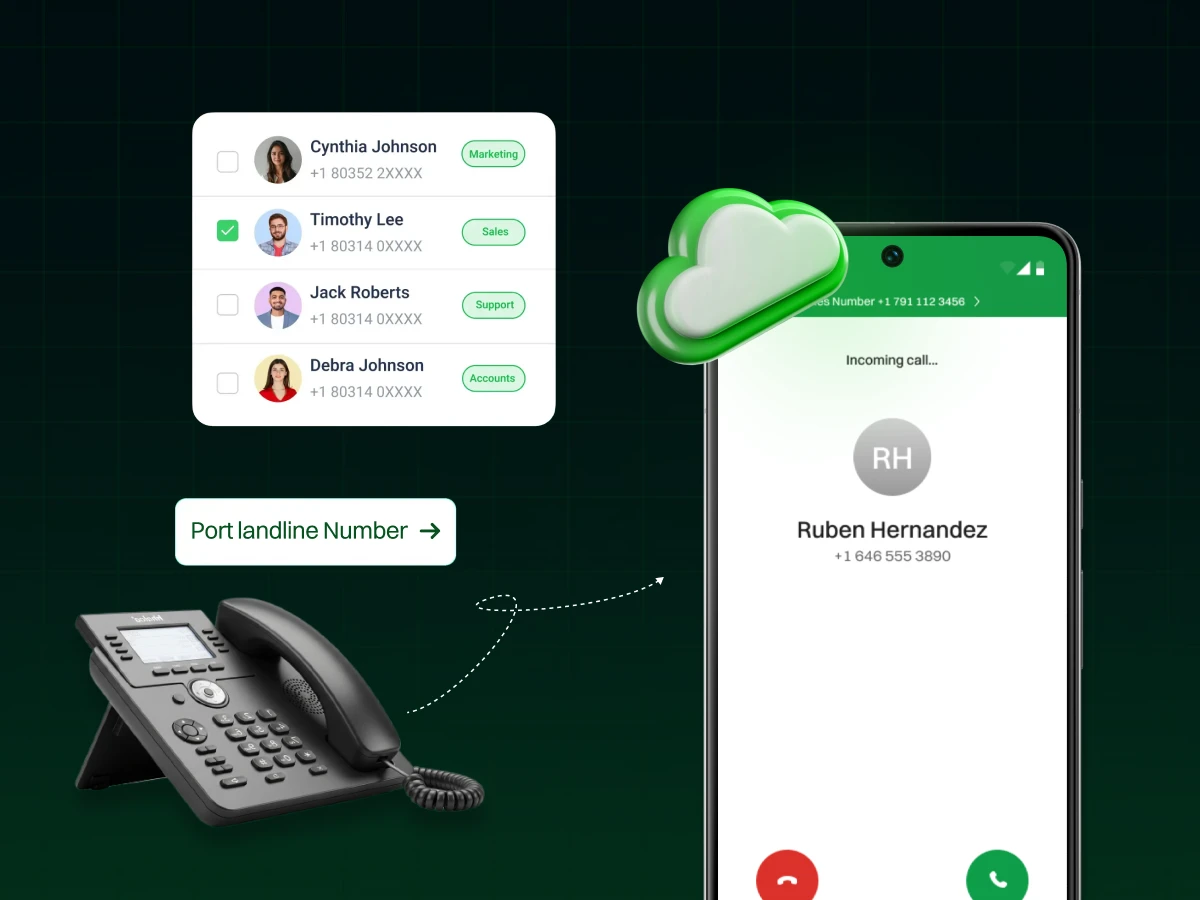
Thinking about upgrading your landline? You’re not alone. Many businesses are switching to VoIP for lower costs, advanced features, and remote flexibility. It’s a smart move for the future.
This simple guide explains how to port landline to VoIP, step by step, with no hassle. Let’s get started!
Porting your landline to VoIP involves transferring your existing phone number from a traditional landline service to a VoIP phone system.
Porting lets you move your old landline number to a VoIP system. You don’t need a new number, so your customers can reach you without confusion.
Your number shifts from a traditional phone line to an internet-based phone system. This gives you access to features like call recording, IVR, and automation.
Your new VoIP provider works with your old carrier to move the number. This keeps your incoming and outgoing calls active during the switch.
Because the number stays the same, you don’t have to notify clients or partners. It makes the transition smooth and stress-free.
Most ports finish in a few days. Delays happen only when the account information doesn’t match the phone bill. A quick details check helps you avoid waiting.
Once you move to VoIP, you get faster response times, easier workforce management, and smoother CRM connections.
Porting gives you a modern phone system at a lower cost while keeping the number people already know.
With time, you need to adapt, and using a landline in these modern times will just not cut it. So, let’s look at the major reasons why you might need to port your landline to VoIP:
One of the most compelling reasons for VoIP number porting is cost reduction. Landlines can be expensive, especially if you factor in installation charges, monthly fees, and long-distance fees.
VoIP services, meanwhile, are generally less expensive, with lower installation charges and fewer unexpected bills. VoIP service providers normally offer low monthly subscription fees, and you may even make outbound calls for pennies compared to traditional services.
You can save a lot and quickly by using such calls, making it the best option for both family and business purposes. For example, business phone systems that use VoIP usually offer lower maintenance costs and advanced features at no additional cost.
VoIP offers advanced features unavailable on landlines. A few of them include voicemail-to-email, which sends voicemail to your inbox for easier access. Call forwarding, which lets you forward calls to any phone or number, e.g., your phone or an alternative landline.
For business, VoIP supports video conferencing, which is imperative for remote work and increased employee interaction.
Most VoIP systems also include call recording, which can be helpful for compliance and training. These features can significantly enhance communication and productivity, offering much more than a basic landline system.
Another significant benefit of VoIP is its flexibility. Unlike a landline, which is tied to a single location, VoIP lets you use your number on multiple devices.
Whether you’re at home or away, you can make and receive calls on a computer. Smartphone, laptop, or tablet. This makes it convenient to stay connected without being tied to a desk or a particular phone.
For example, while traveling on the road, you may employ your VoIP phone system in order to take and receive calls just like when you are in your home. The ability to reach your VoIP wherever there is internet connectivity is why it qualifies as the best solution for home working and individual use.
VoIP is ideal for growing families or businesses. As your needs change, additional lines or features are simple and cheap to add.
For businesses, growing with VoIP is not much more than adding additional users or modifying your service plan. This is different from traditional phone systems, which usually require expensive hardware upgrades or professional installation to expand.
For home users, VoIP offers flexibility in the number of devices that can be connected. If a new cell phone or a VoIP phone for a new family member is needed, this is quite easily done. VoIP scalability allows your communications needs to be addressed as your business or family grows.
Let’s look at a table:
| Cost Area | Landline | VoIP System | Notes / Examples |
|---|---|---|---|
| Setup Cost | $50–$100+ | $0–$50 | VoIP often free setup; landline may require installation fees |
| Monthly Fee | $40–$80 | $10–$25 | VoIP plans often include unlimited local & long-distance calls |
| Annual Cost | $480–$960 | $120–$300 | Based on typical monthly fees |
| Hardware | Required, cost $50–$200+ | Optional, ATA $30–$50, IP phones $100–$300, Softphones free | VoIP can use existing phones with ATA or softphones |
| International Calls | $0.20–$1 per minute | $0.01–$0.10 per minute | VoIP greatly reduces international calling costs |
| Extra Features | Paid add-ons | Mostly included | VoIP includes voicemail-to-email, conferencing, call forwarding, CRM integration |
| Mobility | Desk-bound | Anywhere with broadband | VoIP supports remote work and multi-device access |
Switching to VoIP doesn’t always mean buying new phones. You have three main options depending on your budget, needs, and setup:
This is the most affordable option. An ATA (Analog Telephone Adapter) connects your existing landline phone to your broadband internet connection, turning it into a VoIP phone. You keep your old device and enjoy VoIP features like call forwarding and voicemail-to-email.
IP phones are desk phones built specifically for VoIP. They provide HD audio quality, video calls, conferencing, and advanced features like auto dialer and call analytics. These phones are perfect for offices with frequent calls or teams that rely on professional call handling.
A softphone is an app on your laptop, tablet, or smartphone. It doesn’t need any hardware and allows full access to VoIP features such as instant messaging, file sharing, video calls, voicemail-to-email, and CRM integration.
Here’s a quick comparison to help you decide:
| Hardware Option | Cost | Key Features | Flexibility | Recommended Use Case |
|---|---|---|---|---|
| ATA (Analog Telephone Adapter) | Low | Connects your old landline phone to broadband; basic VoIP features like call forwarding & voicemail-to-email | Low: tied to existing phone | Small offices or home users who want to keep their old phones |
| IP Phones | Medium | HD audio, video calls, conferencing, auto dialer, call analytics | Medium: desk phone, but mobile apps may be supported | Offices with frequent calls or professional teams |
| Softphones | Free / Low | Full VoIP features: instant messaging, file sharing, video calls, voicemail-to-email, CRM integration | High: use on laptop, tablet, or smartphone | Remote workers, travelers, or anyone wanting maximum flexibility |
You can choose the option that best fits your budget and workflow. Even if you keep your old phone with an ATA, you can still enjoy many VoIP features.
Porting your phone number from one service provider to another can be a seamless process if you’re well-prepared. To ensure a smooth transition, follow this pre-porting checklist:
Before porting, check if your chosen VoIP provider is capable of number porting. Not all providers will support all numbers, so compatibility must be checked. Contact your new provider’s customer service to get detailed information about their porting policy.
Not all numbers can be taken from one geographical area, provider, or regulatory context to another. You have to ring your old and new providers to determine whether your landline or mobile number is portable. You should typically be able to do this over the Internet or simply by asking your provider.
To avoid delays in the porting process, prepare the necessary documents and details in advance. This typically includes:
Ensuring accuracy in this information can prevent potential rejections or processing delays.
Number porting can result in a brief service interruption. Although most providers strive for an effortless transition, there may be a brief period when your phone number is unavailable. To minimize inconvenience:
Make sure your bandwidth requirements are adequate to handle calls. At least 100 kbps upload and download per concurrent call is recommended. For example, 5 active calls need 0.5 Mbps upload speed.
With this checklist, you can spare yourself unwanted complications and delays in porting your number. Being properly prepared gives you a smooth transition and allows you to continue using your preferred phone number without any disruption.
Follow this step-by-step guide if you are trying to port your landline to VoIP:
Take the hassle out of porting your number. Dialaxy makes it fast and easy, get started today!
The shift from a landline to VoIP comes with a few bumps. It helps to know what might go wrong and how you can fix it fast. Here are the most common issues and what you can do about them.
Challenge:
Porting can take longer than expected. Even a small mistake in your account details can slow everything down. This delay creates long wait times and missed calls.
Solution:
Double-check the information you give your provider. Make sure your account number, business name, and billing details match your phone bill exactly. Ask your provider about any requirements ahead of time so you avoid extra waiting.
Challenge:
Some calls may go unanswered during the switch. This can hurt communication with customers and create stress for your team.
Solution:
Plan the port during off-peak hours. Set up call forwarding to a temporary number so no calls are lost. Many phone systems also offer backup options to keep your lines active while the port is in progress.
Challenge:
Not all old devices work with VoIP. Weak internet can also cause audio drops or call failures.
Solution:
Check your internet speed and stability before the switch. Replace devices that aren’t VoIP-ready. Set up tools like IVR to route calls smoothly. If you use a CRM, connect it with your VoIP system to make it work faster and improve reply time.
By understanding these challenges and preparing for them, businesses can switch to VoIP with confidence and enjoy a phone system that is modern, simple, and reliable.
If you are trying to port landline to VoIP, here are some of the major factors that you must consider:
Before porting your landline to VoIP, you should export and save all the contacts you need. With a client or business lead, you are bound to miss calls and break the chain.
The vast majority of contemporary call center software and CRM integrations will easily allow you to import your existing contact lists with minimal disruption.
Update family, friends, and business contacts with your new VoIP number. This keeps it from getting jumbled and ensures the conversation flows.
More importantly, if you can configure call forwarding on your old landline phone system, you should do so temporarily to route any calls that are made to your old landline phone to your VoIP number.
In VoIP, a robust and reliable network is key. Run a speed test to make sure you have enough bandwidth for good voice quality.
Not only will a poor connection frustrate callers and increase the number of calls that are dropped or abandoned, but it can also cause response times to lag. If you need to place a high number of calls, think about acquiring a stronger Internet connection or a power dialer.
Features such as interactive voice response (IVR), workflow automation, and call recording are advanced capabilities offered by VoIP. Understanding how to navigate these features optimizes your time and workflow and results in better customer interactions.
A well-set-up experience can help reduce waiting time. It also provides clearer, faster help for every caller.
Switching from a landline to VoIP is a smart move for modern communication. You keep your existing number while gaining access to advanced features, lower costs, and the ability to work from anywhere.
Choosing the right hardware and plan makes a big difference. You can use your old phone with an ATA, invest in IP phones, or try a softphone app. VoIP gives flexibility, scalability, and features that landlines cannot match.
Porting your landline to VoIP sets you up for reliable and cost-effective communication. Following a checklist and knowing potential challenges ensures a smooth switch. The result is a phone system that works for today’s needs and grows with you in the future.
Switch to Dialaxy and start using powerful VoIP features instantly – no delays, no hassle.
No! Even though a lot of VoIP providers support phone number porting, some offer restrictions based on location and compatibility. You need to verify with your provider before you can start the process.
Generally, it will set you back 5 to 10 business days. But the time taken will vary depending on your current provider and the service you are switching to for your needs.
No need to worry! Your landline will remain active until the porting process is complete. However, you might encounter certain disruptions, so it is good to confirm with your providers.
If you cancel your landline service before completing the porting process, you might lose your number, so you need to wait for confirmation from your new provider first.
If your number is ineligible for porting, you may need to get a completely new number for the process, but first, contact your providers because some of them offer alternative solutions like virtual numbers or call forwarding.
