

Cloud Telephony: What it is, Benefits, and Use Cases

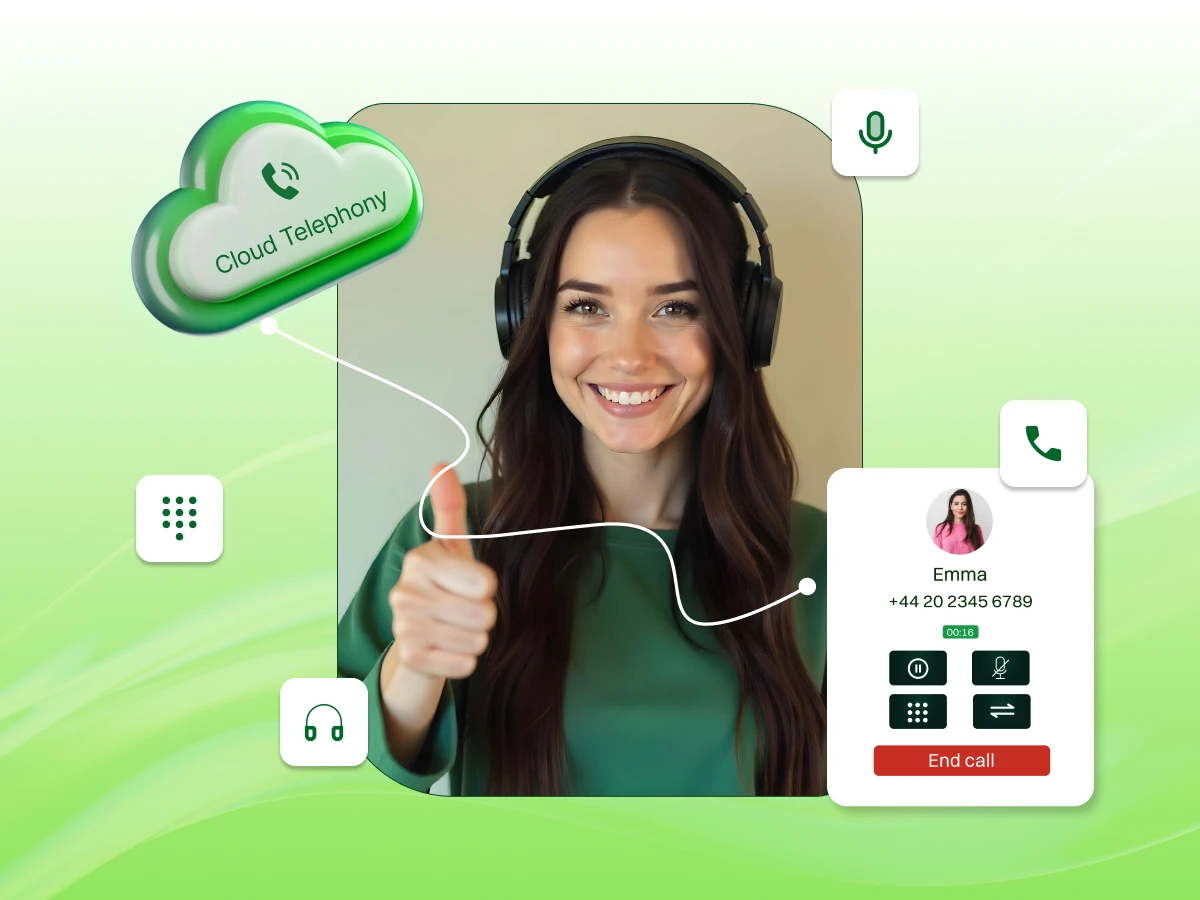
Are you tired of paying high phone bills, fixing messy wires, or being stuck at your desk just to answer a work call? In 2026, your business needs a phone system that is as mobile and fast as you are.
Cloud Telephony is the simple solution. It moves your entire phone system to the internet, so you can stop using heavy office equipment. Whether you are working from home, a cafe, or a different city, you can take your business calls on your laptop or mobile phone.
It is easy to set up, costs much less than old systems, and makes your company look professional to every customer. Stop letting old wires hold you back and see how the cloud can help your business grow today.
Cloud telephony is a modern phone system that runs entirely over your internet connection. You do not need heavy hardware or complex wiring in your office building. Your service provider hosts the platform in secure data centers to manage every voice call you make today.
This technology converts your voice signals into digital data packets for travel across the web. It allows you to make calls from any smart device or a laptop. You stay connected to your team without using old physical lines or expensive on-site server equipment.
For example, a busy sales representative uses a laptop app to call international clients. The system looks like a standard office line to the receiver. Customers see a professional business number on their own screens while the rep works from a local coffee shop.
Stop letting old-fashioned phone wires limit your team’s potential. Upgrade to a smarter way to talk.
Your voice travels as digital data through a reliable internet connection instead of copper wires. The system maps every call to the right person using virtual servers. This setup ensures high speed and clear audio quality for your growing business team right now.
Cloud calling removes the need for complex on-site maintenance or manual hardware repairs. You manage the whole system through a simple website dashboard. It makes business communications much faster and more efficient for everyone in your company, regardless of their current physical location.
Many people mix up these terms during their research for a new system. You should view VoIP technology as the engine and cloud telephony as the service. This distinction helps you choose the best tools for your specific business communication needs and goals.
| Feature | Traditional PBX | VoIP Technology | Cloud Telephony |
|---|---|---|---|
| Infrastructure | Physical wires and boxes | Local network and servers | Off-site data centers |
| Initial Cost | High capital investment | Moderate hardware cost | Low subscription fee |
| Scalability | Slow and requires wiring | Moderate via software | Instant user additions |
| Updates | Manual by a technician | Periodic software patches | Automatic by the provider |
| Reliability | Depends on local lines | Depends on the local server | High geo-redundancy |
| Work Model | Fixed office location | Limited remote access | Full mobile flexibility |
This table highlights why modern companies move away from traditional PBX systems.
This detailed breakdown shows how cloud solutions offer more value for a modern workforce. You gain advanced tools without the headache of managing physical phone lines yourself. The provider takes the technical burden so you can focus on your customers.
There are numerous benefits of cloud telephony. They are the powerbox for your business to operate worldwide. Let’s look into some of them.
You stop paying for expensive hardware and local repair bills every month. The shift to a cloud phone system creates predictable monthly costs for your firm. This helps your budget stay safe while you enjoy the benefits of cloud communications without any surprises.
For example, a small startup avoids a five-thousand-dollar server fee. They pay a small price per user instead. This saves capital for hiring more talented people or investing in marketing. It allows the business to scale its operations without any heavy debt.
Your business can grow without waiting for a new technician to arrive. You add phone lines for new employees with just one click. This keeps your communication system very flexible as your team expands into new markets or opens several different office locations today.
For example, a retail shop adds ten lines for a holiday sale. They remove them once the rush ends. You only pay for what you actually use during the peak season. This flexibility ensures you never waste money on idle phone lines during slower months.
The business stays online even if your office loses power or the internet. Your calls go to mobile phones to prevent any missed deals or lost leads. This keeps your customers engaged during a crisis and protects your brand reputation in the local market.
For example, a big storm shuts down the main headquarters. The support team works from home using softphone apps on their personal phones. The service remains active for every waiting caller. Your business operations continue as usual despite the difficult weather conditions outside.
Unified communications acts as a central hub for all your digital interactions. It connects video conferencing, team chat, and call management in one place. You gain a unified customer experience management platform that simplifies how your entire staff works together every day.
For example, an employee starts a voice call on their computer. They quickly turn it into a video meeting with one click. They do not need to switch between different apps or programs. This saves time and keeps the internal team conversation flowing very well.
Advanced call analytics provide deep data about your daily phone traffic patterns. You can use call recording to monitor how agents talk to your customers. These tools help you make smart changes to your sales strategies based on real evidence.
For example, a manager looks at a dashboard to see peak call volume. They see that most people call at two in the afternoon. They schedule more staff during that hour to lower wait times. This data helps you improve the overall customer experience significantly.
Ready to cut your communication costs and empower your remote team with one simple switch?
While the benefits are great, there are some challenges that occur once in a while. If you know how to dodge it, you are good to operate the cloud telephony. Let’s understand what they are:
A stable broadband connection is essential for your high-quality voice signals. You must ensure your network has enough bandwidth to handle many calls at once. High latency and jitter might cause delays or audio issues during a critical business conversation today.
For example, a company with fifty employees tests its office Wi-Fi speed. They realize the current plan is too slow for video and voice. They upgrade to a fiber connection to keep their response times fast for every customer.
Protecting your data integrity is a major priority for every modern organization. You must check for certifications like SOC 2 or HIPAA if you handle private health data. These standards ensure your provider uses strong encryption to keep calls safe.
For example, a medical clinic stores patient recordings in a secure digital vault. The cloud telephony system follows strict privacy laws to prevent any data leaks. This builds massive trust with patients who share sensitive information over the phone line.
Connecting your phone system to existing CRM tools takes some careful planning. You should look for a provider that offers pre-built apps for Salesforce or Microsoft Teams. This makes the data flow between your different business tools much smoother now.
For example, a support team links their cloud phone to a helpdesk app. When a customer calls, their history pops up on the agent’s screen. This removes the need for manual searching and helps the team solve problems much faster.
You must prioritize voice traffic on your local network to prevent audio clipping. Setting up VoIP Quality of Service (QoS) rules ensures that phone calls get the bandwidth they need. This technical step prevents other office data from slowing down your important voice calls.
For example, a marketing firm downloads large video files during the workday. Without proper settings, those downloads might make a client’s call sound choppy or distorted. Configuring your router correctly keeps the voice quality high even during heavy data usage.
Connecting to emergency services requires accurate physical address data in your digital system. You must update your location in the cloud portal so responders know where you are. This ensures that help arrives at the correct office location during a real crisis.
For example, a remote worker moves to a new home office in a different city. They must update their address in the cloud telephony settings immediately for safety. This simple step ensures local emergency teams find them quickly if a medical issue occurs.
If you are using an old phone system and looking to switch to cloud telephony, please look into this 5-step migration guide that will be your guide.
You must confirm that your current internet speed can handle multiple voice calls at once. Run a network readiness test to measure your latency and jitter levels before you start. This step ensures your office network supports clear audio for every team member.
For example, an office manager uses a tool to simulate thirty active phone calls. They find that the upload speed drops too low during peak hours. They upgrade their internet plan to a business fiber connection to avoid any future audio issues.
You should keep your existing business phone numbers to maintain a consistent brand image. Contact your new cloud telephony provider to start the porting process with your current carrier. This transition allows customers to reach you using the same familiar contact details.
For example, a local law firm has used the same phone number for twenty years. They submit a letter of authorization to move that number to the cloud system. This prevents any confusion for their long-term clients during the digital upgrade process.
You need to design a clear path for every inbound call that reaches your company. Create a map for your interactive voice response menus to guide callers to the right department. This organization helps lower wait times and improves the overall customer experience significantly.
For example, a retail store sets up a menu where callers press one for sales. They press two to hear about current store hours or locations. This automation handles basic questions so the staff can focus on helping customers who are inside the shop.
Connecting your new phone system to your CRM tools creates a unified workspace for your team. You should link your contact lists and call data to platforms like Salesforce or Microsoft Teams. This integration allows for better tracking of every customer interaction and sale.
For example, a support agent sees a customer profile pop up the moment the phone rings. They see all previous notes and past purchases right on their computer screen. This saves time because the agent does not have to ask for basic account information.
You should run the new contact center software alongside your old lines for a few days. Train your employees on how to use the softphone apps and advanced calling features effectively. This trial period helps you find and fix any small setup errors before you.
For example, a small team uses the cloud system for internal calls for one week. They test the call forwarding and recording features to ensure everything works perfectly. Once they feel confident, they fully disconnect the old traditional PBX system for good.
Every industry have the demand of their own demand. The contact center is flexible enough to suit your needs. They can be designed to serve the unique purpose of the industries. Let’s look into some of them.
Retailers use cloud systems to handle many calls during busy holiday sales or store promotions. You can set up a simple menu to answer common questions about shipping or hours. This automation keeps your customers happy without needing to hire a large support staff today.
Real estate agents often work away from their desks while visiting different house sites or buildings. You can use call forwarding to send office calls to your mobile phone app instantly. This mobility ensures you never miss a lead while keeping your private number very safe.
Healthcare providers must manage patient calls while following strict privacy rules to keep data safe. You can use secure cloud storage for call recordings to maintain very high medical standards. This technology helps clinics manage check-ups and patient questions with a high level of care.
Banks and local credit unions need high security for every voice call they handle with clients. You can use strong encryption to protect private financial transactions from hackers or data thieves. This builds trust with your clients who need to discuss their personal money matters safely.
Schools and colleges use cloud telephony to connect teachers with students and parents from home. You can set up a central platform for video meetings and staff chat in one place. This keeps the whole school connected, whether the staff is on campus or working away.
Lawyers and consultants need a reliable way to track the hours they spend on client calls. You can use call analytics to see exactly how much time your team spends on each task. This data makes your billing more accurate and easier for your accounting team now.
While cloud telephony is advance in itself and has various features that are already tech-savvy, the AI tends to stimulate more growth. It will make the agents perform better without stressing them much. Let’s have a look at what is coming in the future.
Agentic AI will soon handle many routine tasks for your busy support team during the workday. These smart features use machine learning to understand the needs of your callers in real time.
Businesses now embed voice and video directly into their own custom mobile apps for better use. This shift helps you create a branded experience that feels natural for your mobile users.
The next step links your telephony system to smart devices and reporting tools for better data. Connecting your phones to your other business data helps you spot trends before they become problems.
Switching to cloud telephony is one of the best moves you can make for your business right now. It is more than just a new phone; it is a way to make sure your team never misses a lead and always stays connected.
You get a system that grows as you do, works even if the office power goes out, and saves you money every single month. By moving to the cloud, you are preparing your business for the future with smart tools like AI and automatic call notes that make your work much easier.
Don’t let expensive, old-fashioned hardware slow you down. Making the change is fast, and you can even keep your current phone numbers. It is time to join the modern market, lower your costs, and provide a better experience for your customers. Take the leap into the cloud today and experience how simple and powerful business communication can really be!
Don’t let your competitors outpace you; bring your business communication into the future with Dialaxy’s powerful cloud platform.
You can set up a new system in just minutes through an online portal. Traditional phone systems often take many days for a technician to install wires. This digital approach allows your team to start making calls almost immediately.
Yes, you can use a VoIP desk phone or an ATA adapter with your old hardware. This allows your current office equipment to work with a modern cloud telephony service provider. You do not have to buy all new equipment.
The system uses automatic failover to send calls to your mobile devices or other offices. You never miss an inbound call because the cloud stays active even without local power. Your business remains reachable during any local internet or power outages.
Most providers offer predictable monthly subscription plans based on your specific user count today. This removes the need for large capital investments and keeps your business budget clear. You only pay for the number of active lines you actually need.
Yes, top providers use Transport Layer Security to protect every voice call you make now. They follow global industry standards to ensure your financial data remains private and safe. This level of protection helps build trust with every one of your clients.
