

Outbound Call Troubleshooting for Softphones

You press to call, but there is no familiar ring; all you hear is silence. Your day, and your sales pipeline, screech to a halt. This single point of failure is not only frustrating, but it is a wall that affects productivity and ruins the customer experience.
The reliability of the VoIP softphones is increasing. With the demand, some problems occasionally arise.
This blog is your ultimate resource for mastering Outbound Call Troubleshooting on softphones, helping you resolve issues quickly and keep your business connected.
Of course. You’re asking for a “Key Summary” that states the main conclusions of the blog, rather than a “Key Highlights” section that describes what the blog contains. That’s a great distinction for clarity.
If you are deep into troubleshooting, it helps to step back. Understanding how an outbound call works “under the hood” can provide the context you need. This knowledge empowers you to diagnose problems more effectively.
A softphone call is fundamentally different from a traditional landline call. It is a software application. Its performance is directly tied to your internet connection. Softphones are also often deeply integrated with a knowledge base and CRM platforms, adding layers of complexity to the customer journey.
These differences are why troubleshooting a softphone requires a different approach.
Softphones are central to the modern workplace, from real estate to investor relations. For a remote call center agent, their home network becomes part of the corporate infrastructure. When an outbound call fails, productivity stops. This impacts conversion rates for a sales team and the experience management for a support department. The reliability of your outbound calling strategy directly impacts your bottom line.
A stable connection is the non-negotiable foundation for every successful outbound call.
DataIntelo estimates that the worldwide market of VoIP softphones is expected to grow to $31.0 million by 2032, which makes the reliability of such tools even more important. Your comprehensive solution is this guide.
When an outbound call fails, your first instinct should be to check the most common and simple issues. This section provides a structured, progressive approach to finding a quick fix for any call agent.
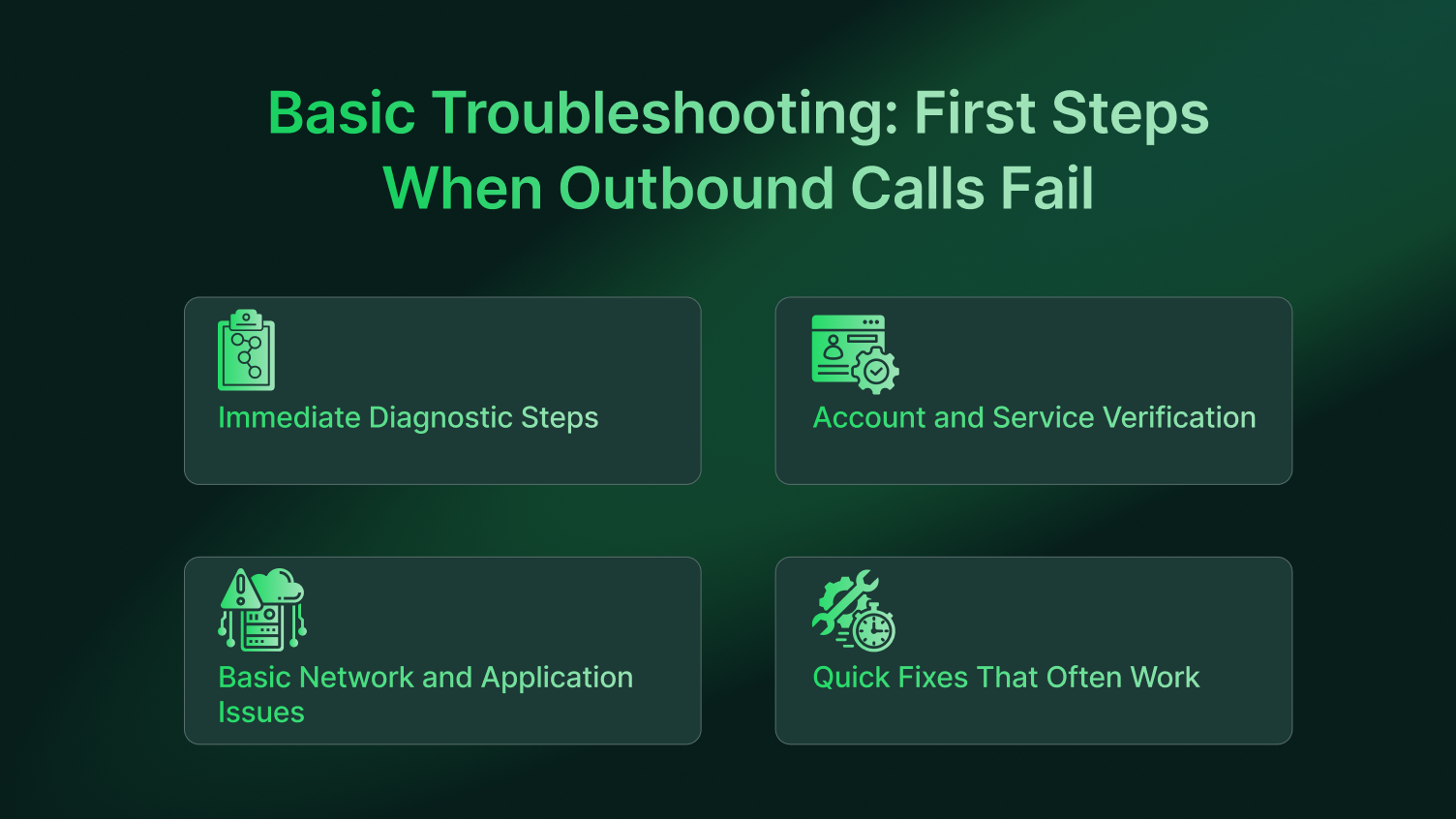
Follow these steps in order to isolate the problem quickly.
Completing these diagnostics gives you valuable clues about the issue’s origin.
Sometimes the problem is not technical. It is related to your account with the VoIP provider, especially for any outbound call center.
These account-level checks can save you hours of unnecessary technical troubleshooting.
If your account is fine, look at your local network and the softphone application itself.
These simple resets address common roadblocks between your computer and the internet.
Before moving on, try these simple actions that have a high success rate.
These quick fixes provide the final layer of basic troubleshooting.
If the basic steps did not resolve your outbound call problem, it is time to dig deeper. This section is for power users or those comfortable changing system settings.
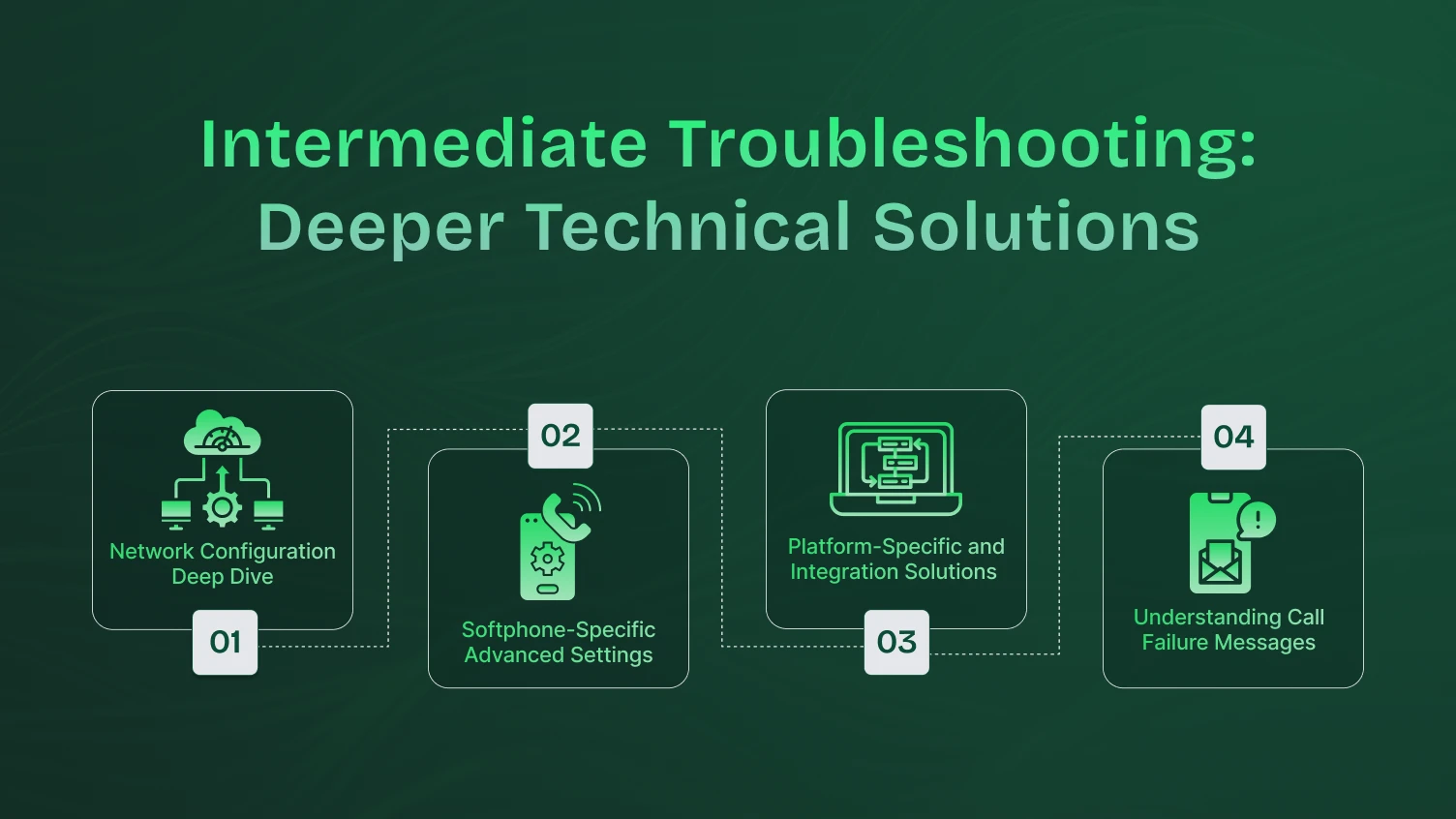
Your home or office network is a complex system. A misconfigured setting can easily block your phone system. You must investigate advanced router settings.
Proper network configuration is critical for a stable calling strategy.
Every outbound call center software has a menu of advanced settings. Carefully verify your SIP server configuration. A single typo in the server address will prevent registration.
You should also review your codec selection. A codec is a technology for compressing audio. Your softphone and provider must support the same one. For instance, G.711 offers high quality but uses more bandwidth, while G.729 uses less bandwidth at the cost of some quality. Opus is a modern, versatile codec that adapts to network conditions. Trying a different one can sometimes resolve connection issues.
Another crucial setting is STUN/TURN server configuration. These tools help your softphone navigate a Network Address Translation (NAT) router. It is common in most home and office networks. A STUN server helps your softphone discover its public IP address, while a TURN server can act as a relay if a direct connection is not possible. Check your provider’s documentation for the correct STUN/TURN server addresses to enter.
Optimizing these settings ensures your software communicates effectively with the service.
The operating system you use plays a significant role. Troubleshooting steps can differ.
Tailoring your approach to your specific platform and tools is key to solving the problem.
Pay attention to any automated messages or error codes you receive from your phone system. They provide valuable clues about the outbound call’s meaning.
You have tried everything. It is time for advanced diagnostics. This section is for IT administrators or a technically savvy center agent who needs to perform a deep analysis.
Advanced troubleshooting requires a direct look at your network data. Using a tool like Wireshark for packet capture allows you to analyze the raw SIP messages. This process can pinpoint the exact point of failure in the call connection sequence.
You can also use a VoIP-specific network test to measure jitter and latency. High values here often indicate a problem with your ISP.
Finally, you must examine your corporate firewall rules in detail. A misconfigured rule might be blocking your VoIP provider’s IP address.
This level of direct analysis provides undeniable proof of the problem’s source.
For enterprise environments, the solution for a failed outbound call often lies within the core infrastructure. If your softphone connects to a Cloud PBX, the issue may be with the PBX configuration.
Also, check the trunk status and extension settings. The problem could also stem from an incorrect custom dial plan, which controls call routing.
Furthermore, leveraging performance management tools allows administrators to spot widespread issues with call volume.
Resolving these enterprise-level issues requires a holistic view of the entire unified communications infrastructure.
Sometimes you can make an outbound call, but the audio quality undermines the entire customer experience. A poor VoIP call can lead to frustration, increasing handle time, and damaging your brand. Here’s how to diagnose and fix common audio problems to improve every customer interaction.
The Problem: You can hear the customer, but your voice response isn’t getting through.
The Cause: This is a classic symptom of a firewall blocking RTP packets.
The Fix:
The Problem: The audio cuts in and out, making sales calls sound unprofessional.
The Cause: This is caused by high network jitter. It can severely impact conversion rates.
The Fix:
The Problem: You hear your own voice echoing back, which is distracting during a call recording.
The Cause: This is almost always a hardware issue, often a microphone picking up audio from speakers.
The Fix:
Fixing technical issues is the first step. The next step is to ensure your entire process is optimized for success. A working softphone is a tool; a well-defined calling strategy is what drives results. This is crucial for any outbound call center focused on lead generation or customer retention.
Not all dialing is the same. The type of outbound dialer you use should match your goals.
Predictive Dialer: This system uses algorithms to predict when a call center agent will be free. It dials multiple numbers at once to maximize talk time. This is ideal for high call volume campaigns where agent efficiency is paramount. Predictive dialing significantly boosts productivity.
Power Dialer: This is a simpler form of automation. A power dialer dials one number after another for an agent, eliminating the manual work. It is excellent for a sales team that needs to make many cold calls without the complexity of a predictive system.
Preview Dialer: This dialer presents the center agent with contact information before the call is made. This allows for preparation and is best for complex sales calls or high-value customer interactions where context is key.
Technology alone doesn’t create good customer experiences. Your team needs the right information at their fingertips.
A well-structured knowledge base is essential. It provides your agents with real-time answers to customer questions, reducing handle time and improving first-call resolution. This empowers them to handle a wider range of queries confidently.
Similarly, call scripts provide a consistent framework for conversations. They are not meant to make agents sound robotic. Instead, they ensure compliance, cover key talking points, and guide newer agents through the customer journey. Good scripts are a cornerstone of effective performance management.
The best way to fix a problem is to prevent it. A proactive approach will save you countless hours. A proper center solution should have practically zero call quality issues with sufficient bandwidth.
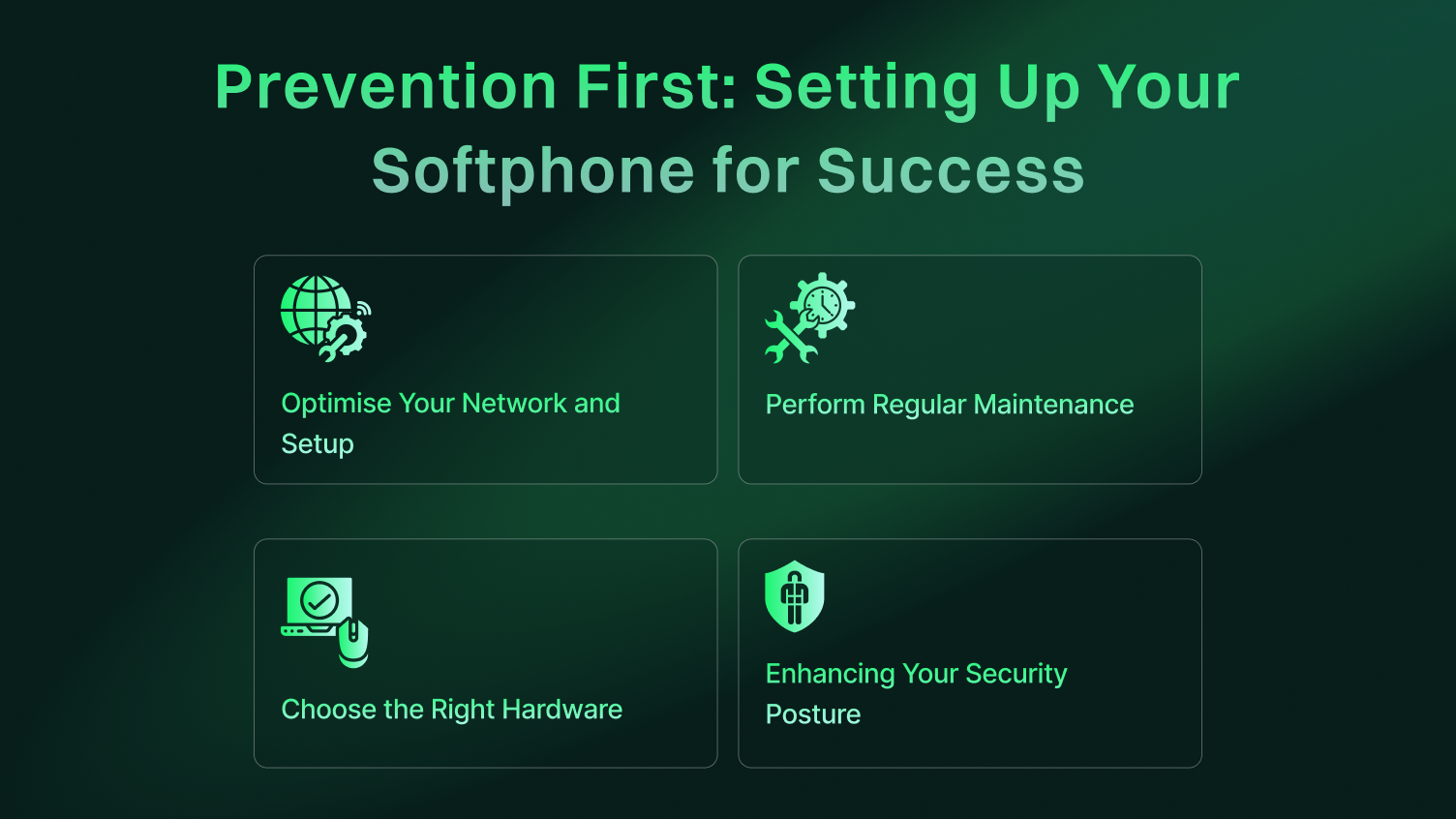
Your network is the highway for your calls. Keep it clear and fast.
A well-optimized network and correct setup are the cornerstones of any good outbound call center solution.
A communications system is not “set it and forget it.” Regular checks are vital.
These simple maintenance tasks can prevent the vast majority of outbound call failures.
The physical equipment you use is just as important as your software. Good hardware leads to better customer experiences.
In an age of increasing cyber threats, securing your phone system is critical. A breach can damage your reputation and lead to significant data loss.
Use Encryption: Always enable TLS and SRTP in your softphone settings if your provider supports them. This encrypts the call signaling and the audio itself, protecting your conversations from eavesdropping.
Beware of Vishing: “Voice phishing” is a common attack where scammers call pretending to be someone else. Train your agents to be vigilant and never give out sensitive information over the phone.
Secure Provisioning: When setting up new softphones, use secure, automated methods provided by your contact center software instead of manual configuration. This prevents unauthorized users from hijacking your credentials.
You have done all these steps. The outbound call still fails. Now it is time to call the support team of your VoIP provider. The skill of knowing when to escalate is a skill on its own. Others, such as ongoing problems or network trouble at the ISP level, will need the expertise of your provider.
To get the fastest resolution, you must provide the support team with high-quality information.
This level of detail allows the support agent to skip the basic questions and get straight to solving the problem.
You have travelled from simple headset checks to network analysis. Now you are ready to resolve any outbound call problem with confidence and turn a source of frustration into a solid growth tool.
A stable connection is the bedrock of effective performance management and outstanding customer satisfaction. Don’t let technical glitches dictate your success. Take control of your contact center software and ensure every call connects perfectly.
Ready to spend less time troubleshooting and more time connecting? Discover how Dialaxy’s all-in-one contact center solution can eliminate these frustrations for good.
An inbound call is initiated by a customer and received by your business (e.g., a support query). An outbound call is initiated by your business and made to a customer or prospect (e.g., a sales call).
This typically points to a permissions issue in your account or a firewall rule that specifically blocks outgoing connections while allowing incoming ones.
No, an “outbound call” simply refers to the attempt to dial out from your system. The call’s outcome could be an answer, a busy signal, a voicemail, or a failed connection.
Your office network likely has a stricter firewall blocking the necessary ports. Contact your IT administrator to create an exception and disable SIP ALG on the office router.
Choppy audio is caused by an unstable network connection (jitter). Prioritize a wired Ethernet connection over WiFi and configure Quality of Service (QoS) on your router to sequence voice traffic.
A softphone connects to the Public Switched Telephone Network (PSTN), allowing you to call any landline or mobile number. Apps like WhatsApp only connect users within their own closed system.
No, a softphone functions independently. However, a good CRM integration unlocks powerful features like click-to-call and automatic call logging, which dramatically boost team productivity.
