

SMS Verification: Everything You Need To Know

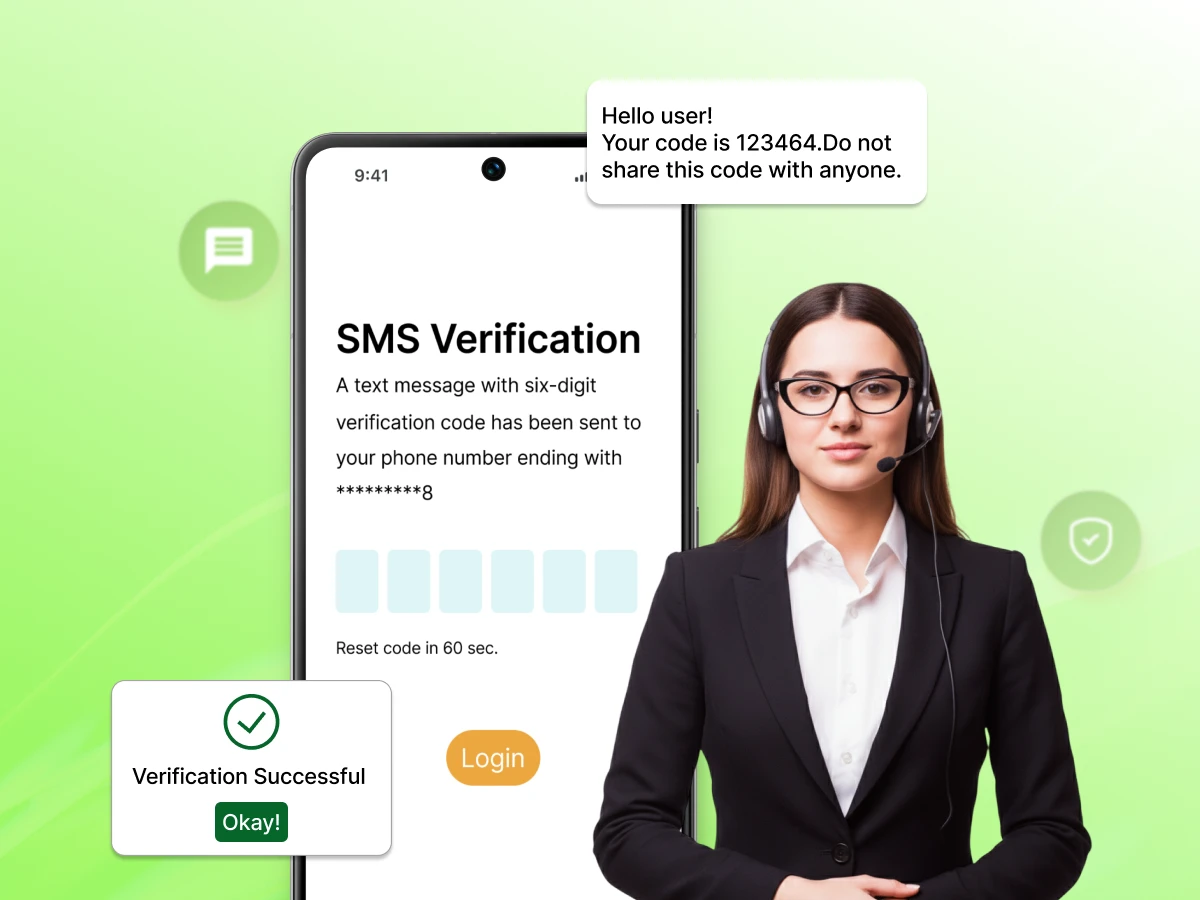
In the time it took you to click on this article, thousands of phone verifications were completed across the globe as users wait to receive sms codes. Whether you are logging into your bank website or app, signing up for a new social media app, or resetting a forgotten password, that little 6-digit code is the invisible gatekeeper of our digital lives.
However, for companies, SMS verification is something more complicated than simply sending messages and receiving messages. It is a constant struggle between ensuring the security of the process, creating convenient experiences for users, and coping with new legislation and requirements. More than 24 billion such messages are sent today, and, according to new rules by the FCC in 2026, things get even more complicated for both companies and their customers.
This guide tells you everything you should know about SMS verification: what it is, why it fail sometimes, and, most importantly, how to be compliant in 2025 and forward.
For those who have been asking themselves, “What is SMS verification?” you have landed at the right spot. In simple terms, SMS verification (or SMS authentication, SMS text verification, or SMS 2FA) is simply a security process of identifying a user by sending him/her a one-time code via a text message to his/her mobile number.
After a user has logged in using his/her username and password, he/she will receive sms a “verification code” on his/her mobile device via a text message, which needs to be entered in order to gain access.
You might hear people use the term OTP (One-Time Password). While they are related, there is a small difference:
It becomes very important for security reasons. If a hacker somehow manages to steal the passwords, then he will not be able to access your account because he does not possess your cell phone, without which he cannot read the authentication codes. This concept in the field of cybersecurity is called “Something you know” and “Something you have”.
To the end user, it feels like magic. You click a button, and ding, the code arrives. Behind the scenes, however, there is a complex text verification process happening in milliseconds.
A user visits a login page, website, or app, or an account sign-up process.At this stage, the system will prompt you to provide your phone number and basic details.
The website or app generates a random verification code. This is usually a 5-digit or 6-digit number. This code is stored temporarily in the cloud or the company’s database with a short expiration timer (usually 30 to 60 seconds).
The application doesn’t send the text itself. Instead, it sends a request to an SMS verification service (like Dialaxy) via an API (Application Programming Interface). This request includes the phone number and the code.
The service provider converts that request into a text message and sends it through an SMS gateway. This gateway talks to various mobile operators (like T-Mobile or Verizon) to find the fastest route to the user’s device.
The user receives the text, reads the code, and types it back into the app login process. The application checks if the number the user typed matches the number stored in the system. If it matches, the user is verified.
Even with the rise of authenticator apps and biometrics, SMS authentication remains the most popular choice for businesses and consumers. Why?
While SMS verification is the most widely used verification method, it is not perfect. To build a secure business, you need to understand both its strengths and its vulnerabilities.
For most companies, the benefits of using a phone number for account security far outweigh the costs. However, let’s look at the “flip side” to give you a complete picture.
| Feature | SMS Verification | Authenticator Apps (Google/Authy) | Email Verification |
|---|---|---|---|
| Speed | 3 – 10 seconds | Instant (once opened) | 10 – 60 seconds |
| Convenience | High (native to phone) | Low (requires download) | Medium |
| User Familiarity | 62% of Users | ~20% of Tech-savvy Users | 50% of Users |
| Security Level | Good (but hackable) | Excellent (TOTP) | Low (Password dependent) |
| Setup Cost | Low (Pay as you go) | Free (for users) | Free / Included |
| Offline Access | Yes (Cell signal only) | Yes (Generates offline) | No (Requires Data) |
This is where many SMS verification services and blog posts fall short. They don’t tell you that the legal landscape is shifting beneath your feet. If you are a business owner or a developer, ignoring these dates could cost you $1,500 per infraction.
For those who are using 2FA codes through SMS using 10-digit long codes (10DLC), it’s no longer an option to skip registering. Both Brand and Campaign have to be registered at The Campaign Registry (TCR).
This is a “wake-up call” for the industry. In the past, many websites used a single checkbox to say, “By clicking here, you agree to receive texts from our partners and us.”
That is now illegal.
Texas is implementing SB 140, which expands the definition of telemarketing to include SMS. If you have customers in Texas, you must have “prior express written consent” to send any message that could be viewed as marketing, even if it is part of a sign-up flow.
If you have set up a toll-free phone number to provide your service for verifying your SMS codes, then you will soon be required to get a more advanced business verification process completed.
SHAFT content is coming under scrutiny by carriers. SHAFT stands for sex, hate, alcohol, firearms, and tobacco. If your application operates within any one of these areas, your SMS age gate needs to have very strict age gate language, or else you will be kicked off the network.
Is it a silver bullet? No. Is it better than just a password? Absolutely. But you must be aware of how hackers operate today.
This crime can be called SIM swapping or SIM hacking and it involves using social engineering techniques to convince your cellular carrier to port or switch your phone number to another SIM card owned by the hacker.
They then use this number to get verification codes sent to their phone from either your banking services or social network accounts.
This is a fraud tactic that targets companies, not just users.
Smishing is “SMS Phishing.” A user gets a text saying, “Your Amazon account is locked! Click here to verify.” The link takes them to a fake website where they enter their login and SMS code, giving the hacker full access.
To fight these threats, you need more than just a basic SMS verification service. You need:
Security isn’t one-size-fits-all. A banking app needs a different level of protection than a food delivery platform. Understanding how SMS verification applies to your specific business is key to a successful customer onboarding process.
In the world of finance, security is everything. Banks use SMS authentication to verify everything from a login to a high-value wire transfer.
For retail, the objective is to prevent fraud while not hindering the shopping process for the consumer.
The field of medicine requires patients’ confidentiality to be maintained legally (HIPAA in America). The social networking websites use SMS authentication to counteract the bots and assure that all accounts belong to real people.
Nothing is more infuriating for the end-user than receiving the message “An SMS with a code has been sent to…” only for nothing else to occur.
If you are a developer or a business owner, you need to know why SMS verification failed.
In case a user wants to validate his/her WhatsApp account through an SMS message, and they ask for the code repeatedly, they will likely come across a “Wait 1 hour” message.
As we mentioned in the 2025 regulatory updates, carriers are getting very strict. If your business is not registered with The Campaign Registry (TCR), your SMS text verification might be blocked by the mobile provider.
Sending a code to a user in the USA is easy. Sending it to a user in Indonesia, Korea, Japan, or Hungary can be harder.
This may sound easy, but many times people enter their phone numbers incorrectly.
While SMS remains the go-to channel for authenticating users’ identities, there is another way. The most successful firms utilize an omnichannel method where failure of one channel means trying another.
In many parts of the world, like Brazil and India, WhatsApp is more reliable than SMS.
If a user is on a landline or has accessibility needs, a voice call is a great alternative.In case of a landline or any other accessibility issue, calling through voice can be an excellent option.
RCS can be considered the “new SMS” for both Android and iOS devices. With RCS, you will be able to add your company logo, a “Verified” badge, and clickable buttons.
A flash call is a clever verification method. The user receives a call that hangs up after half a second. The app verifies the “last few digits” of the calling number automatically.
As a developer, you will prefer tools that can be integrated easily into your preferred programming language. It shouldn’t take much coding to verify SMS.
Whether you are building in Python, PHP, Java, Ruby, JavaScript, or .NET, your SMS verification service should provide clear code samples.
To send a verification code, your application sends a POST request to the Verification API:
code JSON
downloadcontent_copy
expand_less
{
“to”: “+15550001111”,
“channel”: “sms”,
“brand_name”: “Dialaxy”,
“code_length”: 6
}
The API then responds with a JSON object confirming the message is “Pending.” Once the user types the code into your login process, you make another call to “Check” the token.
With so many companies and providers out there, how do you pick the right one? Don’t just look for the “cheapest.” Look for the one that offers the most reliability.
Although SMS verification is the unquestionable king of multi-factor authentication (MFA), it is always a good practice to have options. Others may want to use other verification systems due to security issues or a lack of cell phone signal.
If you want to provide your customers with options, consider these popular security features:
Applications such as Google Authenticator, Microsoft Authenticator, and LastPass have a system that is known as TOTP (Time-based One-Time Password).
As long as you have a mobile application, you can send the message straight to the phone, as push notifications.
We see this every day with FaceID and fingerprint scanners.
This is the “old school” alternative.
As we look toward 2026 and 2027, the world of authentication is moving toward a “passwordless” future.
Passkeys are being pushed by Google, Apple and Microsoft. This technology enables you to access a webpage with the same type of security as the one you use to unlock your phone (such as a PIN or Biometrics).
We expect more states to follow the Texas “Mini-TCPA” model. Data security and consumer privacy will become the top priority for every business owner. The days of “unregistered” SMS traffic are over. To survive, companies must use verified and compliant messaging platform partners.
Understanding the defination about SMS verification is one thing; implementing it for thousands of users is another. You need a system that is fast, so users don’t wait for their code, compliant, so you don’t get fined by the FCC, and secure so you protect your brand and your customer accounts.
At Dialaxy, we offer a verification service that covers all the bases. From 10DLC registration help to omnichannel fallback options like WhatsApp and Voice, we ensure your security process is a “silver bullet” for your business.
Ready to get started? Contact sales to learn how we can help, or explore Dialaxy’s Verification API today!
Yes, it is much safer than only using a password. However, it is vulnerable to SIM swapping. For high-value accounts (like banking), many others recommend using an authenticator app as an added layer.
It will be in your text message inbox. Most modern phones will also show it as a notification at the top of your screen or on your smartwatch.
While many people look to receive sms online via free portals, these online sms and sms online services are usually public and high-risk. This implies that anyone will be able to view your code. To be truly secure, you need to have your private mobile phone number.
This is a timeout. But when you request too many verification codes concurrently, then your account will be frozen for an hour because of the high risk of fraud.
To the recipient of the text, it is normally free. To the sending business or company, the text incurs a small amount of fee per text.
It is a one-time password (OTP). It is the random sequence of digits that is utilized to confirm that you are the authentic owner of the account.
These websites have a tendency of short codes. These are blocked by default by some mobile providers. You may need to contact your mobile provider and ask them to enable “short code texting.”
Using a temporary phone or virtual number might work for some services, but major apps like WhatsApp often block these phone verifications to stop bot attacks.
