

UCaaS vs CCaaS: Key Differences Explained

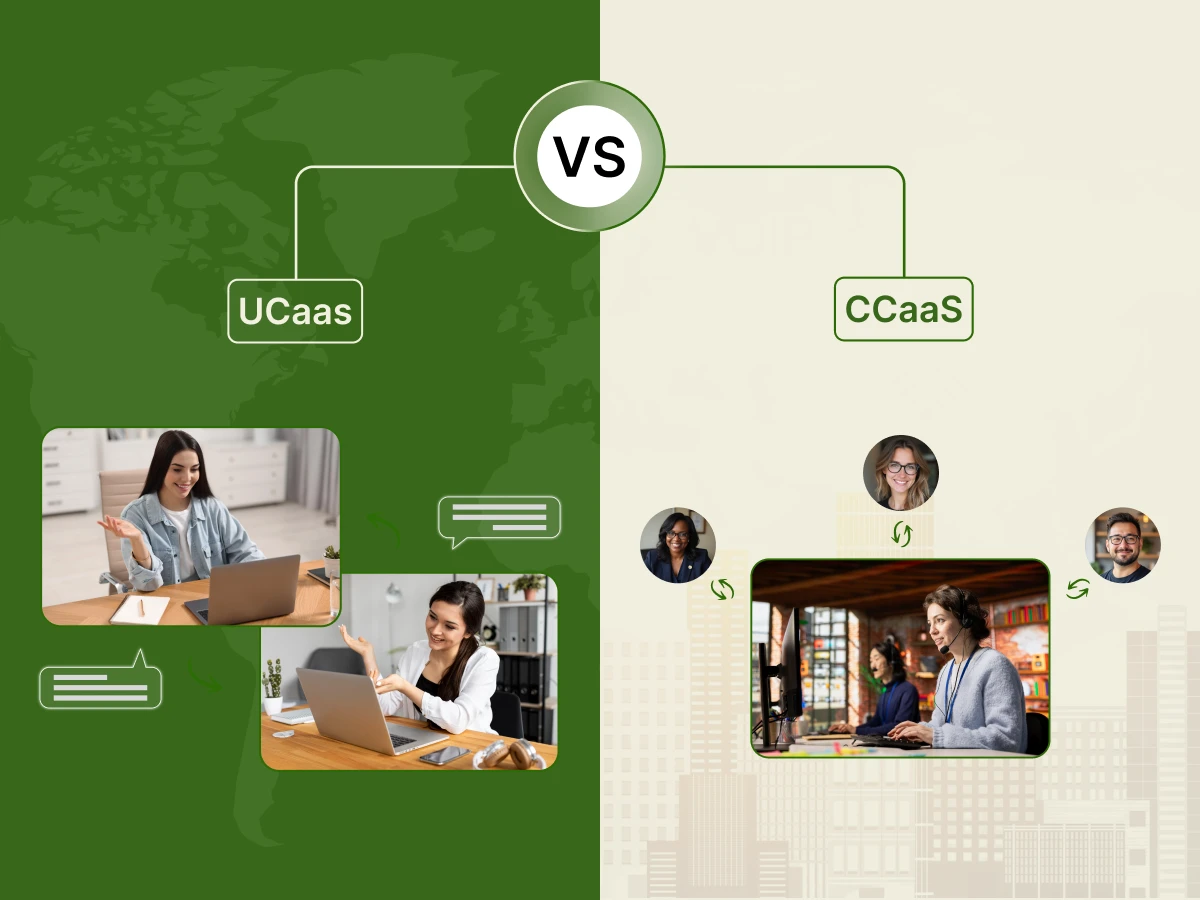
Modern business communication is more than just the business telephone. The success of the appropriate business tools will be determined by whether it is coordinating the global teams or resolving the customer problems. In the context of the firms abandoning on-premises contact center in favor of the cloud, one tends to encounter two terms: UCaaS and CCaaS.
The choice of the appropriate technology is a serious affair. The improper stack will break the connections between teams and frustrate the customers. On the other hand, the correct decision enhances the experiences of employees, reduces expenses, and increases customer satisfaction. Since such tools are based on the cloud, a successful rollout is based on the availability of a reliable internet connection.
This guide will explain the UCaaS vs. CCaaS controversy compared to SaaS and CPaaS, the advantages of AI-powered CCaaS, and the reasons why an integrated solution is optimal, as discussed in the following sections.
While both are cloud-based (SaaS) business tools that replace on-premises contact centers and hardware, they solve different business problems.
| Feature | UCaaS | CCaaS |
|---|---|---|
| What it stands for | UCaaS stands for Unified Communications as a Service | CCaaS stands for Contact Center as a Service |
| Primary Goal | Streamline employee experiences and internal collaboration | Improve customer experience and sales performance |
| End Users | All employees (HR, IT, Finance, Marketing) | Support agents, sales reps, and supervisors |
| Core Channels | Internal voice, video meetings, and chat | Business phone, email, SMS, and live chat |
| Specialized Tools | Presence indicators, screen sharing, and file storage | IVR, ACD, and AI-powered CCaaS tools (sentiment analysis) |
| Common KPIs | Employee productivity and system uptime | First-call resolution, CSAT, and Average handle time |
| Integrations | Project management (Slack, Trello, Teams) | CRM (Salesforce, Zendesk, HubSpot) |
We should examine the reasons why this discussion is occurring at this time before delving into the definitions. In the past, companies used to have a phone closet, a room with wires and costly equipment referred to as an on-premises PBX (Private Branch Exchange). In case you needed to hire a new staff member, you had to have a physical wire to their desk.
Then there was the pandemic, and the world changed. Employees appeared, of a sudden, everywhere. They were not just in the office, they were in bare bedrooms, cafes, or other time zones. The former physical phone systems were unable to cope. This change increased the use of cloud-based solutions.
Cloud systems are in use today due to the flexibility, scalability, and cost-saving benefits. But “the cloud” is a big place. It has spawned two particular models, which are used to manage various forms of communication: UCaaS with your team and CCaaS with your customers.
UCaaS stands for Unified Communications as a Service. You can take it as your digital office. It is designed to help your employees communicate with each other. It helps in bringing your voice, video, instant messaging, and file sharing into a single platform. Let’s break down its acronym.
A good UCaaS solution (such as Zoom, Microsoft Teams, or RingCentral) typically comprises:
Some of these communication tools may already be in use and you might not know they are under the umbrella of UCaaS.
CCaaS stands for Contact Center as a Service. This is your digital storefront. It is designed specifically for external communication, the interactions between your contact center agents and your customers.
While UCaaS is for everyone in the company, CCaaS is the specialized tool for your support and sales team. It focuses on providing an omnichannel customer experience, a topic covered in depth in
In the past, we had “call centers” where people only handled phone calls. Today, customer expectations are higher. They want to reach you via:
A CCaaS platform takes all these different communication channels and puts them into one interface for the agent. This is the core of an Omnichannel Contact Center. If a customer starts a chat on your website and later calls you, the agent has the history of that chat ready to go.
A CCaaS solution (like Five9, Talkdesk, or Amazon Connect) includes advanced tools to enhance customer satisfaction:
To help you decide choosing between UCaaS and CCaaS, let’s look at the five biggest differences.
The simplest way to remember the difference is the direction of the talk.
UCaaS features are built for collaboration. You need video conferencing and file sharing.
CCaaS features are built for efficiency. You need call queuing, interactive voice response (IVR), and call center analytics. While both use voice video, the reason for the call is different.
Every single person in your organization likely needs a UCaaS license. From the CEO to the receptionist, everyone needs to stay in the loop.
However, only your contact center agents, support staff, and sales representatives need CCaaS. It is a specialized tool for people whose primary job is handling customer service interactions.
A UCaaS solution usually integrates with productivity apps (like Google Drive or DocuSign).
A CCaaS platform must prioritize CRM integration (with tools like Salesforce) to create a unified customer view, so the agent knows exactly who is calling and why. The goal is to create a unified customer view, so the agent knows exactly who is calling and why.
UCaaS gives you basic data: Who is using their phone? How long are the meetings?
CCaaS gives you deep, actionable data. It tracks problem resolution rates, wait times, and real-time agent performance. This data helps you improve customer experience and lower costs by making the team more efficient.
There are merits and demerits to every technology. The knowledge of these assists you in managing expectations.
In order to get to the bottom of the UCaaS vs. CCaaS meaning, we shall consider CPaaS and SaaS.
Picking the right system requires a clear plan. Follow these steps to audit your needs.
Begin with the question: What am I trying to solve?
Consider what business tools you already have in place. When you use Salesforce to do it all, you must have a system and Salesforce compatible with it. Assuming that you use Microsoft 365, you could consider Microsoft Teams as your UCaaS.
UCaaS is typically priced per user per month. It is very affordable for general office use.
CCaaS is priced per agent. It is more expensive because of the advanced analytics and routing features.
For many modern organizations, the answer isn’t one or the other. The answer is an integrated UCaaS and CCaaS approach. Why Integrate? In many companies, the back office (employees on UCaaS) and the “front office” (agents on CCaaS) are separated. This creates silos.
Imagine a customer calls your support agent (CCaaS) with a complex billing question. The agent doesn’t have the answer, but they see that the billing manager is “Available” on the company’s instant message app (UCaaS).
With an integrated UCaaS and CCaaS system:
This streamlines workflows, lowers costs, and leads to a massive improvement in customer experience. Companies like Dialaxy, 8×8, and Nextiva offer these integrated UCaaS platforms to ensure internal and external communications are perfectly synced.
Why does this matter so much? It comes down to how humans react to technology.
Employees today suffer from “App Fatigue.” Switching between email, Slack, Zoom, and a desk phone is exhausting. It breaks their focus. A UCaaS solution removes this stress by providing a single platform. When communication is easy, productivity goes up.
Customers feel valued when you respect their time.
A law firm has 20 lawyers working across three cities. They don’t have a “customer support” line, but they have a lot of internal and external meetings with clients.
A company sells specialized drones online. They get 500 questions a day about shipping and technical specs.
A local bank wants to provide a personal touch.
Pick the answer that fits your current business situation best.
Results:
Once you’ve decided on UCaaS or CCaaS, how do you ensure it works?
The best technology is useless if people won’t use it. Provide clear training sessions. Show the contact center agents how Agent Assist makes their lives easier. Show the remote team how video calls can replace long email chains.
Since these are cloud-based solutions, your network is your lifeline. Make sure your IT department checks your bandwidth. You don’t want your UCaaS platform to fail during a big sales pitch because the office Wi-Fi is overloaded.
You don’t need every feature on day one. Start with voice calls and instant message for UCaaS. Start with voice calls and IVR for CCaaS. You can always turn on omnichannel features like SMS or Social Media once your team is comfortable.
Before you integrate with a CRM like Salesforce, make sure your customer data is clean. CCaaS is only as good as the information it provides to the agent.
The next big shift in business communications is Artificial Intelligence. We are already seeing this in:
The choice between UCaaS vs. CCaaS is a critical one for any business.
Understanding the difference between UCaaS and CCaaS is key. It helps you recognize that while they are both cloud-based solutions, they serve two different masters.
We encourage you to look at your business as a whole. Don’t let your team work in silos. By using integrated UCaaS and CCaaS tools, you create a seamless bridge between your employees and your customers. This strategy leverages the strengths of both, ensuring a personalized touch in every interaction. Embrace UCaaS and CCaaS solutions today to build lasting relationships and a more productive business.
Neither is “better.” UCaaS is more effective for internal teamwork, while CCaaS is more effective for managing high-volume customer support. Most successful businesses use both.
If you are still paying for on-premises hardware maintenance, or if your team is struggling to work remotely, it is time to look at cloud-based communication.
They both use voice and video, which are great for conveying emotion. However, CCaaS includes tools like call whispering and sentiment analysis to help agents manage customer interactions more effectively.
Yes. Most leading UCaaS providers, such as RingCentral and Nextiva, offer CRM integrations. However, CCaaS platforms generally provide deeper customer data integration and advanced workflow capabilities.
Use an omnichannel CCaaS platform. It allows agents to manage voice calls, SMS messages, and other communication channels from a single interface without losing conversation history.
For very small teams handling occasional customer calls, UCaaS may be sufficient. However, businesses that need call routing, call queues, analytics, or workforce management should use a dedicated CCaaS platform.
Yes. Cloud-based communication systems reduce hardware expenses, minimize maintenance costs, lower IT workloads, and improve operational efficiency, often resulting in significant cost savings.
