

VoIP Jitter and Latency: Causes, Thresholds, Testing & Fixes


Poor VoIP call quality can make even a simple conversation frustrating. Delays, choppy audio, or people talking over each other are often linked to two network issues: jitter and latency.
Latency is the delay in delivering voice data, while jitter refers to inconsistent packet arrival times. Both can affect how clearly and smoothly a VoIP call sounds.
In this guide, we’ll explain the causes of VoIP jitter and latency, the levels to watch for, how to test them, and practical ways to fix common call-quality issues.
Voice over Internet Protocol (VoIP) is a Telephone technology that provides voice over the internet as opposed to the most commonly used telephone lines. It converts speech into computerized information and sends it over an IP network.
VoIP can be highly beneficial to businesses because it is economical, flexible, and has the ability to work remotely. It also includes additional services such as call forwarding, voicemail-to-email, and video calls, and it does not need intricate hardware.
VoIP comprises a significant aspect of modern communication since companies turn to digital tools. However, it is responsive to the manner in which the network is functioning, and because of that fact, both jitter and latency are significant in terms of being taken into consideration.
Let’s discuss the subject of latency and jitter independently, and people need to know how each of them can have specific connotations toward the performance of VoIP communications.
Latency: VoIP latency is the delay between when voice data is sent and when it reaches the other person. The longer this delay becomes, the harder it is to have a natural conversation.
Jitter: VoIP jitter is the variation in the time it takes voice packets to reach their destination. Instead of arriving at regular intervals, some packets arrive early, and others arrive late. This can make speech sound broken, choppy, or distorted.
Both jitter and latency affect the quality of VoIP calls, but the two notions are different. The easiest way to tell them apart is to think of latency as delay and jitter as inconsistency. Latency makes a voice conversation take longer to reach the other person. Jitter causes packets to arrive at different times, which can affect how the audio sounds.
Here’s the breakdown of the jitter and delay difference:
| Metric | Latency | Jitter |
|---|---|---|
| What it is | Latency is the block of time it takes a packet to travel via the network | Jitter refers to the variation in packet arrival times, causing inconsistent delays. |
| How it’s measured | Measured in milliseconds (ms), latency shows the total delay in transmission. | Measured in milliseconds (ms), jitter shows how much packet timing varies over the network. |
| Effect on calls | Due to high latency, VoIP conversations and video calls have lag, echoes, and delays. | Jitter creates jumpy sound, robot-like sounds, and lost words when making calls. |
| Analogy | Like a steady traffic jam, delay is consistent but slow. | Like stop-and-go traffic, packets arrive unevenly, causing disruption. |
The distinction between latency and jitter assists in enhancing call quality and promoting the network. This will be ensured by monitoring the frequency of such measures using speed tests and monitoring software to be sure that they have not been overused. Jitter and latency could also be addressed through a reduction in traffic congestion, as well as optimization of traffic in the network.
It is important to realize what jitter and latency limits are acceptable in order to achieve high-quality VoIP communication. When such metrics are beyond the recommended levels, the quality of calls is compromised, resulting in frustration and loss of business.
A one-way latency experienced in a VoIP connection usually cannot exceed 150 milliseconds (ms). A latency greater than this might bring about the existence of obvious delays, reverberation, or overlapping speech. To get optimal performance, the latency should be less than 100 ms.
Jitter can be defined as the random changes in the times the packets arrive. The tolerable value of jitter is less than 30 ms. Greater jitter results in stuttering, broken audio, distorted voices, and occasionally missing words.
While not jitter or latency, packet loss worsens call quality. Keep packet loss below 1% to avoid interruptions.
Such acceptable levels are an essential mark in speed tests, jitter, and latency tests. When you start spotting values higher than these regularly during your tests, you are in no doubt that your network has issues causing network congestion and affecting your network latency.
Avoiding compromised jitter and latency is what makes your VoIP audio and video calls clear. This also assures that your business communications are professional and have no sudden drawbacks.
Whether you are asking the question, “Why do I have jitter and latency?” or “How do I measure jitter and latency? To ensure you remain on top of your call quality, regularly check your network traffic, perform bandwidth and speed tests, and consider using call filtering to prioritize important calls and reduce unnecessary network load.
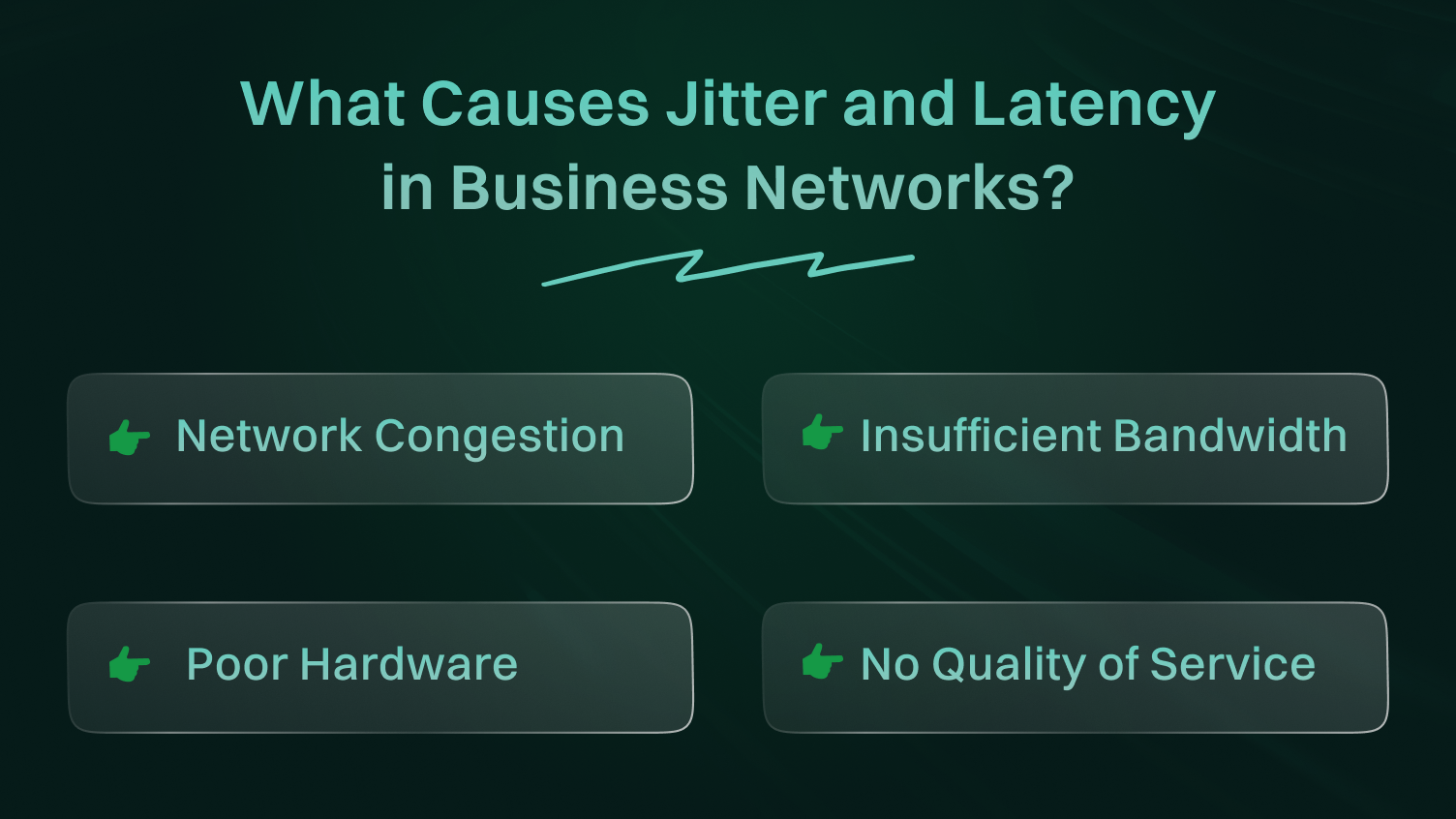
VoIP jitter usually appears when voice packets do not travel through the network at a steady rate. Congestion, unstable Wi-Fi, packet loss, overloaded equipment, and poor network configuration can all contribute to the problem.
This is the number one cause. Your network only has a finite amount of capacity (bandwidth). When too much network traffic tries to use that capacity at once, packets get delayed or dropped.
Think about your office at 10:30 AM. You have people on VoIP calls, others in a Zoom meeting, someone in marketing streaming a 4K product video, and an automated cloud backup kicking off. All of that data is fighting for priority on the same digital highway. VoIP packets are sensitive and time-dependent; they cannot just wait in line.
Sometimes, your internet connection is simply not big enough for your business needs. Many businesses purchase a cheap plan and expect it to handle the demands of 20+ employees. It will not work.
Not only must you provide bandwidth to satisfy your average usage rate, but you must also have enough bandwidth to satisfy your peak usage. If your pipe is too small, then there is nothing left to expect other than congestion, and your real-time audio and video traffic will be the most affected.
Your corporate router was not meant to be in a business setting unless there is some corporate use case. Such devices do not possess the processing capability and the high-end features to sustain high network traffic.
Wi-Fi is not automatically a problem for VoIP, but an unstable wireless connection can increase jitter and packet loss. Signal strength, interference, network congestion, and the number of connected devices can all affect call quality.
This is a massive, although under-represented, problem. With a QoS policy lacking, all data is treated equally within your network. Your CEO’s critical client call has the same priority as an intern’s Spotify stream. This is insane. QoS is a router feature that allows you to create a VIP lane for your time-sensitive VoIP traffic.
It tells the router to always prioritize voice and video packets over less important data like emails or file downloads. Not having QoS is like running an airport with no air traffic controller.
Now that you know the likely causes, you can start looking for them on your own network.
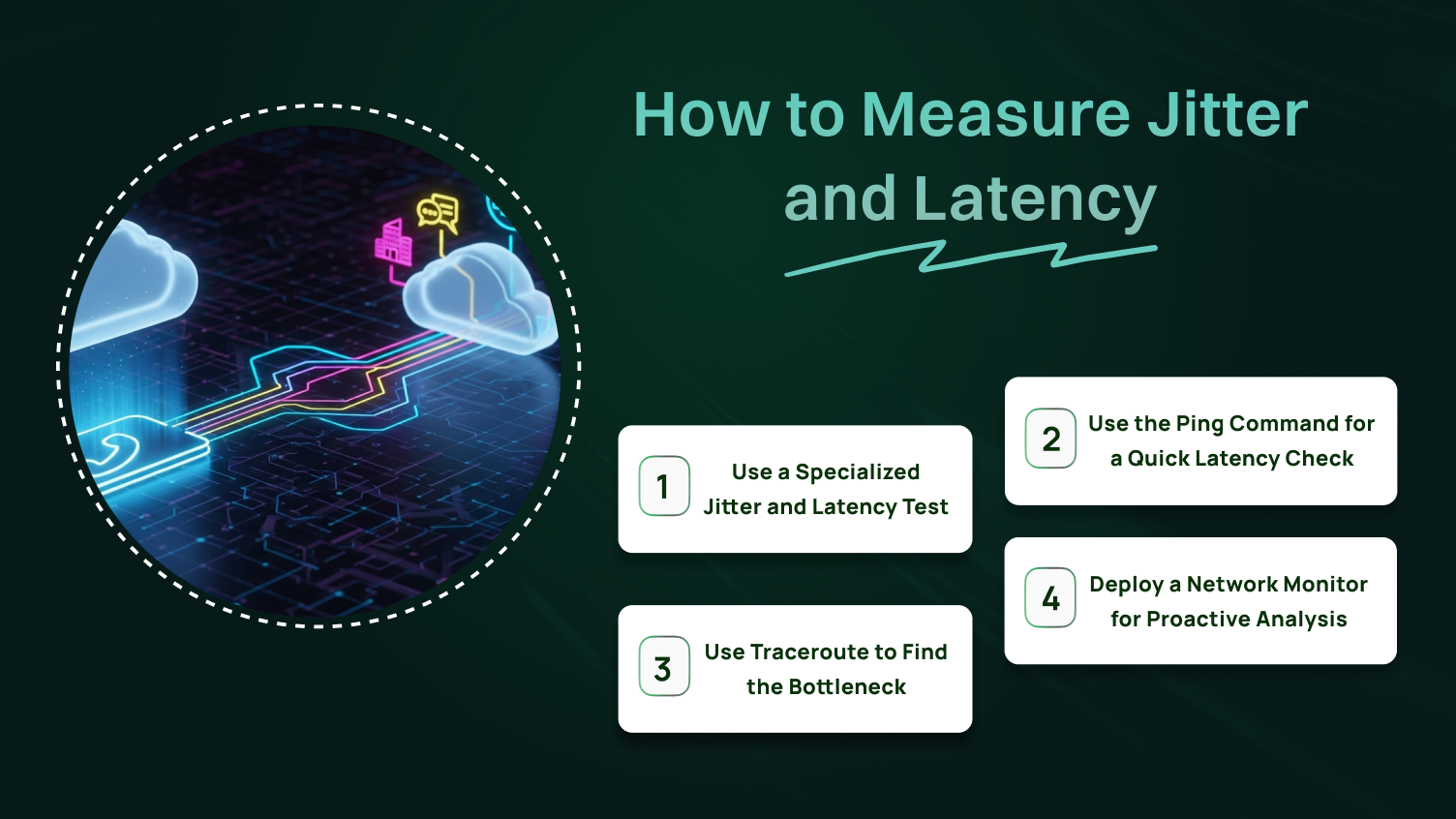
Before changing your network setup, find out which metric is actually causing the problem. A VoIP quality test can show jitter, latency, and packet loss, while tools such as ping and traceroute can help identify where delays occur.
Do not just use a standard speed test. While those are fine for checking your overall download speed, you need more detail. Search for an online “speed test with jitter and latency” functionality. These speed tests are specific to VoIP and will provide you with 3 important figures, namely: latency (or ping), jitter, and packet loss. Repeat the test several times during the day to get a sense of how your network performs when you have various loads.
It is an easy tool embedded in every computer. In the terminal (or command line on a Mac). The results of the example above show the time” value that you will see is your time taken in round-trip or network latency to that server. It is a fast and simple method of knowing whether you are having a general delay issue or not.
When the ping test results indicate high latency, you should determine where this latency originates. When using the traceroute command(tracert in Windows), you can see all of the hops or network devices that your data is sent through until it reaches the destination. When you notice a sharp increase in milliseconds (ms) at a certain hop, that is probably the cause of your slowdown.
For ongoing network management, IT teams should use dedicated network monitoring tools. These platforms provide continuous latency monitoring and jitter monitoring, creating graphs and alerts. This allows you to spot trends and fix potential network issues before your users even notice a problem.
Using these tools will move you from complaining about bad calls to diagnosing them with data.
The symptoms can give you a useful starting point. If conversations have a noticeable pause, latency may be the issue. If the other person sounds robotic or words keep breaking up, check jitter and packet loss first.
| What you notice | Check first |
|---|---|
| Noticeable delay between speakers | Latency |
| Robotic or choppy voice | Jitter |
| Words disappearing | Packet loss |
| Problems during busy periods | Congestion |
| Problems only on Wi-Fi | Wireless connection |
If your tests show high VoIP jitter, your priority is to create order out of chaos. These strategies are specifically for fixing jitter.
A jitter buffer is your first line of defense. It is a small area of memory in your VoIP phone or software that acts as a waiting room for incoming data packets. It intentionally holds the packets for a few milliseconds (ms) to reorder them correctly before playing the audio. This inculcates an easing of the inconsistencies induced by jitter.
The jitter buffer of most VoIP equipment changes itself automatically, but on certain occasions, it may require manual tuning. Take note that there is a massive jitter buffer latency trade-off and that a high value will create a significant latency in the call.
This is the most powerful solution for both jitter and latency. We have mentioned it before, but it is so important that it needs its own section. Access the settings of your business router and locate QoS or Bandwidth Management.
Make a rule that sets the highest priority to the ports or IP addresses where your VoIP phones are utilized. This has the added advantage that when your own network congestion is bad, your voice packets get to jump to the head of the queue.
Wi-Fi is not a given; it is a convenience. It is vulnerable to attack by other gadgets, the wall, and even your neighbor’s network. Use good Ethernet cables on any stationary VoIP handset, such as a desk phone or a main workstation.
This will bring a stable, dedicated, and interference-free connection, which will significantly minimize network jitters. These steps are designed to bring predictability back to your data flow.
If network latency is your primary issue, you want to reduce and clean the route your data takes.
Sometimes the solution is just to get a bigger pipe. Conduct bandwidth tests during your busiest hours. If you are consistently using more than 80% of your available bandwidth, your network is choking. Call your ISP and upgrade your plan. It is one of the simplest ways to reduce latency caused by a saturated connection.
Check to see whether you can do more with what you own before you purchase more bandwidth. Run big data moves, software updates, and cloud backups at night or instead of business hours. Through a network monitor, display any potential applications that are consuming excessive bandwidth and are not critical to running a business, and consider blocking or restricting them.
Not all providers are created equal. The physical distance between your office and your provider’s data centers can contribute to latency. A provider with a geographically distributed network can route your calls more efficiently. During selection, also ask your provider about their network infrastructure and where they have their servers. The major part in reducing that irritating delay is to optimize pathways in the network.
You should not call your provider to complain until you have done your own homework. You will sound more professional and get a faster resolution if you can provide them with data. It is time to call them when:
When you can present them with this evidence, you change the conversation from “my calls are bad” to “I am seeing 180ms of latency starting at your ‘xyz.provider.net’ hop.” That is a problem they cannot ignore.
This approach makes you a partner in solving the problem, not just a complainer.
VoIP has the potential to make business communication fast and easy, but only when the quality of the call is reliable. Delay problems that may lead to dropped calls or words, jagged audio, or jittering are also frequent problems. The bright side of the story is the fact that these could be addressed through the correct actions.
An important thing to help you identify problems early is to sit there and check your network on a regular basis. Change your router configuration, turn on Quality of Service (QoS), and update your hardware. Such measures will minimize delays and ensure that your calls are smooth.
Should issues persist, get thorough test results and get in touch with your provider. The exchange of certain information assists in determining and resolving problems quickly. Proactiveness enables your calls to remain clean, business-like, and consistent at all times.
Don’t let jitter and latency compromise your professional reputation. Switch to Dialaxy today and ensure every customer conversation is seamless.
A good latency for VoIP calls is generally under 150 milliseconds (ms), with under 100 ms preferred for clear, real-time conversations. The acceptable jitter should be less than 30 ms to avoid choppy audio or distorted voices. Keeping jitter and latency within these acceptable levels ensures quality VoIP calls and smooth audio and video communication.
You can check jitter and latency using speed tests, bandwidth tests, or VoIP-specific monitoring tools. These tests measure network traffic, round-trip time, and jitter buffer latency to reveal any irregularities affecting your network performance and VoIP calls.
If jitter is too high, packets arrive inconsistently, leading to choppy audio, robotic voices, and dropped words in video calls and audio and video communication. High jitter affects the overall quality of service (QoS) and disrupts real-time conversations.
Latency and jitter are often caused by network congestion, unstable network connectivity, overloaded network devices, or poor network management. Heavy network traffic and inefficient routing can increase delay and packet timing variation.
Jitter and latency are measured in milliseconds (ms). Latency measures the time for packets to travel back and forth (round-trip time), while jitter measures the variation in packet arrival times. You can use network monitors, speed tests, or specialized jitter monitoring tools to get accurate readings.
To reduce jitter and latency, manage network congestion and prioritize voice traffic with Quality of Service (QoS). Run regular speed tests and bandwidth tests to monitor network latency. Using wired Ethernet cables and reliable network devices also helps improve call quality and stabilize audio and video.
