

What is Call Center Software, and How Does It Work?


Call center software helps businesses manage inbound and outbound customer calls through features such as IVR, call routing, call queues, recording, analytics, and CRM integration. Modern platforms can also extend beyond voice to support chat, SMS, email, and other digital channels.
In this blog, we’ll walk you through its definition, how it works, its types, key features, and benefits. Plus, you get to explore the 11 best call center software options in 2026, along with a step-by-step guide on how to choose the right solution for your business.
Let’s dive into it right away.

Call center software is a comprehensive digital solution or a suite of tools that allows businesses and call centers to handle/manage customer communications smoothly.
The customer interactions mostly include product or service inquiries, booking, technical support, billing inquiries, order status, feedback, and general customer support.
Though call centers used to handle only voice communications in the past, today, thanks to evolving technologies, they can handle customer interactions coming from calls, messages, chats, and more, all from a single platform.
A call center solution supports both small businesses and large enterprises. A reliable call center solution can handle all digital channels like social media channels, live chat, messaging apps, emails, and SMS.
Businesses of today use cloud-based call center software; hence, agents can work from anywhere- at home, in an office, or on the go- using a mobile app, ensuring all call center operations run smoothly.
| Aspect | Call Center Software | Contact Center Software |
|---|---|---|
| Main focus | Primarily voice calls | Voice + digital channels |
| Channels | Inbound and outbound calls | Calls, chat, email, SMS, social media, and more |
| Customer view | Mainly call history and customer details | Customer interactions across multiple channels |
| Best for | Businesses focused mainly on phone support | Businesses managing customer communication across multiple channels |
Call center software incorporates multiple other tools to help customer communication run seamlessly.
Now, let us understand what goes on behind the scenes in a call center system when a customer places a call.
Here’s how call center software functions:
1. Customer contacts the business:
First, a customer reaches out through a phone call, a chat on social media, a WhatsApp message, or other means. They may have come across a product issue or failed to make a payment, initiating a call instantly.
2. IVR identifies the customer’s intent:
Now, the call center software is activated by Automatic Call Distribution (ACD) and omnichannel routing, which routes calls to the appropriate call center agent. More sophisticated systems may include an AI voice or virtual agent to greet customers or perform simple tasks.
3. ACD routes the interaction:
Then, the smart call routing selects the best available agent. The agent and supervisor have access to the customer’s history, past interactions, and behaviors through tools like agent assistance and management tools.
4. The agent handles the interaction:
The agent utilizes workflow automation and other features, such as generative AI, to provide customer support across multiple communication channels, enhancing the customer journey and building stronger customer relationships.
5. The agent handles the interaction:
Things aren’t over even when the call is over. After the call ends, the system updates customer data and sends surveys to measure customer engagement or satisfaction.
6. Call data is recorded and analyzed:
Next, the system tracks average wait times, agent performance, call outcomes, and quality assurance. With real-time dashboards, businesses can monitor live performance in real-time.
7. Managers use insights to improve operations:
A call center platform suggests better journey orchestration and reduces customer calls using smart AI agent solutions. Through Workforce management, agents receive feedback and coaching, ensuring long-term customer success.
Therefore, call center software works by connecting customers to the appropriate agents, providing them with the necessary tools, scripts, and reports to handle conversations empathetically, and using call data to improve overall customer service.
Now you know how a call center solution works, but that’s just the beginning. The next important thing to explore is its types, categorized under several headings.
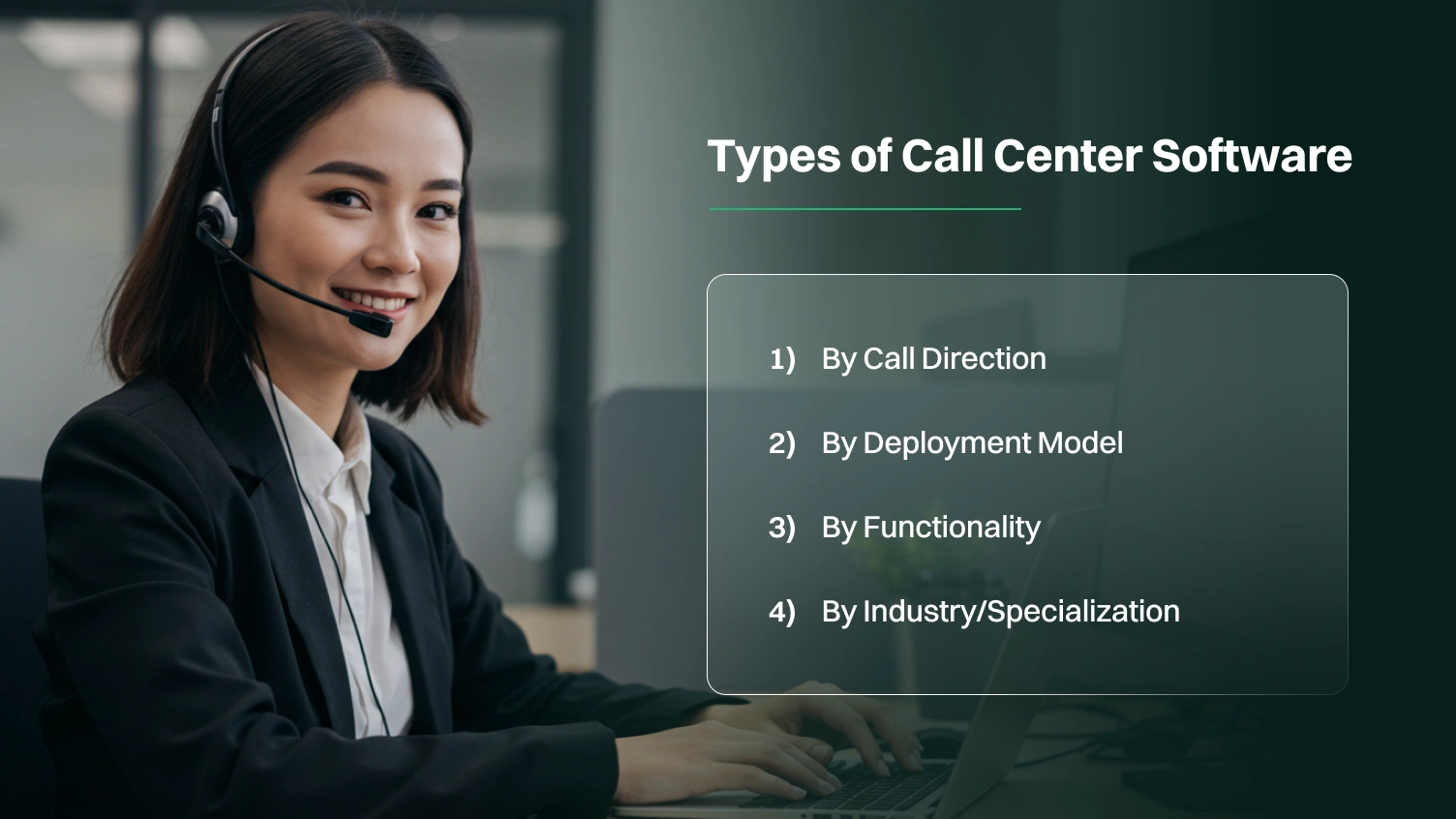
Some call center platforms handle calls, while others handle a mix of emails, chats, and social media messages. The call center solution perfect for your business depends on your business’s needs, size, mission, and the kind of customer communications you manage daily.
So, let’s take a closer look at the main types of call center software, categorized by direction, deployment, functionality, and specialization.
Inbound call center software, as its name suggests, is designed to manage incoming customer calls. It focuses on answering questions, resolving issues, and improving customer satisfaction.
It offers IVR (Interactive Voice Response) functionalities to guide callers, ACD (Automatic Call Distribution) so calls can be sent to the right agent, call queuing when there is a high volume of calls, and agent desktop tools to access customer history.
This system is primarily geared towards handling outgoing calls to customers for telemarketing, surveys, and outbound campaigns, with many prominent functions like predictive dialing, call scripting, workflow automation, and campaign management.
It’s suited for telemarketing campaigns, setting appointments, or collecting consumer data. It supports personalized service to each customer and helps foster an environment for better customer interactions.
A type of call center solution that allows businesses to combine customer interactions like voice, email, live chat, messaging apps, and social media into a single platform.
It enables agents to switch between digital channels easily, and they have visibility of the whole customer journey represented in a single view, which accelerates agent productivity. An enhanced customer experience adds trust and builds loyalty.
Also known as cloud call center software, it provides scalability while offering a more affordable means of supporting call center operations remotely, and agents can conduct their work virtually from anywhere for communication and operations.
Businesses do not need a whole tech team to manage it, which allows for reduced complexity in its deployment and is cost-effective. It supports unified communications, making it suitable for startups, remote teams, and large enterprises.
An on-premise system is like a traditional system that has servers and equipment in an office. You get complete control over the system; however, you must provide more maintenance and technical support.
It keeps the critical systems in-house; hence, it is suitable for companies with strict security needs or limited internet access, such as banks, governments, and healthcare organizations.
This hosted solution is actually a hybrid model, i.e., a mix of on-site and cloud features. It’s like renting a fully maintained apartment; you live in it, but the owner is somebody else.
It supports off-site hosting and remote access while providing real-time analytics and agent support. It is cheaper than an on-premises solution but not as flexible.
It is part of modern call center platforms that store customer data, which is made available to the agents during customer interactions to facilitate personalized customer support.
The unified customer profiles provide detailed customer information, their purchasing patterns, and behavior, making it easy to track success stories. This saves time, improves first-call resolution rates, and drives customer success.
It is a kind of call center solution that allows businesses to diligently plan, schedule, and manage their agents. It allows businesses to track productivity, forecast call volumes, and confirm an adequate supply of agents during peak hours.
It helps organizations with staff scheduling and management. Tracking breaks and shifts, conducting performance reviews, and using quality assurance measures are also important in measuring agent performance.
It is basically designed for large companies that handle high volumes of customer interactions across multiple channels and countries. Its key features include journey orchestration and cross-channel customer interaction tracking.
Further, it provides real-time dashboards for multiple departments to track KPIs and uses partner portals to link sales, support, and service teams together. It supports global teams; hence, it is suitable for businesses that require top security and support.
It incorporates AI in customer service to help automate tasks, assist agents, and analyze calls with conversational analytics. AI helps automate repetitive tasks and provides 24/7 customer support through chatbots and voicebots.
AI can be viewed as a virtual agent that tirelessly works for you. It helps by reducing wait times, providing faster responses, and leading to a deeper understanding of customers and more data-driven decision-making.
This system can be especially valuable for growing businesses, enterprises, and e-commerce companies looking for faster, more precise, AI-enhanced responses.
A virtual call center solution is a cloud-based system that supports fully remote teams to work from anywhere in the world. With just a suitable device and internet, your team can handle customer communication smoothly.
With management software and tools like Quality Management software, performance analytics & reporting, and CRM integrations, your business can stay connected and productive all the time.
It is ideal for distributed teams, freelancers, startups wanting a flexible setup, and any businesses aiming to offer services without a physical call center.
So, whether you’re running a small team or a large operation, there’s a call center setup that fits your needs. You just need to be clear about your business objectives and needs.
Alright, now let’s move on to the next big thing, that is, the key features.
Key features of call center software include smart call routing & IVR, Call Recording, real-time analytics & reports, CRM Integration, Auto Dialers for Outbound Calls, and Agent-Friendly Tools.
These features improve call management, enhance agent productivity, and increase customer satisfaction.
Here is a detailed breakdown of the key features of call center software:
Smart call routing acts as a time saver for your business, as it routes each customer call to the best agent based on their query, language, location, and priority. It ensures customers don’t get bounced around, reducing call transfers, so it boosts their satisfaction.
It is most effective when used alongside IVR. You may recall IVR with “press 1 for sales, press 2 for support“. It allows customers to perform self-serve actions for simple tasks, which lowers the load on the agent.
Call recording, another crucial feature, automatically records all inbound and outbound calls between agents and customers. Such recordings serve as a reference to train new agents and help monitor agent performance.
Recordings can be used for agent training, quality assurance, and sometimes, dispute resolution. This ultimately improves customer communication through feedback, building accountability between customers and employees.
Businesses can track live call volumes, agent status, abandoned calls, average wait times, and call handling times through real-time analytics and reporting.
All such analytics help managers identify issues early on and make quick and smart decisions. Also, dashboards can be customized to improve overall call center operations.
CRM integration allows your call center to connect with your CRM system, so your agents have access to the customer details whenever they need them.
Agents can see customer names, purchase history, past interactions, and customer behavior. They utilize this data through auto screen pop during customer inquiries. This leads to personalized experiences and fewer call transfers.
Auto dialers are designed to automatically call numbers from a contact list, saving agents from having to dial each one manually. The call is routed to an available agent once it gets connected.
Some types of auto dialers include preview dialers (show agents the contact information before dialing), progressive dialers (automatically dial the next number once the agent is ready), and predictive dialers (use AI to call multiple numbers and connect when someone answers).
If you want to run outbound campaigns and collect customer data quickly, an autodialer is what you need.
Some common agent-friendly tools include a unified interface, access to knowledge bases, CRM integration, real-time call transcription, and more. These tools make work easier for call center agents and help them work faster, stay organized, and reduce stress.
Only when agents are stress-free does their productivity shoot up. Happy agents lead to happy customers. Hence, it improves overall service accuracy and quality.
Other important features include ACD, call queues, call monitoring, omnichannel routing, and more. Each of these features is pertinent to keeping your business operations organized, efficient, and productive.
So, how do these features translate into business benefits? Let’s explore that in our next section.
If you want to know the benefits your business can reap from using a call center solution, keep reading.
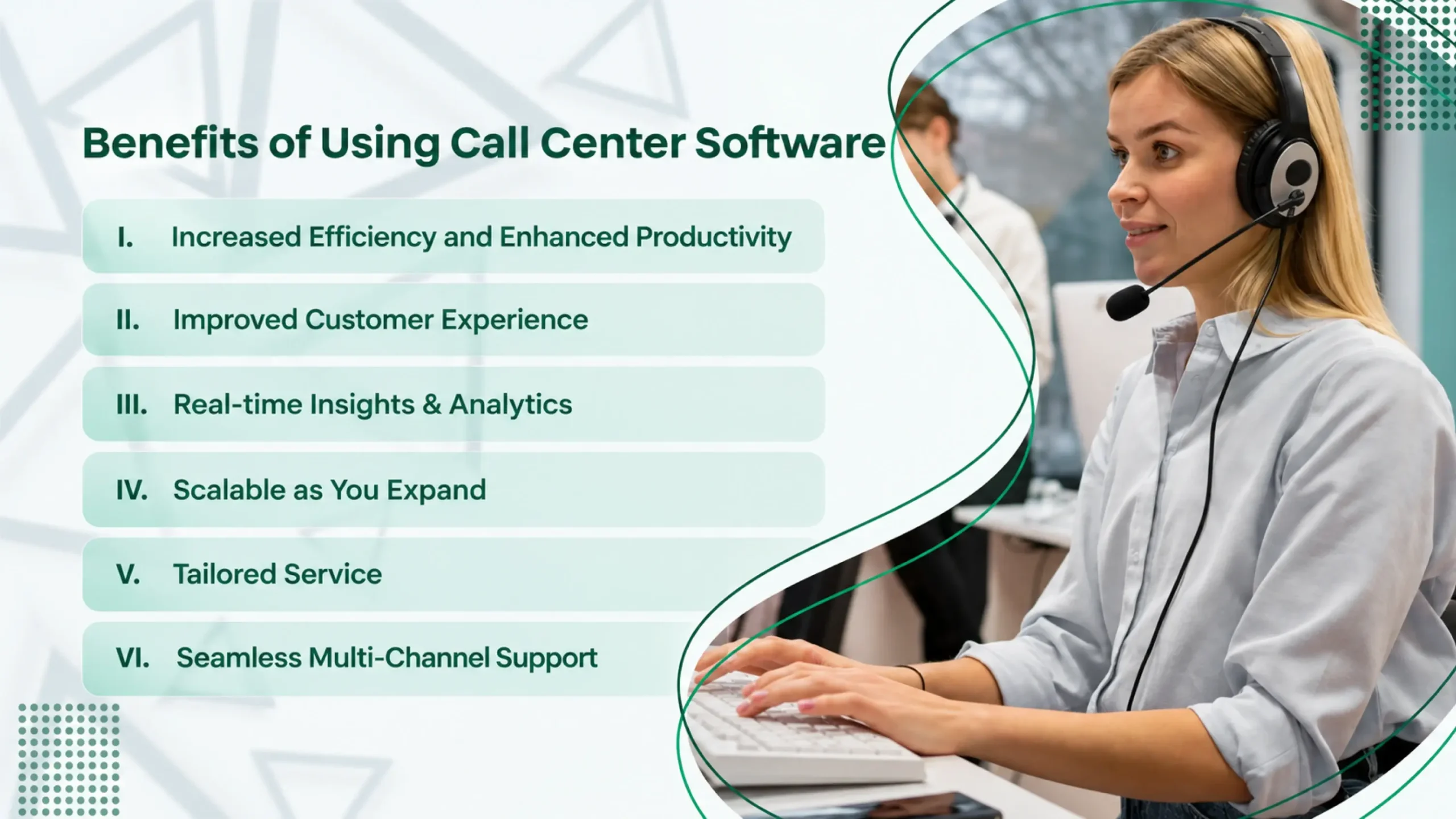
With the best call center software, agents won’t have to go through the hassle of switching between systems or manually looking up information.
The AI-powered suggestions and easy access to customer data allow them to focus on solving problems and serving customers. This improves agent performance, induces faster responses, and lowers call volumes due to quicker resolutions.
If you’re wondering how to retain customers, “the secret” is offering excellent service. With a reliable call center platform, you can deliver fast, friendly, and accurate support to your customers.
Since it supports personalized service, the customer relationship is bound to be stronger. Fewer call transfers or hold times mean less frustration and happier customers. Also, proactive follow-ups with them help develop a more caring experience.
Real-time insights and detailed analytics help managers and agents track what’s working and what’s not.
As we discussed above, businesses can track agents’ availability, average handle times, wait times, and even live customer satisfaction scores. This facilitates informed decision-making and enables better planning for staffing and resources.
One major benefit of a call center solution is its scalability. Businesses can add or remove agents instantly, depending on their needs. Don’t worry; there’s no need for additional hardware or infrastructure; hence, the setup cost is limited.
Also, it offers global access and a chance to grow into new markets easily. Businesses can maintain consistent service quality even though the team size changes.
As businesses expand and handle numerous customers, tools like AI in customer service, virtual agents, and generative AI help deliver tailored service to each customer.
The software is capable of suggesting suitable responses in real-time, automating common responses to save time, and handling simple and routine tasks before routing them to a live agent. This tailored approach supports long-term customer success.
Customers today feel comfortable communicating through their desired platform. They don’t prefer to rely simply on voice calls. Hence, they send messages on social media, chat on your website, or use messaging apps.
Features such as omnichannel routing and multiple channels allow you to receive all of those messages in one spot. This enables your team to respond faster across platforms and continue a smooth conversation.
Here, we present to you the 10 best call center solutions for 2026.
| S. No. | Providers | Key Features | Ideal For |
|---|---|---|---|
| 1. | Dialaxy | IVR, call routing, CRM integration, multi-platform access | Startups, Small and mid-sized businesses, and remote and hybrid teams |
| 2. | CallHippo | Auto and power dialers, CRM integrations, and intelligent call routing | Sales and lead generation teams and start-ups |
| 3. | Five9 | AI automation, predictive dialing, omnichannel, and analytics | Mid to large companies & outbound call centers |
| 4. | Genesys Cloud CX | Speech and text analytics, customer journey maps, omnichannel, and AI-driven routing | Mid to large enterprises |
| 5. | Dialpad | Voice intelligence, Omnichannel support, CRM | Digital-first business |
| 6. | CloudTalk | Smart call routing and IVR, advanced analytics and call recording, seamless CRM integrations, omnichannel support | Startups and SMBs, remote and hybrid teams, sales and support teams looking to scale |
| 7. | RingCentral | PBX capabilities, video conferencing, and real-time analytics | Growing businesses |
| 8. | Freshdesk | Multi-level IVR, contextual customer history, real-time analytics | Startups, E-commerce brands |
| 9. | Talkdesk | Speech analytics, WFM, AI virtual agents | Agile teams, support teams |
| 10. | Nextiva | Autodialers, omnichannel tools | Small to mid-sized plus growing companies |
| 11. | 8×8 | Speech and sentiment analytics, virtual agents | Enterprise businesses, global teams |
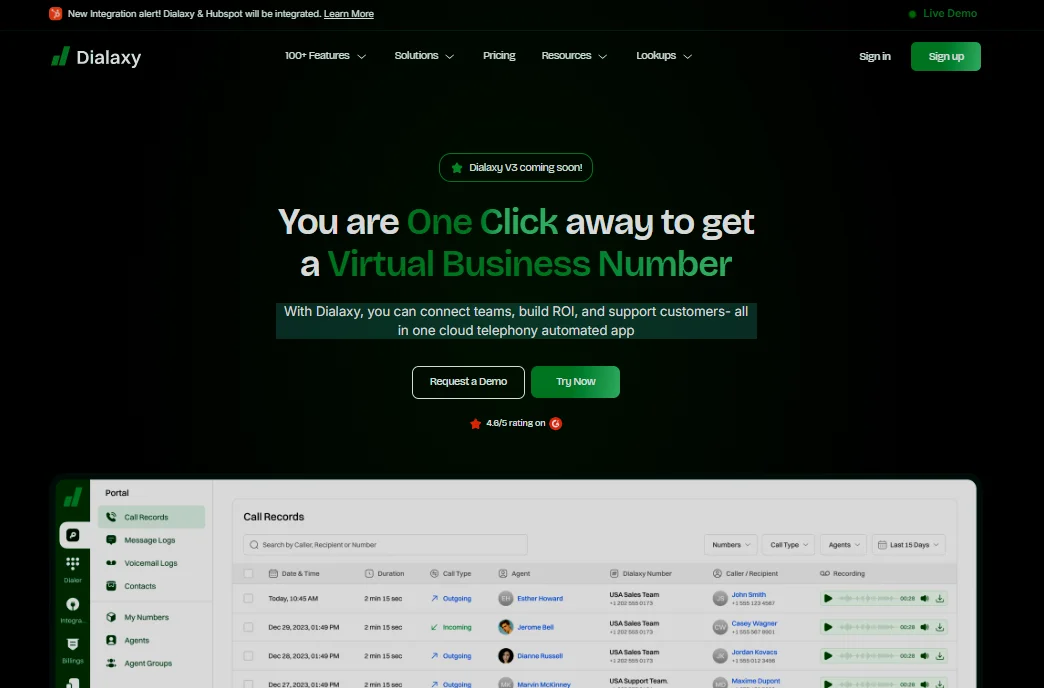
Dialaxy is a cloud-based call center software offering essential features and tools that support advanced business operations through virtual call centers. Dialaxy is recognized for its quick setup and global reach capabilities.
Features:
Best for:
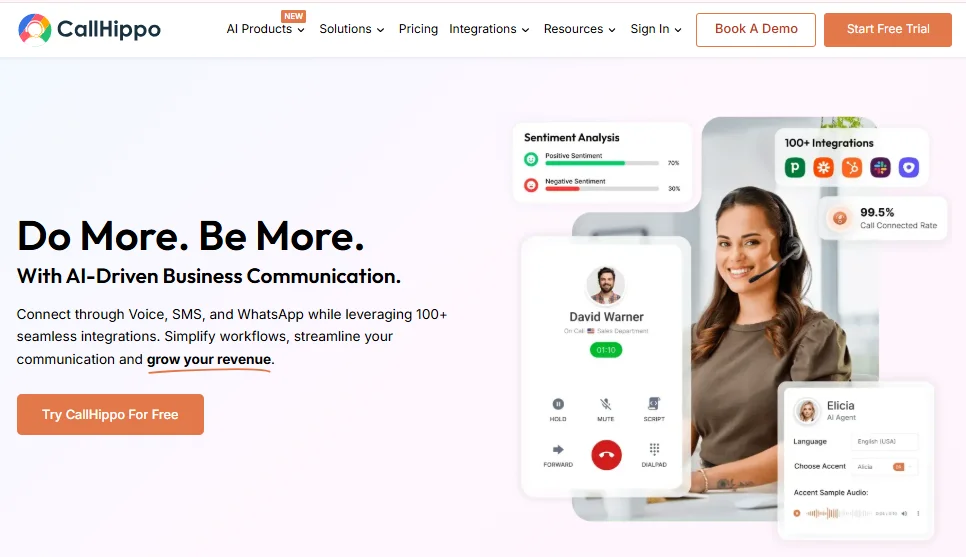
CallHippo, a cloud-based call center solution, is designed to help businesses handle sales, support, and call center operations.
Features:
Best for:

Five9 is a comprehensive, enterprise-level call-handling software designed to help organizations deliver prompt, dependable, and personalized customer service. If your organization desires extensive automation capabilities and high levels of scalability, Five9 could be the right fit for you.
Features:
Best for:
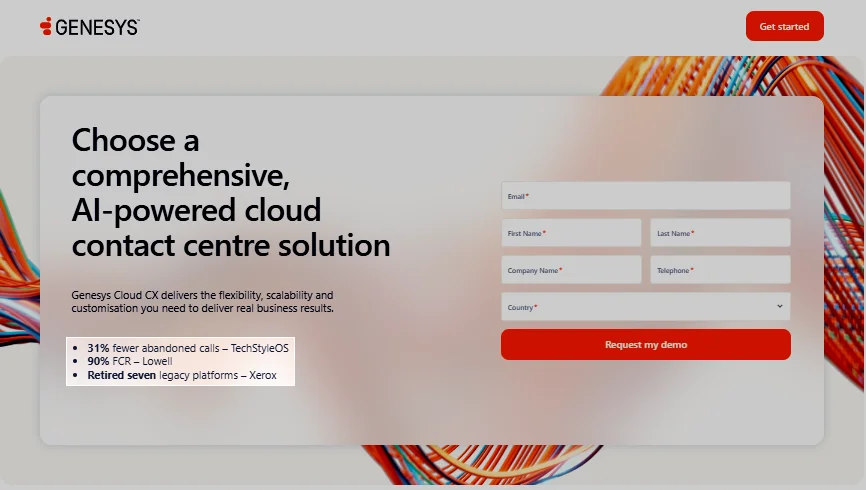
Genesys Cloud CX is one of the most advanced and flexible call center platforms available to businesses with global operations.
Features:
Best for:
If you have remote teams and are looking to simplify customer communication with AI tools, Dialpad is what you need.
Features:
Best for:
CloudTalk is a modern cloud-based call center software designed to help businesses improve their customer support and sales communication. It enables teams to manage inbound and outbound calls from anywhere, offering reliable voice quality and intuitive tools for efficient call handling.
Features:
Best for:
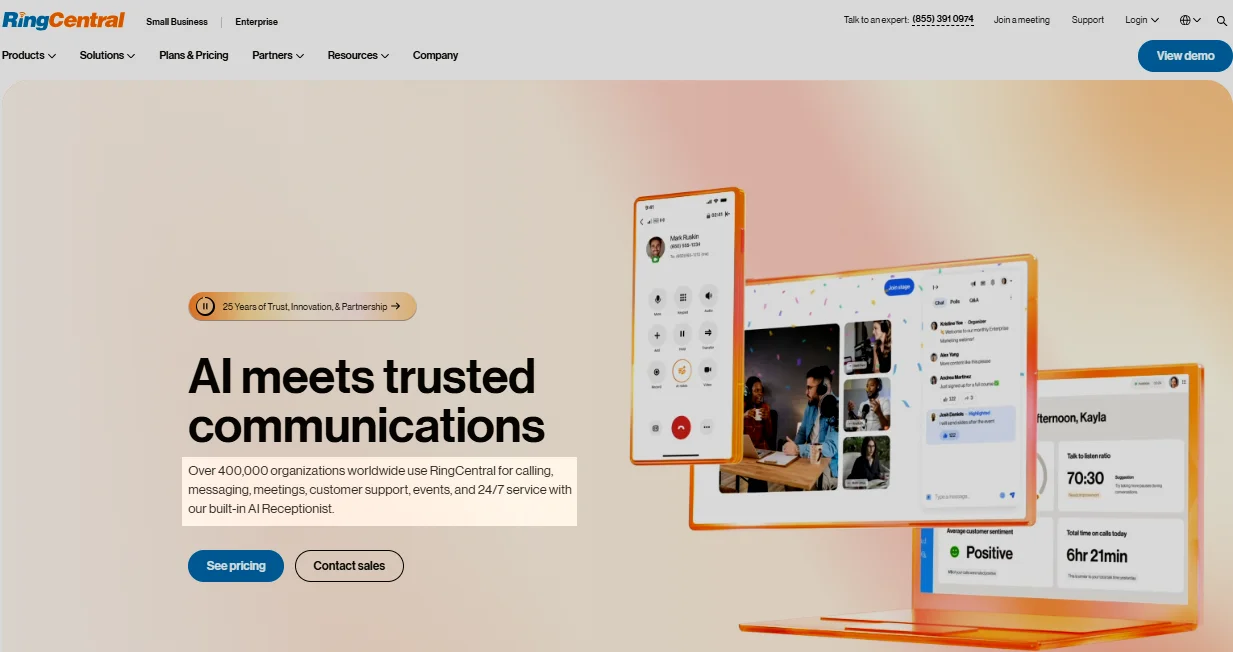
RingCentral, another popular solution, is part of the RingCentral ecosystem and helps your business consolidate customer interactions and deliver exceptional service at scale.
Features:
Best for:
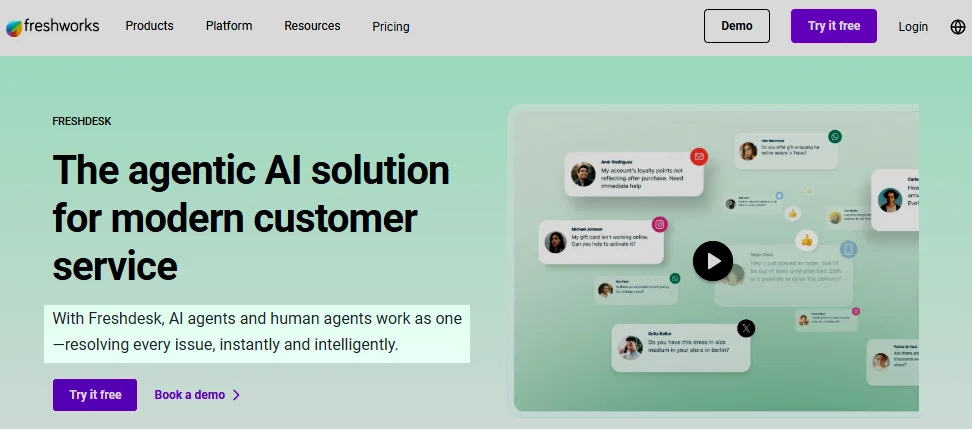
Freshdesk is a cloud-based call center solution offering powerful tools for customer support with quick setup.
Features:
Best for:
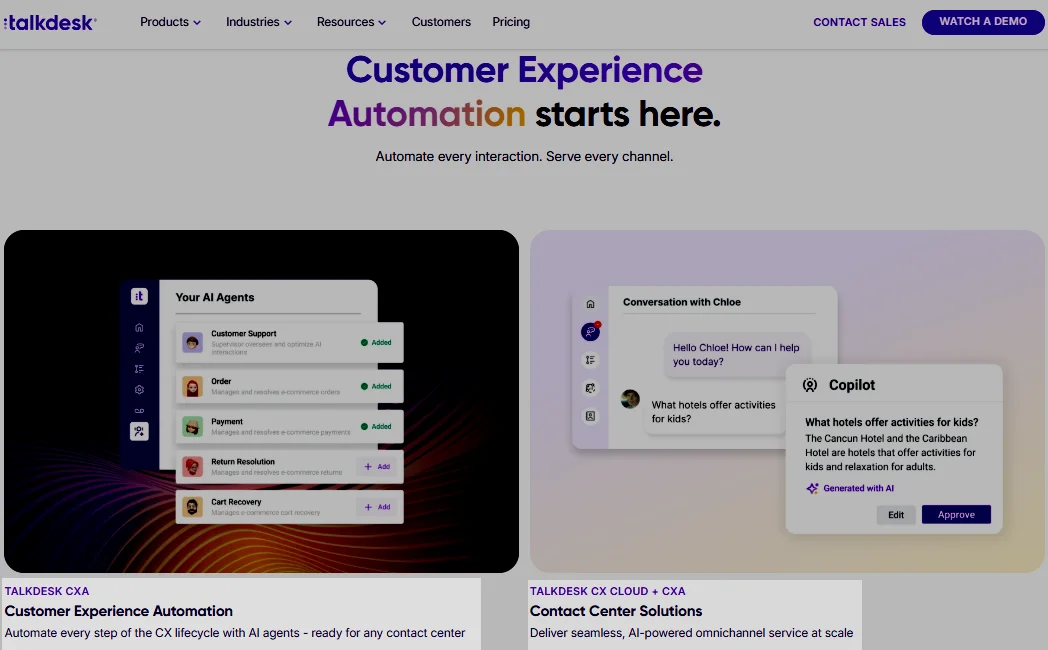
Talkdesk is a flexible, AI-enabled call center solution that could be exactly what you’re looking for. It offers flexibility, deployment speed, and automation that puts customers first.
Features:
Best for:
Nextiva offers a unified platform that combines business phone, call center, and collaboration tools in one place.
Features:
Best for:
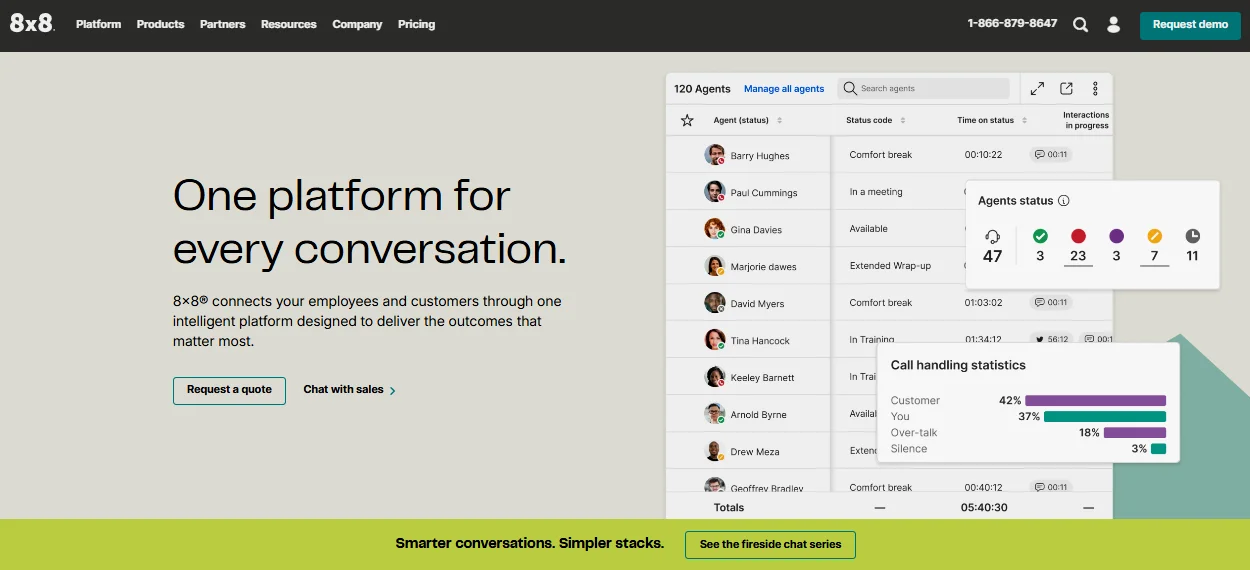
8×8 is actually an integrated component of the more robust 8×8 XCaaS platform and has innovative features to keep you agile, efficient, and data-driven in 2026.
Features:
Best for:
Each of these platforms has unique strengths. Make sure you compare multiple platforms and their features before you make a decision.
Now that you’ve come to know a few of the best platforms, it is crucial to determine if your business needs one.
Call & Contact Center
Jan 4, 2026
Read More
The following are some of the businesses that thrive after implementing a call center solution. Check them out.
With increasing social media influence and decreasing attention span, people now want instant responses from others, be it their loved ones or call center agents. A few minutes’ delay can make them lose interest and undervalue your brand.
With a suitable call center solution, ecommerce and retailers can:
Customer support teams need to address customers’ inquiries, complaints, bookings, and issues within a short period of time. Multiple call transfers and long wait lines frustrate customers to exhaustion.
So, customer support teams can:
Sales and telemarketing teams need to handle high call volume on a daily basis, especially during festival offers. Manual dialing slows agents’ speed, leading to increased hold times and frustrating the customers on the other end.
With the right call center software, they can:
With broadband internet being available in most parts of the world, remote teams have increased in number and popularity. Businesses prefer their teams to be able to work from anywhere.
A call center solution allows them to:
Unlike big enterprises, small and medium businesses may not have huge teams, but they still need to provide excellent customer service.
A call center solution helps them:
Therefore, if you handle large volumes of calls and other customer interactions on a daily basis, call center software can be fruitful your business.
But you need to choose the right solution; otherwise, it can backfire. Next, we present you with a detailed idea of how to choose the right solution for your business.
Ready to explore it?
Communication Fundamentals
Sep 17, 2025
Read More
If you find it difficult to determine the ideal solution, we’ve got your back.
Here is a step-by-step guide to help you decide which call center solution is right for your business.
First of all, you need to have a clear understanding of what your business actually needs. Before you decide on any software, ask yourself a few questions:
Write down your pain points and the objective you wish to achieve through the solution. Once you have a clear answer to these questions, you’re ready to move forward.
The call center platforms have varying features and tools. You need to select the software that includes all the features your business needs.
For example:
Get only those features necessary for your business and pay accordingly. Don’t overpay for features you won’t use.
Next, you will have two options to choose from:
Most businesses today choose cloud-based solutions due to their flexibility, lower cost, and faster updates. If you’ve remote teams, cloud-based would be the best option.
Next, you need to check for integration capabilities. A good call center software should integrate with the tools you already use, such as:
Such integrations help agents get customer information easily.
If your team constantly struggles to use the system, it isn’t worth it. That’s why you should choose a solution that’s user-friendly, quick, and easy to learn.
Consider the following things before choosing a solution:
This helps new agents catch up quickly, reduces errors, and makes interactions smoother.
Another crucial factor to consider before choosing a solution is the pricing model. Make sure you don’t pay for features you won’t be using.
Consider looking at:
Always choose the most cost-effective option with a transparent pricing policy so you don’t get shocked by surprise costs.
Lastly, before deciding on the final choice, remember to run a live demo session or try a free trial, which most reliable service providers like Dialaxy offer.
During the trial:
Following these steps will help you find any hidden issues before you sign a contract. You also get to compare multiple tools side by side. Hence, you can be confident in your choice and reap the full benefits of your investment.
So, what’s the takeaway?
Call center software is a digital solution that allows businesses to handle customer interactions across multiple channels from a single unified platform.
It is specially designed to streamline customer communication, improve service quality, and make work easier for agents and managers. The result? Increased conversion rate, team productivity, and customer satisfaction altogether.
So, hurry up!
Stop losing leads to slow response times and disjointed platforms. Implement Dialaxy’s call center solution right now to streamline your workflow.
Call center software handles voice calls only, but contact center software handles voice along with other channels like chat, email, SMS, and social media.
Yes. The telephony software typically uses end-to-end encryption, secure data storage, and compliance with regulations like GDPR and HIPAA.
A CRM manages customer data and history, while call center software manages real-time customer interactions like calls, chats, and routing.
Yes, many of them use scripts or call guides to ensure consistent service, compliance, and faster resolutions, especially in support and sales.
Yes. They usually integrate Salesforce with their software to access customer information history and automate tasks.
Absolutely. There are a handful of call center solutions designed for startups and small teams.
Not anymore. Now, modern call center solutions support multiple channels like chat, email, SMS, and even social media.
The pricing depends on the features you choose, the number of users, and the deployment type (cloud vs. on-premises). The providers offer monthly plans per user, with basic packages for small teams.
