

Customer Communication Platform for Small Business

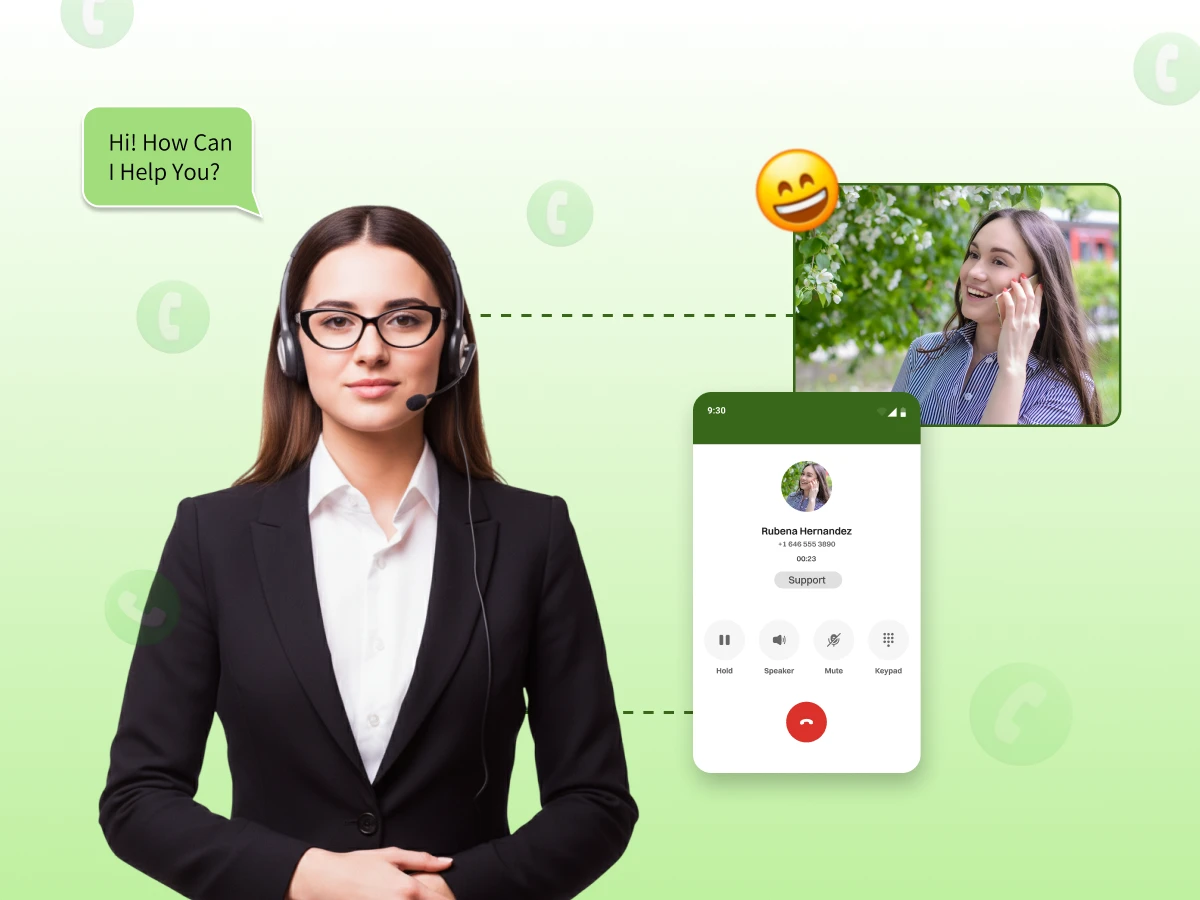
Finding a good customer communication platform is the best way to grow your small business today. This tool brings every message from email, SMS, and social media into one simple dashboard. You no longer have to jump between different apps to answer your buyers.
Using a central system helps your team stay organized and respond much faster. It ensures that no customer message ever gets lost or ignored by mistake. A reliable Customer Communication Platform also stores important data about your shoppers.
This allows you to give helpful and personal answers every time they reach out. Investing in this tech stack makes your daily work easier and keeps your customers very happy.
A customer communications platform centralizes your digital messages into one shared inbox. It connects live chat, social media, and email. This CCM software allows teams to manage the whole customer journey without losing data.
Modern customer communication software handles every customer interaction across multiple channels. It integrates with your current tech stack for better efficiency. These platforms help teams provide personalized communication during every step of the process.
Consider a local boutique using this desk software to manage shoppers. When a buyer asks about shipping on Instagram, the agent sees it instantly. They reply quickly using canned responses to ensure high customer satisfaction.
The platform tracks the entire conversation history for future reference. It reduces the need for buyers to repeat themselves. Advanced features like automated workflows then send a follow-up email to confirm the successful issue resolution.
Effective customer engagement leads to higher customer satisfaction. Efficient communication management reduces ticket volume. Automation workflows handle repetitive tasks easily. Small businesses use these advanced features to compete with giant corporations in every global market.
The practical steps to accelerate growth are:
First, connect every social media account to your shared inbox. This step ensures no customer messages fall through the cracks. It provides a clear view of the customer journey across various platforms. Your team saves time by avoiding constant app switching.
Set up automated workflows for common inquiries like shipping or hours. These CCM software tools provide instant answers to basic questions. Automation features improve response times during busy hours. It allows your staff to focus on solving complex customer problems instead.
Use stored customer data to tailor your replies. Mentioning past purchases builds a strong bond with your audience. Personalized communication makes buyers feel valued by your brand. This strategy directly increases the likelihood of repeat business and long-term loyalty.
Review reports to track how fast your team responds. Look for bottlenecks in your current ticketing system. High-quality desk software shows which channels need more attention. Data-driven decisions help you optimize your tech stack for maximum efficiency and growth.
Sales & Marketing
Sep 9, 2025
Read More
Choosing the right tool depends on your specific goals. Some businesses need a phone system, while others focus on email. This table compares the top choices for small business owners in 2026.
| Platform | Best For | Key Feature | Starting Price |
|---|---|---|---|
| Dialaxy | Unified Voice | VoIP Integration | $10/user/monthly |
| Front | Team Email | Shared Inbox | $25/user/monthly |
| Podium | Local Business | Review Requests | $399/monthly |
| Intercom | AI & Chat | Fin AI Agent | $39/seat/monthly |
| Gorgias | E-commerce | Shopify Sync | $10/monthly |
| Missive | Budget Teams | Collaboration | $14/user/monthly |
| Zoho Desk | Scalability | CRM Integration | $6/user/monthly |
Dialaxy is a flexible phone system that works over the internet. It helps small teams manage professional calls and text messages from one simple place. You can use it on your laptop or a mobile phone easily.
This platform is great for businesses that talk to many customers daily. It keeps all your call records and history organized in a single dashboard. Your team can collaborate on customer issues without missing any important details.
Front takes your company email and turns it into a helpful chat workspace. It stops the mess of forwarding emails back and forth between your staff members. Your team can chat about a client message privately before sending an official reply.
This tool is perfect for teams that handle a high volume of support emails. It brings your SMS and social media messages into the same view as your inbox. This helps your team stay fast and organized while answering every customer request.
Podium is built for local shops that want more leads from Google. It uses text messaging to talk to customers because people open texts faster than emails. It helps you collect payments and reviews through a simple link on a phone.
The platform is famous for making your business look great in local search results. You can send a quick text to a happy customer asking for a review. This builds a strong reputation and helps more local people find your services online.
Intercom is a modern platform that uses smart AI to help your customers. It is known for its stylish chat bubble that sits on your website or inside your app. It helps you answer common questions without a human agent ever needing to type.
This tool is a favorite for software companies and tech startups. It allows you to send proactive messages to users while they browse your site. This helps you guide them through your product and keep them happy for a long time.
Gorgias is the top choice for people selling products online through Shopify. It links your store data directly to your customer support tickets. This means you can see exactly what someone bought while you are chatting with them.
The platform makes it easy to handle common questions about shipping or refunds. You can click one button to update an order without switching between different tabs. This saves a lot of time for busy store owners during holiday sales.
Missive is a collaborative tool that feels like using a standard email app. It lets you manage email, SMS, and social media messages in a shared space. It is built for teams that want to stay organized without a complex setup.
The platform allows you to use your own AI tools to help write your replies. You can connect it to your own accounts to save money on expensive built-in AI. It is a very flexible choice for small teams that need to delegate tasks.
Zoho Desk is a powerful ticketing system that grows as your team gets bigger. It works perfectly with other Zoho tools you might already be using. It organizes all your customer requests into a neat list that is easy to follow.
The platform helps you create a library of helpful articles for your customers. This allows people to solve their own problems without waiting for an email. It is a reliable choice for businesses that need deep reports and data.
Picking the right software starts with looking at how you talk to people every day. You need a tool that feels natural for your team to use. The best choice helps you answer customers faster without making your work more complicated.
The practical steps for your selection process are:
Write down if people usually call you or send emails. Some customers might prefer sending a message on Instagram or Facebook. Knowing this helps you pick a platform that brings all those messages into one place. It stops you from losing a sale because you missed a DM.
Let the people who handle your messages try a free demo. They can tell you if the buttons are easy to find. A tool that is simple to learn saves you many hours of training. If your team likes the software, they will provide better service to your clients.
Make sure the new platform talks to your store or your customer list. When these systems connect, your team can see what a customer bought instantly. You will not have to ask the customer for their order number again. This makes every conversation feel much more personal and professional.
Check how the cost changes when you add more staff members. Some plans look cheap at first, but get very expensive later. Choose a platform that fits your budget today and next year. This prevents you from having to move all your data to a new system later.
Download the app on your phone to see how it works on the go. You might need to reply to an urgent message while you are away from your desk. A good mobile app keeps your business running smoothly from anywhere. It ensures you always stay connected to your loyal customers.
Guides & How to
Oct 16, 2025
Read More
Many software vendors only highlight the shiny features of their platforms. They often ignore the daily struggles small teams face during setup. You must look past the marketing to see the real operational costs. This section reveals the truths that sales teams might skip over.
The real-world obstacles to consider are:
Setting up a new platform takes much longer than a few minutes. You have to move your old customer data and train your staff. This period of change often leads to slower response times initially. It requires a dedicated person to manage the entire transition process properly.
Example: Imagine a small team moving five years of emails from Gmail to Front. The team spends an entire weekend mapping old folders to new tags. On Monday morning, staff members struggle to find old conversations while new tickets pile up. This leads to a temporary dip in your customer success metrics.
The lowest price plan usually lacks the best automation workflows you need. You might find yourself paying extra for every AI-resolved customer ticket. These costs add up quickly as your business grows more successful. Always calculate the total monthly bill based on your actual message volume.
Example: A business chooses a $39 starter plan expecting full AI powers. They soon realize the AI assistant costs an extra $1 for every successful resolution. After a busy holiday sale with 500 inquiries, the bill jumped by $500 unexpectedly. This creates a massive hole in the monthly marketing budget.
Connecting to Instagram or WhatsApp is not always a one-click process. You often need to verify your business accounts with third parties first. Some integrations break when the social media apps update their own software. This creates technical gaps where important customer messages can get lost.
Example: A boutique owner connects their Facebook Page to a new dashboard. A week later, Facebook updates its privacy terms, and the connection drops silently. Customers send messages about urgent orders, but the owner never sees the notifications. The business loses three major sales before noticing the technical error.
Not every phone app works as well as the computer version. Some apps send alerts too slowly, which makes you respond much later. It is also hard for your staff to solve big problems on a tiny screen. You should test the mobile app yourself to see if it works fast enough.
Example: A repair worker uses the Podium app to talk to local homeowners. The app forgets to send a notification for a new, urgent job request. By the time the worker checks the app, the customer has already hired someone else. This slow alert causes the business to lose money that day.
Fancy features are only helpful if your team actually knows how to use them. Some platforms have confusing menus that can overwhelm your new employees. This leads to mistakes in your system and makes your workers feel frustrated. You should pick a tool that feels simple and easy for everyone to understand.
Example: A shop hires a new assistant to handle the Zoho Desk software. The assistant finds the rules for sending tickets to different teams too confusing. They accidentally sent an urgent billing question to the design team by mistake. The customer waits three days for help and leaves a very bad review online.
Never miss a lead again with instant mobile notifications and IVR. Empower your team with a communication tool that is actually easy to use.
The way businesses talk to people is changing very fast these days. Using smart AI tools is becoming a normal part of every successful small shop. You must follow these new digital trends to keep your loyal customers happy and excited.
The emerging trends for small businesses are:
AI agents will soon understand the context of every single message. They will provide personalized communication based on a buyer’s unique purchase history. This technology allows small brands to offer expert-level support at any hour. It creates a seamless journey that feels human and helpful.
Example: A customer asks an AI assistant about a dress size for a wedding. The bot remembers they bought a similar style last year in a medium. It suggests the perfect fit and offers a matching accessory instantly. This level of detail turns a simple question into a sale.
Live video chat social tools are becoming a standard feature for service brands. Customers want to show their problems through a camera for fast issue resolution. This builds deep trust and reduces the time spent on complex customer queries. It bridges the gap between online shopping and in-person service.
Example: A homeowner struggles to set up a new smart thermostat they bought. They click a link in a text from the support team to start a video call. The technician sees the wiring through the phone camera and solves the problem in minutes. This builds incredible customer satisfaction and brand loyalty.
Data management tools will help businesses predict problems before they actually happen. Desk software will alert your team when a frequent buyer stops engaging with your emails. This allows you to reach out with a special offer to keep them. Proactive communication is the next big step for every growing tech stack.
Example: An e-commerce brand uses Gorgias to track delivery times for every package sent. The system notices a shipping delay for a high-value customer in London. It automatically sends an apology email with a 20% discount code before the customer complains. This turns a potential bad experience into a positive surprise.
Voice technology will integrate more deeply with every customer communications platform. Customers will use smart speakers to check order statuses or book new appointments. Your communication management strategy must include these voice-activated channels soon. It makes your business more accessible to everyone in the global market.
Example: A busy parent asks their smart speaker to reorder dog food from a local pet shop. The request goes straight to the shop’s Dialaxy dashboard as a new text message. The owner confirms the order with one click and schedules the delivery. This creates a frictionless experience that saves time for the modern buyer.
Choosing a Customer Communication Platform is a big step toward making your small business more professional. The right software helps you manage every customer interaction with ease and speed. It connects your team so everyone knows exactly how to help a buyer.
Whether you pick a tool for phone calls like Dialaxy or e-commerce like Gorgias, the goal remains the same. You want to build trust and provide a great experience for everyone who contacts you. Modern shoppers expect fast replies and personal attention on every channel they use.
A solid customer communication platform gives you the advanced features to meet those high expectations every day. As your business grows, this system will scale with you to handle more messages. Start your free trial today and see how better communication leads to more sales and long-term success.
Ready to transform your small business communication with a single click? Join thousands of growing teams who trust Dialaxy for unified voice and SMS.
A CRM acts as a database for customer history and sales data. A Customer Communication Platform is the active tool used for daily communication. One stores the info while the other handles live chat and emails. Most teams connect both to see the full customer journey.
No, you do not need a physical landline. Modern platforms use VoIP to make calls over the internet. You use your laptop or a mobile app to talk. This setup is cheaper and lets your team work from anywhere.
Yes, most top tools connect directly to your social media profiles. You see every private message and comment in one shared inbox. You can reply to shoppers without opening other apps. This ensures you never miss a social media lead.
Yes, companies like Zoho Desk offer free plans for up to three agents. These versions include a basic ticketing system and email support. They are perfect for solo owners. You can upgrade as your team size and revenue grow.
Yes, platforms like Gorgias link to your store to send automatic texts. When a package ships, the buyer gets an instant notification. This keeps customers informed without your team typing a word. It improves satisfaction and reduces repetitive questions.
Simple platforms take less than an hour to set up. You just connect your email and social media accounts to the dashboard. More complex systems with automation might take a few days to customize. A fast setup lets you help customers immediately.
