

Contact Center Workflow: What It Is, Key Benefits, and How to Build One


Overview: A contact center workflow is the step-by-step process that governs how customer interactions are handled across every channel — from the first IVR touchpoint to final resolution. It connects call routing, agent assignment, CRM data, and automation into one structured system that ensures every customer gets consistent, efficient service every time they reach out.
Imagine you call a company for help, but you get sent to three different people. Each agent asks you to repeat your entire story. This frustrating experience wastes your time and makes you feel unimportant. It is a very common scenario, and it shows that the service process is broken.
This lack of clear direction harms both your customers and your agents. A structured process acts like the organized brain of your support team. It guarantees every chat or phone call follows one clear, efficient path. This organized method transforms daily stress into real success for your business.
In this guide, you will find everything you need to understand, design, and build a contact center workflow that works from the foundational components to a step-by-step build process and the most common mistakes operations teams make along the way.
A powerful Contact Center Workflow is much more than just a convenience. It is absolutely necessary for the long-term health and growth of your company.
Businesses that do not have this structure often fail to meet customer expectations. They struggle to deliver great experiences at scale.
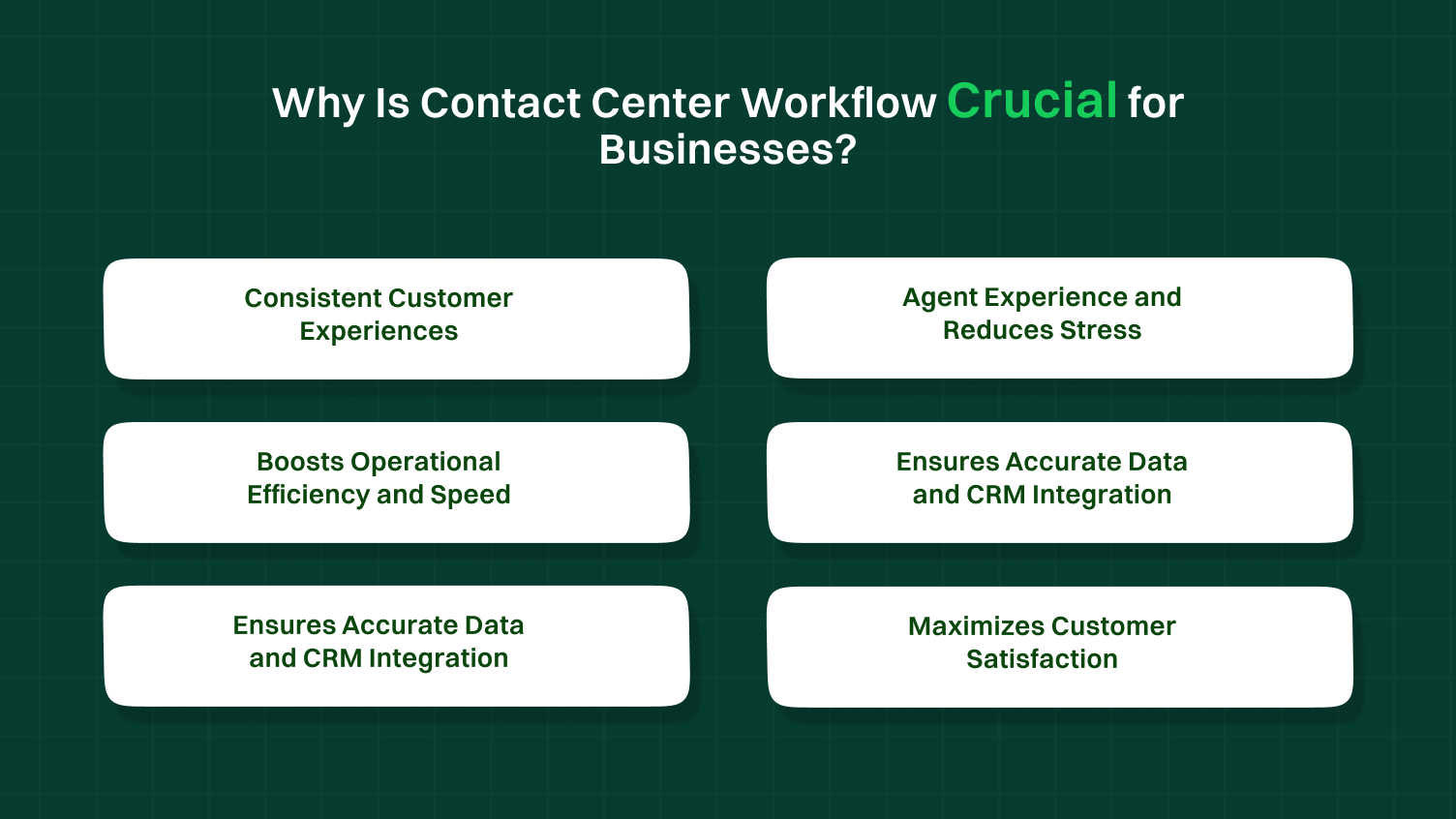
Here are specific reasons why this is crucial for businesses:
Customers want the same high-quality service every single time they reach out. A defined workflow stops agents from guessing what the next step should be. It guarantees that every inbound call or email is handled using the same high standard. This valuable consistency builds strong trust and reliably drives customer loyalty.
Confused or frustrated agents quickly become unhappy and often leave the job. A clear agent experience path dramatically reduces confusion and lowers daily stress. When agents know the exact procedure, they can concentrate on solving the customer’s problem quickly. This clarity helps reduce agent burnout and boosts morale. It is a key element of good workforce engagement.
Time is money in any business. Every minute an agent spends searching for simple customer information costs your company resources. Workflow automation cuts out these wasted, unnecessary steps. This leads directly to a lower average handle time for every interaction. Efficiency allows your contact center to manage a much higher call volume without adding new staff.
The workflow acts like a perfect set of instructions for data entry. It makes sure that customer notes and interaction results are logged properly every single time. Good crm integration means all teams across the company see the most current, accurate data. This smooth flow of information supports better overall business decisions.
You cannot have effective skills-based routing without a very precise workflow. The system needs to know exactly where to send a call or message for the best resolution. It lets your contact center solutions match complex problems with the most qualified agent. This is much smarter than just sending incoming calls to the next person who is available.
The whole point of the workflow is to achieve a positive and successful outcome. Optimized processes lead directly to faster service and quicker resolutions. Customers become happier when their issues are resolved quickly and correctly the first time. This positive experience directly leads to a higher score on your satisfaction survey.
Whether you are building your first workflow or optimizing an existing one, the right communication infrastructure makes every step easier. Dialaxy’s virtual phone number platform gives contact centers the flexible, multi-channel number setup they need to put any workflow into action without the hardware overhead of a traditional phone system.
See how Dialaxy supports contact center teams
A contact center workflow is the step-by-step process that guides how incoming calls and customer interactions are handled from start to finish. It ensures that every contact center operation runs smoothly, from call routing and skills-based routing to workflow automation and CRM integration.
With tools like AI voice agents, interactive voice response, and live chat, a well-designed center workflow helps reduce wait times, improve customer experiences, and make the agent experience better. Essentially, it’s the blueprint that keeps customer service workflows organized and efficient.
Call Center vs. Contact Center Workflows
It’s helpful to know the difference between the older style call center and the modern contact center.
| Dimension | Call Center Workflow | Contact Center Workflow |
|---|---|---|
| Channels covered | Voice calls only | Voice, email, chat, SMS, social media |
| Routing complexity | Queue-based | Omnichannel, skills-based, intent-based |
| Customer journey | Single interaction | Multi-touchpoint, cross-channel continuity |
| Automation level | Basic IVR | AI routing, chatbots, CRM-triggered automation |
| Best for | High-volume inbound calls | Omnichannel customer experience strategy |
The 3 Pillars of Workflow
Every effective workflow is built on three fundamental pillars.
Setting up a solid Contact Center Workflow brings lots of great advantages to your business. It is much more than just a set of instructions. It is the core reason your team does well. These benefits show why good workflow design is so important for everyone.
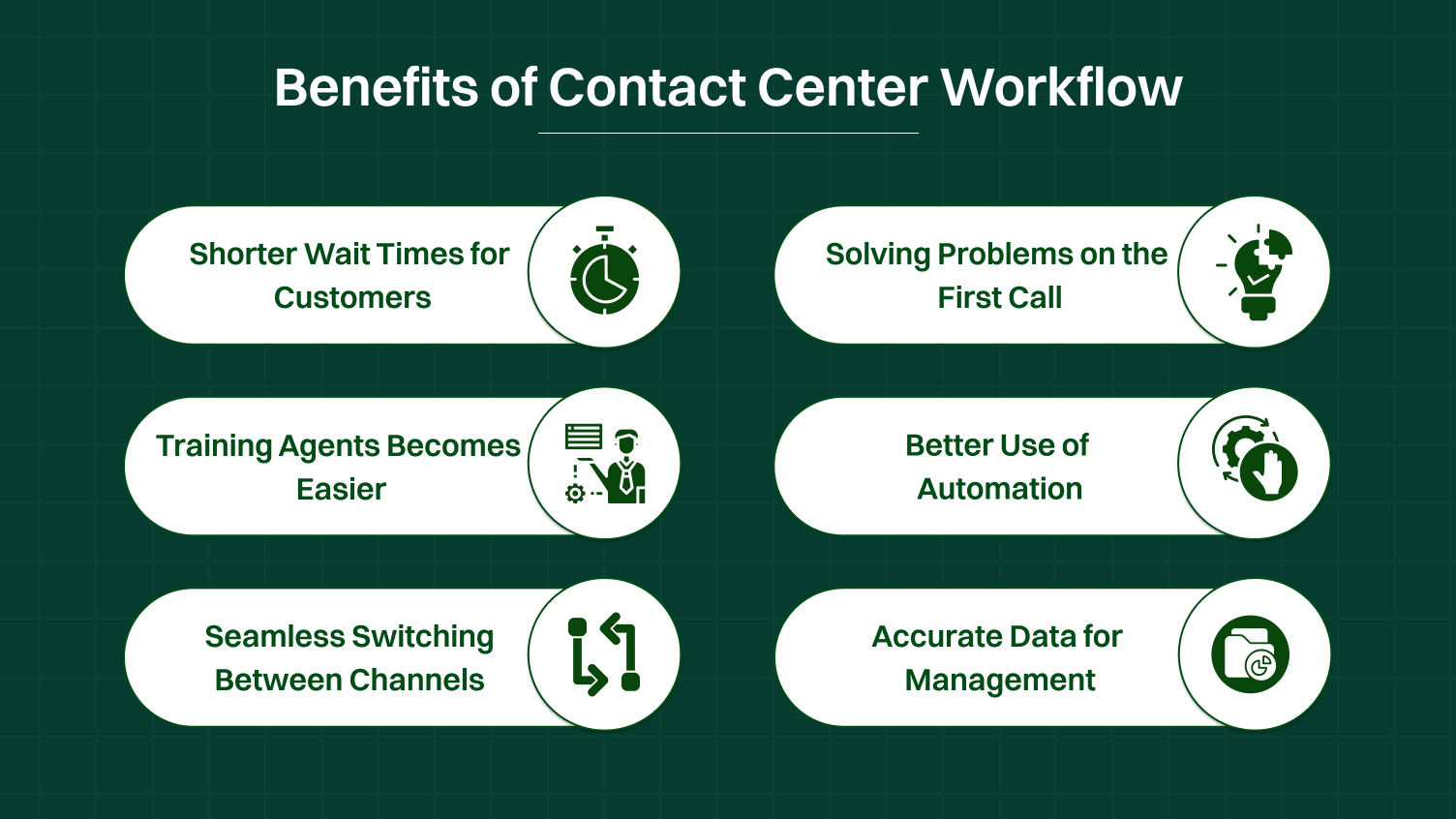
When the workflow is smooth, customers don’t have to wait so long. Intelligent routing quickly sends the call to the right person right away. This smart system immediately lowers wait times. When customers wait less, they feel much happier with the service. This quickly boosts customer satisfaction.
The main goal is to fix the issue right away. A good workflow makes this happen often. The agent gets all the customer information on their screen instantly. They also have a simple-to-use knowledge base. This means the agent can resolve issues fast during that first conversation. This is called first call resolution, and it makes people very pleased.
If your process is clear, training new team members is much simpler. New agents can quickly understand the steps they need to follow. The workflow is predictable and easy to learn. This reduces confusion and gets people working faster. This is great for workforce management.
A well-defined workflow shows you exactly which simple tasks you can automate. You can use an AI voice agent for things like checking an account balance. This frees up human agents to focus on harder, more important customer conversations. Automation makes your whole contact center team more productive.
Customers might start on live chat and then call you. The workflow ensures the full history travels with them. This perfect omnichannel contact center experience feels very professional. It helps the customer journey feel easy and connected, not broken.
Since every interaction follows the same path, the data collected is very clean. You can exactly measure the handle time for every issue. This good data helps you find out what’s working well. It allows you to make smart decisions for your contact center solutions.
A successful Contact Center Workflow is not built on a single piece of technology. It relies on several key components working perfectly together.
These elements ensure that every customer interaction moves smoothly. Using smart contact center software is necessary to manage all these moving parts.
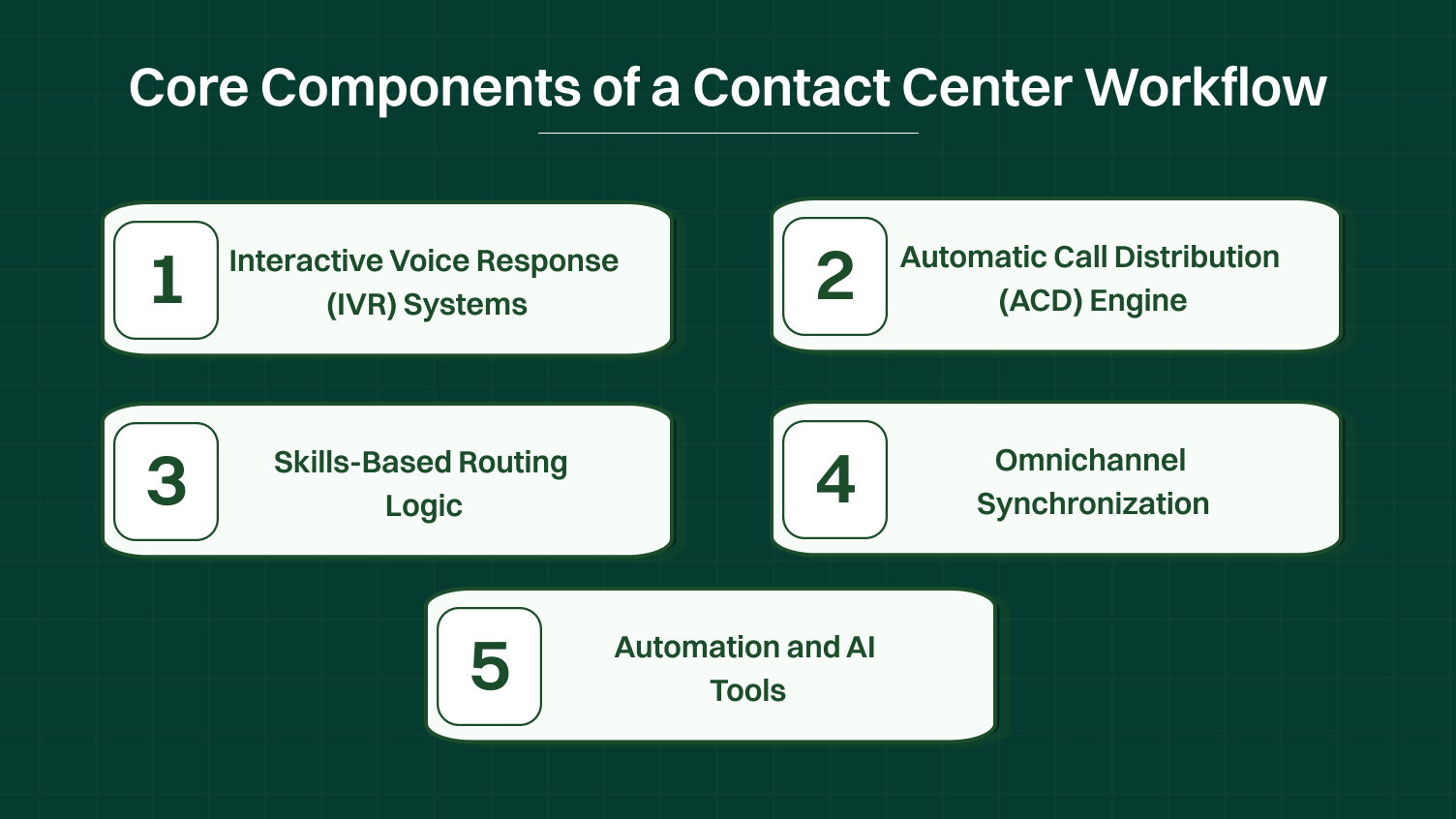
The IVR acts as your contact center’s digital assistant. It is often the customer’s very first interaction. A good IVR quickly identifies why the customer is calling. It uses information from the customer’s phone number or their button selections. This fast identification is the critical first step in handling customer requests. It helps direct the customer to the right place quickly.
The ACD is the powerful brain that directs all incoming traffic. Once the IVR determines the customer’s need, the ACD takes control of the call routing. It constantly checks agent availability and queue length. This system makes sure that incoming calls are distributed efficiently. This approach maintains balanced loads across all center operations.
This advanced component goes beyond just finding an available agent. Skills-based routing guarantees the customer talks to an expert. It matches the problem’s specific need to an agent with the necessary expertise. For example, a complex technical issue avoids the general support queue. It gets routed directly to a specialized agent who can resolve issues immediately.
A modern workflow must connect all communication methods. This means an email interaction must instantly update the customer record. A subsequent live chat agent can then see the complete history. This sync ensures that the customer information is unified. It is the key to providing excellent customer experiences across every channel.
Defining the workflow allows you to introduce smart automation. An AI Powered contact center uses tools like the intelligent virtual agent. These systems handle easy, repetitive questions without human help. This form of workflow automation frees human agents. They can then focus their time and energy on more complex customer conversations.
Building an optimized Contact Center Workflow requires planning and strategy. It is more than just configuring your new center software. It involves a deep analysis of your current process and customer needs.
Follow these steps to successfully implement your new system:
Before you start building, you must understand your existing problems. Map out the current, messy process exactly as it happens today. Identify the major bottlenecks. Look for long wait times. Note where agents have to jump between three different systems to find customer information.
Talk to agents and capture their direct customer feedback. You need to discover where the current call center workflow fails the most.
Next, you need to draw the ideal customer journey. Use a large whiteboard or flow chart software like Lucidchart. You must visualize the process before you start touching the contact center software. Begin with the various entry points.
These can be an inbound call, a new email, or a direct message on social media. Draw the paths they should follow to resolve issues. Mapping the journey this way helps you spot logical errors before they become live problems.
This is where you write the foundational logic for workflow design. Triggers are the actions that start a process. For example, the trigger is the customer selecting “Billing Inquiry” in the IVR. The rule dictates the next step.
The rule would state: IF customer says “Refund” THEN route the call to the Billing Queue. This queue must contain agents tagged with specific finance skills. This detailed work is essential for effective intelligent routing.
Your new Contact Center Workflow must connect all your tools. Ensure your phone system or cloud PBX seamlessly talks to your CRM, like Salesforce or HubSpot. This connectivity often requires using api integrations.
Proper crm integration ensures that agent desktop screens automatically display the customer record when a call connects. This preparation guarantees the delivery of quick, informed customer experiences.
Agents cannot follow a new workflow efficiently if they lack the right content. At every step in the workflow, the agent needs tools to succeed. You must draft specific scripts or talking points for common scenarios. Crucially, the knowledge base must contain the answers to frequently asked questions.
This content should be easily searchable and pop up automatically based on the routing rules. This greatly aids in improving agent confidence and reducing handle time.
An essential part of any strong workflow design is planning for failure. You need a failover workflow. What happens if your main system goes down completely? What if all agents in a specific queue are suddenly unavailable?
The disaster recovery branch specifies alternative steps. It might route all calls to a temporary queue. It could direct customers to an emergency self-service page on the partner portal. This preparation protects your business continuity.
Never launch a new workflow without extensive testing. Engage in “Mystery Shopping” of your own IVR system. Have non-agents follow all possible paths for the customer journey. Test the escalation process. Confirm that skills-based routing works correctly every time.
Once testing is complete, launch the new process and gather immediate customer feedback. Use this feedback to make continuous, small adjustments. The goal is to create truly great customer stories about their service experience.
Scenario: During Black Friday or the holiday season, e-commerce contact centers see 2–3x normal call volume. Describe the workflow:
Scenario: A SaaS company receives a mix of simple queries (password resets) and complex technical escalations (system outages, API failures). Describe the tiered workflow:
Scenario: A healthcare provider receives calls ranging from routine appointment bookings to urgent patient escalations. Describe the workflow:
Even companies with good intentions can build workflows that slow everything down. You must actively look out for these common errors.
These mistakes often harm your center operations and frustrate both agents and customers. Avoiding them is key to successful workflow automation.
Some companies design a beautiful workflow on paper. However, it might require the agent to click ten different buttons just to help one person. This complex process immediately hurts the agent’s experience. If the workflow is hard for the agents to use, they will find ways to skip it. This damages workforce engagement.
Forcing customers to listen to many menu options before they can speak to a real person is a major mistake. An overly complex interactive voice response system creates high frustration very quickly. It wastes precious wait times for the customer. The system should identify the need quickly and offer a clear path out.
If the agent has to manually search for the customer’s account in the CRM, your workflow has a hole. This lack of proper crm integration dramatically increases the average handle time for every interaction. Your contact center software must talk directly to your other systems. It needs to show customer information instantly.
Sending all incoming calls to a general queue, regardless of the topic, is inefficient. This forces agents to transfer calls often. The customer has to repeat their issue multiple times. Avoiding skills-based routing harms customer satisfaction. Use the workflow to match the problem to the expert every time.
The workflow relies heavily on the knowledge base to empower agents. If the information is old, wrong, or hard to find, the workflow breaks down. The agent cannot resolve issues if the answers are incorrect. You must update your knowledge base constantly.
Designing a detailed workflow just for phone calls is not enough anymore. Your contact center workflow must include email, social media, and live chat. Ignoring these channels means you cannot offer a true omnichannel contact center experience. This oversight stops you from providing consistent customer experiences.
If you launch a new workflow and never check if customers like it, you cannot improve. You must collect customer feedback immediately. Use a satisfaction survey after every interaction. This feedback shows you exactly where the flow is causing new problems.
Before you launch your new system, you need to confirm that every piece of your Contact Center Workflow is ready. This checklist helps you make sure all parts of your contact center software are correctly set up. Checking these points guarantees smooth center operations from day one.
You must clearly list every single way a customer can contact you. This includes phone calls, email, live chat, and social media messages. Next, sketch the ideal “Happy Path” resolution for simple issues. Then, sketch the path for a tricky “Escalation” resolution that needs a manager’s approval. This mapping of the entire customer journey is vital.
Every agent needs to be tagged with the exact skills they have. Use tags for things like Spanish language support or expert product knowledge about real estate services. This allows the system to use accurate skills-based routing. It ensures customers are matched with the best person to resolve issues on the first try.
Test that your crm integration works instantly with every inbound call. The moment the phone rings, the agent’s screen should automatically show the customer’s record. This customer information screen-pop saves valuable time and reduces the overall handle time. It helps the agent provide great customer experiences.
You must plan for when things go wrong. Test what happens if the call volume is too high and the queues overflow. Also, test the routing for after-hours. Does it send the customer to voicemail, or does it offer a call-back option? This disaster recovery branch ensures continuous service.
Ensure the knowledge base is fully updated with the newest answers and scripts. Then, train all agents thoroughly on the new flow logic. Agents must understand why the changes were made, not just what the changes are. This training is essential for improving agent confidence and adoption.
Confirm that a satisfaction survey is automatically sent out after every resolved interaction. Also, make sure your conversational analytics tools are set up to measure the workflow’s performance in real time. Collecting this customer feedback helps you refine the workflow continuously.
The way we handle customer service is changing fast. The future of the Contact Center Workflow is all about being smarter and more helpful. We are quickly moving past simple phone menus.
You now understand that the Contact Center Workflow is the true engine of great service, not just a set of steps. We have shown that this structure is vital for lowering wait times and achieving high customer satisfaction. A strong workflow empowers your team, supports skills-based routing, and makes workflow automation possible.
Remember the steps: audit your mess, map your ideal customer journey, and connect your tech using crm integration. By following this blueprint, you move beyond chaos toward predictable success.
Discover how Dialaxy’s advanced contact center software helps you turn this entire workflow into action.
The flow of a contact center process, often called a call flow or workflow, outlines the step-by-step procedure for handling a customer interaction from start to finish.
The four types of workflow include:
The four elements of a contact center are:
The workflow should be reviewed regularly. Typically, this happens quarterly or whenever there are significant process changes.
You can ensure agent adoption of new workflows by providing clear training, showing the benefits, offering ongoing support, and gathering feedback to make adjustments as needed.
To improve workflows, focus on routing calls to the right agents, automating simple tasks with AI, integrating your CRM for instant customer info, and constantly tracking key metrics like handle time and first contact resolution.
