

What is VoIP and How Does it Work? The Ultimate Guide


Is your business communication stuck in the past? Landlines and office desks no longer define how we connect.
VoIP technology has transformed business communication. It allows teams to make voice calls and more, all over the internet.
Imagine making and receiving calls from almost anywhere, using just your device. That’s the power of VoIP.
But this isn’t just about saving a few bucks. It’s about unlocking agile, flexible, and smarter communication for your entire team.
Modern VoIP empowers real-time call analytics, voicemail-to-email, and intelligent call routing.
In this guide, we’ll discover what is VoIP, how it works, its edge over old systems, and why it’s the go-to for modern communication.
VoIP stands for Voice over Internet Protocol. Simply put, it’s a way to make calls and communicate over the Internet instead of traditional phone lines.
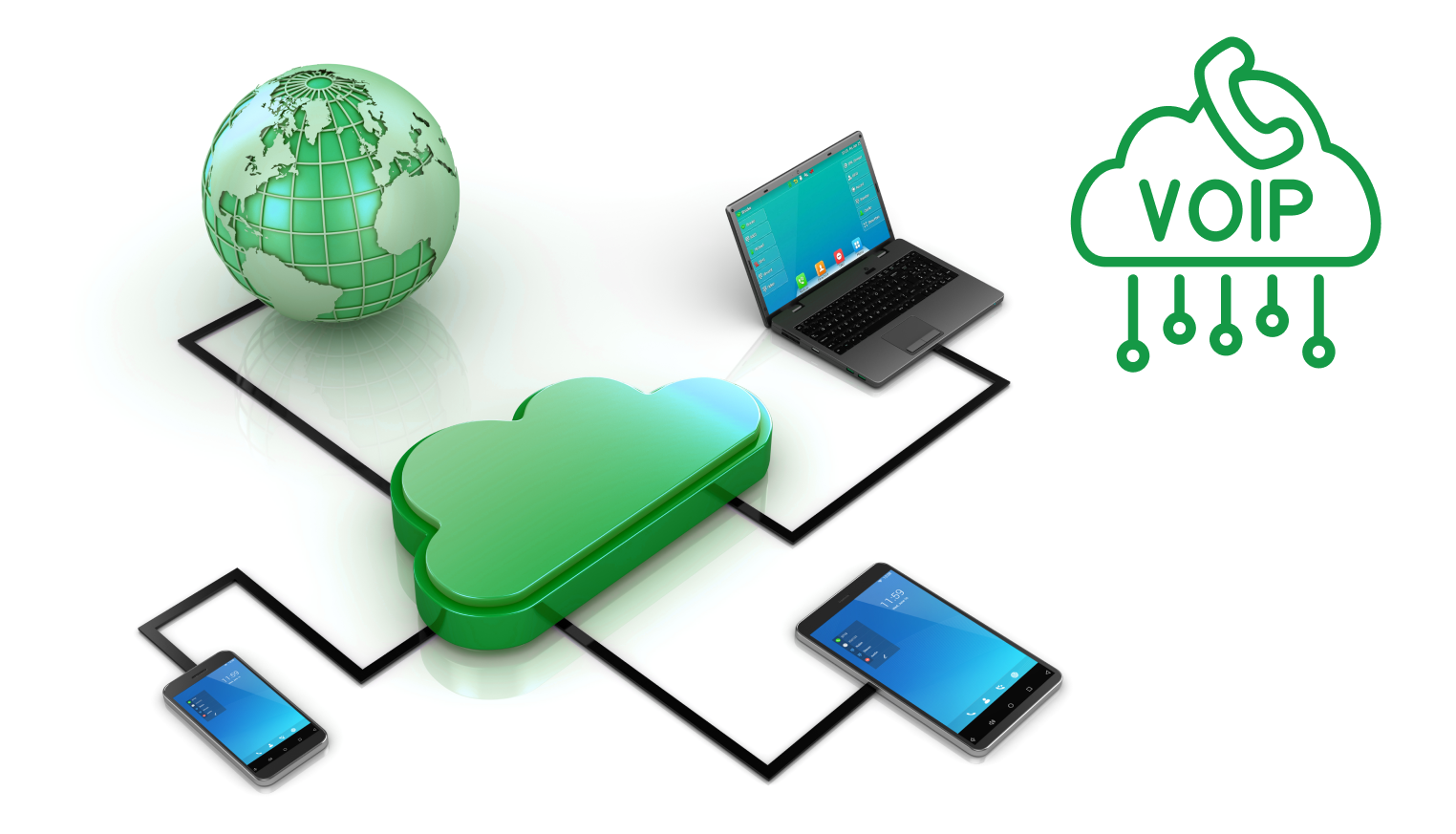
Here’s the breakdown:
This tech frees you from old-school telephone systems, making communication incredibly flexible.
Using a VoIP phone number, you can maintain a consistent identity across platforms while enjoying flexibility and lower costs.
It might sound technical, but how VoIP works is surprisingly straightforward. Let’s break it down.
Step 1: You Speak
You talk into your VoIP phone, smartphone mic, or computer. Your voice starts as an analog sound wave.
But the internet can’t send analog directly. Your voice needs a transformation.
Step 2: Voice Goes Digital
The VoIP system uses a converter (a codec) to change your analog voice into digital signals.
This breaks your voice into tiny units called data packets. Each packet carries voice data, along with your IP address and a timestamp. All in milliseconds!
Step 3: Packets Travel the Net
These data packets zoom through the IP network, usually via Wi-Fi or broadband. They don’t take a straight path.
Instead, they find the quickest route available across various packet networks to reach the listener. Your voice might zip through routers in different cities or countries!
Step 4: Rebuilding at the Other End
Once packets arrive, the system reassembles them into your complete voice message. RTP helps keep them in the right order, so you sound clear, not scrambled.
The listener hears you in near real-time, often with HD voice clarity. The system also manages quality using buffering and echo cancellation.
Step 5: The Conversation Continues
When the other person talks, the whole process repeats in reverse. Session Initiation Protocol (SIP) manages the connection, opening, maintaining, and closing the voice session smoothly.
VoIP isn’t just a phone. It’s packed with features to improve quality, save money, and streamline communication. Let’s look at the best ones.
VoIP number or traditional phones? To choose, you need to know the key differences.
Each has its pros and cons. VoIP uses digital signals and the Internet, while traditional systems rely on analog lines and the public switched telephone network (PSTN).
Here’s a quick comparison:
| Feature | VoIP | Traditional Phones |
|---|---|---|
| Technology | Digital signals, IP telephony | Analog telephone lines |
| Cost | Low, even for international calls | High due to long-distance rates |
| Scalability | Easy to scale with VoIP providers | Costly and infrastructure-heavy |
| Features | Caller ID, team chats, call recording, video | Minimal, usually voice only |
| Mobility | Available on apps, softphones, and laptops | Tied to physical locations |
| Maintenance | Centralized control, software updates | On-site support is often needed |
| Emergency Access | Can have limited location tracking for E911 | Direct routing with location enabled |
It’s a trade-off. For businesses needing mobility and cost savings, especially global ones, VoIP is a clear winner.
However, a traditional line might still be useful as a backup in critical areas.
Why is VoIP so popular today? Let’s glance at its journey.
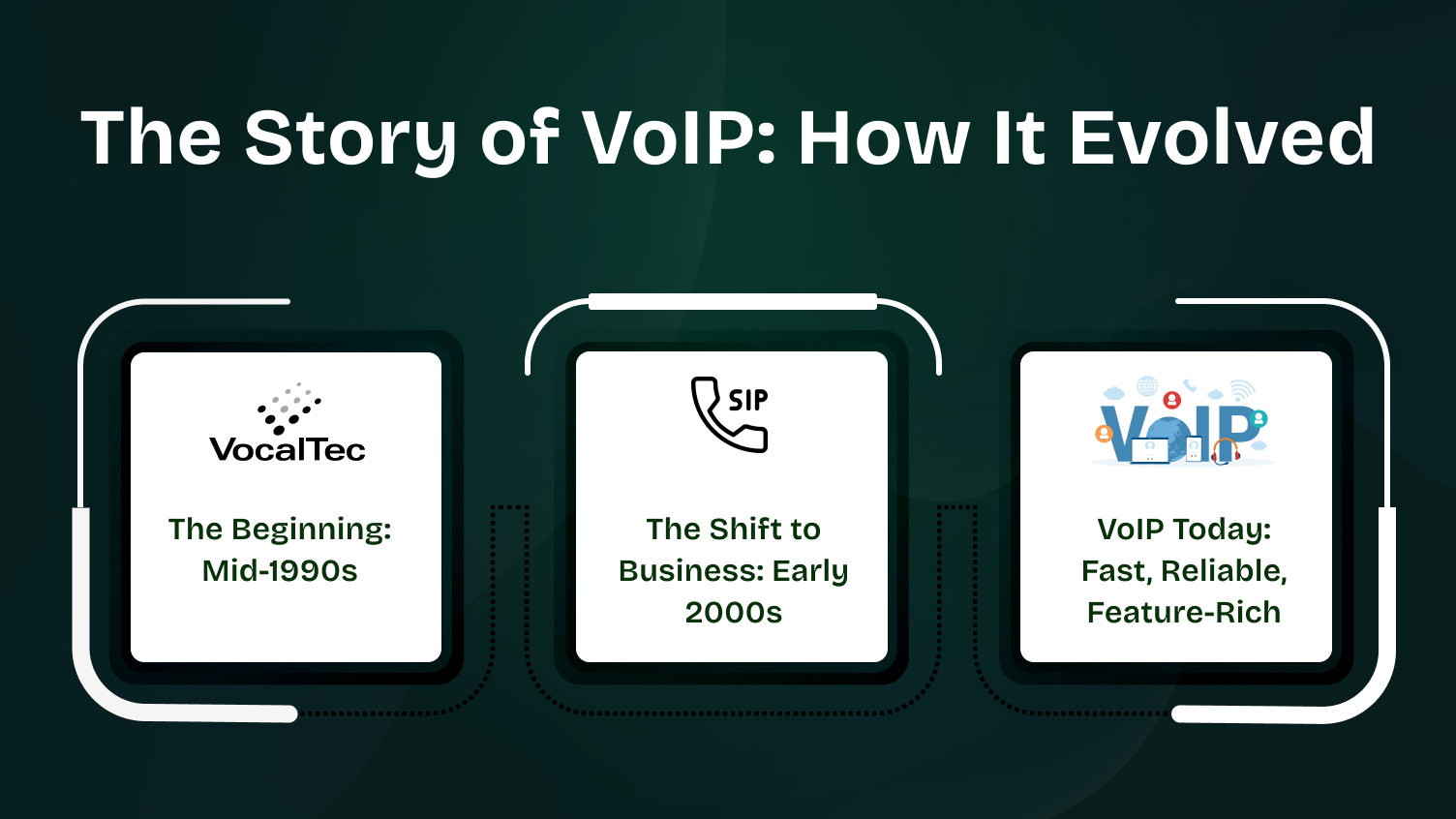
VoIP started when internet connections were slow. The very first VoIP call? 1995, using a tool called VocalTec.
Users needed a computer, a headset, and dial-up. Call quality wasn’t great, with lots of delays.
Most people were stuck with stable, traditional phones. But the idea of internet calls got tech circles buzzing.
By the early 2000s, businesses saw the potential. The main draw? Cost savings.
Internet speeds improved, and so did voice clarity. Tools using Session Initiation Protocol (SIP) make calls connect faster.
Teams could now chat, send instant messages, and use VoIP caller ID.
In 2005, the VoIP provider market boomed. Companies loved connecting staff across cities or countries with one system. Big phone rooms made way for cloud communications.
Modern VoIP is a different beast. It’s fast, reliable, and packed with features.
Use it on mobiles, laptops, or dedicated VoIP phones. Enjoy HD voice, video support, and keep your local number.
Many systems include call recording, team chats, and links to contact center platforms. They also support emergency calls and use Real-time Transport Protocol (RTP) for speed and safety.
Businesses everywhere are ditching the old PSTN. IP telephony is now the standard.
Allied Market Research projects the mobile VoIP market to hit $327.5 billion by 2031. That’s a 21.1% CAGR from 2022!
You don’t need to be a tech wizard. However, a basic setup needs the right tools for quality voice communications.
Here’s what you’ll generally need:
VoIP phones look like regular desk phones but connect to your IP network (Ethernet or Wi-Fi), no phone jack needed.
Alternatively, softphones are apps for your laptop or mobile. Perfect for remote teams and cutting hardware costs.
Good audio input is key. Invest in a noise-cancelling headset or a USB microphone. It improves voice signals and cuts background noise.
Got old analog phones? An Analog Telephone Adapter (ATA) connects them to the internet for VoIP. Great for transitioning.
A stable internet connection is non-negotiable. Aim for at least 100 Kbps per call. A dual-band router helps manage traffic better.
Tip: If you have 10 simultaneous calls, ensure at least 1 Mbps upstream bandwidth to avoid issues like packet loss.
If you need to connect to the traditional phone network (PSTN), SIP trunking helps. It lets businesses use IP telephony while keeping some legacy connections.
You’ll need an account with a VoIP provider. They offer features like caller ID, call recording, team chats, and phone number porting. Look for one supporting SIP, HD voice, and emergency call services.
The right gear ensures smooth calls and can boost your daily workflow, especially for video conferencing or contact center operations.
Here’s a quick summary of who benefits:
| Feature | Description | Who It Benefits |
|---|---|---|
| Call Forwarding | Redirects calls | Remote employees |
| Voicemail to Email | Voicemails in the inbox | Busy professionals |
| Auto Attendant | Routes calls automatically | Businesses (multi-department) |
| Call Recording | Saves calls for review | Customer service teams |
| Video Conferencing | Adds face-to-face calls | Distributed teams |
| CRM Integration | Links calls to tools | Sales & support |
| HD Voice | Improves voice quality | All users |
| Analytics | Tracks call metrics | Managers & analysts |
These features do more than just add convenience. They modernize communication, giving you more control, reducing costs, and boosting productivity.
While VoIP is great, it’s not perfect. Knowing the limitations helps you make an informed choice.
Here are the key ones:
For example, a shop using VoIP during a power cut might lose customer calls until connectivity is restored.
These don’t kill the deal for VoIP. But prepare with backup power, mobile integration, and good broadband.
Let’s see how VoIP works in the real world. Different industries use it to save money, improve operations, and stay connected.
Here’s a snapshot:
| Sector | VoIP Application | Benefit |
|---|---|---|
| Small Businesses | Virtual numbers, mobile access | Cuts costs, boosts availability |
| Support Centers | VoIP CRM integration, call recording | Better service quality & tracking |
| Remote Teams | Device mobility, team chats | Smooth remote collaboration |
| Healthcare | Secure forwarding, privacy features | Protects data and provides better patient access |
| Education | Video conferencing, screen sharing | Supports virtual classrooms |
| Real Estate | Multi-device calls, voicemail-to-email | Increases agent responsiveness |
| Government | Auto attendants, call analytics | Streamlines the caller experience |
For Small Businesses: Virtual numbers and mobile access cut costs and keep teams reachable on any device. Ideal for startups.
For Support Centers: CRM integration and call recording improve customer interaction, tracking, and service quality.
For Remote Teams: Mobility and team chat ensure constant communication from anywhere, boosting productivity.
In Healthcare: Secure call forwarding and privacy features ensure patient data is protected while improving accessibility.
In Education: Video conferencing and screen sharing enable interactive remote learning for teachers and students.
For Real Estate: Multi-device call handling and voicemail-to-email help agents respond quickly, even when out showing properties.
For Government Offices: Auto attendants and real-time analytics efficiently direct callers and provide service insights.
Clearly, VoIP is best for you due to its versatility and ability to adapt to diverse communication needs.
The right provider is crucial for call quality and system performance, which directly affects your business. Here’s how to pick one:
A weak VoIP system can mean dropped calls and unhappy customers. A strong provider avoids this and boosts satisfaction.
VoIP isn’t standing still. It’s evolving with new digital trends.
Imagine VoIP phones with built-in language translation or real-time noise cancellation for hybrid teams. That’s coming!
Other emerging developments include:
These trends are making VoIP more than just a phone system. It’s becoming a complete communication hub.
VoIP is transforming business communication. It offers better call quality, reduces costs, and integrates easily.
With VoIP, businesses can operate more efficiently, enhance accessibility, and ensure smoother workflows.
Features like call forwarding, video conferencing, and CRM integration keep your team connected, no matter where they are or what device they use.
Ready to stay ahead? Sign Up for Dialaxy Today and experience the benefits of a modern, reliable telephony solution.
A VoIP number offers cost-effective communication, flexibility in call forwarding, and easy management across multiple devices.
VoIP (Voice over Internet Protocol) uses the internet to transmit voice calls as digital data, replacing traditional phone lines.
Absolutely! VoIP is widely used for its cost-effectiveness, flexibility, and advanced communication features.
Yes, VoIP works on smartphones, tablets, and computers, offering great mobility.
Yes, for most businesses, VoIP can fully replace traditional landline systems, often with more features and flexibility.
