

What Is an IP Phone System and How It Works: A Guide

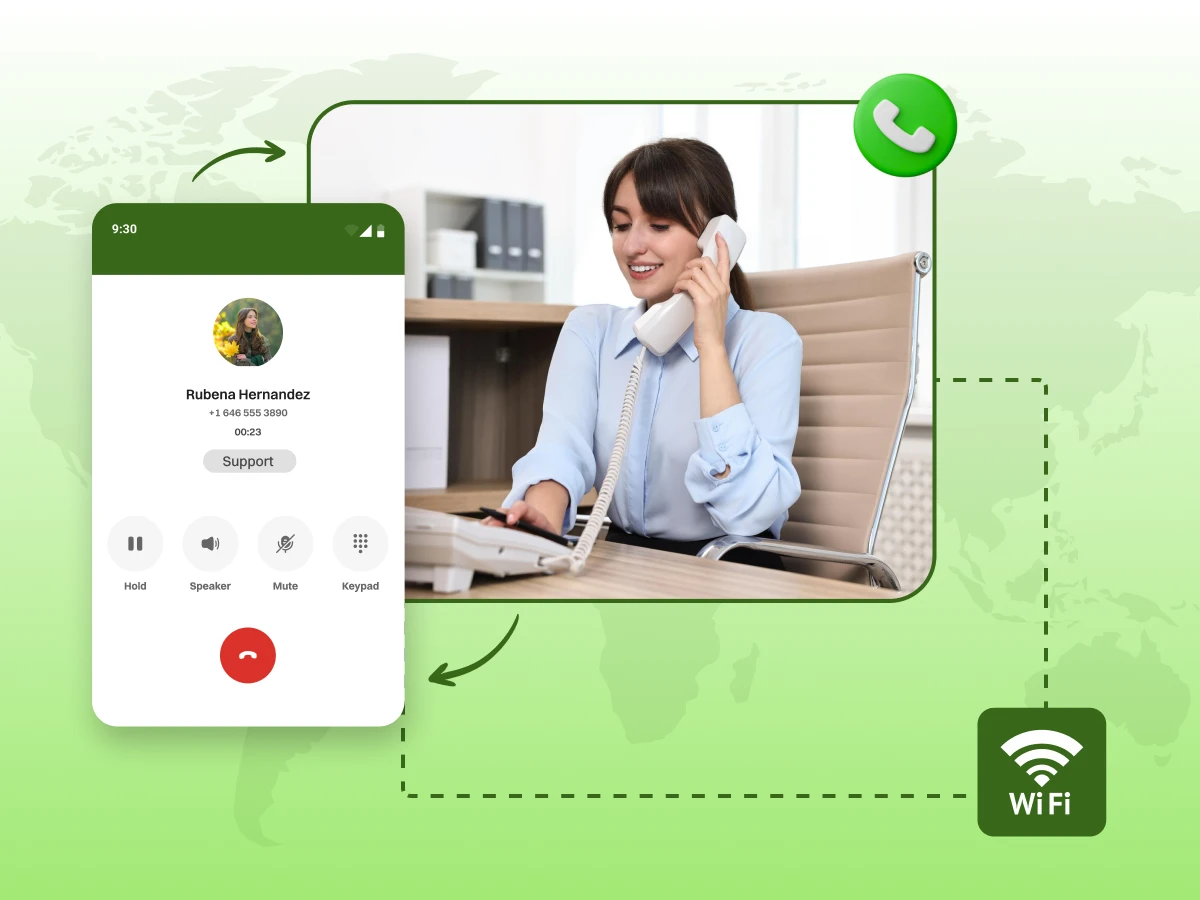
The world of business is more connected than it has ever been before. You need a phone that can keep up with your fast-paced schedule. An IP phone system is the answer for teams that value speed and clarity. It sends your voice through the internet using the same connection you use for email. This unified approach makes managing your office easier.
Landlines are slow to set up and very expensive to move once they are in. If you change offices, you might need a whole new system. A digital system relocates with you without any extra fees or heavy equipment. It is a portable solution that fits the way we live and work today. You get the same great sound whether you are at home or in the office.
Now, let’s dive into the world of IP phone systems and explore everything this blog has in store for you. Read on to get started!
An IP phone system is a setup that sends voice calls over the internet. It does not use the old wires of the Public Switched Telephone Network (PSTN). Rather, it transmits your voice using VoIP technology over a data connection. This will enable your phone to browse the internet, just as email or a web browser. It is a smart way to manage calls using the tools you already have.
The core concept is quite simple. When you speak, the system turns your sound into a data packet. These packets pass through your network to the other individual. Then they are converted back into sound for the listener. This is done within a fraction of a second. It lets you use high-end features that cannot be used in older phones.
Several key components make up an IP phone system and combine to keep your calls clean and efficient. These parts will give you an idea of how to configure and maintain your phone network in the office.
IP phones are the devices your team uses day to day to receive and make calls. These include conference phones, softphones, and desk phones. Most of these phones are linked to the network using Ethernet cables and are usually powered by a PoE switch. This setup keeps the table clean and eliminates the need for additional power outlets.
The IP PBX is the central system that controls all the calls within your office. It forwards the calls to the right individual and leaves voicemail in the form of digital files. One can also use it with other tools like email or CRM software to enhance workflow. The current PBXs are available on-premises or in the cloud, offering flexibility for offices that do not need to invest heavily in hardware.
A VoIP gateway links your IP phone system to the traditional phone lines. This allows you to make calls to anyone, whether they use VoIP or not. Calls are made, and clear audio is offered in real-time by the RTP (Real-time Transport Protocol). Call setup and routing occur under the SIP and other signaling protocols. This ensures that your calls remain consistent and of good quality.
Every IP phone system relies on a powerful network. The switches and routers should be reliable to avoid lagging and dropped calls. Quality of Service (QoS) ensures that voice traffic has priority, such that the call is not disrupted by the high data traffic on the network. This makes phone and video calls easier within the office.
SIP trunks act like digital phone lines over the internet, replacing the need for multiple physical lines. They allow you to make local and international calls easily. They integrate easily with Yealink SIP phones and other VoIP-enabled devices. Adding more channels is as simple as your team grows. This is why SIP trunks are perfect in offices that are expanding.
PoE lets a large number of IP phones be powered by the same Ethernet cable for data transmission. This removes additional wall plugs and also makes installation easier. Phones can start working immediately when connected to a PoE-enabled switch. It keeps desks organized and reduces unnecessary equipment.
You have two main types of IP phone systems when you choose your setup. One is cloud-based, and the other is on-premises.
Here are the two types you should know:
Cloud phone systems operate over the internet, and a third party manages them. You can reach this system from any place as long as you have a web connection. It offers a low cost to start because you do not buy big servers. Setup is fast, and you get updates without doing any work.
You need a stable internet connection to operate cloud-based IP phone systems. Your phone lines will fail in case of an internet failure. This type is great for a team that wants to grow fast. It works well with a mobile phone for staff who travel or work from home.
An on-premises system places the IP PBX hardware in your building. This gives your IT team full control over every part of the IP network. Many firms choose this for high security or to keep data on site. It works for business operations that need a very specific setup.
The downside is the high upfront cost of buying the equipment. You also have to pay for your own repairs and local upkeep. You will need to manage your own IP base stations and cabling. This path is best suited to large firms with a large tech budget.
Choosing between an IP phone system and a traditional phone system changes how your office runs. One relies on modern data while the other uses a legacy traditional phone setup.
Let’s look at the main differences between these two ways to communicate:
| Feature | IP Phone System (VoIP) | Traditional System (PSTN) |
|---|---|---|
| Transmission | Sends voice as digital packets over the internet. | Uses analog signals through copper wires. |
| Cost | Affordable with low or free long-distance calls. | Higher monthly fees and expensive call rates. |
| Scalability | Add users quickly via software. | Requires new physical wiring and hardware. |
| Mobility | Can be used from any location with an internet connection. | Limited to a fixed physical location. |
| Reliability | Depends on the internet and power availability. | Very reliable and works even during power outages. |
| Features | Video calls, CRM integration, and AI analytics. | Basic features like voicemail, caller ID, and call waiting. |
The way an IP phone system handles your voice is quite smart. It turns sound into digital data that travels over your IP network.
So, here are the steps that make your calls happen:
The microphone in your handset captures your voice. It takes those sound waves and converts them into a digital format. This is the first step for all IP phones on the market. The system needs this data to send it over the internet. Without this step, your business phone system cannot read the sound.
This digital change happens in a tiny fraction of a second. You will not hear any lag during your conversation. High-quality IP units ensure this conversion stays very accurate. Clear signals lead to better call quality for every user. It is the foundation of modern VoIP.
The system divides the digital signal into many small segments. Each segment is what we call a data packet for transport. These packets hold a small segment of your audio recording. They also carry labels to help them find the right destination. This method is the core of how IP phone systems operate.
Each packet has a header with the correct IP address inside. This tells the network where to send the voice data. It works just like a letter with a stamp. The system organizes these efficiently to save on your bandwidth. Proper handling keeps your business phone sounding crisp and clear.
The packets travel across the Internet using the RTP. This protocol makes sure the voice data moves at high speed. Your router sends these packets out to the broader internet. They combine with other data, like SMS or email messages. Most communications platforms rely on this fast path to function.
Your internet speed plays a big role in this specific step. A fast connection keeps the packets moving smoothly. You want your data to travel without any big delays. Modern voice messaging systems and live calls use this same efficient route. It keeps your business operations running reliably throughout the day.
The network finds the best way for the data to travel. It looks for the shortest path through various server hubs. This ensures your VoIP system does not face any long delays. Smart routers avoid busy paths that might slow down the call. It is an important part of your enterprise voip setup.
Reliability is the goal for every single packet in transit. The system checks for the best route every few seconds. This helps maintain a solid connection for your video meetings. It prevents your phone lines from dropping during an important conference call. This smart routing is why VoIP phones stay so reliable.
The device on the other end collects all the small packets. It places them back in the correct order very fast. Then it turns the data back into a natural human voice. The listener hears you clearly through their own wired headsets. This completes the journey of your call across the internet.
The system attempts to correct a packet in case it is late. This helps to make the audio not sound choppy or distorted. You experience a smooth conversation that feels like a traditional phone call. It makes team collaboration simple, even from far away. Now you see why this technology is a top choice.
Switching to an IP phone system offers more than just a new dial tone. It changes how your team handles every call and saves your budget from high fees.
Here are the top benefits of choosing a modern system for your business operations:
You will see big cost savings as soon as you switch. You do not need to pay for heavy wiring or thick bundles of phone lines. Most of the work happens over your current web connection. This keeps your initial bill low and your monthly costs easy to track.
Long-distance calls become much more affordable, too. You can make an international calling plan part of your budget without fear. Since you use the internet, you avoid the high taxes that come with older carriers. It is a smart way to get more for less money each month.
The sound on these IP phones is often much clearer than on old lines. You get HD voice that makes it feel like you are in the same room. Modern IP devices block out background noise so you can focus. Your business phone system will sound professional to every caller. This helps build trust with your new leads.
You will not have to deal with the static of a traditional phone. The system uses smart tools to keep the voice clear. Even during busy times, your call quality stays high. This ensures your business communication is always top-notch. Clear communication leads to better results for your team.
Growing your team is simple and does not require a technology visit. When you hire new staff, you can add IP phones to your plan in just a few clicks. You do not need to wait for a pro to run new cables through your walls. This speed allows your firm to respond quickly to new opportunities.
You can also scale down just as easily during slow months. This flexibility is a huge part of enterprise VoIP plans. You are never stuck paying for lines that nobody is using. It is the perfect fit for a team that changes size with the seasons.
An IP phone system lets your team stay connected from anywhere with an internet connection. Employees can answer calls on laptops or smartphones without being tied to a desk. This keeps communication consistent regardless of where they work.
The system links all employees into one hub. A call can be made to someone in another city with a single click. Distance does not prevent a team from communicating. This keeps the whole group on the same page. It makes a big firm feel small and connected.
IP phone systems come with multiple features that help a firm stay organized. You get more than just a way to dial numbers. These features are built into the system to help manage every call. The major features include:
Pricing for an IP phone system varies depending on the size of your firm. Here’s an overview of what you can expect to pay.
Cloud phone systems are the modern standard for most teams. They use a monthly per-user model that keeps your upfront costs very low.
On-premise systems require a large amount of cash at the start. It gives you more control but requires higher maintenance over time.
There are a few small costs that can catch you by surprise. You should plan for these to keep your business operations on track.
Setting up your new system is a simple process if you follow the right order. It transforms your office from old wires to a flexible virtual phone system setup with ease.
Here are the steps to get your system up and running:
Start by counting how many staff members need a dedicated line. You should think about which phone feature is a must for your daily tasks. Decide if you want a hosted PBX or a system you keep in your building. Planning helps you avoid buying equipment you do not actually need.
Next, choose your primary style of hardware. You can use physical units or just software. Some teams prefer a hybrid mix of both. This step ensures the system meets your specific business needs.
Your web speed dictates your overall call quality. You need enough bandwidth for every person on a call. Usually, you need 100 to 200 kbps for each line. Run a speed test to check for any lag.
Check for jitter and packet loss on your line. These issues can make voices sound very choppy. A stable internet connection is the foundation of business VoIP. So, make sure your provider offers a steady signal.
Look for a VoIP provider that fits your budget and goals. Compare different plans to see which offers the best features. Check if they have a strong hosted PBX platform. Read the fine print on their service contracts.
Test their support team to see if they reply fast. You need a team that helps when things go wrong. Look for high ratings for uptime and safety. A good provider makes unified communication feel very simple.
Decide whether you want physical desk phones, a softphone app, or a combination of both. For a traditional office feel, you can choose high-quality units like Yealink phones. Ensure all devices are compatible with your chosen VoIP provider.
You may also need accessories like wired headsets for hands-free work. Or expansion modules for receptionists handling high call volumes. Verify that every piece of equipment is ready to support your team’s daily tasks before moving on to network setup.
Open your router settings to turn on QoS rules. This tells the network to put voice data first. It prevents other web traffic from slowing down your calls. This is a key step for clear VoIP calling.
You must also check your firewall to allow traffic. Set up your ports to let SIP data pass through. Some people set up a VLAN to separate voice calls. This keeps your internal data safe and organized.
Plug in your devices and let them boot up. Register each unit with your provider using the web portal. Assign a unique extension to every member of your team. Set up a custom greeting for your voicemail box.
Run a few test calls to check the sound. Call an outside number to ensure the routing works. Check your call records to see if they log correctly. This confirms the system is live and ready.
Teach your staff how to use their new tools. Show them how to transfer a call to another desk. Explain how to use AI receptionists for busy hours. Good training prevents many common tech support issues.
Provide a simple tip sheet for basic fixes. Show them how to check for missed messages. They should know how to use the app on a mobile phone. This empowers your team to work with confidence.
Setting up a new VoIP phone system is a major upgrade, but it comes with challenges. Many offices face issues that disrupt daily calls.
Here are the most common challenges and clear ways to handle them. Follow these steps to keep your office phone system running smoothly.
Calls drop or sound choppy due to weak internet or network congestion.
Solution:
Misconfigured SIP settings or IP addresses make the system hard to use.
Solution:
VoIP systems are online and may be targeted by hackers.
Solution:
Not all IP phones, adapters, or analog phones work with every provider.
Solution:
IP phones stop working when the power or the internet fails.
Solution:
Expanding teams may outgrow on-premises hardware.
Solution:
Choosing this technology depends on your goals and your current internet setup. It is a perfect fit for remote workers who need to stay connected to the main office. Small businesses find the low-cost monthly-per-user plans very helpful for their budget. Growing teams can add extensions fast without waiting for a technician to visit. If you use wireless headsets to move around while you speak, this system will suit your style.
However, an IP phone system might not work for every single firm. It may not be ideal if you live in a spot with very limited internet access. Highly regulated industries sometimes need special setups that traditional phone lines provide. You must have a steady connection to get the most out of IP conference phones during big meetings. If your internet connection is poor, you might struggle to keep your calls clear.
Decide which features and devices matter most for your team before choosing a system.
Making the switch to an IP phone system is a smart move for any modern firm. You get a flexible tool that saves you a lot of money on your monthly bills. It removes the need for old wires and moves your business operations into the digital age.
This setup helps your team stay connected whether they are at a desk or on a mobile phone. You can add new lines in minutes as your company grows over time. The call quality and high-tech features give you a professional edge that clients will notice.
Take the time to plan your setup and select the right VoIP provider for your needs. With a steady internet connection and the right IP phones, you can enhance the way you communicate. Start your journey today to enjoy a faster and more reliable way to handle every call.
Don’t let technical setup hold your team back. Chat with one of our VoIP specialists to find the perfect hardware and plan tailored to your team’s unique workflow.
Yes, an AI voice is secure in an IP phone system. Most modern providers use high-level encryption to keep your AI voice data and calls safe from hackers. You should always use strong passwords and keep your software updated to maintain a secure network.
You need enough bandwidth to handle at least 100 kbps for every person on a call at once. Fast speeds ensure your team’s video chats and voice calls stay clear without any lag.
Yes, IP phone systems are perfect for small businesses because they offer huge cost savings and easy setup. You can start with just a few IP base stations and add wireless headsets as your team grows.
Yes, IP phone systems are perfect for small businesses. They reduce hardware costs and eliminate the need for expensive traditional phone lines. You can take advantage of advanced features through providers like Dialaxy and services like Zoom phones without the high costs of traditional setups.
Yes, you can. Most plans let you add many people, and you simply pay a fixed rate each month per user. Every staff member gets their own extension and mailbox within the same main account.
