

How to Set Up Voicemail on Any Phone (iPhone, Android & Others)

Your new phone works great. You can make calls, send and receive texts. But what about an important call that you miss? The lack of voicemail put such callers at a dead end.
Setting up voicemail takes approximately 10 minutes. You need a PIN, a greeting, and a few taps in the right places. Most people skip this step and regret it later when they miss job offers or client messages.
The good news? When you have the idea of where to find voicemail, it is easy to set up. The process varies on different phones, but the fundamental steps are the same.
In this blog, you’ll learn how to set up voicemail on iPhone, Android, and landline phones. You’ll also find simple guidelines and practical tips to ensure you’re always accessible.
 iPhone Users: Phone app → Voicemail → Set Up Now → Create PIN → Record greeting → Done. Android Users: Phone app → Hold 1 / Voicemail icon → Follow prompts → Set PIN → Record greeting → Finish. Landline: Dial voicemail number → Follow prompts → Create PIN → Record greeting.
Voicemail is a digital system that records voice messages when you can’t answer your phone. When someone makes a call and you do not answer, the call is automatically transferred to your voicemail. The caller may then leave a message. You can listen to these recordings at any time using your phone.
Here’s what you can do with today’s voicemail:
Voicemail is no longer about recording messages. It now has features that make it easy to manage your calls.
Here are the details on each major feature you should know about.
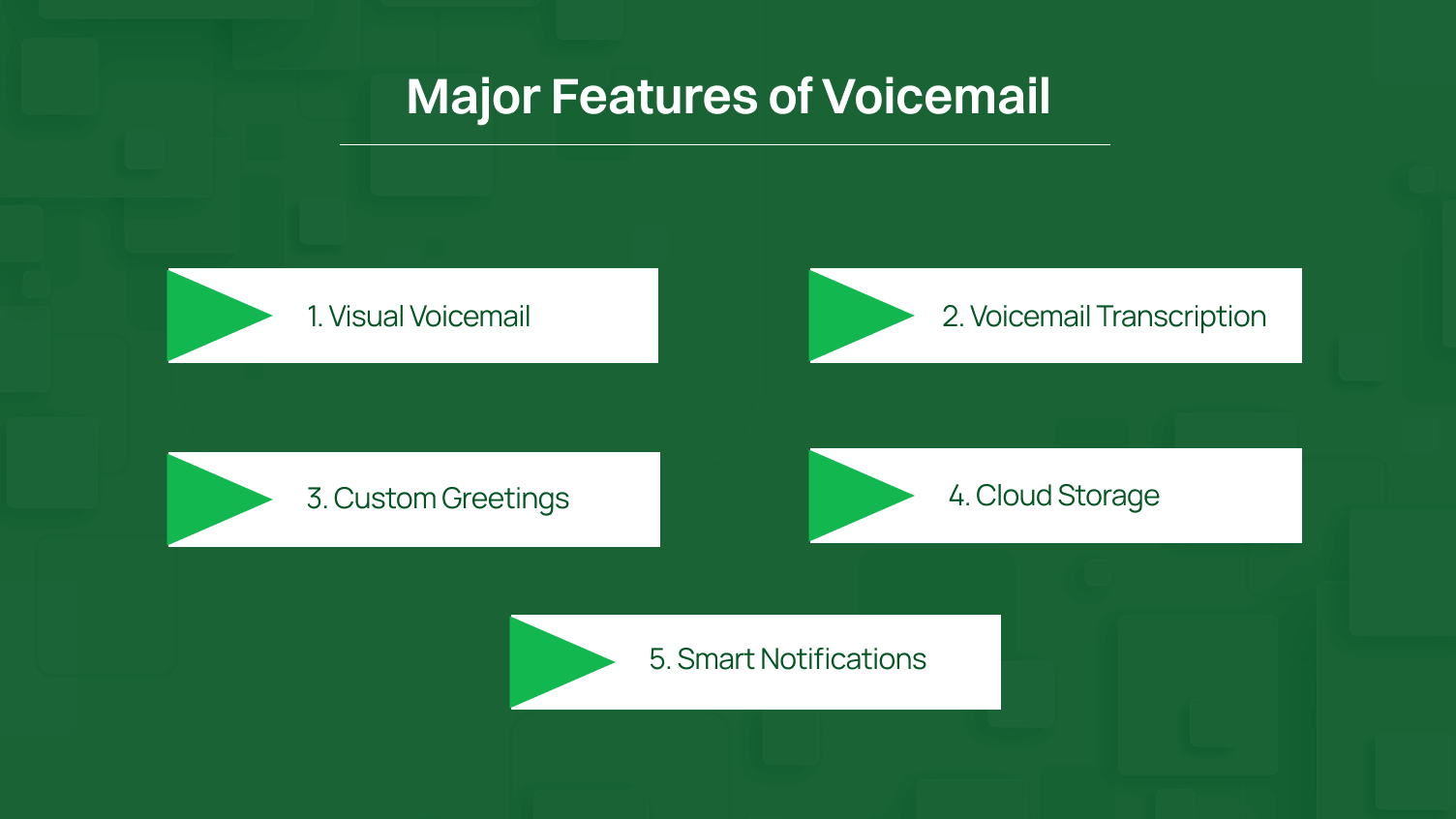
The visual voicemail provides access to all your messages in a list rather than dialing a number. It displays the caller, the time of calling, and how long the message was. Under this, you have control over which messages to listen to first, instead of listening to them in order of their arrival.
Voicemail transcription is the process of converting spoken messages into text so that you can read them instead of listening. This is very effective in meetings, a noisy environment, or any other situation where audio cannot be played. Almost all modern phone systems have this feature either at no cost or for a small monthly fee.
You can record a personalized message that is professional and informative. This message lets people know when to expect a callback. A few systems even enable you to set different greetings for business hours and the time after your business closed.
Voice mail today stores your voice messages in the cloud rather than in your devices. As a result, you will be able to access any of your previous messages anywhere, and no valuable recordings will be lost. Most carriers store messages in 30-day storage, whereas cloud-based systems store them indefinitely.
Voicemail notifications notify you as soon as someone leaves a voicemail. You can personalize these alerts with sound, vibration, or badges. There are even voicemail apps that forward the audio message to your email so that you can handle everything.
Alright, let’s get down to business. Setting up voicemail is quite simple, but the steps may differ slightly depending on your device.
Apple keeps this simple. Follow these steps to get your voicemail on any iPhone, including the iPhone Pro Max.
Step 1: Open the Phone App.
Step 2: Access Voicemail Based on Your Layout
iPhones use two different layouts. Here’s how to access voicemail for each:
For Unified layout (new iPhones ):
For Classic layout (old iPhones):
Tip: Not sure which layout you have? If you see tabs at the bottom (Favorites, Recents, Contacts, Keypad, Voicemail), you have the Classic layout. If you see a three-dot menu instead, you have the Unified layout.
Step 3: Create Your Voicemail Password.
Step 4: Choose Your Greeting Type.
You’ll see two options:
For a custom greeting, speak clearly and keep it under 20 seconds. Try something like “Hey, you’ve reached Mike. Leave a message and I’ll call you back.” When done, tap “Stop” then “Save.”
Android varies more because different makers and carriers do their own thing. But the basics stay similar.
Step 1: Open your Phone App.
Step 2: Access Voicemail. Do one of the following options:
For most Android phones:
Or use the voicemail icon:
Step 3: Follow the Automated Setup.
You’ll hear your carrier’s voicemail system. Listen to the prompts carefully. Each carrier uses slightly different instructions.
Typically, you’ll need to:
Step 4: Record Your Greeting.
When the system asks for your greeting, speak clearly after the tone. Keep it simple and under 20 seconds.
After recording, you usually press “#” to finish. The system will play it back and ask if you want to keep it or re-record.
People still use landlines. If that’s you, here’s how to set up voicemail on traditional phone systems.
Step 1: Find Your Voicemail Access Number.
Check your phone bill or your provider’s website for the voicemail number. Common options:
Step 2: Using your landline, dial the voicemail access number.
Step 3: Follow the Setup Menu.
The system walks you through setup with voice prompts:
Step 4: Create Your PIN.
When prompted:
Step 5: Record Your Greeting
The system asks you to record your voicemail greeting:
The system plays it back. You can keep it or re-record if needed. Once satisfied, confirm to save.
Now you know the exact steps for setting up voicemail on any device. Select the method that matches your phone and you’ll have working voicemail in less than 10 minutes.
A good voicemail setup does more than catch missed calls. It makes your communication more efficient.
Have a look at the major benefits of using a fully featured voicemail system.
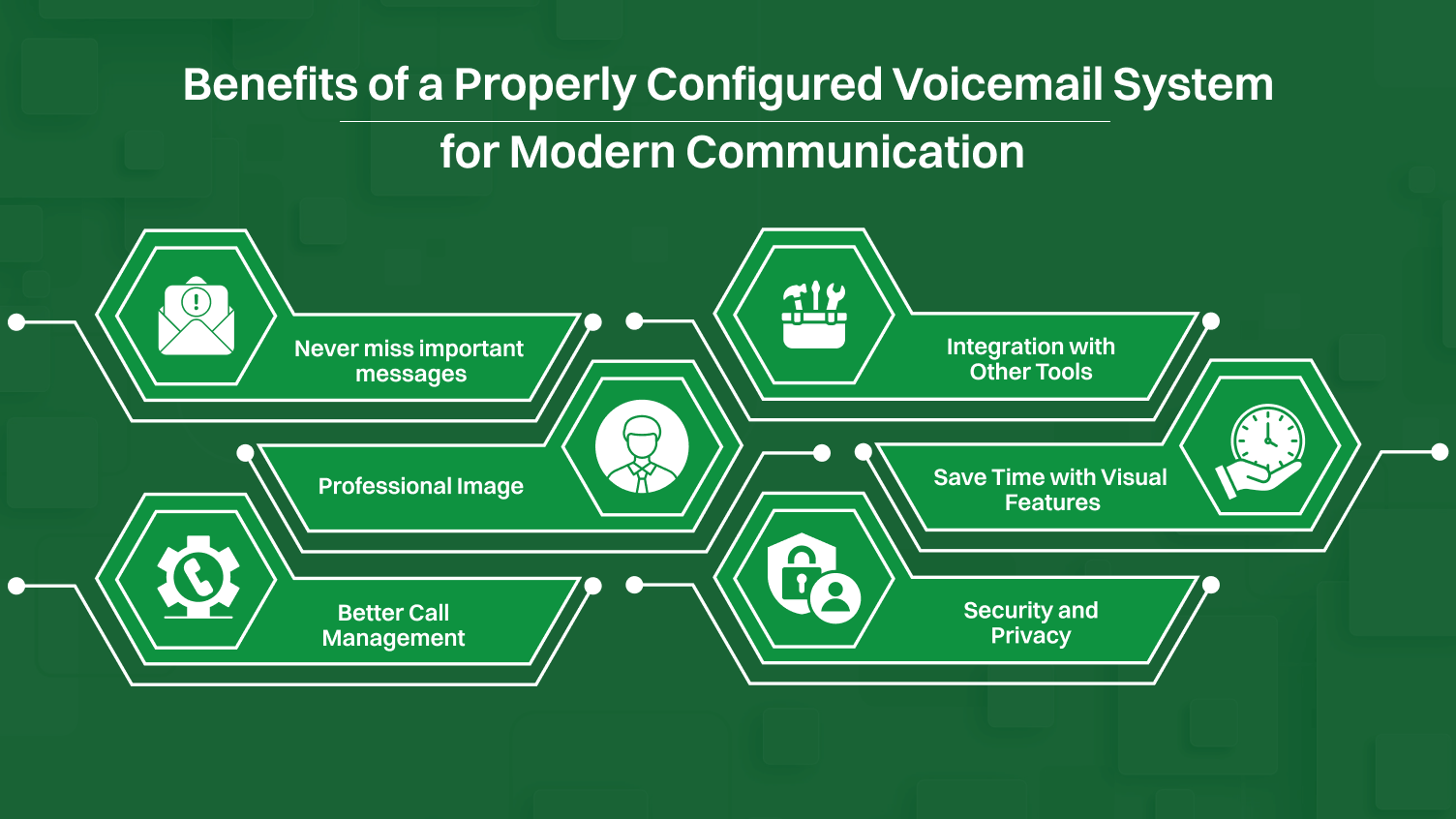
Working voicemail captures every call when you’re unavailable. People leave detailed voice messages instead of just seeing missed call notifications. This matters for:
A missed call tells you nothing about urgency or context. But a voicemail gives you both. Combined with call history, you know the person who called, the reason why the person called, and when you have to respond.
Your voicemail greeting is often the first impression clients get when you’re unavailable. A clear greeting shows you’re organized and reliable.
Compare these:
Generic carrier message: “The person you are calling is not available. Please leave a message.”
Custom greeting: “You’ve reached Sarah at Design Studio. I’m with a client right now. Please leave your name and number, and I will get back to you in two hours.”
You can clearly see that generic carrier messages sound impersonal and give no useful information. Whereas, custom greeting tells callers exactly when to expect a response. This manages expectations and builds trust.
Voicemail features include smart call routing and call filtering. So that you can:
This level of control wasn’t possible with old answering machines or basic carrier voicemail systems.
Today’s voicemail systems don’t exist in isolation. They connect with:
This integration turns voicemail from a simple answering system into part of your complete communication workflow.
Visual voicemail and transcription features let you process messages faster. You can scan through transcribed voicemail in seconds instead of listening to each one. This matters when you get 10+ voicemail messages daily.
Voicemail transcription accuracy has improved dramatically. Modern systems handle most voices and accents reasonably well. You can quickly identify spam calls, urgent messages, and low-priority callbacks without playing a single audio message.
Voice messages often contain confidential data that must be secured. A properly configured voicemail PIN serves as your initial defense against unauthorized access.
Other individuals can get access to your voicemails unless you use a strong PIN. Therefore, two-factor authentication and encryption are currently used to enhance security. The advanced platforms also provide compliance options to business users who require regulatory data protection and message storage rules.
Not all voicemail systems are the same. If you need more than what your carrier provides, such as visual voicemail, transcription, or cloud storage, these services can be helpful. They simplify the way you handle your messages.
Here’s a quick look at some popular options and what they’re best for:
| Platform | Best For | Ideal For |
|---|---|---|
| Dialaxy | Voicemail-to-email Advanced call routing Supports global virtual numbers |
Businesses needing unified voice/SMS across devices Teams managing customer calls |
| YouMail | Visual voicemail Strong spam/robocall protection Custom greetings App/web management |
Professionals wanting enhanced voicemail control |
| Voxist | Multi-language voicemail transcription Email delivery Unlimited storage in some tiers |
Multilingual or international users Teams needing centralized voicemail archives |
| InstaVoice | Cloud voicemail storage SMS/email alerts Multi-device syncing |
Users switching devices frequently |
| RingCentral | Enterprise voicemail integrated with unified communications CRM integrations |
Medium/large businesses with high call volume Teams requiring integrated communication systems |
Setting up voicemail seems simple, but people make the same mistakes over and over. Such mistakes can result in the loss of important calls.
Here’s what goes wrong and how to fix it.
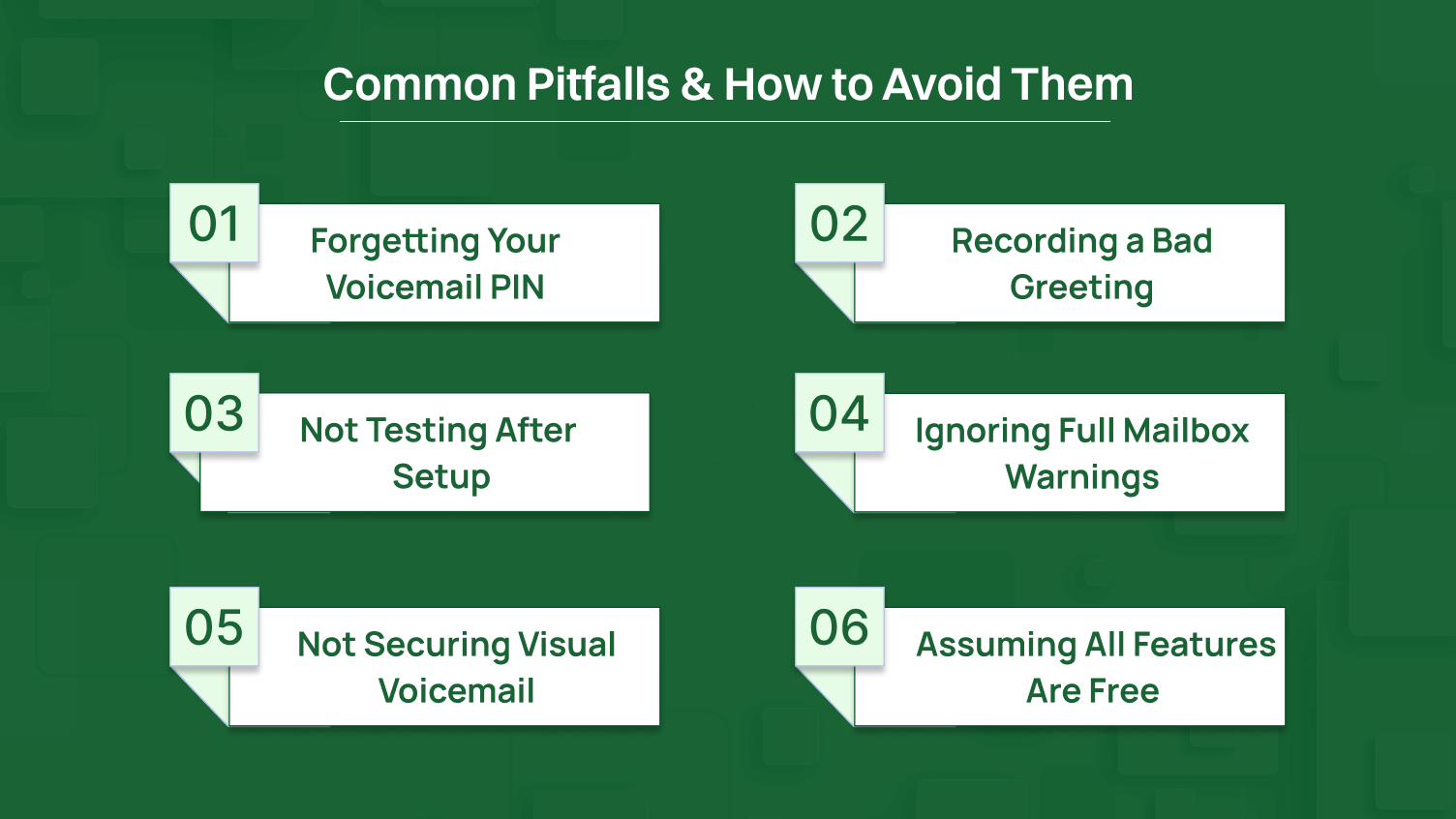
This is problem number one. You set up voicemail, create a PIN, then forget it two weeks later when you need to check voicemail from another phone.
Fix: Write down your PIN. Store it securely. Use your phone’s password manager. Or pick a PIN you already use for low-security accounts.
Forgot it completely? Contact your carrier to reset it. You will need to verify your identity with your account information.
It is important that your voicemail greeting does not sound as if you are mumbling through food or shouting over the traffic. Yet many people record greetings in terrible conditions.
Fix: Find a quiet spot. Speak clearly at a normal pace. Keep the greeting less than 20 seconds. Let people know who you are and give them some information.
Avoid these mistakes:
You finish voicemail setup and assume it works. Two weeks later, you discover nobody left messages because your voicemail never activated.
Fix: Test immediately. Call yourself from another phone. Let it ring until call forwarded to voicemail. Leave a test message. Check that you can retrieve it, and your greeting sounds clear.
Test again after any account changes. Carrier updates and phone settings changes can break voicemail sometimes.
Your voicemail has limited storage. When it fills up, new callers can’t leave messages. They hear “mailbox is full,” and you miss important calls.
Fix: Check voicemail regularly. Delete old messages. Set up voicemail notifications so you know when new messages arrive. Most systems auto-delete after 30 days, but don’t rely on it.
Get frequent voicemail messages? Upgrade to a service with more storage or one that emails audio messages for archiving.
Visual voicemail apps often auto-login without requiring your PIN each time. Someone gets your unlocked phone and can access all your voice messages.
Fix: Add extra security in your voicemail app. Many apps support Face ID, fingerprint, or app-specific PINs. This adds protection beyond your phone’s lock screen.
For business phones or devices with sensitive information, this extra layer is important.
Carriers advertise visual voicemail included, but hide that premium features cost extra. Transcription, extended storage, and advanced filtering often need paid add-ons.
Fix: Read the fine print on your plan. Ask customer service which voicemail features are included versus extra cost. Determine whether you want the premium features or not, depending on usage.
There are cases when third-party voicemail applications have superior features and lower charges than carrier upgrades.
Today, you have text messages, messaging applications, email, and video calls at your fingertips. The youth no longer use voicemail. But certain situations still require it for professional and personal communication.
Voicemail remains relevant in specific ways. Here’s why it’s not disappearing anytime soon.
Visual voicemail and transcription what rescued voicemail and put it to rest. These features fixed the biggest pain points that made traditional voicemail frustrating.
You no longer dial a number and navigate painful IVR (Interactive Voice Response) menus. You just open an app. You don’t listen to messages in order, either. You choose which ones are important depending on the caller ID and voicemail previews transcribed. Voicemail was brought into the present with visual voicemail features.
Live voicemail is the newest evolution that bridges screening calls and staying available. Services such as Google Voice allow you to hear someone record a message in real-time.
You get an opportunity to restart in the middle of the message when it matters, and leave it until it is spam. This integrates the advantages of the voicemail (screen calls, preventing interruptions) with the freedom to answer important calls in real-time. Live voicemail is almost as natural as being in control and being connected.
A modern voicemail does not exist on its own anymore. It links with all that you have online. Audio messages from voicemail can trigger automated workflows in business systems.
The voicemail transcription gets integrated into databases that can be searched. You find old messages by searching keywords instead of trying to remember when someone called. QR code integration makes accessing voicemail faster. Cloud storage and storage devices archive voicemail messages forever, so you never lose.
Setting up voicemail on your phone is simple once you know the steps. iPhone, Android, or landline, the basic process remains the same. Access your voicemail settings, create a secure PIN, record a clear voicemail greeting, and enable features like visual voicemail and voicemail transcription. Take 10 minutes to set it up right and test everything.
Modern voicemail features like visual voicemail, transcribed voicemail, and integration with other tools make voicemail useful in 2026. Check your voicemail notifications regularly. Clear out old messages to avoid a full mailbox.
When you are unavailable, people have a first impression of you through your voicemail. Make it count.
AT&T’s voicemail access number is 1-888-288-8893 for checking messages from a different phone. From your AT&T phone, press and hold “1” to access voicemail directly.
Follow these steps mentioned below to activate voicemail:
To access voicemail on Android from another phone, first dial your own phone number and press * or # when your voicemail greeting starts playing. Enter your voicemail PIN when prompted to access your messages.
Yes, you can retrieve deleted voicemails on your iPhone or Android. On iPhone, scroll to “Deleted Messages” at the bottom of the voicemail tab to recover messages within 30 days. On Android, recovery options depend on your carrier’s voicemail app or message system settings.
To set a custom voicemail greeting that sounds professional, follow these steps:
Contact your carrier’s customer service to request voicemail deactivation, as most carriers don’t allow self-service disabling. Be aware that callers will hear endless ringing or a message saying you don’t accept voice messages.
Most carriers include basic visual voicemail free, but voicemail transcription often costs $2.99 to $5 monthly as a premium add-on. Check your specific plan details or consider Google Voice for free transcription.
