

How to Fix Echo on Phone Calls: Quick & Simple Solutions

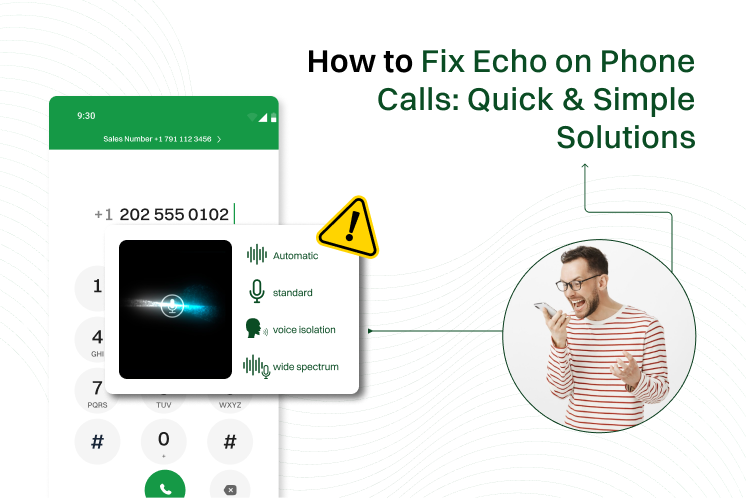
Echo during a phone call is the fastest way to ruin a conversation. You’re trying to sound smart, but instead, you’re stuck listening to your own voice bounce back like a broken record.
It’s not just annoying, it’s confusing, distracting, and makes you want to throw your phone across the room, but please don’t.
The good news is that you can easily fix echo on phone calls. Whether you’re on an iPhone, Android, VoIP phone, or Bluetooth headset, there’s always a way out of the echo tunnel.
In this guide, we’ll show you how to identify the source of the echo and how to fix echo on phone calls.
Let’s dive in and make your calls echo-free, for real this time.
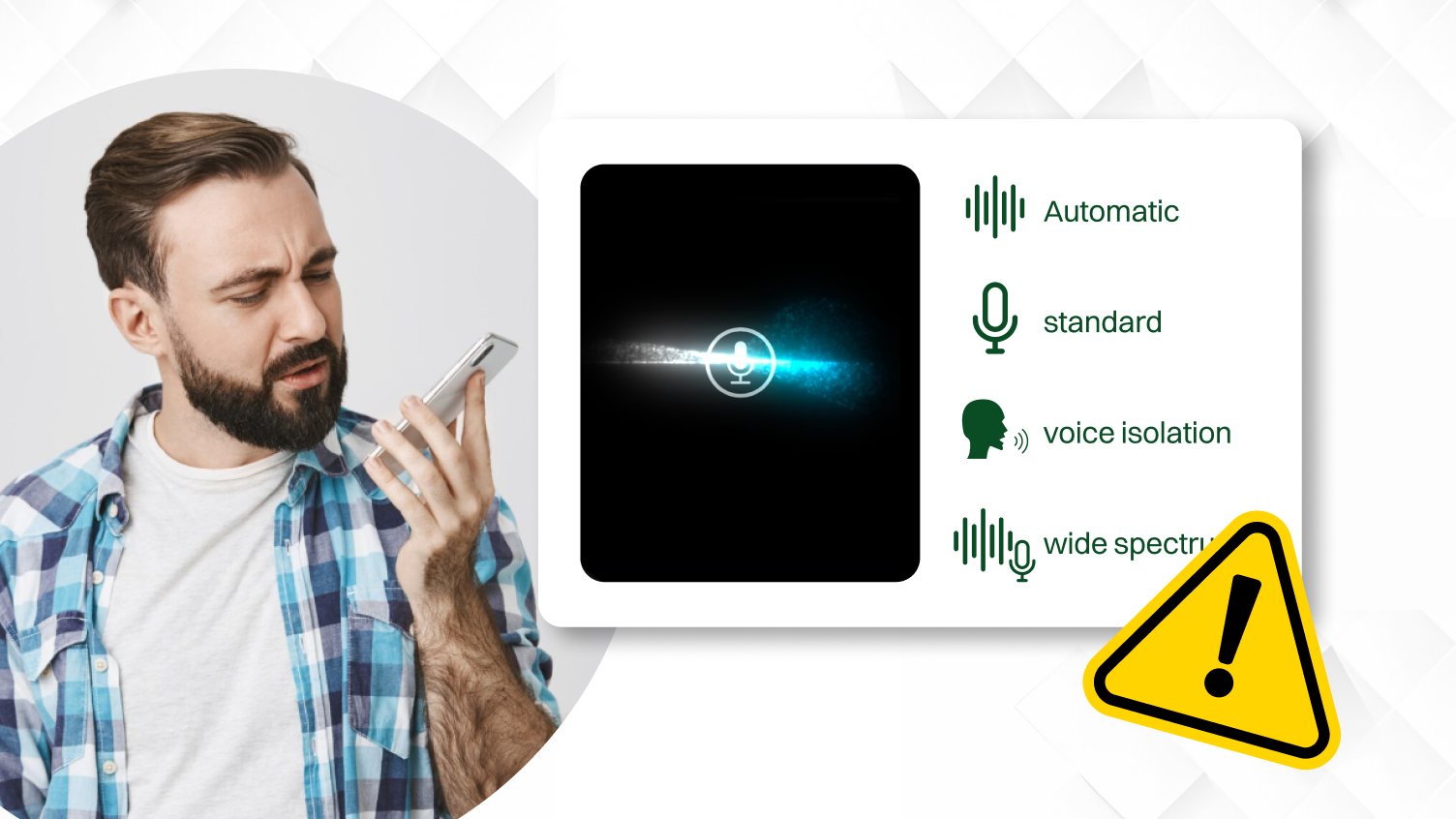
Phone echo happens when you or the person you’re talking to hears their voice repeated during the call. And no, it’s because you’re talking too much. It’s like you say “hello” and you hear it again a second later, from nowhere.
There are two scenarios here:
Most of the time, the sound from a speaker goes back into the mic, loops around, and causes that weird echo effect. It’s basically your voice getting caught in a lazy round-trip back to you.
Echo is more common on VoIP systems, mobile phones, and Bluetooth devices. It’s rare on old-school landlines. Why? Because landlines don’t rely on Wi-Fi or apps.
Search terms like “phone echoing during calls,” “call echo problem,” or “voice echo on VoIP” get thrown around for a reason. Echo ruins customer support calls, forcing you to repeat yourself, and it sounds like a tech failure.
If you run a business and your calls are echoing, it’s more than annoying. It sounds unprofessional, and clients might think your setup is stuck in 2003. So, it needs to be fixed.
There are more causes than you think; some are obvious, and some are laughably ridiculous. But the great news is all of them are fixable:
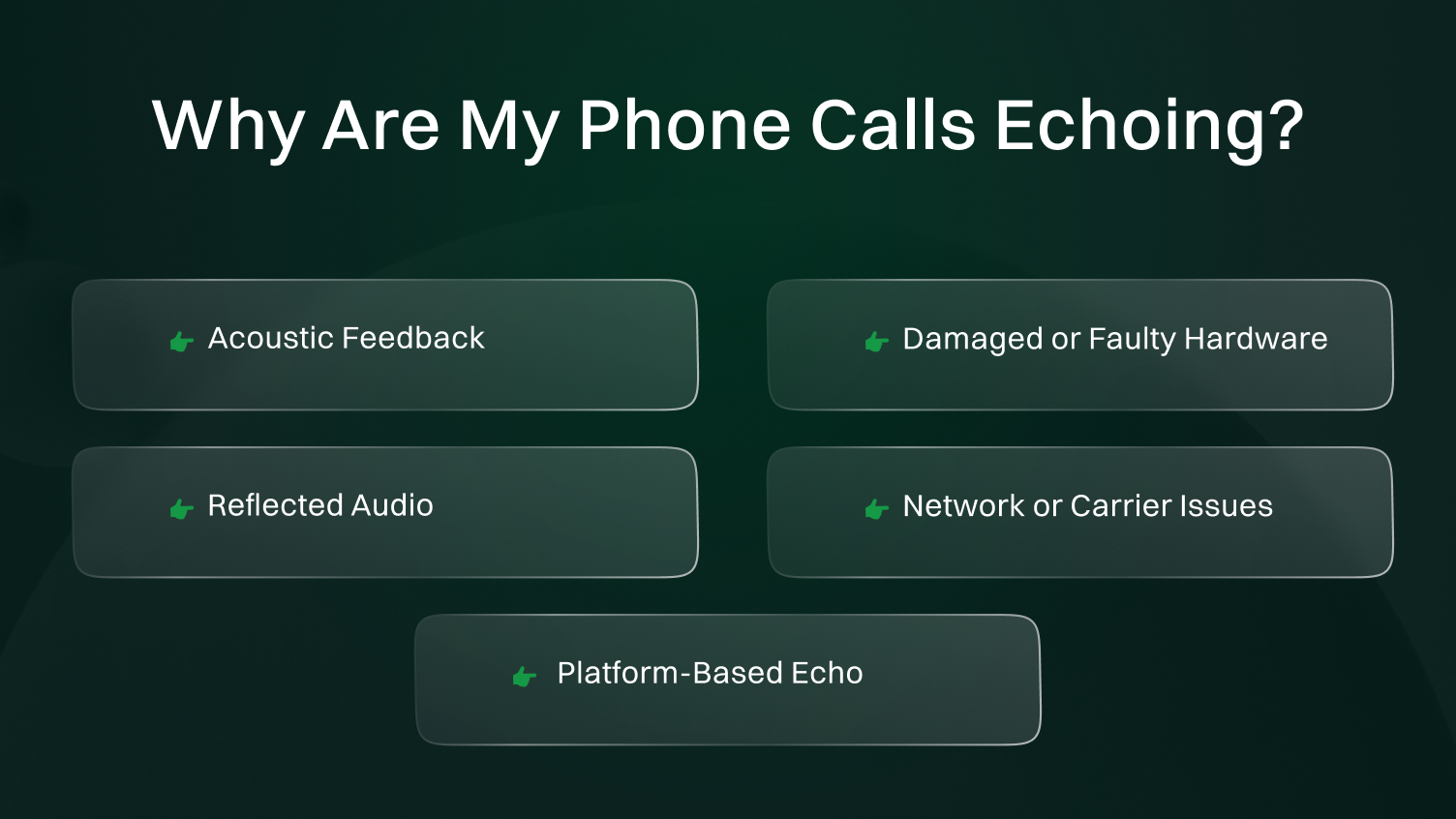
Every time the sound from the speaker reenters the microphone, the sound will loop, resulting in an echo for the other party. This phenomenon typically happens in speakerphone or quiet environments with a good bouncing surface for sound. Echoing from a phone occurs when the volume is high or the phone is too close to a surface.
Just a slight wear-and-tear, such as drops, moisture, or ageing of accessories, may interfere with the interaction of your mic and speaker. A loose earpiece or microphone that comes too near the speaker also leads to an ongoing echo problem.
Phones with poor acoustics bounce your voice around and send it straight back. Bad phone design or cheap accessories amplify the issue fast. Echo problems during VoIP calls or speakerphone sessions typically indicate reflected audio.
Echo can sneak in when your network is struggling to keep up. A weak signal, a poor SIM card, or glitchy Wi-Fi calling often causes delayed voice playback. Most call echo on mobile networks comes from latency or connection drops.
Native calls may echo, whereas apps like WhatsApp don’t. Some platforms just handle audio better than others. Echo during VoIP or business calls usually points to app settings or device compatibility.
Call & Contact Center
Feb 15, 2026
Read More
The quality of your network is very important in ensuring that the calls you make are crystal clear, but at times, it is not the most obvious cause of that irritating echo effect. As soon as your internet connection or cell network fails to provide a connection with gel and smooth flow, audio lags and distortions take place, and your voice or the voice of the other person reverberates as an echo.
The two major network elements that influence the quality of the call with regard to latency and bandwidth are:
Bad latency and low bandwidth accompany low speed or heavy Wi-Fi networks, a bad cellular connection, or a busy internet connection.
The Wi-Fi can be disrupted by other gadgets, a wall, or proximity to the router. Such disconnections lead to poor quality links, thus, poor or disrupted sound. Echo: There may also be a problem with the loss or delay of packets, especially in areas of the call software trying to fill the silence or resynchronize the sound.
Also, overloading the same network with numerous devices sharing the Wi-Fi network may overload it, causing disturbances in the call quality and echo.
In order to fix echo on phone calls that results from the network problems, the following are easy ways to help:
You can considerably minimise echo by enhancing your network configuration, resulting in a more fluid and audible conversation when making business or personal calls.
Echo issues can show up differently depending on the device you’re using. Let’s start by fixing echo problems on all the different devices:
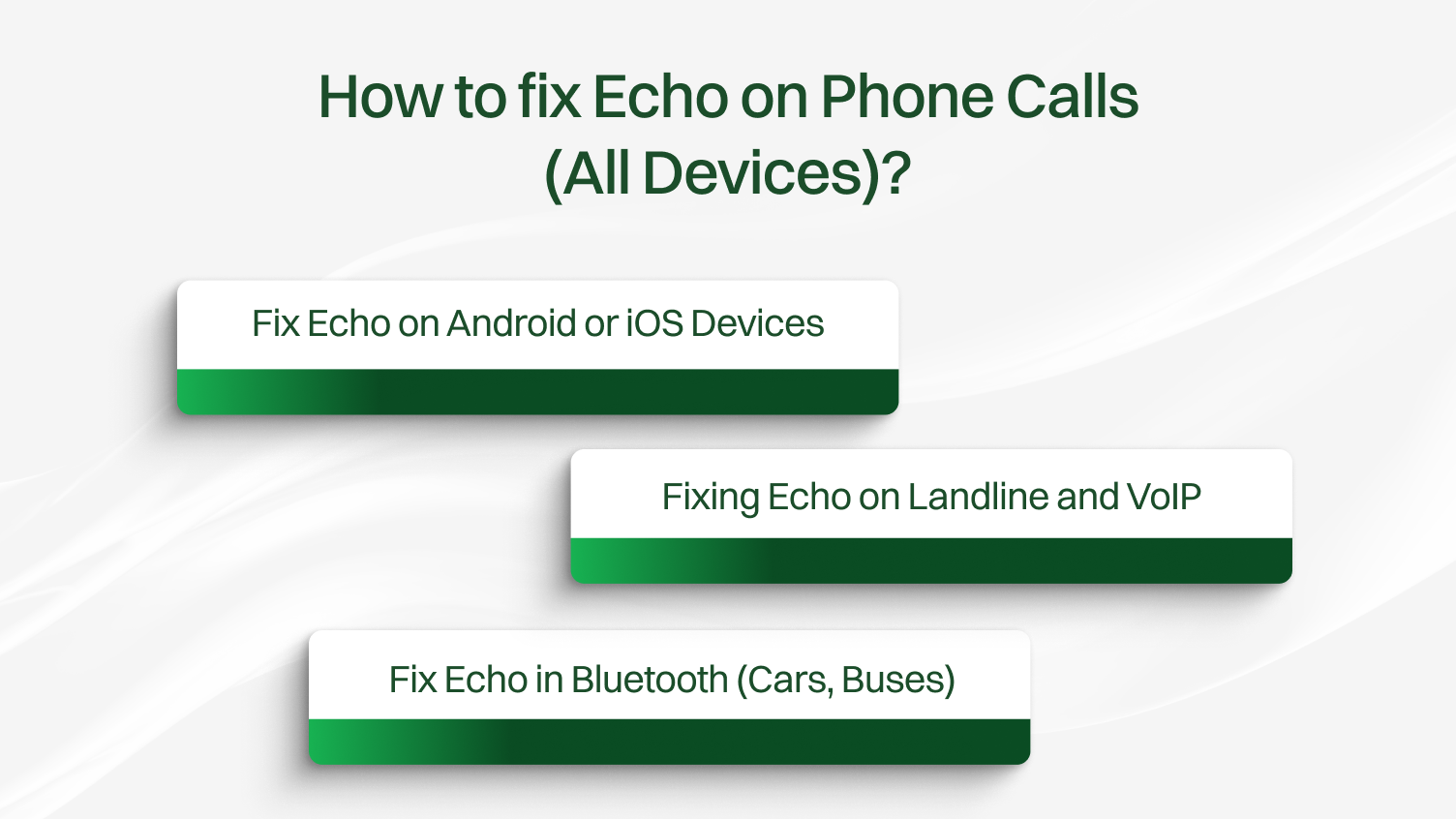
Most Echo problems on mobile phones are due to mic interference, app conflicts, or a weak Bluetooth connection. Let’s break down to fix echo on phone calls by devices:
Echo on Android phones usually starts with a mic or speaker issue, or a setting gone rogue. Here’s what helps to improve call quality:
iOS can also experience echo due to hardware conflicts or incorrect software settings. You can try these fixes:
Echo appears on landlines and VoIP calls as well, so it’s not just a mobile issue. Issues with audio feedback and call echo can significantly interrupt discussions.
Let’s see how to resolve echo problems in both configurations.
Landline phone echo is often caused by faulty cables or electromagnetic interference. You can try these tips to fix echo on phone calls:
VoIP phone echo happens due to network lag, poor hardware, or software misconfigurations. To fix it, try these:
Bluetooth echo is common in cars and public transportation, especially when the microphone or speaker setup is poorly placed. These steps can help:
It is vital to have your devices and network installed properly in order to prevent future echo issues. These best practices will work on mobile devices, landlines, and VoIP phone systems.
Some of the tips to avoid Echo Issues are:
Cheap headsets, unprotected microphones, or old phone accessories are a common source of feedback loops or poor echo cancellation. Purchasing even certified VoIP equipment will result in improved sound isolation and voice clarity.
Speakerphone can cause more chances of echo since your microphone can hear your voice that is being played by the speaker. In longer or valuable conversations, change into wired headsets or Bluetooth voice-communicating earpieces.
During a call, outdated software can cause sound issues, such as distortion, yelling, or sudden audio loss, on either mobile or desktop devices. Audio engine optimizations, echo cancellation, and VoIP compatibility fixes are common additions on a regular basis.
Free or basic VoIP apps often lack essential features, such as call routing optimization, network diagnostics, and echo suppression tools. Business-grade VoIP platforms offer dedicated support, high-definition audio, and settings tailored to your team’s calling needs.
It can determine whether the echo could be a problem of a particular device, headset, user, or place by listening to call recordings. This facilitates the diagnosis of whether it is a network-based cause, hardware-based, or caused by the configuration of the app.
Guides & How to
Nov 14, 2025
Read More
Sometimes, echo issues go beyond basic fixes, and that’s when it’s time to bring in the pros:
Echo on phone calls doesn’t have to be your new normal. A few quick fixes, such as switching phones off, checking for app updates, or replacing low-quality headsets, can resolve the issue quickly.
For long-term results, consider upgrading to newer phones, investing in certified VoIP hardware, or optimizing your network setup with proper quality of service settings. These steps help reduce echo and boost overall call quality.
Whether you’re chatting with family or closing deals on a business phone, clear conversations matter. Fix the echo, and every call becomes easier, more professional, and far less frustrating.
FAQs
An echo is heard when you use the phone, and your voice gets back to the receiver’s microphone through the speaker. They are caused by the use of a speakerphone, faulty equipment, or even delays in a network.
You probably have a phone setup problem when you hear your own voice echoing. In the case they are hearing themselves, it is either your microphone or speaker.
In order to fix the echo, restart your phone, wipe the speaker and microphone, disable Wi-Fi calling, and take off any covers that are covering your hardware. Also, restore the network settings or seek interference with Bluetooth on the iPhone.
Yes, poor Wi-Fi, network jitter, or network latency may produce echo even in voice over IP or in app-based calls. The quality of the calls is usually fixed by switching to a wired connection to the internet or a stronger Wi-Fi signal.
VoIP and Bluetooth calls are both dependent on hardware and network capability. If echo can only occur in such scenarios, then it may be a bad noise cancellation or call setting.
Avoid the use of speakerphone, upgrade your phone software, and apply certified accessories. To enhance business calls on the profit level, the company should invest in high-quality VoIP systems and wired headsets to improve calls and reduce call echo.
The persistence of the problem after simple troubleshooting or its occurrence on several devices and types of calls may be a sign of more severe problems. Get expert help by dialing the VoIP or phone support.
Yes, newer phones and business-grade VoIP systems include advanced echo suppression, noise filtering, call filtering, and stronger connectivity. Upgrading often resolves persistent call echo problems.
