

How to Fix Busy Signal Problems in VoIP?


Nothing slows down communication like a busy signal in VoIP. Whether it’s missed customer calls or failed team meetings, these issues can cause frustration and loss.
The good news? Busy signal problems in VoIP are usually easy to fix once you know where to look. Most issues stem from network settings, system errors, or poor usage habits.
In this article, you’ll learn practical steps to identify what’s causing the problem and how to fix it fast. From optimizing your router to updating firmware and guiding your team, every step is clear and actionable.
Let’s break down exactly what you need to do to restore smooth, reliable VoIP communication.

A VoIP busy signal is an audible call-progress tone that indicates failure to complete a requested telephone connection.
A busy signal problem in VoIP can occur when you try to reach a phone number and receive a busy tone, such as “The number you are trying to reach is currently busy, please try again later.”
In the VoIP context, this differs significantly from traditional phone busy signals in both origin and behavior.
While both Voice over Internet Protocol (VoIP) and traditional phone systems can trigger busy signals, the underlying causes differ significantly due to how each technology handles calls. The table below highlights the key differences.
| Aspect | Traditional Phone Systems | VoIP Phone Systems |
|---|---|---|
| Technology Used | Physical copper lines | Internet (Voice over IP) |
| Simultaneous Calls | 1 call per line | 6–8 calls per line (or more, depending on setup) |
| Common Busy Signal Reasons |
|
|
| Scalability | Limited, requires more physical lines | Highly scalable with bandwidth and hardware |
| Error Cause Type | Hardware/line-related | Network/configuration-related |
However, Voice over Internet protocol (VoIP) busy signals can still occur due to unique factors related to internet connectivity, network configuration, and system limitations that are not present in traditional telephony.
When your cloud phone or VoIP line consistently shows a busy signal, several technical aspects could be at play. Understanding these problems is crucial for effective troubleshooting.
Internet Connectivity Issues are among the most common culprits. VoIP depends on stable internet or WiFi connections.
When your internet connection experiences:
These issues can cause the VoIP system to register as unavailable, resulting in busy signals for callers.
SIP Registration Failures represent a critical cause of persistent busy signals. Session Initiation Protocol (SIP) is the signaling protocol that enables VoIP communications. When your VoIP device fails to register with the SIP server properly:
Firewall and NAT Problems commonly block VoIP traffic. Router firewalls use Network Address Translation (NAT) that can interfere with VoIP operations by:
Busy signals can block important calls, interrupt customer support, and harm business communication. Identifying busy signal problems early helps you to prevent communication problems and customer dissatisfaction.
Here are the key indicators:
If you hear busy tones often when calling different numbers, it’s likely not just the recipient; your system may also be involved.
Busy signals are not always caused by the called party. Sometimes, the network itself is the problem, especially if you’re using a VoIP phone system.
You can use VoIP monitoring tools to check bandwidth, jitter, and packet loss regularly and prevent signal issues before they impact your calls.
Even with a stable internet connection, incorrect VoIP settings can result in busy signals. These are the most frequent system-side causes:
Having a well-configured and updated router and PBX system is well-configured and updated. Even a minor technical error may cause bigger communication failures.

Busy signal problems on VoIP lines are not only inconvenient, but they hamper productivity and irritate your callers. Such issues tend to be caused by the instability of the internet, incorrect configuration of the router, or misconfiguration in VoIP.
If you’re dealing with this, here’s a structured approach to identify and fix the issue effectively.
Start by checking your internet speed and stability. VoIP calls rely on consistent upload and download speeds. If your network shows spikes or lag, you’ll likely face call drops or busy tones.
Tip: Use a basic speed test tool and aim for at least 1 Mbps upload and download per VoIP line.
This is your foundation. Without a strong network, other fixes won’t matter much.
Many busy signal issues come from router settings. Log into your router dashboard and do the following:
Turn off SIP ALG. This setting often interferes with VoIP traffic.
Enable QoS (Quality of Service). Prioritize VoIP traffic over other apps like video streaming or downloads.
Example: If someone’s watching Netflix while you’re on a call, QoS makes sure your voice packets get through first.
These tweaks reduce VoIP interruptions significantly.
VoIP uses specific ports like 5060 and 5065 for SIP traffic. Your firewall might be blocking them.
Make sure these ports are open in your router. If you’re unsure, check with your VoIP provider or IT team.
This step ensures your VoIP device can communicate freely with your provider’s servers.
Too many devices using the network can affect VoIP performance. Ask your team to pause downloads or large file transfers during calls.
Also, avoid using Wi-Fi for VoIP if possible. Use a wired Ethernet connection to prevent jitter and packet loss.
If you hear a busy tone while dialing out, your SIP registration might have failed. Go to your VoIP device settings and:
Refer to your VoIP provider’s support documentation for the exact STUN address.
Outdated firmware causes all kinds of glitches. Check your VoIP phone, adapter, and router for updates.
Most providers push firmware via their admin portals or manuals. Updating your hardware ensures full compatibility.
Once you update, retest your VoIP line to check if the issue persists.
Old or faulty VoIP phones, headsets, or even cables can cause problems.
Example: A worn-out headset cable might give the impression of a busy signal when it’s actually not transmitting voice properly.
Test with another device or try a basic desk VoIP phone to isolate the issue.
Keep your VoIP device away from power strips, large monitors, or fans. These can create electrical interference that affects call quality.
Rearranging your setup may sound simple—but it makes a big difference.
Before diving into advanced troubleshooting, reboot your modem, router, and VoIP devices. This clears out connection lags and forces a fresh start.
If you’re using a basic home internet plan for business calls, you’re likely to face trouble.
Switch to a business-class internet plan. These plans offer better reliability and bandwidth, ideal for handling VoIP traffic.
Pair it with optimized QoS settings on your router to keep voice calls smooth—even during peak hours.
Contact your VoIP provider’s support team. Provide error logs or screenshots of settings. They can run diagnostics or push updated settings to your device.
If you’re looking for a reliable VoIP solution with minimal downtime and expert support, consider Dialaxy; a top-tier VoIP phone number provider offering crystal-clear call quality, seamless integrations, and 24/7 troubleshooting.
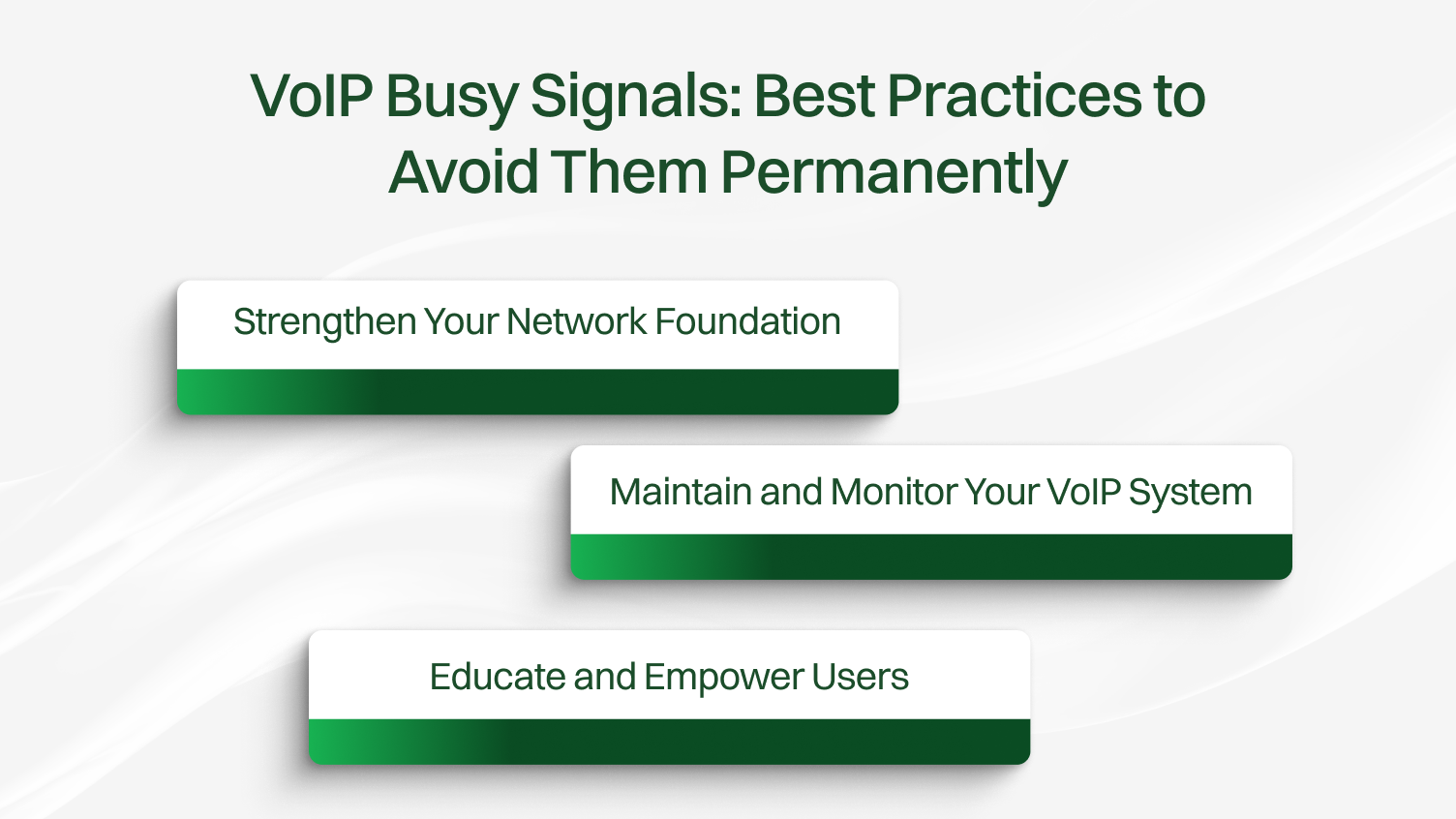
VoIP systems: VoIP can change a serious situation into a messy one where a busy tone in between the call can frustrate the customer and affect productivity. The causes of these problems are normally poor network setups, faults or errors at the system level, or errors on the side of the user. When the right fixes are put in place, one can get rid of them once and for all.
Here’s how to fix it, quickly and effectively.
A weak network is the leading cause of busy signals. To fix this:
Optimizing these basics helps create a steady and reliable flow for your voice traffic.
Even a strong network can’t support VoIP if your system isn’t up to date.
Staying on top of these routine checks can prevent most unexpected call failures.
Often, simple user habits can either prevent or cause VoIP issues.
VoIP Busy signals usually indicate that the network is configured incorrectly, that its systems are aging, or that its user base is inexperienced. Most of these can be avoided by making your network as efficient as possible, maintaining current versions of your VoIP devices, and teaching users to use VoIP in the best way possible.
The most important thing is to remain active, track down performance, implement routine fixes, and not to be confused about fixing the situation.
Fixing busy signal problems isn’t about guesswork. It’s about applying the right fixes at the right time. Start today, and take full control of your VoIP system’s reliability.
This can happen because of call forwarding or Do Not Disturb settings, network problems, or voicemail settings. Check and reset these.
Use a good internet connection, turn on QoS on your router, and turn off SIP ALG for better call quality.
Restart your devices, check network settings, confirm your account is registered, and update the software.
Restart the app and your device, turn off battery optimization, and check call forwarding or Do Not Disturb settings.
Restart your iPhone and the app, turn off Do Not Disturb, and make sure the app can access the network.
Restart your devices, turn off SIP ALG, check your network and firewall settings, and confirm with your VoIP provider.
