

What Are Robocalls? Understanding the Good, the Bad, and the Ugly

Valid Date: Nov 20 - Dec 04, 2026
It goes without saying, doesn’t it? You might be having a meal or watching your favorite show when your phone suddenly starts buzzing. You run to it, thinking it might be a friend. But when you say “hello, ” no one is there. Then, a strange robot voice comes on and starts talking about a car warranty. It’s really frustrating.
These calls are robocalls, and they have become very common nowadays. Here, in this guide, we will simply talk about why such calls happen, why they are unstoppable, and how you can differentiate a helpful call from a scary one without using any big technical words.
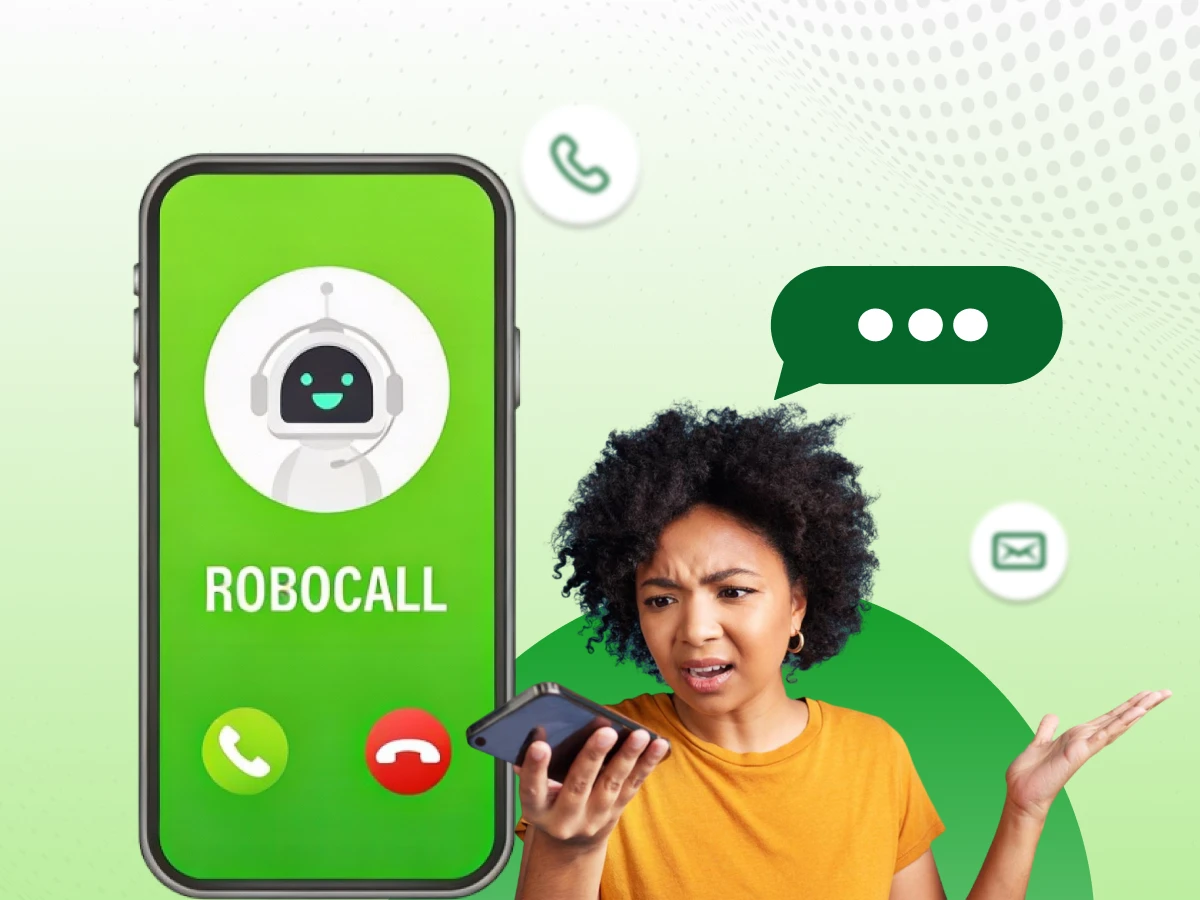
Let’s break this down. A robocall is basically just a computer making a phone call. You don’t get a real person. You get a machine that dials your number and hits ‘play’ on a recording. Just picture a computer dialing numbers all day long, never taking a break.
Are they all bad? No. Sometimes it is your school telling you they are closed. That is actually helpful. But let’s be real here. Most of them are traps. They annoy millions of people every single day. It is a huge headache. But you have to remember, just because a computer is called doesn’t mean it is evil.
Think of it this way. It is a mix of a super-fast dialer and a voice file. You aren’t talking to a human; you are listening to a computer program. That is how they send billions of calls so fast. It is a numbers game. Even if some calls are okay, most feel like intruders. They are usually just sales calls you didn’t ask for, or worse, scammers trying to take your cash.
The way an illegal robocall works is actually pretty simple. It usually happens in three steps using powerful computer programs:
Why are there billions of robocalls every month now? It really comes down to cheap tools and being able to hide easily:
When we hear “robocall,” we usually think “spam.” But not every robot call is bad. Real companies use this tech to send important news fast. When used the right way, these automated calls are actually helpful. Most people are glad to get them.
A few examples of when an autotelic call is a benefit rather than a nuisance have been highlighted below:
These good automated calls usually happen because you gave the company your number. They tell you things you need to know. They rarely ask for private info, unless they are checking to make sure it is really you.
The secret to spotting a “good” robot call is looking at what they want.
If you ever feel weird about a call, just hang up. Trust your gut. Look up the real phone number on your credit card or the company’s website. Call them back yourself. Never use the number the recording gives you. That is how they trick you.
“The Bad” calls are the ones that might not be a crime, but they are super annoying. These are the unwanted calls that bother you at dinner.
Usually, these are telemarketing calls from companies trying to sell you stuff you never asked for. They might be legal, or maybe just pushy, but they are a huge pain.
Unfortunately, this aggressive behavior often results in a legitimate business phone number showing as spam.
A lot of robocalls fall into this group. Businesses use them to call whole towns with offers for things. Sometimes a real person is on the line, but often it is a computer finding people to talk to. Even if they are selling a real product, the fact that you didn’t ask for the call makes it annoying.
You know these calls. They talk about car warranties, lowering credit card rates, or “free” trips. You didn’t ask for them, and they always ring at the wrong time. They might not be trying to steal your identity, but they are interrupting your life. They treat your phone like a billboard.
To help us fight back against these unwanted robocalls and telemarketing calls, the Federal Trade Commission (FTC) established the National Do Not Call Registry. It is a list that tells salespeople, “Do not call this number.”
The problem? The list only stops companies that follow the rules. Bad guys and scammers don’t care about the law. So they ignore the list.
Even if a robocall isn’t trying to steal from you, it makes using a phone harder.
“Bad” robocalls are so annoying that they make us feel like we have lost complete control over our phones. Such constant harassment from nuisance calls is the primary reason why a huge number of people are resorting to downloading apps to block robocalls.
Stop wasting time on spam and take back control of your business lines today.
This is where things get scary. “The Ugly” robocalls aren’t just annoying; they are dangerous. These are calls made to steal your money, your identity, or hack your life. These illegal robocalls use fear to trick you.
Scammers change their stories a lot, but they usually stick to a few main tricks. Here are the ones you will see the most:
Scams work because of something called Caller ID spoofing. Scammers use software to fake the number on your screen. They make it look like a real company, a neighbor, or the government. It lowers your guard.
These fake calls make it super hard for call-blocking tools to catch them. It also makes it hard for police to find the bad guys. There are legitimate ways to learn how to find a phone number owner.
People often ask, “Is it bad if I just answer?” For annoying sales calls, you are mostly just showing them that your number works. But for scam calls:
The best advice? Don’t answer calls from numbers you don’t know. If it is important, they will leave a message.
The fight against robocalls is getting bigger. Technology is our best weapon. Phone companies, the government, and app makers are all building better network protection and tools to block robocalls.
The biggest tool right now is artificial intelligence (AI), or smart computers. They look at billions of calls to find the bad guys faster than a person could.
Your phone company is likely doing work in the background that you don’t even see.
The government isn’t just watching; they are making laws.
It takes everyone working together. These new tech tools and laws are key to lowering the billions of robocalls we get. It won’t stop every single one, but it makes the scammers’ jobs much harder.
Network protection is great, but you are the final guard. You have to protect your own phone. By changing a few habits and using the right tools, you can stop a lot of spam calls and keep your secrets safe.
A few simple changes can save you a lot of trouble:
For professionals, learning how to block spam calls on a business number is essential to maintaining productivity.
Don’t fight fair; use technology to block them.
The best plan is to do all of these things. Put your number on the list. Get a blocking app. Turn on your phone’s settings. And stop answering unknown calls.
Being smart creates a wall around your phone. It lowers the number of robocalls that get through and keeps you safe from robocall scams.
Here is a summary of what you should do:
| Action Category | Description | Key Benefit |
|---|---|---|
| Registration | Add your phone number to the National Do Not Call Registry. | Stops sales calls from following the rules. |
| Watch Out | Do not answer calls from people you don’t know. Hang up fast on robots. Never press buttons. | Stops you from talking to scammers. |
| Keep Secrets | Never give out private info (Social Security, credit card) on a cold call. | Stops identity theft and stealing money. |
| Reporting | Tell the Federal Trade Commission and Federal Communications Commission about scams. | Helps police catch the bad guys. |
| Carrier Tools | Use blocking apps from your phone company (like AT&T ActiveArmor). | Stops spam calls before they reach you. |
| Smartphone Features | Turn on “Silence Unknown Callers” on iPhone or “Spam Protection” on Android. | Filters out calls from strangers. |
| Extra Apps | Think about getting other blocking apps for more safety. | Adds more lists of bad numbers to block. |
| Check Voicemail | Let calls go to voicemail; real people will leave a message. | Avoids talking to likely scams. |
Doing these things is not just a one-time fix. It is always the case that the bad guys keep on trying new tricks. They recycle their fake numbers or invent new scary stories just to get their calls through. So, you have to stay alert all the time.
When a new sort of spam call is able to get through, make sure you report it immediately. Don’t forget to keep your blocking apps updated as well.
Picture having a dinner without the loud ringing interrupting you. So, it is really worth the effort to separate yourself from the scammers by constructing such walls. In fact, you are the one who decides whether you want to talk with them or not, and thereby you are back to running your own life.
Dialaxy helps businesses stop spam calls by using a mix of smart tech and easy-to-use settings that block the junk before your team even picks up the phone.
Here is how Dialaxy makes it easy:
In conclusion, the situation with automated calls is constantly changing as both sides vie to either make things easier or enhance digital security. It is true that we might never completely eliminate every recorded message; however, the joint effort of government agency actions, such as the TRACED Act, and sophisticated network protection is at last starting to change the situation.
Such blocking technologies and caller ID authentication protocols serve as an important first line of defense, yet they are not the ultimate solution. The real secret to fewer robocalls is in your everyday behavior. By being cyber aware, not revealing too much personal information, and making use of carrier-level call blocking, you are essentially minimizing the likelihood of being targeted by robocalls.
It looks like scammers will continue to dial numbers; however, a considerable amount of doubt mixed with a good mobile security app will allow you to get your peace of mind back. Keep yourself updated with the latest information, report fraudulent calls to the Federal Trade Commission, and do not forget: you are the one who controls your time.
Ready to silence the robots? Protect your team with Dialaxy’s advanced AI call blocking.
This is a trick called neighbor spoofing. Scammers use special software to fake their caller ID. They make the number look local so you’ll think it’s a neighbor or a local shop. They know you are more likely to pick up a local number than one from a place you don’t know.
Sadly, probably not. Robocallers change their numbers constantly. If you block one, they just use a different fake number the next time. To really stop unwanted calls, it is better to use a call filter or an app that blocks “categories” of spam rather than just one number at a time.
The call registry is good for stopping honest companies from calling you. But since scammers are already breaking the law, they don’t care about a government agency list. It helps cut down on some telemarketing calls, but it won’t stop the scam calls completely.
Don’t panic, but move fast. Call your bank right away to protect your credit card. You should also report it to the Federal Trade Commission (FTC) website. It is also a smart idea to change the passwords for your mobile phone account and your email to keep your online security strong.
There is a bit of a rumor about this, but it’s worth being cautious. Some scam calls are designed to get you to say the word “Yes.” They might ask, “Can you hear me?” or “Is this the homeowner?” They do this because they hope to record your voice and use that “Yes” to authorize big charges on a credit card or a mobile phone account later on. While it’s rare for this to work perfectly, it’s a good habit to just stay silent and hang up if you don’t hear a familiar voice right away.
