

Get a Washington, D.C. Virtual Phone Number Today!
Establish a strong local presence in the nation’s capital with a Washington, D.C. virtual phone number. Whether you’re launching a business, expanding into new markets, or supporting a remote team, a D.C. VoIP number boosts your brand’s credibility. It connects you with customers across the District and beyond.
Endorsed by top industry leaders
Trusted by industry experts for excellence and innovation.









What is a Washington, D.C. phone number?
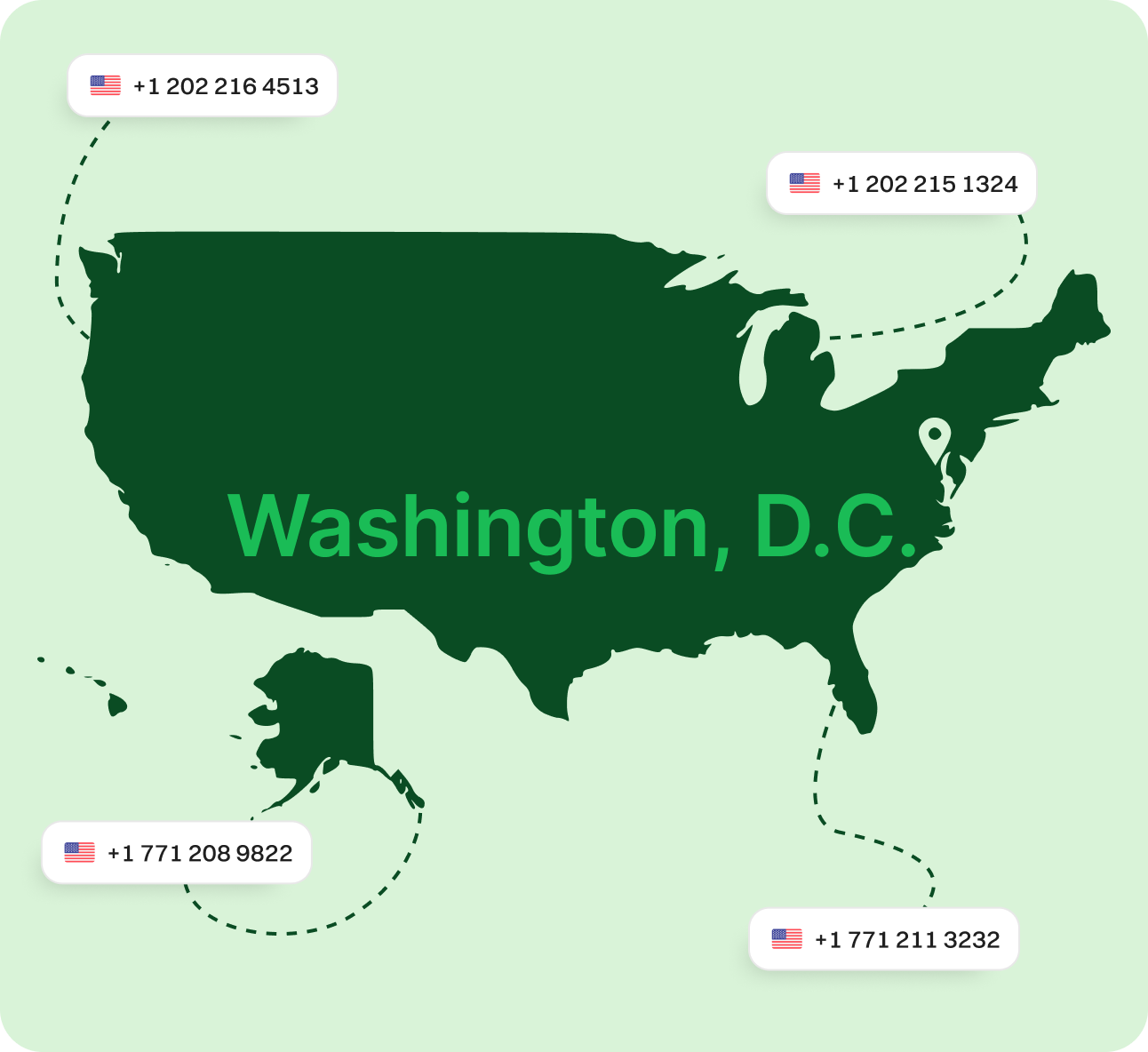
A Washington, D.C. phone number is a ten-digit number formatted like (202) XXX-XXXX and is associated with individuals or businesses operating in the District of Columbia. The city uses the 202 area code, one of the original codes established in the North American Numbering Plan. Despite its compact size, D.C.’s influence spans far and wide—from federal agencies and embassies to startups and nonprofits.
Having a local D.C. number helps identify your business as part of the area’s professional landscape. It’s a small but powerful step in building local trust with clients, constituents, and partners in the capital.
How does a Washington, D.C. virtual phone number work?
Washington, D.C. virtual phone numbers are powered by VoIP (Voice over Internet Protocol), allowing you to make and receive calls over the internet. You don’t need to physically reside or have an office in D.C. to use a 202 number—your calls can be managed from anywhere in the world.
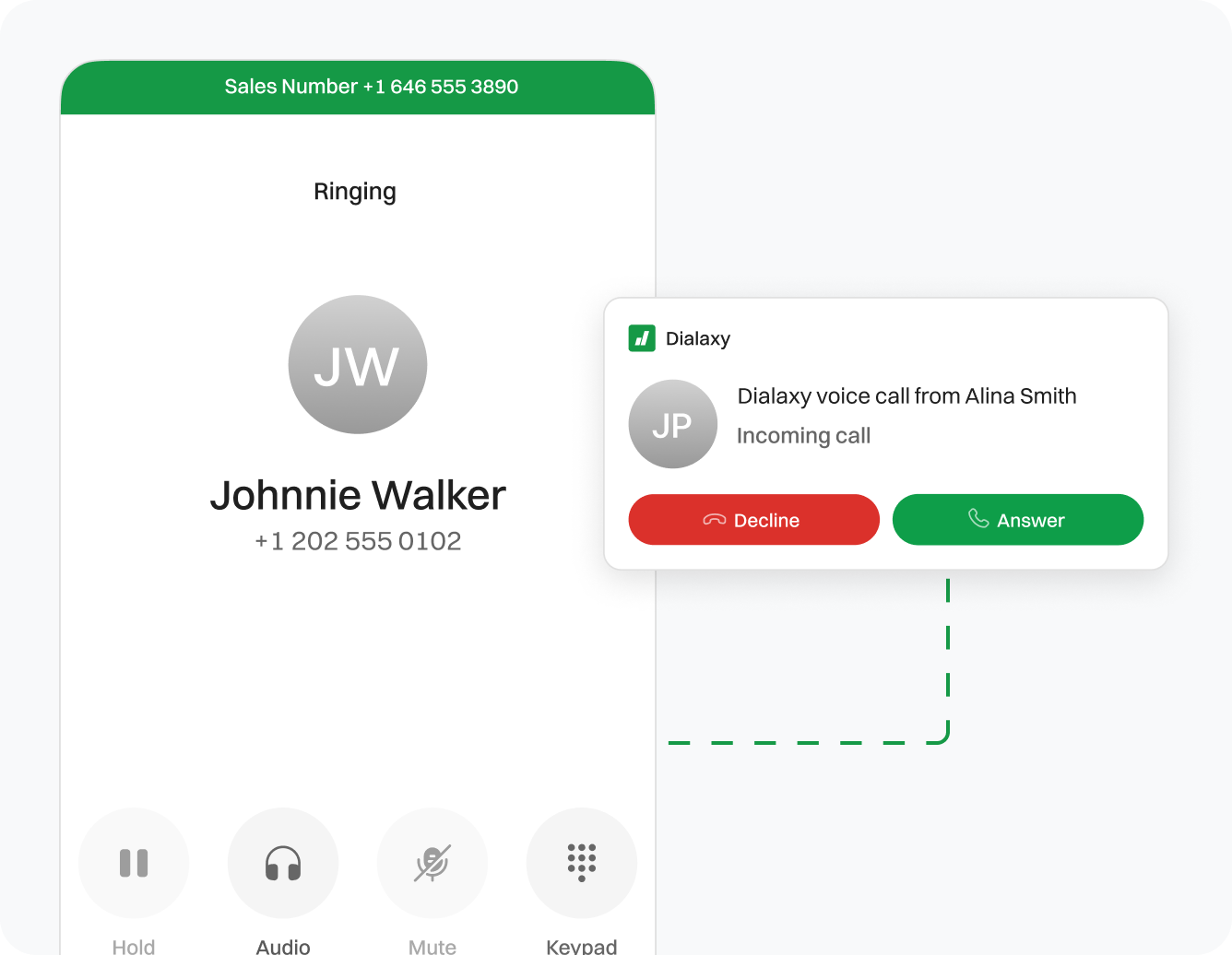
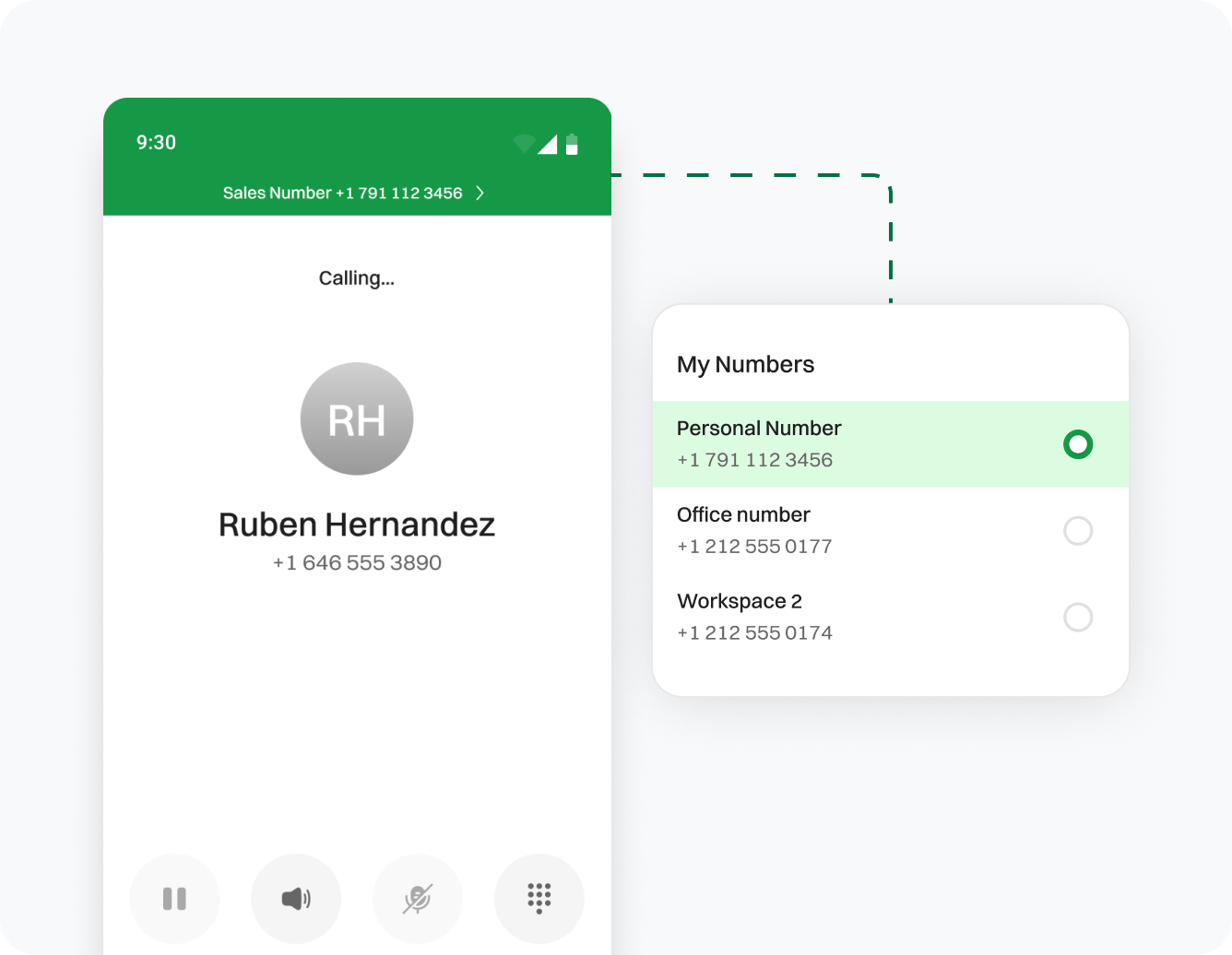
Calls made to your D.C. number are routed to your preferred device, whether it’s a smartphone, laptop, or landline. These virtual numbers include professional tools like voicemail, call forwarding, auto-attendants, and call analytics. It’s an efficient, low-cost way to serve the capital’s diverse population without being tied to a physical location.
Why use a Washington, D.C. virtual phone number?
Washington, D.C. area code details
Why choose Dialaxy for your Washington, D.C. number?

Plans That Flex with You
Whether you’re a solo consultant or part of a larger organization, Dialaxy offers plans that scale with your needs.
No Extra Equipment Required
Get started in minutes—just log in, pick your number, and connect your preferred device.
How to set up a Washington, D.C. virtual phone number?
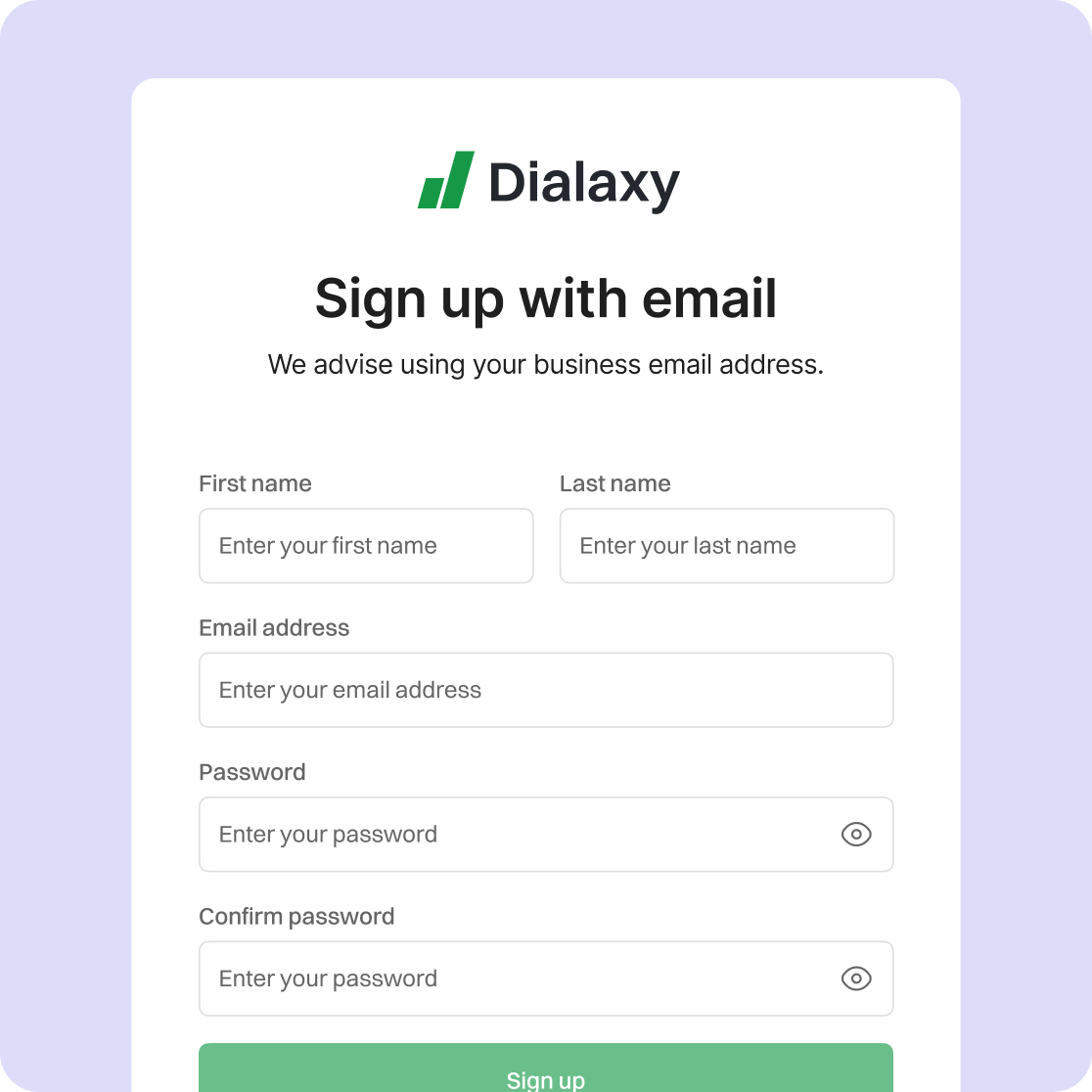
Sign up on the virtual phone number provider’s website. Use your email address or other required credentials to get started.
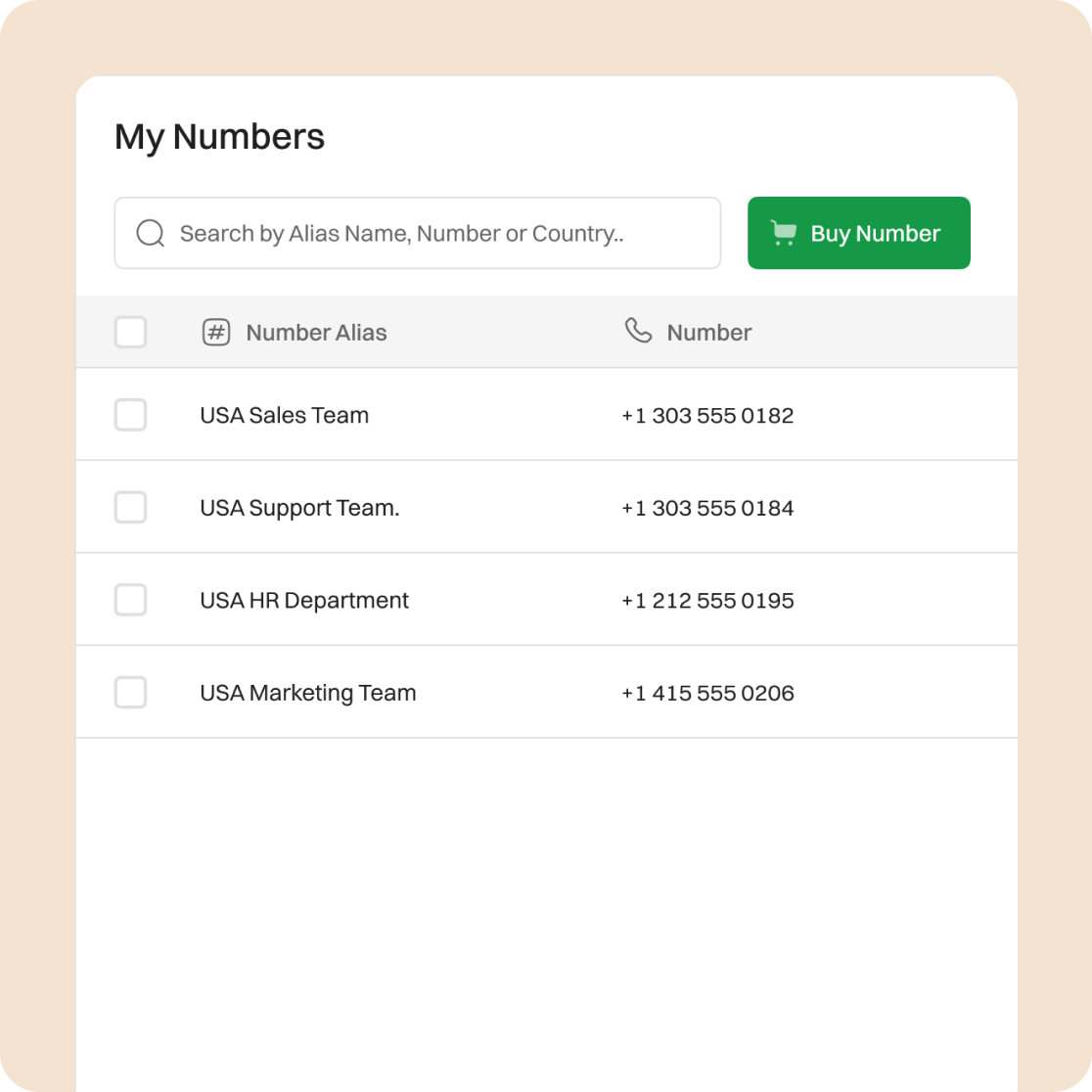
Go to your account dashboard, find the “Add New Number” option, and select it.
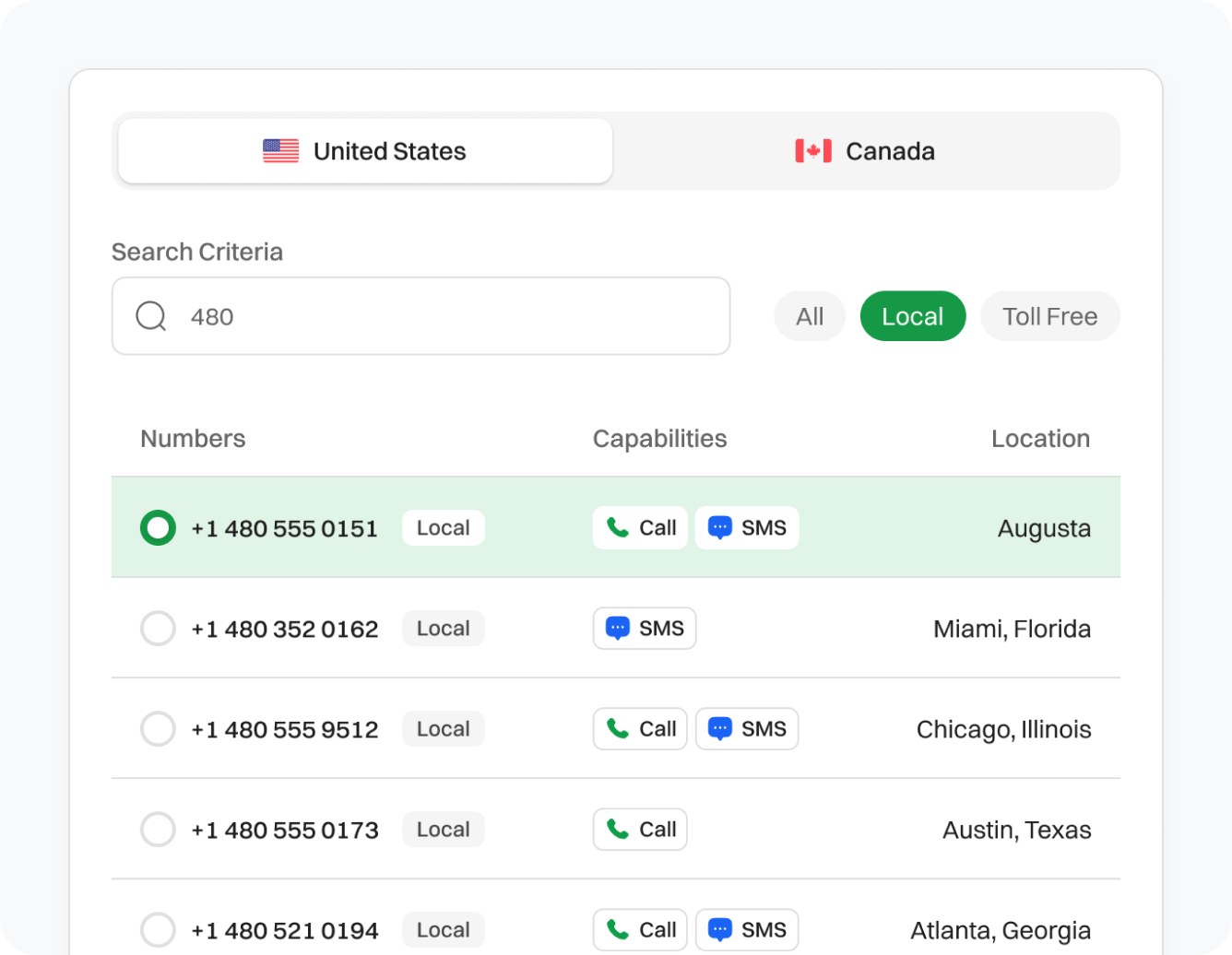
Select USA as your country, and then choose Washington DC area code from the list of numbers.
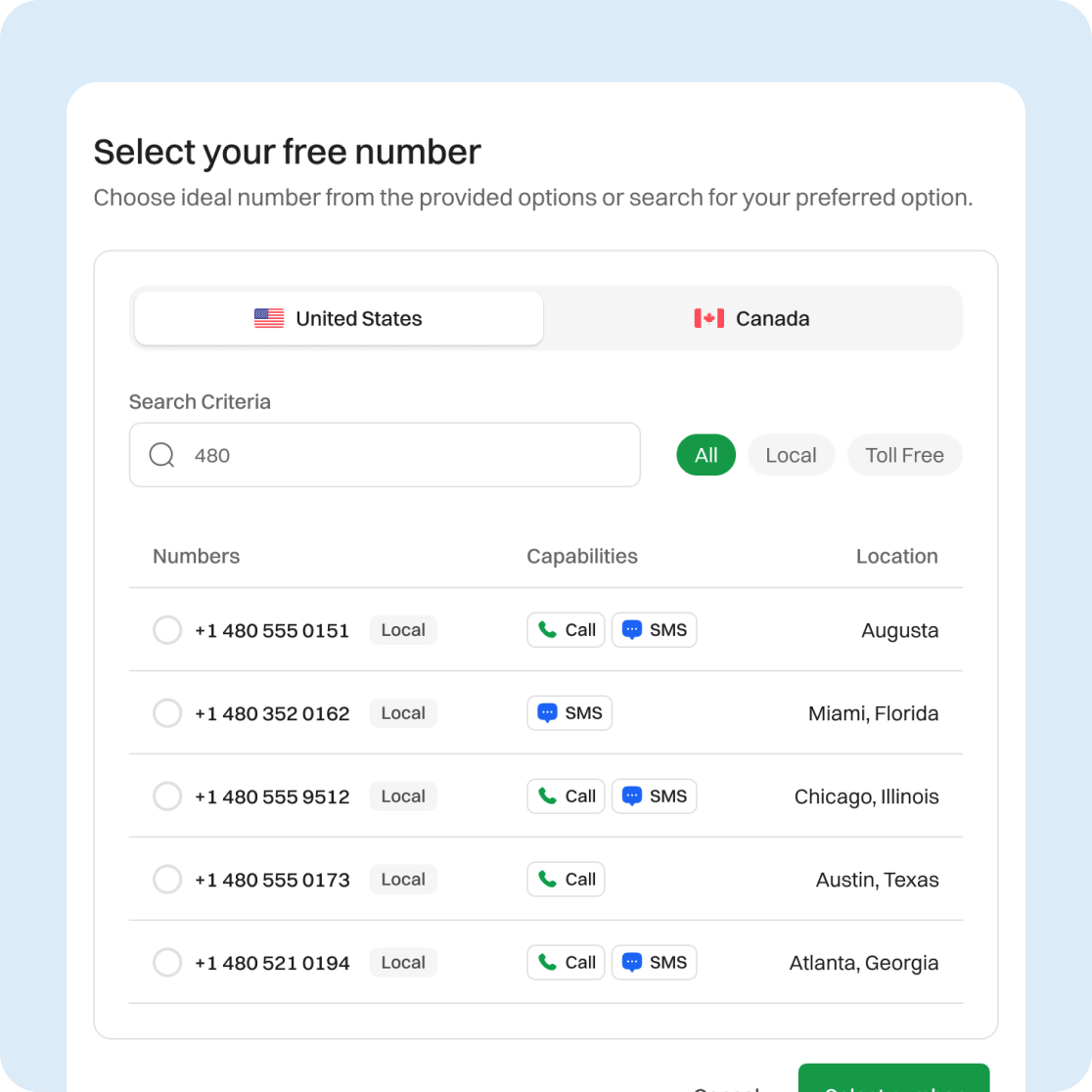
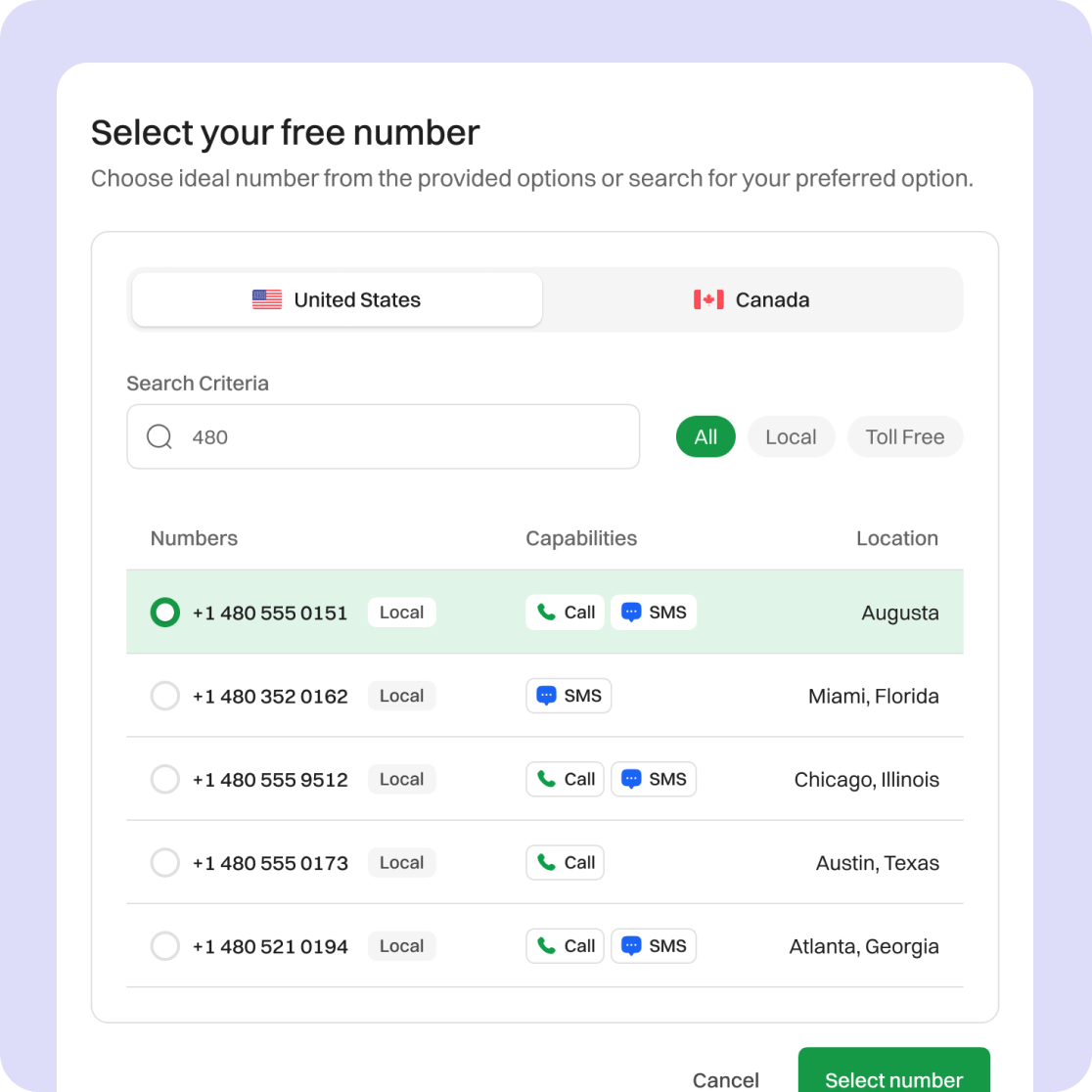
Browse the list of available Washington DC numbers and pick the one that fits your needs.
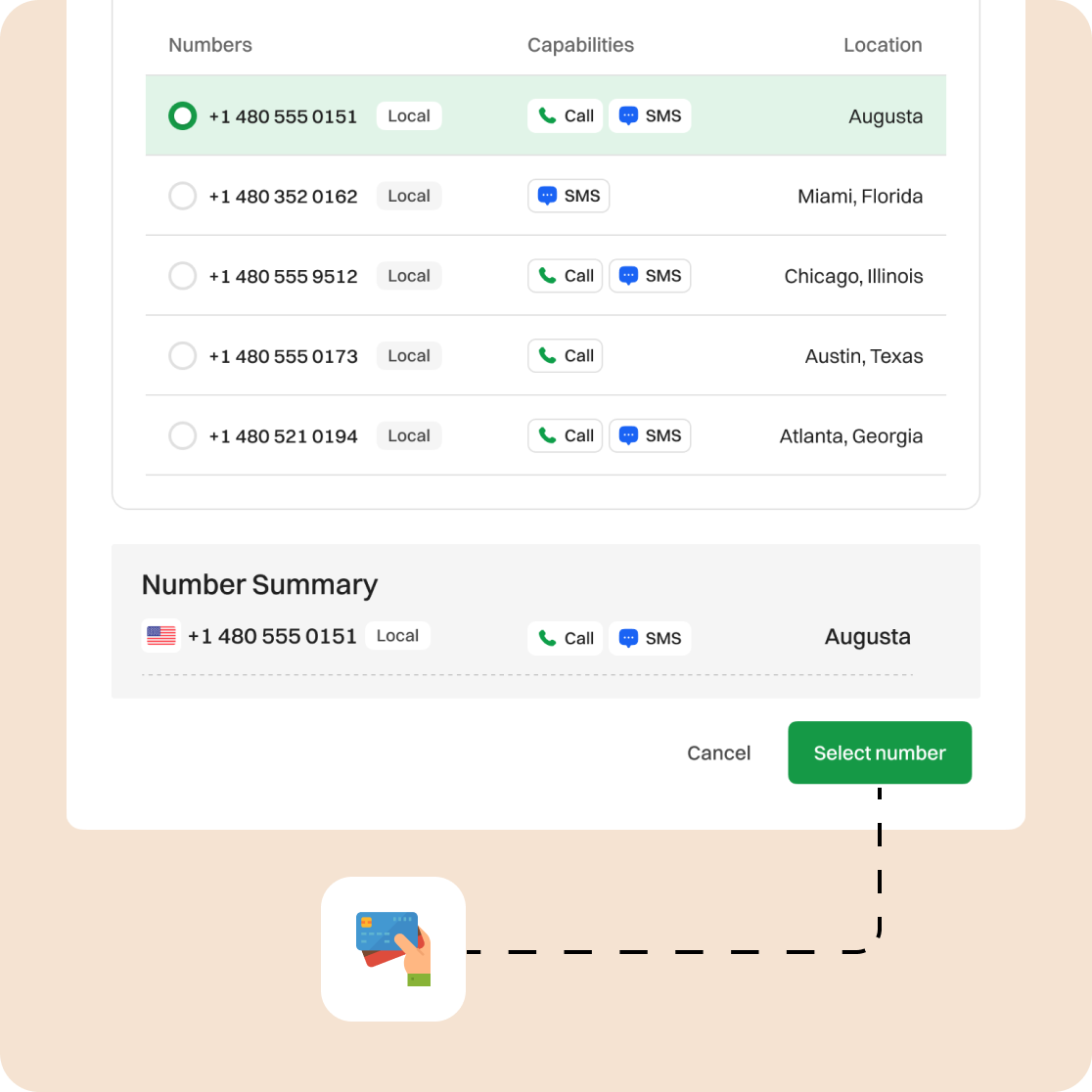
Proceed with the payment for your selected number. Double-check your account info and confirm everything is correct.
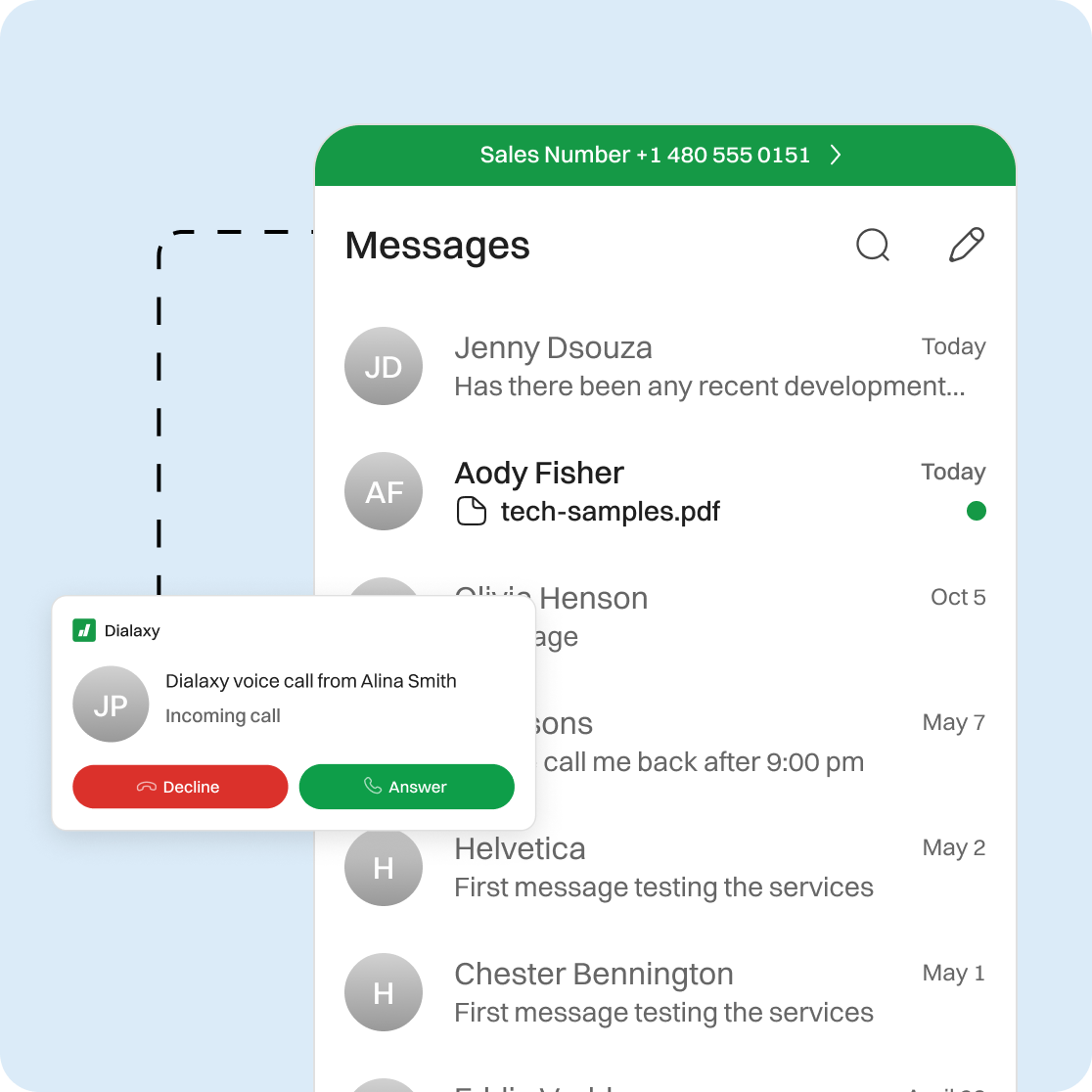
Once the number is activated, you can start using your Washington, DC, virtual number immediately for calls, texts, or forwarding features.
Frequently Asked Questions
Yes. All numbers fall under the 202 area code, but you can select from available numbers associated with different neighborhoods.
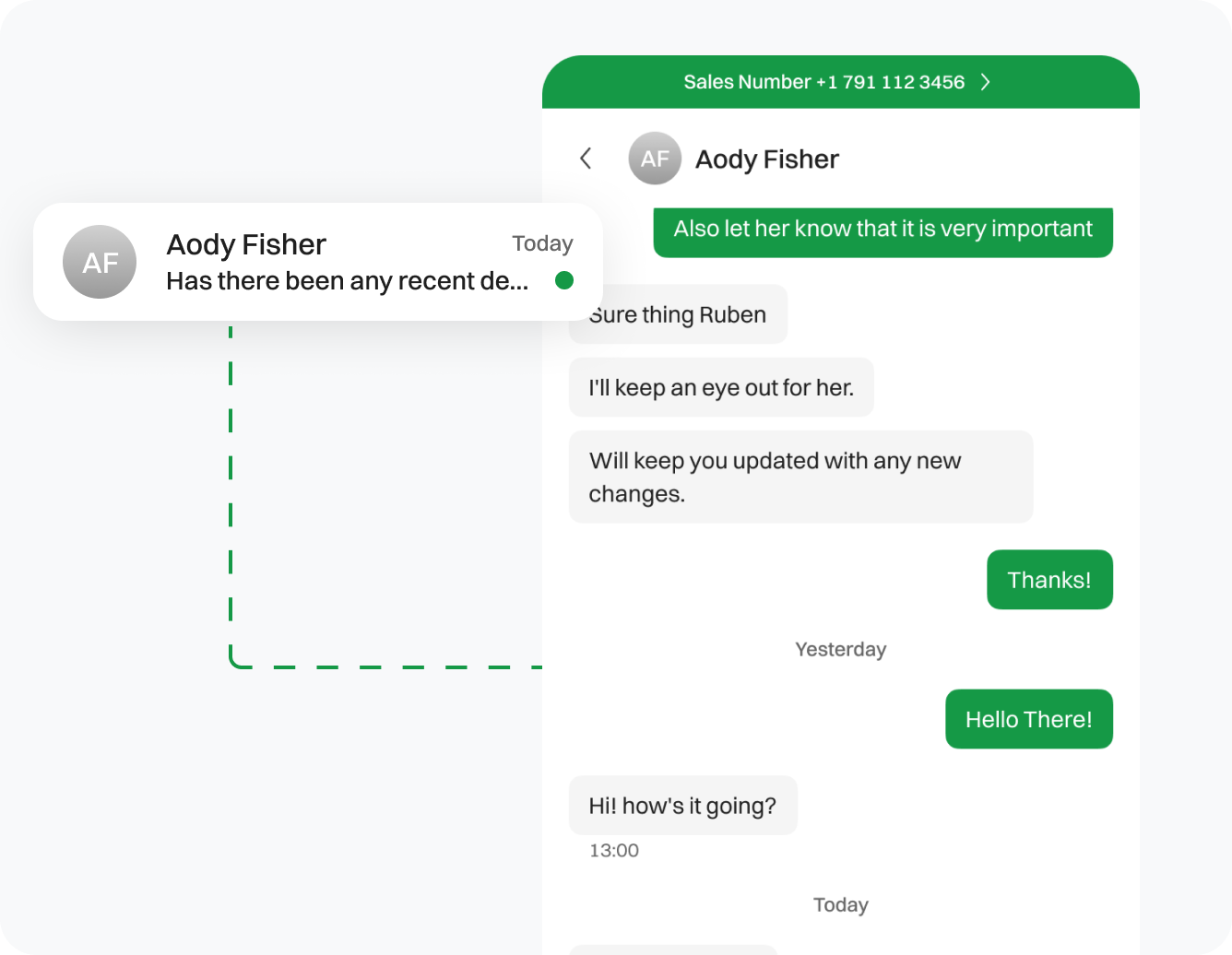
Absolutely. Most VoIP plans support SMS/MMS for two-way texting.
Yes, your virtual number is accessible via Dialaxy’s mobile app for iOS and Android.
Definitely, set up call forwarding to route calls to teammates, departments, or backup lines.
Yes. Most virtual numbers, including those from D.C., are portable so you can keep the same number when switching services.