

Your Call Has Been Forwarded: What Does It Really Mean?

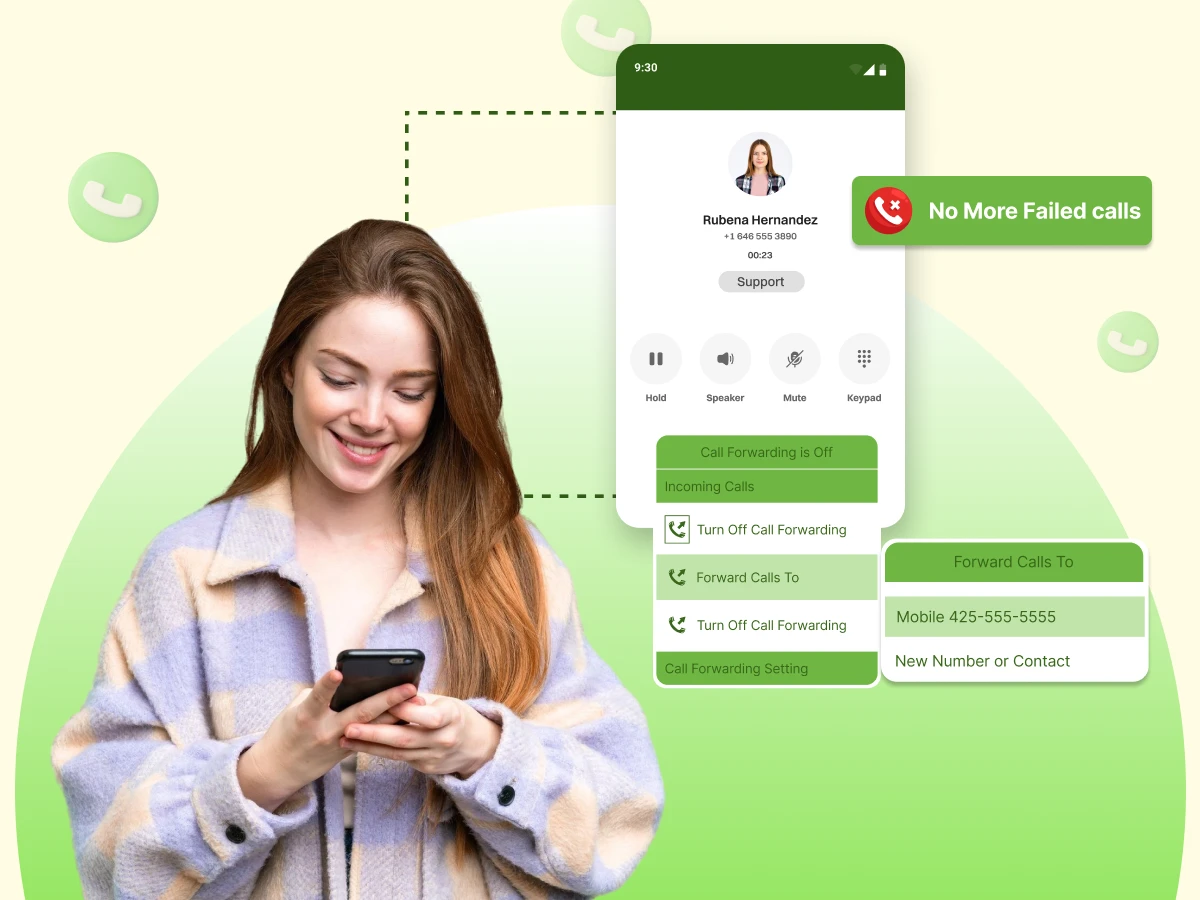
Hearing that your call has been forwarded can be confusing. Does it mean you are blocked, or is the battery just dead? This guide explains the common reasons calls go straight to voicemail, how to check your phone settings, and why business phone systems use this feature to help customers.
You pick up your phone, scroll to a familiar name, and tap the green icon. You lift the device to your ear, waiting for that comforting, rhythmic *ring-ring* that connects you to a friend, a partner, or a business associate. You are ready to say “Hello.”But the ring never comes.
Or perhaps you get half of a ring, a teasing blip of sound, before a sharp click cuts the connection. Silence follows, stretching for a second too long. Then, a flat, robotic voice cuts through the dead air: Your call has been forwarded to an automatic voice messaging system.
In this blog, you will learn everything you need to know about call being forwarded, what it really means, including common reasons calls go straight to voicemail, and much more.
At its essence, call forwarding is basically a feature that allows redirecting incoming calls if the phone is unavailable to answer.
The call doesn’t fail anymore, but instead, it gets to the voicemail, another phone number, or a voice messaging system.
When you hear “your call has been forwarded”, it is the automatic voice recording telling you that the call has reached the network, but the recipient isn’t available. It doesn’t mean they dislike you, ignore you intentionally, or block your number.
To understand this, we have to look at the “Digital Handshake” that happens in the split second before you hear that voice.
Think of a cellular network as a huge system of highways. Further, when you make a phone call your signal leaves your handset and goes to a cell tower, then enters the main highway (the network) and takes the exit ramp straight to the other person’s phone.
But sometimes, that exit ramp is closed.
When the network realizes the “road” to the phone is blocked, it doesn’t just hang up on you. That would be a “Call Failed” error. Instead, the network looks for a pre-programmed detour. It redirects the data packets (your voice) to a designated “parking lot.”
Usually, that parking lot is the voicemail server. But it could also be a different phone number, a landline, or a colleague’s laptop in a business phone number environment.
The call was redirected automatically. The good news is that in most cases, this is completely normal. It’s technology doing its job to ensure you don’t waste time waiting for a phone that can’t answer.
If you’re wondering how to know your call has been forwarded, there are a few telltale signs. You have to play detective and listen closely to the behavior of the line before the automatic voice messaging system kicks in.
On iPhone or Android, the exact behavior can vary depending on the phone’s settings, network conditions, and carrier rules. Paying attention to these details can help you differentiate between manual decline, Do Not Disturb, or network forwarding.
There are many common reasons your call goes straight to voicemail or is forwarded to an automated voicemail system. Understanding these can prevent unnecessary panic.
The most common reason a call is forwarded is a dead phone battery. When a modern smartphone battery hits 0%, it doesn’t just turn off abruptly like a light switch. It performs a rapid shutdown sequence.
Since the network knows that the phone is off, it does not waste its resources to make the phone ring. That would be throwing the bandwidth away. Hence, the moment you hit call, the network intervenes and immediately diverts the call to voicemail.
Airplane Mode disables the phone’s cellular connection. People use Airplane Mode for a lot more than just flying these days; they use it in movie theaters, during therapy, or just when they want to disconnect.
It seems that the mobile phone is offline on the network. If a person goes to make such a decision on their iPhone or Android phone, essentially, they are disconnecting themselves from the cellular network. The mobile operator detects that the device is not online, and therefore your telephone call is automatically sent to voicemail without the device receiving the call.
Poor reception can also trigger call forwarding. When you are driving through a tunnel or hiking in a remote area, your phone loses contact with the tower.
Unlike a dead battery, the network doesn’t always know the phone is gone yet. It tries to find it. It pings the last known location. It waits. It listens. When it gets no response after a few seconds (usually 10 to 15 seconds), it times out and forwards the call.
Do Not Disturb mode leaves the phone connected but silences incoming calls. This is the one that confuses people the most. The phone actually receives the call signal. It sees you calling. But because DND is on, it immediately tells the network, “Busy.”
Because that signal travels to the phone and bounces back, you often hear a snippet of a ring. We call this the “Half-Ring.”
If the recipient presses Decline (or the side power button) after a few rings, the network redirects your call to voicemail.
This scenario is normal and doesn’t imply anything personal. People often decline calls when busy, driving, or in a noisy environment.
Sometimes carriers redirect the calls automatically because of the network settings or technical reasons. For example, forwarding to voicemail when the line is busy, or when the recipient cannot be reached. This is also called Conditional Call Forwarding, and it is widely used in business phone setups where the lines have to remain open.
This is one of the most common concerns. Blocked calls can mimic forwarding behavior, but there are subtle differences depending on the device.
Don’t call 50 times. That will get you blocked for real. Instead, try these logic tests:
The experience can vary depending on the device OS. Both iPhone and Android handle the “handshake” with the carrier differently.
Apple integrates call forwarding deeply into its iOS ecosystem.
Android is a bit more fragmented because Samsung, Google Pixel, and Motorola all run different versions of the OS.
Some users intentionally send their calls straight to voicemail. It could be that you are going on a vacation, or maybe you just want to have some quiet time. Here is how you can set up call forwarding in your phone’s settings.
Android gives you more options in the phone’s settings menu:
In business, call forwarding is not a problem; it’s a solution. Missed calls can mean lost sales, frustrated clients, or missed opportunities. Smart business phone systems and cloud contact center systems rely on call forwarding to keep communication seamless.
If you are calling a company and hear “Please hold while we locate an agent,” that is call forwarding in action.
Features Include:
To really understand why business phone systems love forwarding, let’s look at a real-world example. Let’s imagine a small, scrappy company called “TechFix.”
TechFix has a problem we all understand: they cannot afford to miss a single ring. A customer who calls and gets a voicemail might decide to call a competitor instead. To fix this, they use a cloud phone system that connects three people: Sarah in New York, Mike in Chicago, and a support team in the Philippines.
Here is exactly what happens to a single call as it follows the sun:
8:00 AM (New York Time):
A customer calls the main office number. The voice system checks the clock. It knows Sarah is the only one awake and online. It forwards the call directly to Sarah’s laptop. If she is running late, the system is smart enough to forward the call to her personal phone app. The customer has no idea she is answering from her kitchen; they just know a human picked up.
12:00 PM (The Lunch Rush):
Sarah gets hungry. She taps a button in her phone’s settings labeled “Unavailable.” The system instantly updates its map. Now, when a customer calls, the person you’re calling isn’t Sarah anymore; it is Mike in Chicago.
If Mike is already on the phone, the system doesn’t panic. It doesn’t ensure the call goes to voicemail immediately. It might hold the caller in a queue for 30 sec. If Mike doesn’t answer, the caller is sent to voicemail as a last resort.
6:00 PM (After Hours):
Both Sarah and Mike are done for the day. In the old days, this was when your call would hit a dead end. You would hear a generic recorded message saying, “Our office is closed.”
However, TechFix provides round-the-clock support. Hence, when a customer phones up at sunset, the automated voice says: “Please hold for the next available agent”.
Meanwhile, the voice system sends the call to the other side of the world to the team in the Philippines, where their workday is just beginning.
The Result?
The customer never hears a busy signal. The call never goes to voicemail just because it is 6:00 PM. It never goes to voicemail just because Sarah is eating a sandwich.
This setup means your call is always answered by a live person, no matter what time it is. For a business, forwarding isn’t an error; it is the engine that keeps the company running. It ensures that the only time a call goes to voicemail is when absolutely every single human on the team is busy helping someone else.
People often ask: Who says your call has been forwarded? The voice is pre-recorded by the carrier or business system. It’s an automatic voice that plays consistently across calls and devices. You cannot talk to it, and it cannot hear you.
However, the specific wording can tell you which carrier the person is using:
We are moving past the beep. The days of listening to a grainy audio recording are numbered. Cloud phone systems are introducing AI and smarter routing.
Many devices now provide visual voicemail, letting you read messages instead of listening. This integrates with automatic voice messaging systems to streamline communication. You can see who called, read the transcript, and decide if it’s worth a call back.
Phones like the Google Pixel can screen unknown callers using AI before connecting you. This enhances the experience for users by combining automatic voice with intelligent routing. The AI answers the call, asks the caller why they are calling, and transcribes the answer for you in real-time.
Professionals and businesses can create custom greeting messages to inform callers about expected response times. Instead of the robot saying “Your call has been forwarded,” a human voice says, “I am currently in a meeting, please leave a text.”
Even with modern phone settings, things can go wrong. Here are common reasons why call forwarding fails.
Forwarding one phone to another and back creates a loop.
Failure to update forwarding settings can send calls to old numbers.
Incorrect DND schedules can prevent calls from reaching you.
To help you visualize this, here are four real-life examples of why this happens:
Hearing “your call has been forwarded” can feel alarming, but in most cases, it’s routine. It is rarely personal. Most calls are forwarded because of common reasons like:
Whether it’s one ring, your call has been forwarded, being forwarded to voicemail immediately, or encountering a smart cloud phone system, the technology is designed to keep lines of communication open, even when a human isn’t available to pick up.
Understanding how iPhone or Android phones, business phone systems, and automatic voice messaging systems handle forwarding ensures you don’t panic. It lets you use call forwarding to your advantage, whether you are blocking out time for a nap or ensuring your business never misses a lead.
Sometimes. If the phone rings 2-3 times first, it may be declined. Otherwise, if it goes straight to voicemail, it’s likely automatic (DND or dead battery).
Look for no rings, partial rings, or an automatic voice before voicemail.
A prerecorded automatic voice from the carrier or cloud phone systems.
Yes, especially in business phone systems or VoIP platforms where you can upload custom audio.
Common reasons include the phone being off, DND being enabled, network issues, or specific forwarding rules set in the phone’s settings.
No. “Out of Coverage” means the tower can’t find the phone. “Forwarded” means the network found the phone (or the rule) and moved the call to the automatic voice messaging system.
