

How to Forward Calls From Landline to Cell Phone Easily

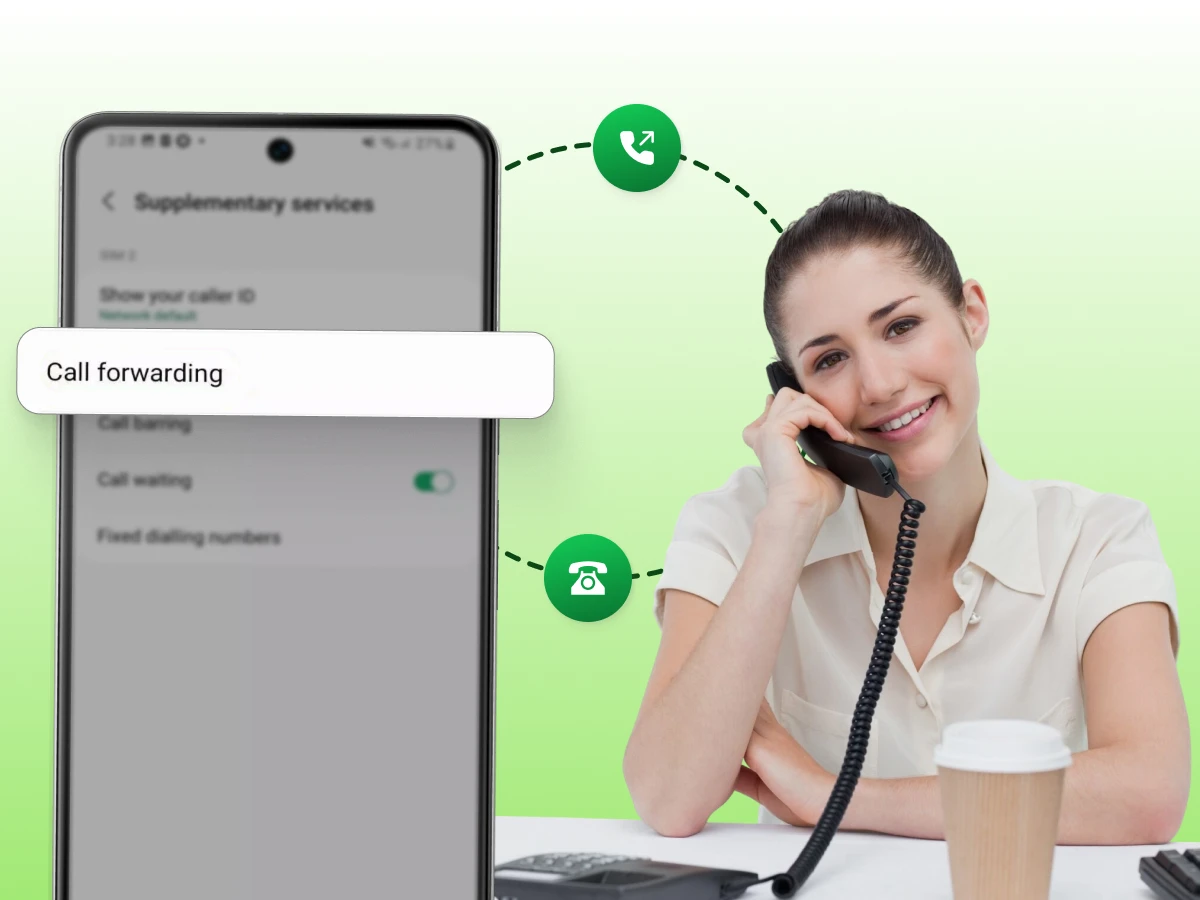
Overview:
Mastering call forwarding keeps you connected to your landline without being stuck at a desk. You can easily redirect incoming calls to your mobile device using simple star codes or online portals. This setup ensures you never miss important business leads, family emergencies, or client inquiries while you are on the go.
You are at the grocery store, and your landline phone rings. That important call you’ve been waiting for straight goes to voicemail. Again. Frustrating, right?
Learning how to forward calls from a landline to a cell phone changes everything. Your calls follow you wherever you go. No missed opportunities, no playing phone tag all day.
The setup takes maybe five minutes. You don’t need any technical skills or special equipment. Just your phone and a simple code. Most people are shocked at how easy it actually is.
This blog guides you through each step to forward calls from your landline phone to your cell phone. You’ll learn the codes, costs, and fixes for common problems.
Call forwarding is a phone feature that redirects incoming calls from one number to another. It automatically reroutes the call instead of it ringing on your original device. This is done behind the scenes within a fraction of a second. It is a reliable way to stay reachable when you are away from your main device. The person calling usually has no idea their call is being redirected somewhere else.
It has two types of forwarding based on your specific needs. Unconditional forwarding sends every single incoming call to your new number immediately. Conditional forwarding will transfer the call provided moves the call if you are busy or do not answer. Such alternatives give you complete power to decide on the method and timing of receiving your calls.
Using this feature provides several major benefits for staying connected. It ensures you never miss a call while you are on the move. Here are some of the main advantages of using this feature:
📞 Always stay reachable
🔔 Never miss important calls
⚡ Improve your response time
📱 Stay connected while mobile
🧭 Manage calls with ease
Knowing how the network handles your calls makes it much easier to fix any issues. The following is how the system works to move your incoming calls in real-time.
When you dial a code like *72, you send a direct command to your phone provider’s central hub. This signal tells their computer that you want to change how your line handles its business.
The switch acknowledges this request by listening for the 10-digit number you type immediately after the code. It then prepares to reroute all future data meant for your landline phone.
The phone company saves your new forwarding rule in their main database. It links your home number to your mobile phone so the network knows where to send your calls.
This information stays active at the provider’s office, so it still works even if your house loses power. The system keeps this rule running until you dial *73 to cancel the service.
When someone dials your number, the network switch checks your account settings before trying to connect. It finds your forwarding rule and immediately sends the signal toward the mobile network instead.
This happens at the provider’s main hub in a fraction of a second. Your home phone never rings because the system has already sent the call down a different path.
The mobile network picks up the signal and sends the call to your device just like a normal call. The system also passes along the caller ID so you can see exactly who is trying to reach you.
This technology makes the shift from the landline to the cellular network feel very smooth. You can then receive calls anywhere you have a steady cell signal.
The network links the two lines together the moment you pick up your cell phone. The person calling only hears a standard ringing sound while the systems do the work in the background.
Most callers have no idea their call was moved to a different phone. This connection stays open so your conversation remains clear and high-quality. Since the link is solid, you won’t have to worry about a call drop while you are talking.
Now that you understand the system, it is time to move on to the real steps to set this up.
Setting up your line is a quick task. Follow these steps to set up call forwarding.
Before you start, look at the features your landline service provider offers. You must ensure your account settings allow for external number redirection. Some basic plans might block you from sending incoming calls to a mobile phone until you opt in.
To forward phone calls, you need to use a specific star code on your keypad. This directs the network on where to forward an incoming call.
If these star codes do not work, check your account settings online. Some digital VoIP (Voice over Internet Protocol) systems require you to use an app or a website. This is common for a virtual phone system or a business phone. These internet-based platforms often manage routing through a cloud dashboard rather than traditional keypad commands
You must make sure the setup works before you leave. This is very important for a business phone system or a contact center. You do not want to miss a lead or a client.
Once you hear your cell phone ring, your calls on your cell phone are ready to go.
Turning off forwarding is just as important as turning it on. Here’s the simple way to stop forwarding your phone calls.
If you aren’t near your phone, many companies let you turn this off through their website. Just log into your account settings and look for the call section to flip the switch back to “Off.”
Now let’s look at specific codes for your provider.
To get your calls moving right, you should use the specific codes that match your service provider. Here are the most common shortcuts for major carriers. Each section explains how to turn the service on and off in simple steps.
AT&T uses simple star codes to manage call forwarding on its landlines. To start with, pick up your phone and dial 10 digits, and start with a 72. Next, press the # key and wait till you hear the confirmation tone. This signal tells you the network link is now active and ready.
To turn the service off, you just need to dial *73# on your home phone. If you have a digital line, you can manage these rules through your online account. The “Safe Forwarding” feature can even keep your calls moving during a house power loss. This ensures you never miss a connection when the unexpected happens.
Verizon follows a similar pattern but has an additional small step to a good connection. The first step is to open your phone and dial *72, then enter your 10-digit mobile number. Stay on the line till the call actually rings the other phone. This confirms that the network has successfully linked your two numbers together.
To stop the service, dial *73 on your landline and wait for the short beeps. These tones mean your home phone will now receive all incoming calls again. You can also manage these settings or check call recording remotely through the “My Verizon” portal. This is helpful for setting up advanced tools for your business line.
T-Mobile has a different set of instructions to manage its home phone and LineLink services. To activate forwarding, dial in **21, then the 10-digit phone number and the hashtag (#) key. This “Unconditional” command sends every call away before your house phone even rings. It is a very fast way to clear your home line.
To deactivate this, dial ##21# on your keypad. Wait for the confirmation tone to be sure the system has reset. T-Mobile also has a “Conditional” code, **61*, for calls you don’t pick up. These shortcuts keep you always connected regardless of your location.
The following is a quick reference to the call forwarding codes of each carrier.
| Carrier | Activate Calls | Deactivate |
|---|---|---|
| AT&T | *72 + Number | *73 |
| Verizon | *72 + Number | *73 |
| T-Mobile | *21* + Number + # | ##21# |
Forwarded calls can create big problems if a stranger gains access to your line. Scammers often try to trick people into activating call forwarding for them. They do this to intercept your bank codes or private text messages.
Use two-factor authentication and a strong password to secure your account. Your account overview should be reviewed on a regular basis to notice any numbers you do not recognize. If you see a number you do not recognize, turn off the service immediately to stay safe.
The most dangerous threat today is a trick known as the “*72 Scam”. Fraudsters call you pretending to be from your bank or a landline service provider. They tell you there is a problem and ask you to dial *72 followed by a 10-digit number they give you.
Once you dial that code, you have accidentally sent every incoming call straight to the scammer. They use this to steal voice-based security codes and take over your private accounts. Never dial any star codes unless you are the one who started the call.
The price to forward phone calls varies depending on your specific plan. Most landline service provider companies charge a small monthly fee for the feature. Some plans might bill you for each minute the call is active on your cell.
Long-distance calls add extra charges to your bill. If you forward a number in a different state, you might pay extra. Local forwarding costs less or nothing, depending on your plan. Check with your carrier about specific rates to avoid high bills.
Remember that forwarded calls count as minutes on your mobile device. If you do not have an unlimited plan, these calls use up your monthly allowance. This can lead to unexpected charges on your mobile phone bill.
Many modern unified communications platforms help track these costs across all your devices. Check with your cell provider to see how they will deal with an incoming landline call. These are considered to be regular calls by some carriers, and some carriers may have other rules. Knowing this helps you keep your communication solutions affordable and simple.
If you think you are targeted by a scammer, it is important to report it right away. Reporting helps the government track and stop these communication solutions from being used for crime.
By taking these steps, you help protect the whole phone system community from future fraud.
Even simple setups encounter problems. Here are solutions to common issues.
You dial the activation code, but the system does not respond at all. Your landline fails to give you a confirmation tone or any sign of success.
Fix: First, make sure you hear a clear dial tone before you begin typing. If the standard code fails, your specific landline service provider might require a different trigger, like *21 or *72#. It is also possible that your current plan has this feature locked by default. In that case, you will need to call your provider to have them enable it on your account settings.
Your home phone keeps ringing even though you thought the setup was finished. The redirection has been put on hold, and your phone is not receiving calls.
Fix: Make sure that you dial the full 10-digit number, including the area code. Some providers require you to dial 1 before the area code to activate forwarding properly. If it still fails, dial *73 to clear any stuck settings, then try the activation code again. Check your online portal or call monitoring dashboard to ensure “Simultaneous Ring” isn’t making both phones ring at once.
People tell you they get a busy tone when they try to call your house. Your landline is trying to pass the call along, but the connection is failing.
Fix: Check your mobile phone to see if it is in “Airplane Mode” or “Do Not Disturb”. If your cell line is busy with another call, the landline might just drop the new incoming call. Make sure your cell is on and has a strong signal to receive calls properly. You might also check if your mobile plan has any blocks on forwarded numbers.
Instead of the caller’s number, your cell phone shows your own home number. This is frustrating as you are not aware of who is on the line. This happens because some carriers show the “forwarding source” by default.
Fix: This can be resolved by logging into your online account and looking for the “Caller ID” options. Find a toggle that says “Show Original Caller” and turn it on. If that does not work, give your phone company a quick call. They can usually flip a switch on their end to show the real caller’s number.
The forwarding works for a few days and then suddenly stops on its own. You end up missing important landline calls because the system resets.
Fix: Some companies turn off call forwarding automatically after a certain amount of time for security. A system update or a brief network reset by your provider can sometimes revert your settings to default. To keep your connection stable, you can follow these simple steps:
Setting up call forwarding is a simple way to stay connected while you are on the move. By using the right codes and checking your security, you can ensure you never miss an important conversation.
You can even forward your number to devices that support video calls and other digital features. This flexibility helps you manage your daily communication without being tied to a single desk or location.
Keeping your settings updated ensures your phone system remains reliable and professional. Take a moment to test your line today so you can stay reachable wherever your day takes you.
Standard star codes usually only send calls to a single number at a time. If you need to ring multiple devices, you should look into call routing features or advanced digital systems.
Most providers show the original caller’s ID so you know who is calling before you answer. However, some systems may display your landline number instead, which you can usually change in your account settings.
Standard forwarding only handles voice signals and won’t automatically trigger video conferencing apps on your cell. You would need a unified communications platform to bridge voice calls into digital video meetings.
Yes, you can forward any landline to a Google Voice number just like a regular mobile phone. This is a great way to use an AI agent or digital assistant to screen your calls.
Once you activate the code on your landline, you will receive the calls on your iphone like a standard incoming call. There is no special app needed on the receiver’s end for the voice call to come through.
If you use unconditional forwarding, your desk phone will stay silent and won’t ring for incoming calls. However, you can still pick up the handset to make outgoing calls even while the service is active.
Most carriers allow international call forwarding, but it often requires a specific long-distance plan to avoid high fees. You should check with your provider first to ensure the connection won’t be blocked by security filters.
