

Why Does My Phone Say Emergency Calls Only?

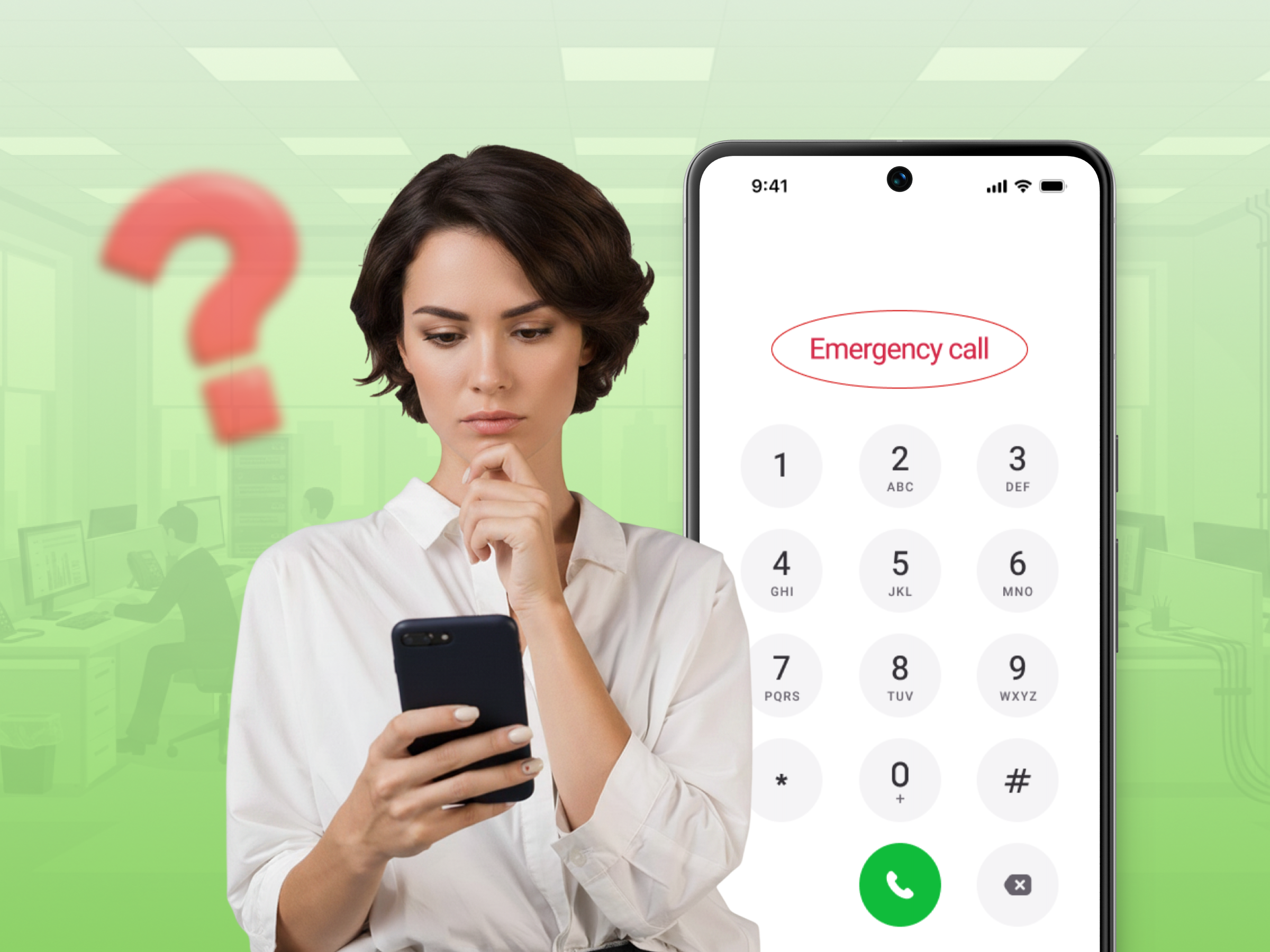
You pick up your phone to send an SMS. Instead of your signal bars, you see a message. It says “Emergency Calls Only.” Panic sets in immediately. You cannot call your friends. You cannot use your mobile data.
If you’re wondering, “Why does my phone say emergency calls only?”, it usually means your phone cannot connect to your carrier’s normal mobile network. You may still be able to call emergency numbers, depending on your location, device, and available network.
This guide explains the causes of the “Emergency calls only” message. We look at eSIM issues and 5G network errors. These steps help you regain your service quickly and easily.
It is frustrating when your phone stops working. You want to understand why the ” Emergency Calls Only ” message appears on your screen. Several reasons exist for this current issue. Sometimes the problem starts with the carrier. Other times, the device itself has a glitch.
Here’s a detailed breakdown:
Sometimes the signal is just not there. You may be out of range of a tower. This happens in elevators or deep inside large buildings. If you travel, your home carrier might lack a roaming agreement. This leads to roaming problems where you see the emergency calls only status.
In 2026, network congestion is a major issue. Modern 5G Standalone (SA) networks sometimes prioritize mobile data over voice. This makes your phone show emergency calls as the only option. You must move to a better area to find a local network that works.
Your SIM card is the key to the network. If you use physical SIM cards, they can get dusty. A tiny bit of dirt can cause unable-to-connect errors. If you use a Samsung phone, you might see a note about the SIM not being detected. For newer iPhone users, eSIM activation failure is more common. This happens during a software update.
The digital carrier profile gets corrupted. The phone’s settings then fail to scan for the right tower. This leaves you stuck with the only message you do not want to see.
Check your carrier app or website. Sometimes a missed payment leads to suspended service. The carrier allows emergency calls but blocks text messages. Also, check your plan type. Some people use data-only plans on a cell phone. These plans allow internet access but block standard calls.
Another reason is a device blacklist. If you bought a used phone, the previous owner might have reported it lost. This creates an IMEI block. You must contact the carrier to resolve this.
Modern Android devices run complex apps and software. Sometimes a beta version causes the modem to reboot constantly. Your Samsung phone uses AI to pick the best service. Sometimes the AI makes a mistake. It tries to connect to a tower that is too busy.
This results in the emergency call status. Also, airplane mode can get stuck. The system thinks it is still in airplane mode even after you turn it off.
If you dropped your device, the internal hardware might be loose. The flex cable connecting the modem to the mobile network antenna is fragile. Even a small drop causes connection issues.
Water damage is another common cause of failure. Liquid creates corrosion on the SIM toolkit contacts. This prevents the phone from reading the account data from the SIM. If you read this and realize you dropped your Samsung, hardware repair is likely required.
Most people can fix this annoying problem in five minutes. You do not need to be a tech genius. Follow these methods to resolve the issue quickly.
This forces the phone to scan for a new signal. It is the most common solution.
Restarting clears the RAM. It also resets the cell phone modem.
This is helpful if you are in a new area. It helps the device find a partner network.
Sometimes 5G is unstable. If your phone gives you an option to choose a preferred network type, check that it is set to the carrier-recommended option. On some devices, you may be able to temporarily switch between available network types, such as 5G and LTE, to troubleshoot a connection problem.
This may restore the service immediately. If changing the network type does not restore service, return the setting to its recommended option and continue with the other troubleshooting steps.
| Action | Why it works | Time Taken |
|---|---|---|
| Toggling airplane mode | Resets tower search | 15 Seconds |
| Rebooting | Resets the OS | 2 Minutes |
| Reseating SIM | Fixes physical link | 3 Minutes |
| Switching to LTE | Avoids 5G bugs | 1 Minute |
If you follow these steps, you usually resolve the issue on your screen. Most Samsung phone displays will show signal bars again. If not, we need to try more advanced actions.
If the quick fixes fail, the issue is deeper. Modern Android and iOS systems have specific troubleshooting tools. These are required for connection issues.
This is a powerful fix.
Your phone will reboot and try to connect to the carrier from scratch. Before resetting, make sure you know any WiFi passwords you may need afterward.
If you use an eSIM, make sure the correct mobile plan is enabled in your phone’s cellular or SIM settings. If the eSIM appears inactive, missing, or unable to connect, contact your carrier before deleting the profile.
Your carrier may need to reactivate the plan or provide instructions for installing a replacement eSIM. The activation process varies by carrier and device.
Carriers like Verizon may provide updates that improve network compatibility and connectivity. Check your phone’s settings for available system or carrier updates and install them when appropriate.
This tiny software patch often fixes the emergency calls-only error. It ensures your device uses the latest security protocols.
Turning Airplane Mode on and off can force your phone to attempt a new connection to the mobile network.
This helps the device sync its timing with the nearest tower. It sounds strange, but it works for many people on a Samsung. It resets the handshake between the cell phone and the local network.
Sometimes you cannot fix the issue alone. It is not your phone. It is the carrier. If you have tried everything and still see emergency calls, you must contact support.
Use another device to visit a website like DownDetector. Search for a network outage in your area. If thousands of people have the same question, you just have to wait.
The Access Point Name tells the phone how to use mobile data. Sometimes these get deleted. Ask your carrier for the correct APN. You enter this in mobile network settings.
If you recently changed phones, contact your carrier and ask whether the device is properly activated and compatible with its network. The carrier can also check whether the device’s IMEI has been blocked or whether there is another issue preventing it from connecting to the network.
This is especially useful if the phone was purchased second-hand or recently transferred from another carrier.
If your SIM card is very old, ask for an eSIM. This bypasses all physical SIM card problems. It is a more modern solution.
When you contact your carrier, explain what you have already tried, such as checking your coverage, toggling Airplane Mode, restarting the phone, and checking the SIM or eSIM. The carrier can then check your account, network status, and device connection.
You do not want to see emergency calls again. You can take steps now to prevent future connection issues. Being prepared is the best fix.
If you are truly in an emergency and have no signal, look for the satellite icon. It allows you to send text messages to rescue teams without a cell phone tower. It is a vital security feature for hikers and rural user groups.
Seeing the emergency calls only message is annoying. It makes you feel disconnected. However, it is usually a simple fix. Most reasons involve a minor glitch or a temporary network outage.
Remember that “No Service” means that the phone is not currently connected to a cellular network. “Emergency Only” means your phone is not connected to its normal mobile network. In some situations, the phone may still be able to make an emergency call using an available network.
Understand that your phone is doing its job by keeping emergency lines open. It is a safety mode, not a broken device. If you’re still asking, “Why does my phone say emergency calls only?”, start by checking your network, SIM or eSIM, account status, and device settings.
The SIM may not be connecting properly to your carrier’s cellular service. Try restarting your phone, turning Airplane Mode on and off, or removing and reinserting the SIM card. If the issue continues, contact your carrier to check your account and network connection.
Yes, in some situations. Emergency calling availability depends on your location, device, and available networks. If you are experiencing an actual emergency, follow your local emergency-services guidance rather than relying on regular cellular service.
Start with simple troubleshooting steps. Turn Airplane Mode on for a few seconds, then turn it off and restart your phone. If you use a physical SIM, check that it is properly installed and that its gold contacts are clean and undamaged. You can also check for network outages or contact your carrier for assistance.
Yes. A damaged, incorrectly installed, or malfunctioning SIM card can prevent your phone from connecting to the carrier’s network. If you suspect the SIM is damaged, contact your carrier about replacing it. Do not scratch or aggressively clean the gold contacts, as this could damage the card.
If the message remains after restarting your phone and checking the SIM or eSIM, contact your carrier. Ask them to check your account, network coverage, and device connection. They can also determine whether there is an outage or another issue affecting your cellular service.
