

Call Pop: Definition, Features, Challenges, and Strategy

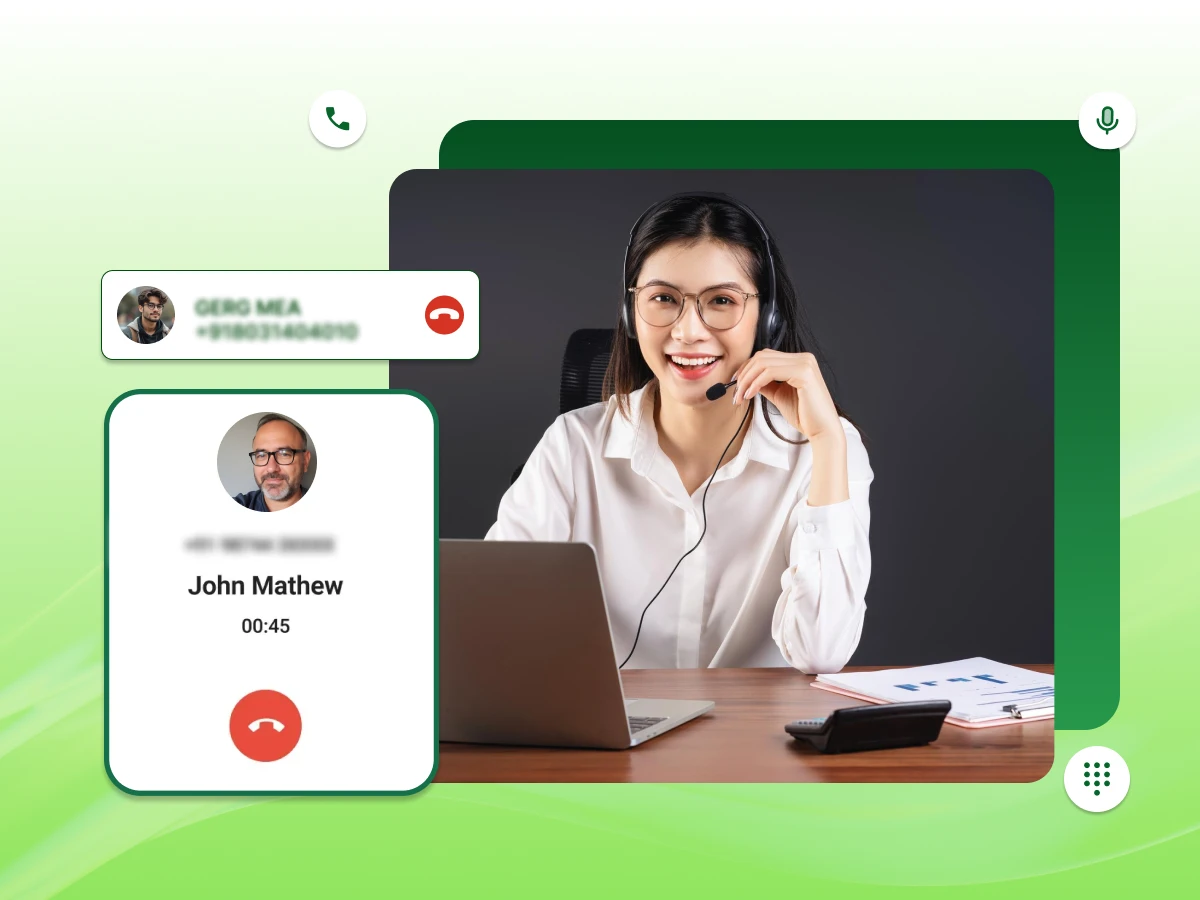
Most customers assume the person picking up already knows who they are.
They’ve called before, placed orders, or raised tickets; the history is there. Yet every call still starts with, “Can I get your name and account number?”
That gap exists because the phone and the data aren’t talking to each other. Call Pop, also called screen pop, is the fix for that.
This blog answers your queries about “What is Call Pop?”, how it works, why it matters, and how to get it right.
When your phone rings, Call Pop pulls up everything you need to know about the caller before you even say hello.
It goes well beyond basic caller ID; instead of just showing a name and number, it surfaces their order history, open support tickets, account notes, and anything else your CRM holds on them.
Think of it as a quick briefing that lands on your screen the moment a call connects.
You can get the following details in a screen pop.
Understanding “What is Call Pop?” is the basics, but how does all of this information get on the screen in the first place?
Understanding the mechanics behind these tools helps you realize why it’s so effective. It’s not magic but a seamless integration of data.
The process starts the second a call hits your VoIP system. The system identifies the caller’s phone number from the inbound calls. While this seems standard, Call Pop technology uses this number as a unique key to unlock more data.
Once the number is identified, the system performs a real-time data lookup. It instantly queries your connected databases, such as your CRM, helpdesk tools, or integration with your sales software. It scans for matches to the customer details you already have on file.
Within milliseconds, the Call Pop function pulls this data and formats it into a clean window on the agent’s screen. This screen pop notification appears over whatever other window the agent is working on, ensuring they don’t miss the context even if they are multitasking.
The agent now has the caller context. They can see past interactions, the sentimental analysis from previous calls, or if the customer is a VIP. This allows for context-driven action, meaning the agent can greet the caller by name and reference their specific issue immediately.
Call Pop turns raw data into a usable script, ensuring agents are prepared before they even say “Hello.”
Understanding the mechanics is one thing, but the real picture comes from seeing how different teams actually put it to work every day.
Every business uses its phone system differently, but the goal is always the same: handle calls better and stop wasting time.
Call Pop technology adapts to various departments, turning a standard business VoIP feature into a vital tool for daily operations. Here is how different teams put screen pop in action.
For support teams, context is everything. When an incoming call arrives, the Call Pop display instantly shows the customer’s history and name. This allows the call center agent to greet the caller warmly, creating a personalized experience right from the start.
Instead of treating them like a stranger, the agent knows exactly who is on the line, which significantly leads to an enhanced customer experience.
If a client calls about an ongoing issue, the screen pop can pull data directly from the integration with your CRM or helpdesk. Agents see open tickets and call logs immediately on the agent’s screen.
This smooths out customer service processes because the staff doesn’t have to scramble to find the right file while the customer waits.
For subscription-based businesses, seeing relevant information like payment status or renewal dates is crucial. The screen pop function flags accounts that are past due or up for renewal the moment the phone rings.
This helps agents prioritize specific call routes and handle high call volumes more effectively without digging through databases manually.
When a prospect decides to contact sales, speed is key. Call Pop presents purchase records and previous inquiries instantly. This helps sales reps understand the caller details immediately, allowing them to differentiate between a new lead and a long-time buyer.
Having this data upfront helps qualify leads faster and drives better conversion rates.
In medical settings, accuracy is non-negotiable. A caller context pop-up system ensures that the administrative staff sees the correct patient profile during inbound calls.
This reduces hold time significantly, as staff can verify appointments or insurance details without typing in names manually, ensuring a smoother process for patients who might be stressed.
If a customer types their account number into an Interactive Voice Response (IVR) menu before reaching a human, that information entered shouldn’t get lost. Call Pop ensures this data travels with the call, appearing on the desktop.
This means the agent knows why the customer is calling based on their menu choices, streamlining the call flow.
Combine IVR (Interactive Voice Response) with Call Pop in call centers to handle high call volumes and boost customer satisfaction. Find out how Dialaxy makes this setup easy.
Modern systems pair caller-context pop-ups with AI agent tools to provide on-screen guidance. By using sentiment analysis and understanding call context, the system can suggest the best answers or troubleshooting steps in real-time.
This reduces agent cognitive load and ensures newer staff members can handle complex queries with confidence.
The most frustrating thing for a customer is being transferred and having to repeat themselves. With proper workflow automation, the pop-up into your customer data transfers along with the call.
The next agent sees the same basic information and notes, allowing for a seamless integration between departments and drastically reducing call abandonment rates.
Whether it’s closing deals or fixing tech issues, applying context to your calls helps your team call faster and smarter.
Those use cases hint at something bigger; when you add it all up, the impact on how a business runs goes well beyond a faster greeting.
Businesses adopt Call Pop for one simple reason: efficiency. An incoming call shouldn’t be a mystery. When you remove the guesswork from the equation, you stop wasting time on administrative tasks and start having better conversations.
Here is why companies are rushing to integrate screen pop into their daily workflows.
The biggest win is an enhanced customer experience. Customers hate having to repeat themselves. With a screen pop, the agent sees the customer’s history and past interaction notes immediately.
Answering with, “Hi Sarah, are you calling about your order from Tuesday?” makes people feel valued, directly boosting your Customer Satisfaction Score (CSAT).
Manual data entry kills momentum. Screen pop automates the lookup process, saving time on every single interaction.
By displaying relevant information instantly, agents can handle higher call volumes without feeling overwhelmed. It turns a clunky process into a smooth operation.
To fix a problem quickly, you need context. Call Pop provides purchase records and ticket status upfront. This allows the call center agent to diagnose issues accurately without transferring the line multiple times.
Having the right data on the agent’s screen significantly helps improve first call resolution.
When agents don’t have to scramble to find a file, calls get shorter. Caller information pop-up reduces the Average Handling Time (AHT) by cutting out the initial interrogation phase. Shorter calls mean less hold time for other callers and a more efficient call flow overall.
New hires often struggle with complex software. A Call Pop display acts as a cheat sheet, pushing basic information and caller details right in front of them. This reduces the learning curve, helping new staff perform like pros much faster.
For sales teams, information is power. When a lead contacts sales, knowing their purchase records or web activity helps tailor the pitch. Screen Pop gives agents the caller information needed to close deals, turning cold calls into warm opportunities.
Time is money. By achieving reduced average handle time, you lower labor costs per call. Additionally, smoother service leads to lower call abandonment rates, ensuring you don’t lose business just because the queue was moving too slowly.
Working in a call center is high-pressure. Call Pop technology reduces the cognitive load on staff. Agents don’t have to frantically search databases while a customer waits. This lowers stress and creates a better work environment.
Humans make mistakes; software doesn’t. Caller context pop relies on integration with your CRM, ensuring that call logs are saved to the correct profile every time. This keeps your data clean and ensures real-time data reports are accurate.
Using Caller context pop isn’t just a tech upgrade; it is a direct investment in faster service and happier customers.
That said, pulling up customer data the moment a call connects is only an advantage if you’re handling it the right way.
Call & Contact Center
Feb 9, 2026
Read More
Troubleshooting & Support
Aug 26, 2025
Read More
Call Pop surfaces customer data fast, which is the whole point. But showing the wrong data to the wrong person, even accidentally, can create real problems. Fines, legal exposure, and lost customer trust are all on the table if you’re not careful.
Not every system delivers the same value. When you are looking for a VoIP phone provider, you need specific capabilities that actually make the job easier, not harder. Here are the features that matter most when evaluating Call Pop.
Your phone system shouldn’t live on an island. The most critical feature is how well it connects with the tools you already use, like Salesforce, HubSpot, or Zendesk.
If the CRM integrations aren’t seamless, agents end up doing double the work. A good screen pop pulls data directly from your helpdesk tools without any manual syncing.
Agents don’t need to see a client’s entire history at once. A solid system lets you filter the noise. You should be able to choose exactly which caller details appear, such as account status or recent orders.
This keeps the Call Pop display clean and ensures the team sees only the most relevant information.
Timing is everything. The screen pop must trigger the second the incoming call rings, before the agent picks up. If there is a lag, the context is lost.
The information needs to be on the agent’s screen instantly so they are prepared the moment the conversation starts.
Manual note-taking slows everyone down. Look for a feature that handles automatic call logging. Once the call ends, the system should save the duration, timestamp, and call logs directly into the customer’s profile.
This boosts agent efficiency by removing the need to type out basic interaction details.
Flipping between browser tabs is frustrating and messy. The best tools use workflow automation to embed the pop-up into a single interface or a sidebar extension.
This keeps the workspace tidy and ensures agents can focus on the customer, not on managing open windows.
Choosing the right tool is about finding a system that fits your current workflow, rather than forcing your team to learn a complicated new process.
If you’re still on the fence about whether the upgrade is worth it, a direct comparison tends to settle the debate pretty quickly.
| Feature | Traditional Call Handling | Call Pop |
|---|---|---|
| Caller Visibility | Displays only the caller ID or phone number. | Displays caller name, history, tickets, and account details instantly. |
| Data Access | Agents manually search CRM or helpdesk systems. | Customer data appears automatically via CRM integration. |
| Call Handling Time | Longer average handle time (AHT) due to searching. | Reduced AHT because the information is ready before answering. |
| First Call Resolution (FCR) | Higher chance of callbacks or escalations. | Improved FCR with full customer context available. |
| Customer Experience | Customers repeat information and feel less recognized. | Conversations feel personalized and continuous. |
| Agent Efficiency | High tab-switching and cognitive load. | The unified dashboard reduces distractions and improves workflow. |
| Call Logging | Often manual and entered after the call. | Automatic call logging updates records in real time. |
| Scalability | Suitable for low call volumes. | Built for growing support teams and contact centers. |
The difference is clear on paper, but getting there isn’t always smooth. Most businesses run into at least a few of these hurdles along the way.
Call Pop improves speed and personalization, but it works well when the system behind it is clean, connected, and properly configured. Below are the most common challenges businesses face, and how to fix them
The problem:
Sometimes the caller’s information appears a few seconds late. This delay disrupts workflow and reduces the benefit of real-time caller data.
Why does it happen:
How to avoid it:
Even a two-second delay can impact average handle time, so performance testing matters.
The problem:
The wrong customer profile appears, or the information shown is outdated. This usually happens when CRM data is incomplete or duplicated.
Why does it happen:
How to avoid it:
Accurate screen pop relies on accurate customer data. If your CRM is messy, your screen pop will be unreliable.
The problem:
Too much information appears on the screen. Agents see dozens of fields, notes, and history logs. Instead of helping, it overwhelms them.
Why does it happen:
How to avoid it:
Call Pop should simplify conversations, not complicate them.
The problem:
Your phone system and CRM do not communicate properly. The integration breaks, causing missing or inconsistent call logging.
Why does it happen:
How to avoid it:
Strong integration ensures automatic call logging and seamless data syncing.
The problem:
Call Pop displays sensitive customer information. Without proper safeguards, this can create data privacy and compliance risks.
Why does it happen:
How to avoid it:
Customer context improves service, but data protection must remain a priority.
Knowing the pitfalls ahead of time puts you in a much stronger position, and the broader industry data makes the case for pushing through them even clearer.
Industry leaders agree: knowing who is calling before you pick up isn’t a luxury anymore; it is the standard. Context-aware calling shifts the dynamic entirely. Instead of starting with an interrogation, agents start with a solution.
The data backs this up.
Salesforce’s State of the Connected Customer, 5th Edition (2022), points out that 73% of customers expect companies to understand their unique needs immediately. You simply can’t meet that expectation without Call Pop technology pushing real-time data to the screen.
HubSpot adds that 93% of customers are likely to make repeat purchases when service is excellent.
Perhaps more importantly, Zendesk CX Trends Report 2023 highlights the single biggest frustration: 70% of consumers expect support agents to have a full context of their issue. They absolutely hate having to repeat themselves.
On the operational side, linking your CRM and VoIP systems directly improves the metrics that keep a contact center running.
Average Handle Time (AHT) drops because agents stop wasting minutes searching for files. First Call Resolution (FCR) improves because the agent sees the whole picture instantly.
The expert verdict is straightforward: Disconnected systems create friction. Caller context pop removes it, bridging the gap between a frustrated caller and a loyal customer.
With all of that context in hand, here’s how to actually get it running in your business without making it harder than it needs to be.
Implementing screen pop doesn’t have to be a headache. It’s about connecting the pipes between your phone and your data. Here is a straightforward guide to getting it right the first time.
Not all phone services are built for this. Ensure your business VoIP provider offers native support for the software you use daily. If you use Salesforce or HubSpot, pick a vendor like Dialaxy that lists those CRM integrations specifically to ensure a seamless integration.
Once you have the system, connect it to your database. This usually involves an API key or a simple login authorization. This connection is what allows the phone system to fetch real-time data and display caller details instantly.
Don’t dump the whole database on the screen. Configure the settings to pull only relevant information, like the customer’s name, current balance, or open tickets. This keeps the Call Pop display clean and useful, rather than cluttered.
Speed is critical. If your internet connection lags, the screen pop will appear after the agent has already said hello. Test your network bandwidth to ensure the caller context pop technology triggers instantly when an incoming call arrives.
Technology is only as good as the people using it. Teach your call center agent how to use the info without being “creepy.” A script like, “I see you called about your invoice,” is better than reading off their personal address.
This ensures a personalized experience that feels helpful, not intrusive.
Decide when the pop happens. You might want it for external calls but not for internal extensions. Configuring these rules ensures that workflow automation only kicks in when it adds value, keeping the agent’s screen free from unnecessary distractions.
Where does the window go? Make sure the pop-up into your customer data appears in a corner that doesn’t block the agent’s main work tool. A well-placed pop ensures they can read the context while still typing in the call logs.
After launching, keep an eye on the metrics. Are average handle time and call abandonment rates going down? If not, ask your team if the data is accurate. Adjusting the settings based on feedback ensures you keep getting the benefits of Call Pop long-term.
Get the setup right once, and it runs quietly in the background from that point on. Your team gets the context they need on every call without thinking twice about where it came from.
Stop making customers repeat themselves. By delivering caller details instantly, you streamline workflows and drastically improve the support experience.
So what is Call Pop?
It is the simple integration that turns a blind phone call into a helpful, informed conversation. Whether for sales or support, it saves time, reduces call abandoned rates, and empowers your team to handle inbound calls with confidence.
Call Pop (or screen pop) is a business phone feature that automatically displays a caller’s details, such as their name, call history, and open tickets, on your screen as soon as an incoming call arrives.
Caller ID only shows a caller’s name or phone number. Call Pop displays customer information from your CRM, including previous interactions, recent orders, and support tickets, so agents immediately understand the reason for the call.
Yes. By eliminating the need to manually search for customer records, Call Pop saves valuable time, helping agents answer calls faster and handle more customer inquiries efficiently.
Yes. Most business VoIP providers offer mobile apps that display caller information on your smartphone, allowing you to access customer context whether you’re in the office or working remotely.
No. Most business phone systems provide one-click integrations with popular CRM and help desk platforms like Salesforce, HubSpot, and Zendesk, making setup quick and straightforward.
