

How to Call Someone Who Blocked You? A Complete Guide

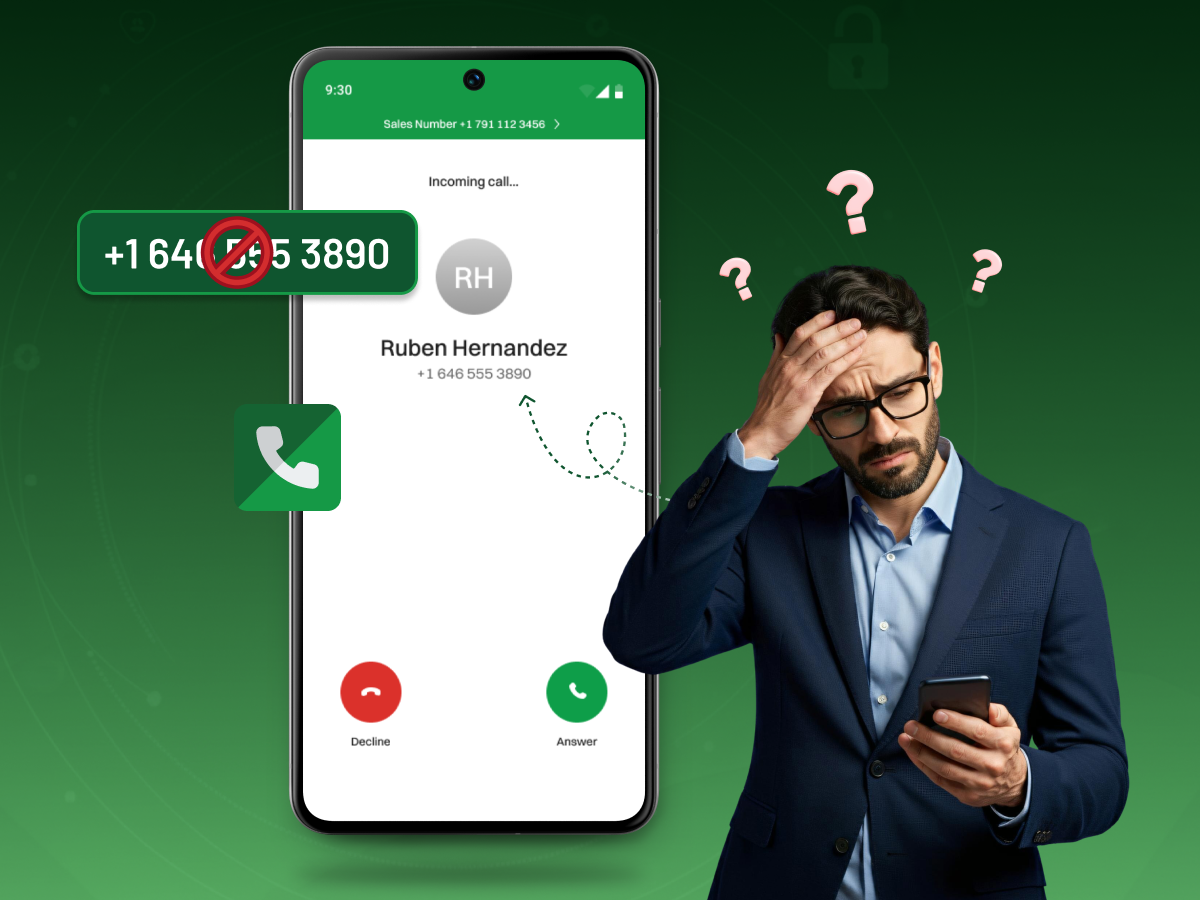
Have you ever faced the frustration of an urgent call going straight to voicemail? That single ring is a definite sign. You might be among the blocked callers. This leaves you feeling powerless and completely cut off. Perhaps you have a legitimate reason to reach them, but your phone stays silent.
But what if you had a few discreet, technical options available? This guide moves past the initial frustration. We dive straight into practical, alternate methods right now.
We promise to show you exactly how to call someone who blocked you. We cover simple codes like *67 and various calling app options. You will learn creative techniques to complete your crucial attempt to contact successfully and respectfully.
To successfully navigate the process of calling blocked callers, you will need a few simple things and some careful planning:
Before you try to figure out a way to call someone who has blocked you, think about the reason why they blocked you in the first place. If you keep trying to contact someone who has told you against their will, you can cross their personal boundaries, lose their trust, or even be considered as harassing them.
Some places have very strict regulations with regard to caller ID blocking, recording a call, and privacy, even when it comes to iPhone and Android devices, or if you use third-party apps and VoIP tools.
Make sure that you are calling for a real reason and not out of curiosity or feeling frustrated. If a person has asked you for space, then give it to them. There is no way that is worth risking another person’s comfort or your own legal safety.
When your call is not going through, it is very likely that you have been blocked. However, you still have to check for the little details. The most obvious signal is if your call is redirected to voicemail without even a single ring, and this happens every time. Usually, a regular call rings several times. Another strong clue is a rapid, immediate disconnect after you dial. The recipient’s phone will not actually ring on their end.
Sometimes, you might hear a consistent, quick, busy signal instead of any ringer tone. If you try calling from both an iPhone and an Android device and hear the same silence, it strongly suggests call blocking. Remember, a straight-to voicemail message could also mean their battery is dead, but if it happens repeatedly, you are likely among the blocked callers.
There are many straightforward human reasons behind the fact that people block phone numbers. Blocking a number can be a means for persons to preserve their personal boundaries, keep emotional distance, and even be able to control a very stressful or overwhelming situation. When someone is blocked, the person who experiences being blocked often feels that he or she has control over the situation.
So blocking a person who harasses you not only prevents the person from harassing you directly, but also gives you back your peace of mind. One may feel threatened and may be in the process of communicating silence to someone who keeps calling from the same number after the block has been established. Consequently, blocking the number gives a person a digitally made protective covering that can help relieve one’s stress or discomfort.
For a person who receives spam calls or random outbound calls from unknown phone numbers, blocking is a way to be free from such situations. So, no matter what the case is, the reason why people decide to block their phone numbers lies in human nature, which requires both security and quiet.
Before trying any method to reach someone who blocked you, understand the possible reasons behind the block and approach any contact attempt with respect and responsibility. Below are the different methods to call someone who blocked you :
If you’re wondering how to call someone who blocked you, the first method most people try is caller ID blocking. Dialing a simple code like *67, #31#, or 141 hides your number so it appears as “Private” or “Unknown.”
How It Works Technically
When you enter a caller ID blocking code, your carrier temporarily masks your number. Instead of sending your phone number to the recipient, the network sends a “no caller ID” request. This can bypass standard call blocking on both iPhone and Android devices because most block lists work by filtering specific numbers, not hidden callers.
Country-specific codes
Limitations and when it fails
This trick works, but not always. It may fail if:
Success Rate
The success rate is mostly good, approximately 85% for the first try. When they find out that you’re doing this and switch on the “Unknown” caller setting, the success rate goes down to 40%.
If technical methods fail, a physical solution works well. Using another device is a simple way to call a blocked number.
You can borrow a friend’s phone or ask a mutual friend or trusted relative to place the call. This often confirms whether the block is on your number specifically. However, remember the mutual friend is placing their number in the conversation.
If you have a separate business line or a business phone, you can use that phone systems often use a different routing than personal lines. It might be a good choice if you are reaching out to them for an industry-specific matter. However, be careful while contacting them at work, for a personal reason might be considered as an unprofessional one.
Voice over Internet Protocol (VoIP) services give you a temporary, alternate phone number. This method helps you to communicate with a person whose number is in your block list without telling your true identity. But, it is not certain that it will work because it depends on the device settings of the person receiving the call, call filters, and app preferences.
Such apps as Google Voice can give you a new phone number free of charge, which you can use with your Android phone or iPhone. A third-party app like Burner and Hushed can give you a temporary or “burner” number. These numbers are entirely separate from your primary mobile number.
These tools are perfect for non-permanent communication needs. They are especially helpful if you want to test whether your number is blocked or place outbound calls while protecting your privacy. You can even select a different area code if the recipient prefers local numbers.
Cost comparison table
| App / Service | Platform | Cost | Notes |
|---|---|---|---|
| Google Voice | Android & iPhone | Free | Works with a Gmail account, unlimited US calls |
| Burner | Android & iPhone | Paid ($4.99/month+) | Temporary numbers, multiple lines |
| Hushed | Android & iPhone | Paid ($1.99/month+) | Highly private, disposable numbers |
| TextNow | Android & iPhone | Free with ads | Option to upgrade for ad-free service |
Privacy implications
While these applications conceal your caller ID and give a different number, there are significant privacy and security issues to consider:
✅ Tip: Always use reputable apps and review their privacy policies before attempting to call a blocked number. Remember, this method does not guarantee success, especially if the recipient blocks unknown or virtual numbers.
These are services that may connect your call using various routing methods. They route your call through a network of numbers, making it appear as a new call each time. This is more common in call center or contact center technology than for personal use.
How They Work
These platforms act as a middle layer. Instead of dialing directly through your phone app, the service:
Some call center tools and contact center platforms use similar technology to connect outbound calls without exposing an agent’s direct number.
⚠️Warning: Security risks of some services
While this method may help you call a blocked number, proceed with caution:
If you choose this method, stick to reputable tools and avoid any service that promises “undetectable calling” or “untraceable caller ID”. These are red flags.
It may be the only reason that you have to call someone who blocked you, that the situation is really an emergency. An emergency bypass can be considered in these rare situations, but only if it respects the other person’s limits.
When This Is Ethically Acceptable
Use this method only when there’s a legitimate reason that requires immediate contact, such as:
This is not for emotional disputes, curiosity, or repeatedly attempting to force contact. Respect their decision, even if you disagree.
How to Do It Respectfully
If you reach them through another line, alternate device, or a friend’s phone, keep the message short, calm, completely focused on the urgent reason, free of blame or pressure, and avoid mentioning the block or trying to reopen past conflicts.
Example Script
“I know you blocked me, and I respect that. I’m only reaching out because this is about something urgent and time‑sensitive. Once I share this update, I won’t contact you again unless you want me to.”
If calling fails, you can still try reaching the person through other platforms. This doesn’t guarantee they’ll answer. However, these apps use different blocking systems, so being blocked on one channel doesn’t always mean you’re blocked everywhere. Using a random phone number generator to set up an alternate WhatsApp or Signal account may allow your call to go through.
WhatsApp (Using a New Number)
WhatsApp blocks are tied to specific phone numbers. Using a Google Voice, Hushed, or new SIM number may allow you to place a WhatsApp audio call if needed. But avoid repeatedly attempting, as it may feel intrusive.
Facebook Messenger Audio
Blocking your phone number doesn’t block you on Facebook unless they manually block you there, too. Messenger audio calls use your Facebook profile, not your phone number. It can work, but only if you’re still connected or not restricted.
Instagram Call
Instagram’s calling system works separately from phone contacts. If they follow you or haven’t restricted you, your call may connect. But if you’re already restricted or blocked, this option won’t work.
Platform‑Specific Evasion Risks
Each platform handles blocking differently:
Using a professional line, such as a work phone or business communication system, is a method sometimes used to reach someone who blocked you, but it has strict limitations.
Calling Their Workplace (Ethical Considerations)
Reaching out to someone at their job for personal reasons can:
This method is only appropriate for business‑related matters, especially when the call is directly tied to work responsibilities.
Industry‑Specific Appropriateness
A professional line may be acceptable when:
Calling a blocked number on an iPhone feels confusing. Apple uses strong privacy settings. These settings hide calls from blocked contacts. These settings also stop silent calls from unknown numbers. You must try alternate paths.
Your first step should be using caller ID blocking by dialing *67 before the number. This hides your identity for that single call. An iPhone’s registration of the Silence Unknown Callers method. If a person has activated this method on their cell, then all calls from hidden call are directly sent to voicemail without their phone ringing.
Another obstacle is Focus mode interactions. When they activate Do Not Disturb, the phone will reject almost all outbound calls. If *67 fails, you must use an alternate method. Consider installing a VoIP calling app like Google Voice to get a new number. This method completely bypasses their original call blocking because the number is entirely new.
Steps to Call Someone Who Blocked You on IPhone:
This method hides your number for all calls until you turn it back on. Here’s how to call someone who blocked your number on your iPhone:
Step 1: Go to the Settings on your iPhone.
Step 2: Scroll down and choose the apps option.
Step 3. Scroll down and tap on the Phone.
Step 4: Tap the Show My Caller ID option in the settings menu.
Step 5: Tap the toggle switch to turn it off. Your number will now appear as “No Caller ID” or “Private” to the recipient.
Step 6: Place your call. Remember to return to your phone settings and turn the switch “Show My Caller ID” back on after the attempt to contact is complete.
Note: This works only if the recipient hasn’t enabled Silence Unknown Callers or other spam filters. If they have, your call may go straight to voicemail.
You can hide your identity using the Android phone and calling a blocked person by using the *67 code, or you can change your settings on your phone. Names may be different depending upon what brand Android device you are using, for example, Samsung compared to Google Pixel.
The simplest way of making a singular anonymous outbound call from your device is to simply open the default Phone App on the Android device. Once this has been done, enter the code *67 before the entire telephone number you want to call. After entering the number, press the dial button to initiate the call. The person receiving the call will show the caller ID as “Private” or “Unknown”.
Steps to Call Someone Who Blocked You on Android
This method hides your number for all outbound calls until you manually turn it back on. Here’s how to call someone who blocked you on Android:
Step 1: Open the Phone app on your Android device.
Step 2: Tap the three-dot menu icon, usually in the top right, and select Settings.
Step 3: Look for and tap on Supplementary services, Calling Accounts, or a similar option.
Step 4: Find and tap on Caller ID or Show my caller ID.
Step 5: Select the Hide number or Never option to complete the caller ID blocking.
Step 6: Remember to reverse these phone settings after your urgent attempt to contact is finished.
Beyond the traditional phone app, blocks only apply to the specific platform they were set on. This distinction is key to successful alternative methods.
A person might use call blocking on their phone line, but forget to apply the block within a calling app like WhatsApp. This means a new WhatsApp call from a new number can still reach them. Similarly, apps like Telegram, Signal, or WeChat all have their own independent block features. If you are only blocked on the cellular network, you can still attempt contact through one of these platforms.
Dating app blocks on platforms like Tinder or Bumble are purely within that app’s ecosystem. They do not affect your ability to reach someone who blocked you using *67 or another number on their actual recipient’s phone. Always verify where the block is active before choosing your next step.
You now know how to call someone who blocked you using techniques like *67 or setting up third-party apps like Google Voice. While technical solutions exist to bypass call blocking, the true end goal should never be simply forcing an attempt to contact.
Remember that bypassing personal boundaries risks further damage. The most successful alternate methods always involve respecting the other person’s decision. If you have a legitimate reason for the block number call, proceed with caution and clarity.
Ultimately, genuine resolution requires mutual willingness to talk, not just a technical trick. You should prioritize maturity and respect over a quick connection.
When you call a blocked number, your call typically connects briefly. Then it is immediately routed straight to voicemail after a single ring or no ring at all. You will not receive a busy signal. The recipient’s phone never rings.
No, using *67 to hide your caller ID is not illegal. It is a service code provided by your phone carrier. However, if you use it to engage in harassment, threats, or repeatedly attempt to bypass a block, those actions can become illegal.
Google Voice is arguably the most effective calling app. It provides a legitimate, separate number that you can use indefinitely. This is better than a short-term, disposable number from other third-party apps.
You can use *67 to hide your caller ID, but you shouldn’t use it to contact someone who blocked you. You can only use it for privacy‑safe, legitimate reasons.
You can’t unblock yourself on someone else’s phone. The only way is to resolve the issue and have them manually remove the block.
The success rate for these methods varies widely. Using the *67 code is high initially, but it drops fast if the recipient blocks private calls. Using third-party apps or a completely new phone number generally offers the highest long-term success because it completely bypasses the original call blocking.
