

Design Smooth Call Experiences with Call Flow Design
Transform your customer interactions with our Call Flow Designer. Create and manage customized call flows, ensuring each call is routed efficiently based on your specific business needs.

Endorsed by top industry leaders
Trusted by industry experts for excellence and innovation.









How to Use Call Flow Designer with Dialaxy?
To start using Call Flow Designer, you must have an account with us. Once you’ve created your account, follow these easy steps to design your call flows:
- Log into Your Dialaxy Account
- Navigate to Call Flow Designer
- Create or Edit a Call Flow
- Define Call Routing Rules
- Test and Deploy
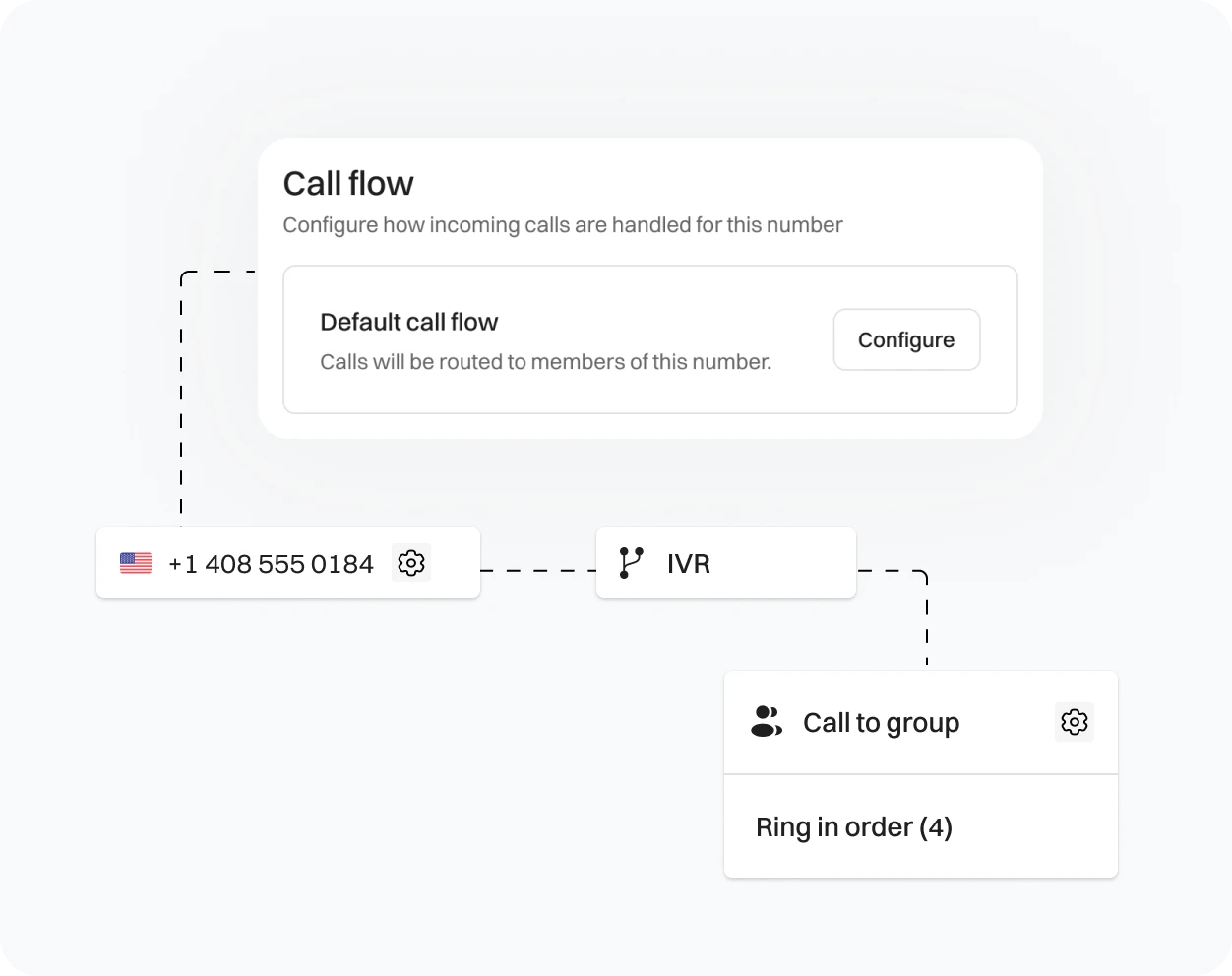
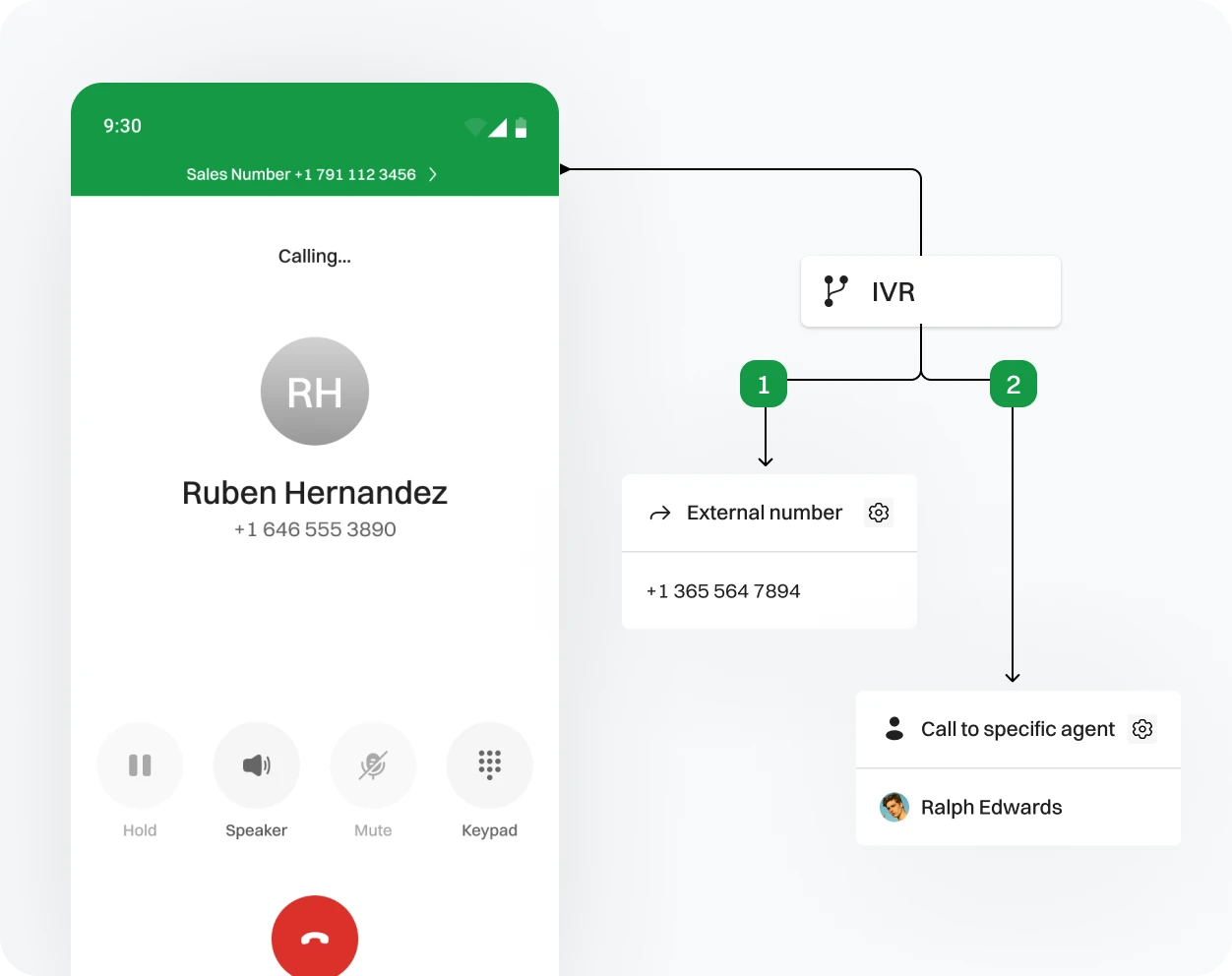
What is a Call Flow?
A call flow is a structured sequence of actions and decisions that guides how incoming calls are handled by your phone system. It includes:
- Routing Instructions: Direct calls to different departments or agents based on predefined criteria.
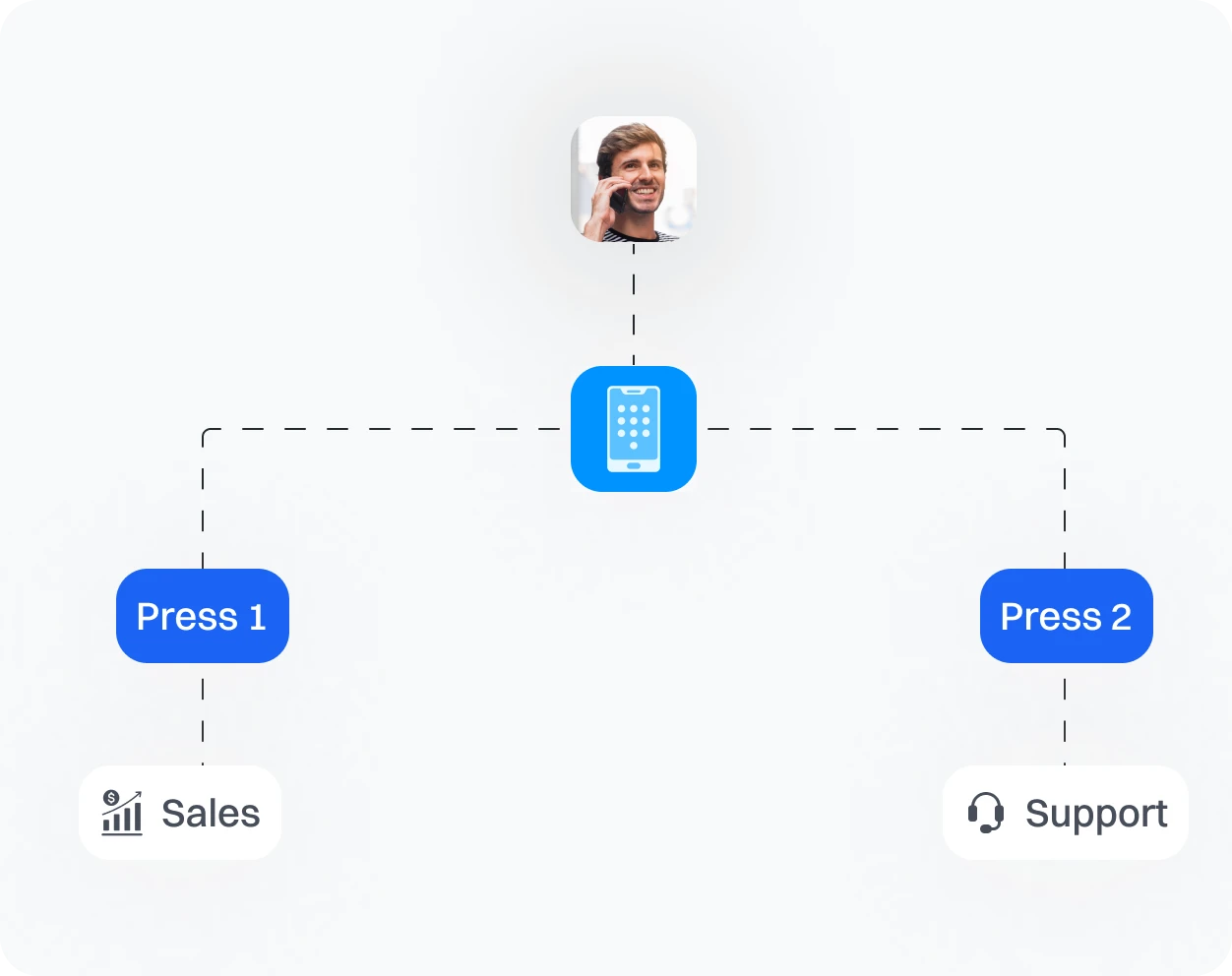
- Interactive Menus: Offer callers options to navigate through various services or departments.
- Voice Prompts: Provide callers with instructions or information before connecting them to a live person.
How Does Call Flow Designer Work?
Call Flow Designer enables you to visually map out and customize how incoming calls are managed. It uses a flowchart-like interface where you can:
- Design Call Paths: Create logical paths for how calls should be routed.
- Set Up Interactive Menus: Design menus for callers to choose from, such as “Press 1 for Sales” or “Press 2 for Support.”
- Implement Conditional Logic: Define how calls are handled based on factors like time of day or caller input.
Benefits of Call Flow Designer for Business

Enhanced Customer Experience
Ensure calls are directed to the appropriate department or agent, reducing wait times and improving satisfaction.

Flexibility and Scalability
Easily modify call flows to adapt to changing business needs or growth.


Things to Consider When Designing Call Flows
- Design menus that are easy to navigate with clear, concise options.
- Avoid long or complicated menu structures to reduce caller frustration.
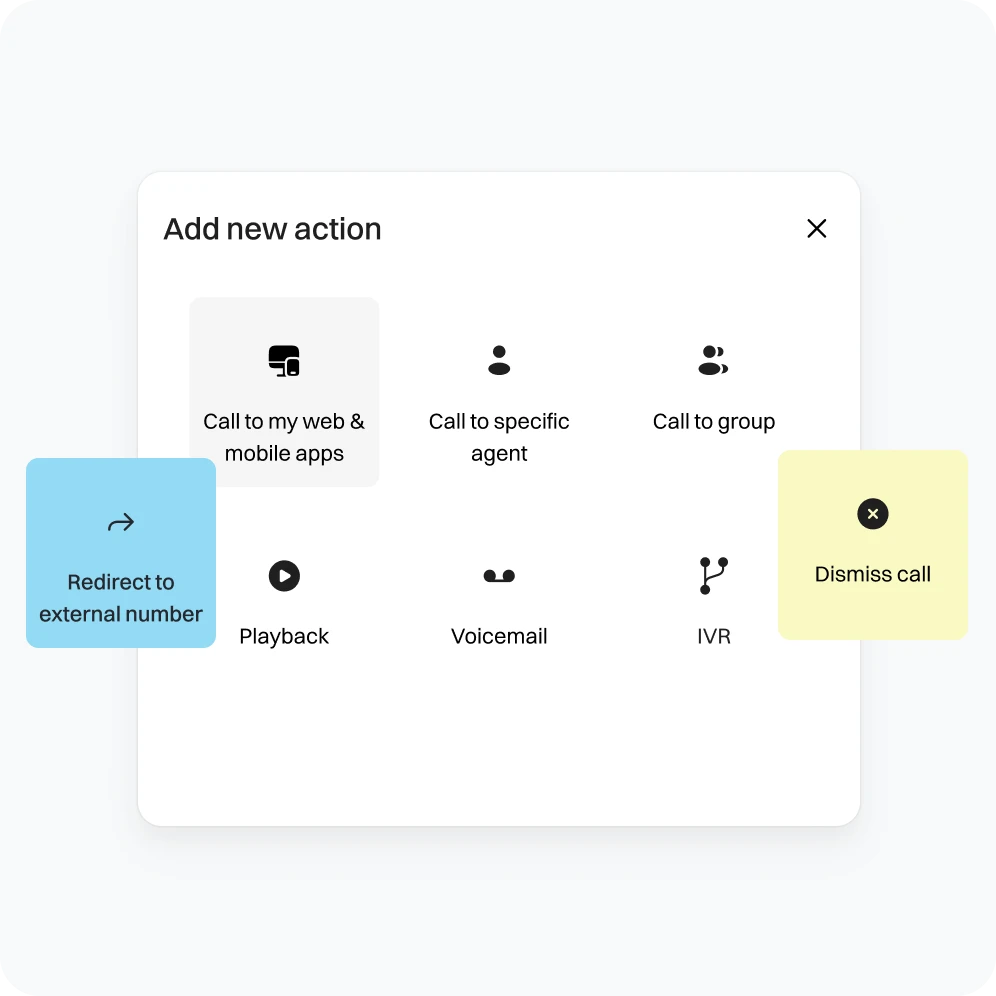
- Set up rules to ensure calls are directed to the right departments or agents.
- Regularly review and adjust rules to prevent misdirected calls.
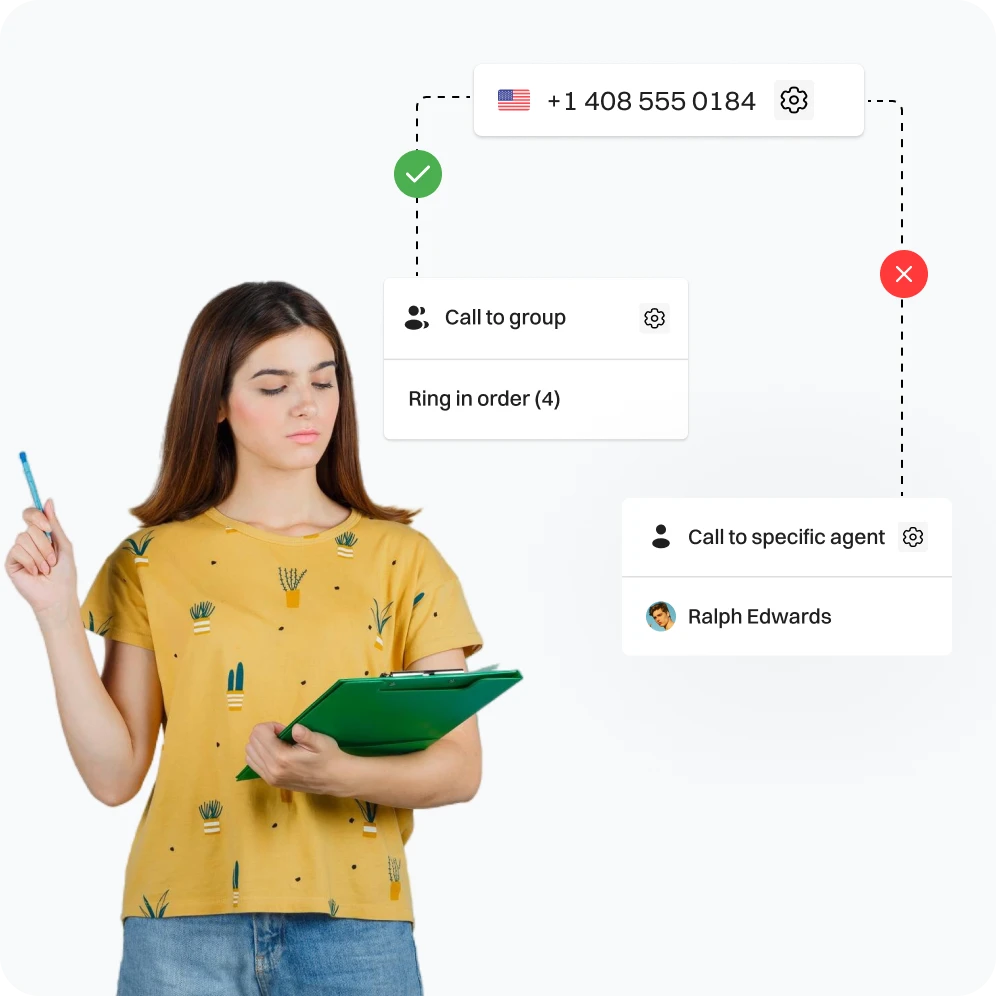
- Regularly test call flows to ensure they function correctly.
- Use feedback and data to refine and improve the flows.
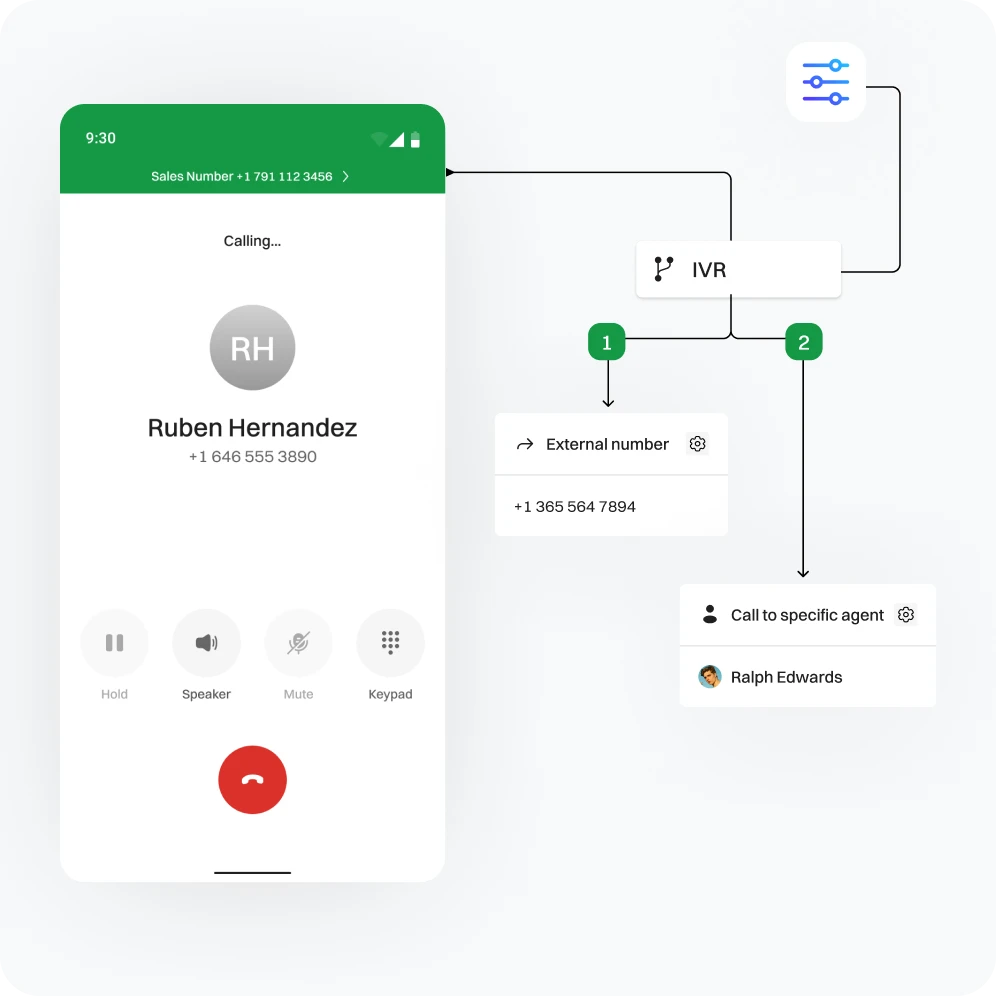
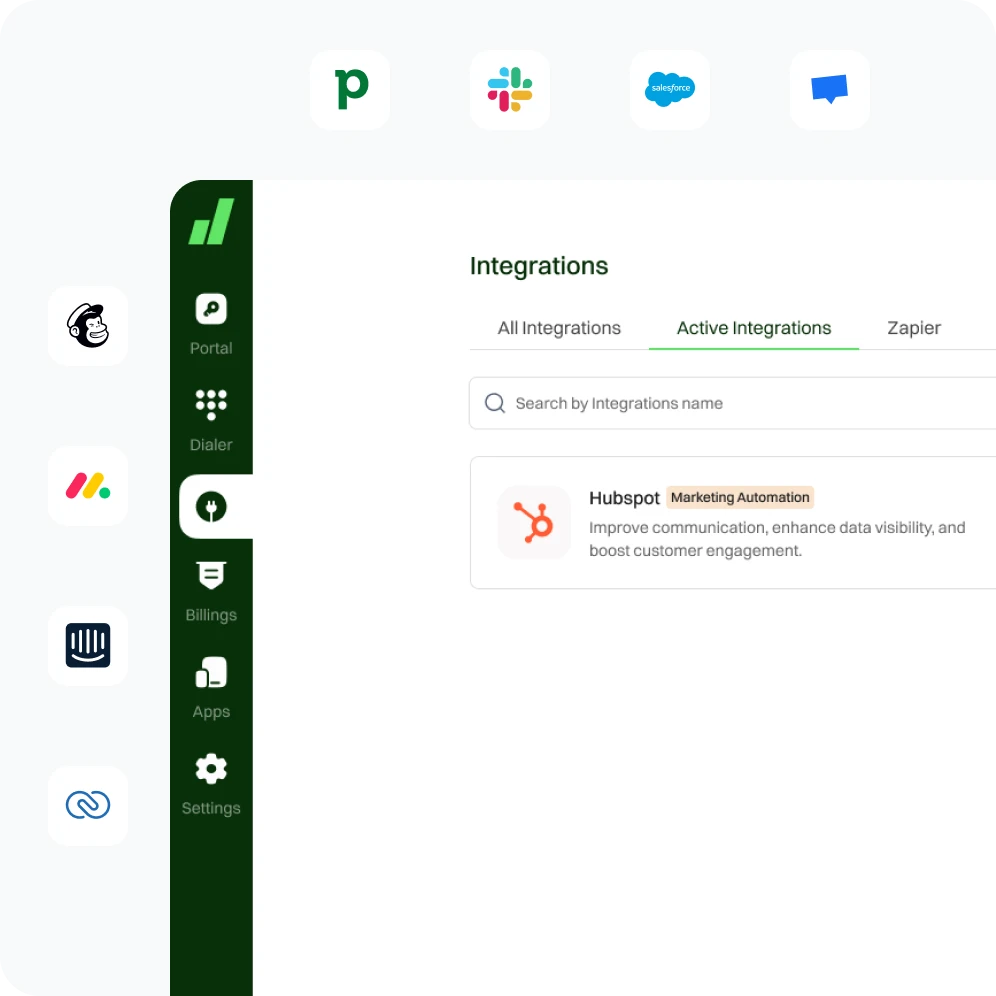
- Ensure call flows integrate smoothly with CRM and other business tools.
- Verify that data from calls is accurately captured and used.
Do’s and Don’ts for Effective Call Flow Design

Do’s |

Don’ts |
|---|---|
|
Do Keep Call Flows Simple and Intuitive |
Don’t Overcomplicate Call Flows |
|
Do Regularly Update Your Call Flows |
Don’t Neglect Caller Experience |
|
Do Monitor Performance |
Don’t Ignore Feedback |
Frequently Asked Questions
Define forwarding rules based on caller ID, VIP number, and agent availability, or set up sequential/simultaneous ringing for faster call handling.
- Improved customer experience (faster call routing, lower wait times)
- Increased efficiency (automatic call forwarding, reduced transfers)
- Better control over internal calls (flexible forwarding rules)
The call flow designer often visually represents your existing call flow, allowing for easier modifications.
With Dialaxy contact center solution tools, call flow designers prioritize data security and provide role-based access control to restrict who can modify call flows.
You can define a fallback option, such as voicemail or transferring the call to a specific department.