

What Is Remote Communication: A Comprehensive Guide


Have you ever questioned whether working from home could truly take the place of an office?
Remote work was already growing before COVID-19, but the pandemic changed everything. Suddenly, teams around the world were working from home. It actually worked.
Work has significantly grown. The daily commute to the office was discontinued. Employees work from home using computers, saving time and money. They don’t take long drives. There are no dress codes, just attention and comfort.
According to Forbes Advisor, by 2023, 12.7% of full-time workers were fully remote, and 28.2% used a hybrid setup.
In this blog, we’ll explore what remote communication is, how it works, how it feels, and how it compares to the old office way.
Remote communication means talking to someone without being in the same room, or even the same country. It includes phone calls, messages on apps like WhatsApp or Slack, and video meetings on Zoom or Google Meet.
At first, people used remote communication to stay close to family and friends. Now, it’s a big part of how businesses run. Teams meet, share updates, and solve problems, even when they’re miles apart. VoIP(voice over internet protocol) also plays a vital role in overwhelming remote communication, and most VoIP is free and effective for business purposes.
With VoIP, Voicemail, and other call features, teams can chat, share ideas, and make quick decisions, and no office is required. Everyone stays connected, no matter where they are.
Both remote and in-person communication have their strengths and challenges. To help you see how they compare, here’s a quick breakdown of the key differences.
| Category | Details |
|---|---|
| Remote Communication |
|
| In-Person Communication |
|
Remote communication or telecommuting is now essential for companies, especially with remote work on the rise. It makes it easy to share information and stay connected with teams across different locations.
With modern tools like VoIP and instant messaging, businesses can hire skilled workers from anywhere in the world. This expands talent options and helps cut costs, as many global hires come at a lower salary.
Remote teams can work together in real time, solving problems and sharing ideas, often using smart tools like IVR (Interactive Voice Response) to guide callers or streamline customer service without needing a receptionist.
Here, we provide you with some major reasons why businesses need Remote communication:
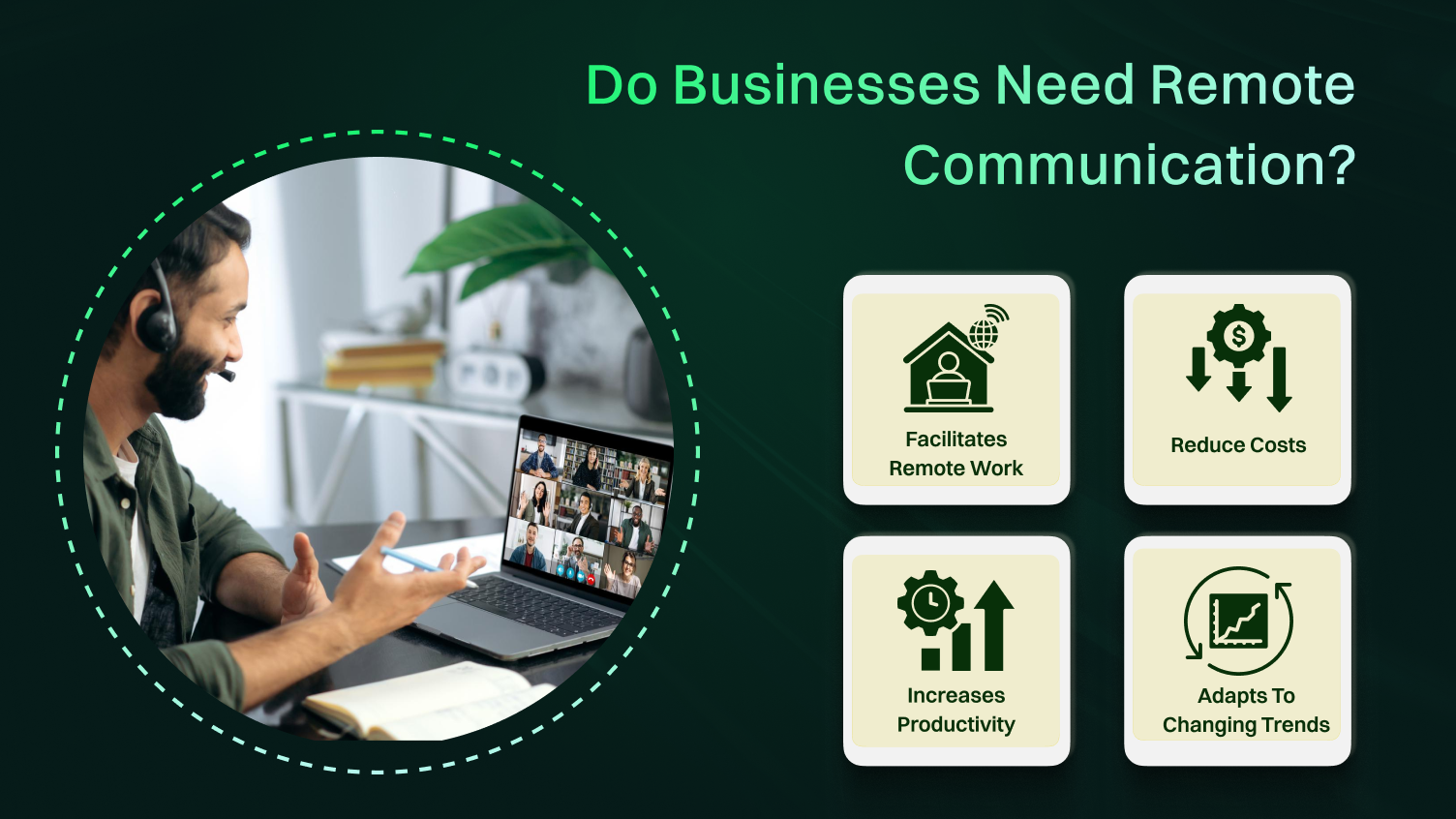
With more people working from home these days, it is crucial to have good ways to talk to others at work. These tools help workers share ideas and stay connected, even if they are not in the same place.
Remote communication can help businesses reduce costs for maintaining office rent, utilities, and office supplies.
Among various Remote communication tools, People can stay linked and do work, even when far from the workplace. Good ways to talk and work with others can help make work go smoothly and stop delays.
As the world keeps changing and more people work from home, businesses that use good ways to talk from far away will do better. They can change with the market and stay ahead of others in their field.
Remote communication tools are handy nowadays. They let people talk to others far away, which helps us work and communicate better. However, remote communication tools also have good points and bad points.
Some benefits of Remote communication are described below:
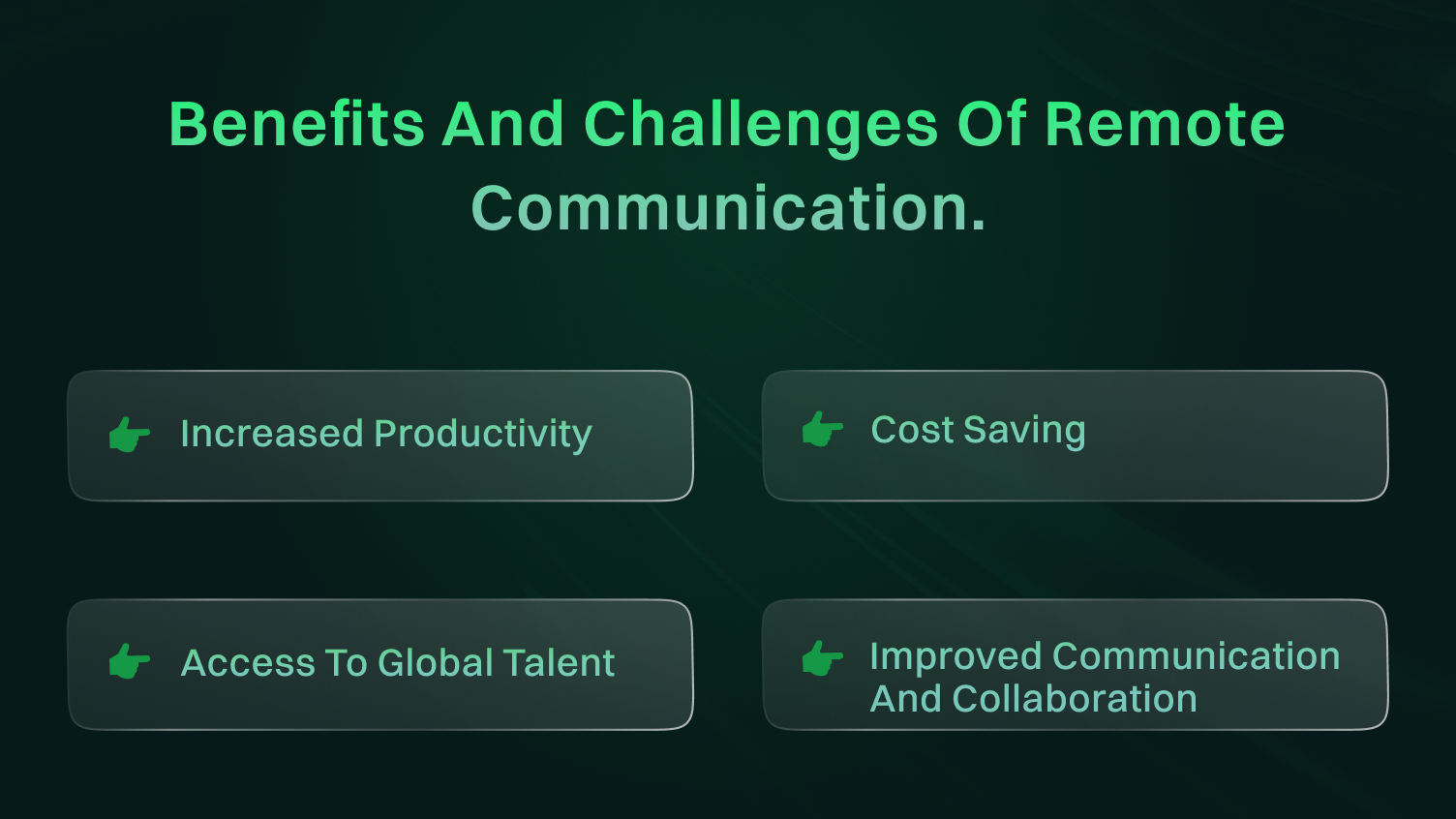
Remote working helps people do more. People can work free from normal office noise. They can work when they are most active, whether morning or night. This freedom lets staff do tasks faster. It may make them more productive.
People can focus with no disturbances. Flexible hours are a huge benefit, too. Workers can pick peak times for top output. Avoiding an office commute saves time as well. It helps boost employee engagement.
Another good thing about distance communication technology, including call routing, is the money it saves. Companies with workers who work from home could spend less money on things like rent, power, and office supplies.
Also, workers from home often use their own stuff, so businesses do not have to buy and keep office things. Remote work helps companies save green dollars in many ways. When employees work from their homes, the company does not need to pay rent for office buildings. These cuts cost a lot.
Businesses can hire workers from all over the world with Remote communication tools. This lets them find top skills that are hard to get in their local area.
People use simple words to chat from very far away. Companies get good workers with rare skills. Remote talking helps grab talent worldwide. Companies often partner with an EOR service to handle global hiring smoothly.
Remote tools let people talk and work together. Teams can use video calls, text messages, and project apps to work in real time. It doesn’t matter where people are. This can make decisions faster and teams closer. Interacting face-to-face has significant pluses.
Simple tech allows easy talks, quick messaging, and centralized plans. Teams can share ideas and updates right away. Proper communication platforms are vital in facilitating remote communication.
Like face to face talking, Remote talking has its own set of challenges. If your company recently started hybrid or Remote work, there may be early issues with fixing devices and setting up equipment.
Challenges of remote communication include:
The following table provides you with the top 5 Remote communication tools.
| Tool | Features | Pricing | Best For |
|---|---|---|---|
| Zoom |
|
|
Small to large businesses, educational institutions, and organizations requiring frequent video meetings and collaboration |
| Microsoft Teams |
|
|
Businesses already using the Microsoft ecosystem, especially Office 365 users, for a comprehensive collaboration and communication process |
| Slack |
|
|
Agile teams, startups, and organizations seeking efficient real-time communication and collaboration |
| Google Meet |
|
|
Businesses and teams leveraging Google Workspace for productivity and collaboration, especially Gmail and Calendar users |
| Cisco Webex |
|
|
Enterprises and large organizations requiring secure and feature-rich video conferencing and collaboration tools |
Many of these platforms also support or integrate with advanced VoIP features like IVR, call routing, and virtual phone numbers to help teams manage communication more efficiently.
It is essential to talk well with each other in any group that wants to do great work. For people working far away, it is even more necessary. People on the team may live in different places and times. We cannot say enough how crucial it is.
Every person has to let others know what they are doing and make sure everyone understands the plan. Sometimes, one person doesn’t know what the other person is up to, which can cause big problems. Short meetings each day let everyone share progress. Also, use the best remote tools to enhance communication.
However, it is not easy to talk to people who are far away. To keep doing good work, businesses must use ways that make talking a top thing. They must also keep people who work far away feeling part of the group. Virtual meetings are valuable for facilitating communication and fostering a sense of belonging among remote team members.
In this part, we will discuss ways that groups can use to speak with each other better when not in the same place. Whether your group works only in different places or just wants people not in the same place to talk better, these ways can help with things that make it hard to speak from far away.
Companies should make a good communication plan from the start. This helps all people feel happy and excited about the company’s work and goals.
Remote communication is now a must-have for modern teams, not just a nice-to-have. It powers remote work, supports global collaboration, and helps businesses stay flexible in a fast-changing world.
With the right remote communication tools, companies can cut costs, boost productivity, and connect with top talent from anywhere. But more than that, clear and consistent virtual communication builds a strong team culture, even without a shared office.
If your business wants to grow and stay ahead, investing in the right remote communication strategy is essential. Start by using tools like VoIP, instant messaging, and video conferencing. Set clear guidelines, keep everyone aligned, and make sure remote teams feel just as valued as those in the office. Strong business communication is what makes remote work succeed.
Leaders of virtual teams can often share updates with remote workers. They should set clear rules for talking and responding. It is also key to let remote coworkers get to know each other. They can do fun team-building activities together.
Various communication methods exist. Optimizing remote communication relies on finding the right tools, establishing clear guidelines for communication, and prioritizing regular check-ins and one-on-one meetings.
Casual or spontaneous communication is often extremely limited in remote work. These impromptu conversations, like water-cooler chats or brief hallway discussions, are less common in remote settings where interactions are more structured and deliberate.
Some good tips to improve your communication skills when talking far away are to listen closely to what people say, be an active listener, speak in simple, clear words for easy talks, Have regular meetings with your team members.
Synchronous communication is communication in which parties communicate in real-time. In other words, both parties exchange messages simultaneously, like in a face-to-face chat or over the phone.
Asynchronous communication refers to a method of communication in which messages or information are exchanged in a non-co-occurring or non-real-time manner.
