

Automated Receptionist: What Is It and How Does It Work?

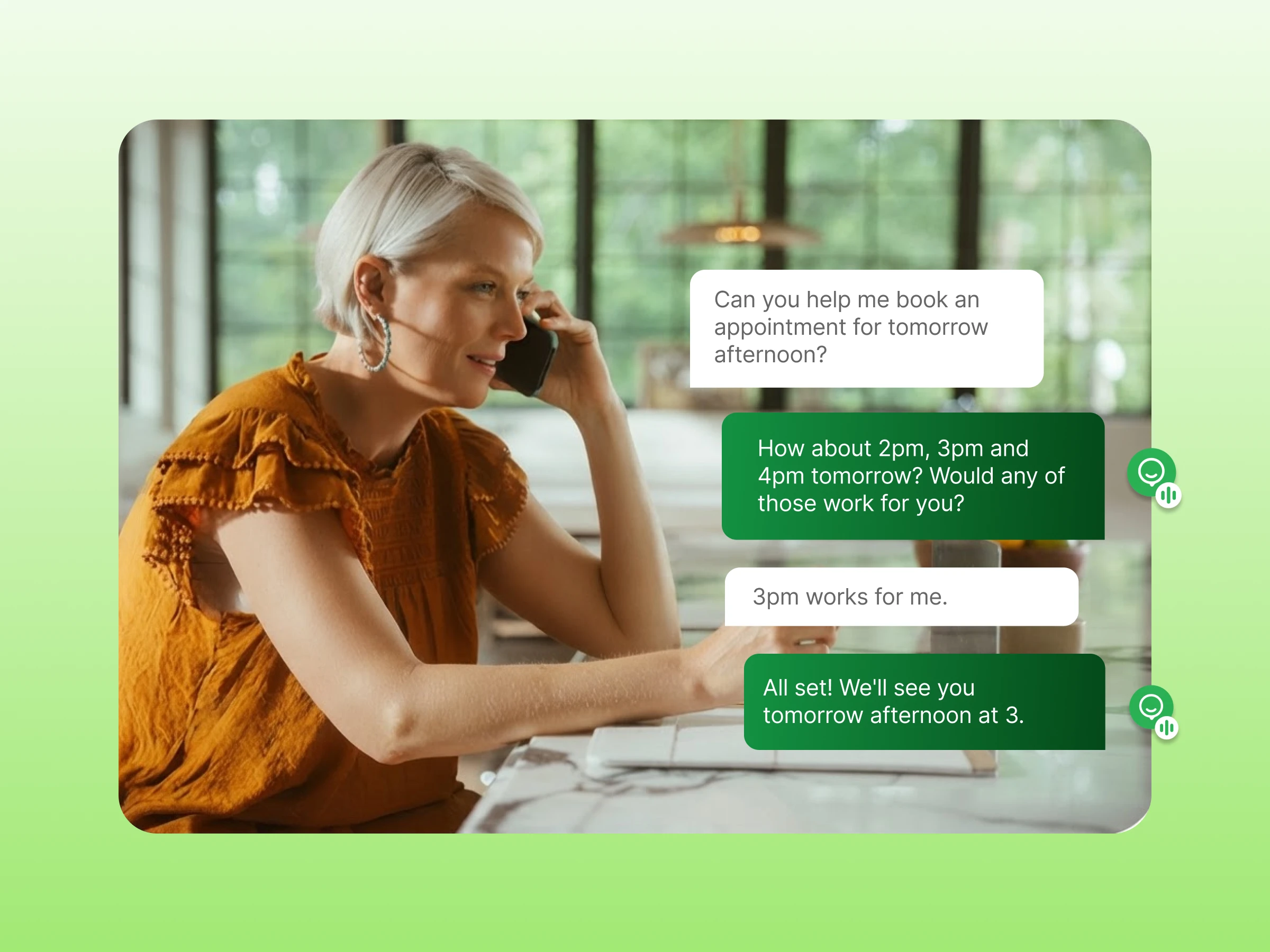
Every missed call is a lost opportunity. When your team is busy, after-hours leads go to competitors and callers face long wait times or voicemail. Growing businesses struggle to answer every call while staying professional.
An automated receptionist solves this by answering calls instantly, routing them correctly, and working 24/7, so you never miss a lead and your team stays focused on real work.
This guide shows how it works, how to calculate ROI, and how to choose the right system for your business.
An automated receptionist is software that answers incoming business calls. It operates without a human operator. It greets callers, presents menu options, and routes calls directly to the correct person or department.
The system operates through your business phone service or a VoIP platform. You do not need physical on-site hardware.
People often use the terms interchangeably, but a basic auto attendant and a full automated receptionist are different tools:
These terms often overlap across different providers, creating confusion for buyers. Here is how they break down:
| Term | What it does |
|---|---|
| Automated receptionist | Manages full front-desk operations by greeting callers, answering routine questions, taking messages, and routing calls. |
| Auto attendant | Plays a predefined audio menu and transfers callers to the right extension based on their keypad choices. |
| IVR | Collects keypad tones or spoken commands to automate self-service tasks and retrieve account information. |
Here is the call flow from the moment the phone rings:
Example: A customer calls at 2:00 PM on Tuesday. The system confirms standard operating hours and plays the daytime greeting.
Edge Case (After-Hours & Holidays): A call at 11:30 PM or on New Year’s Day routes to an after-hours emergency mailbox. It plays a holiday notice with ticket instructions.
Example: A client presses “3” or says “Billing department”. They do this to check an outstanding balance.
Edge Case (Unclear Input or Background Noise): If input is invalid, silent, or noisy, the system plays a fallback prompt. The prompt instructs users to press 0 for an operator or hold.
Example: A caller selects “Sales,” and smart routing sends the call to Agent B if Agent A is busy.
Edge Case (High Call Volume & Full Queues): During call spikes, the system queues callers. They receive wait times, queue position updates, or an automated callback option.
Example: A patient seeking directions hears an automated sub-menu. The sub-menu includes the address, parking instructions, and landmarks.
Edge Case (No-Answer / Abandoned Transfer): If an extension rings for 20 seconds with no answer, the call fails over to a secondary ring group or backup admin. Alternatively, it may go to visual voicemail.
Example: After a call, the VoIP platform logs caller ID, duration, and the audio recording directly into the CRM contact record.
Edge Case (Compliance & Privacy Rules): The system mutes audio during credit card entry. It plays recording disclosures before bridging the call.
When comparing a receptionist vs. an automated system, both have distinct operational roles.
| Factor | Automated Receptionist | Human Receptionist |
|---|---|---|
| Call handling | Follows configured instructions | Responds based on human conversation |
| Availability | Operates 24/7 without breaks | Limited to assigned desk hours |
| Routing | Follows predefined routing rules | Uses personal judgment |
| Repetitive requests | Resolves common requests fast | Spends manual effort answering repetitive questions |
| Complex conversations | Transfers callers to a human agent | Resolves sensitive situations directly |
| Personal interaction | Delivers consistent brand greetings | Adds direct warmth to interactions |
Businesses can choose from three primary categories of automated reception technology, depending on their operational complexity and budget.
1. Rule-Based IVR
How It Works:
Best For:
Key Limitation:
2. AI or Conversational Voice Receptionists
How It Works:
Best For:
Key Limitation:
3. Hybrid Systems
How It Works:
Best For:
Key Limitation:
Modern systems provide extensive auto attendant features that go well beyond simple call transferring:
Calculating your return comes down to call volume, labor overhead, and system costs.
| Model | Cost Level | What It Covers |
|---|---|---|
| In-House Receptionist | High | Base salary plus payroll taxes, healthcare, PTO, and equipment. Limited to business hours. |
| VoIP Auto Attendant | Low | Standard phone tree menus, business-hour routing, and voicemail bundled into your phone plan. |
| Conversational AI Receptionist | Low to Moderate | 24/7 natural speech recognition, direct calendar booking, and real-time database lookups. |
Use this simple formula:
ROI = (Recovered Revenue + Labor Savings – Cost) ÷ Cost
Here’s how to calculate each part:
Different industries configure automated receptionists to solve distinct bottlenecks:
Modern AI receptionist tools interpret intent and context. They adapt to conversational answers and handle appointment booking. They resolve routine inquiries instantly.
Conversational systems allow callers to speak naturally. A caller can say, “Hi, I need to reschedule my Friday appointment to next Monday afternoon.” The AI agent can check availability and confirm the change in real time.
AI models can struggle with noisy phone lines and ambiguous requests. They also have difficulty handling emotionally charged customer complaints that demand human empathy. Reliable platforms therefore use intelligent human escalation, passing the caller’s details and full context to a live agent. This ensures the customer never has to repeat themselves.
When evaluating providers, look for reliability, ease of menu configuration, call quality, and integration support.
| Platform | Receptionist option | Notable capabilities |
|---|---|---|
| Dialaxy | IVR and automated call routing | Call routing, IVR, business hours |
| Nextiva | XBert AI Receptionist | AI answering, booking, CRM/calendar integration |
| RingCentral | AI Receptionist | AI call answering and routing |
| Dialpad | AI Agent | AI voice agents, task execution, human escalation |
An automated receptionist ensures every caller gets an immediate answer. It connects them to the right person without delay. You can choose a basic auto attendant for simple keypad menus or conversational AI for hands-free tasks. Your choice depends on what your business needs. Review your weekly call volume. Decide whether to start with a simple setup or test an AI platform.
Try Dialaxy’s automated receptionist, which answers and routes calls in minutes.
No. IVR is simply the underlying tool that processes keypad tones or spoken words. An automated receptionist is the complete call management system. It handles your daytime greetings, business hour schedules, voicemail routing, call queues, and staff transfers. IVR is just one feature inside it.
Pricing depends on features, users, and call volume. Basic systems are more affordable, while advanced AI options cost more. Most plans require no expensive hardware.
Yes. They are ideal for small teams, local contractors, and solo owners. The system answers calls instantly and routes inquiries to your mobile phone. It projects an established, professional image. It also saves you the high cost of hiring a full-time front-desk employee.
Yes. Modern AI voice engines use natural speech patterns with clear pacing and smooth tones. Callers hear a pleasant, conversational voice rather than a robotic monotone. You can record your own voice directly to the platform. You can also upload professional studio audio files.
It uses a built-in fallback rule. If a caller stays silent, enters an invalid number, or speaks with heavy background noise, the system politely prompts them to try again or press 0 for an operator. Alternatively, they can hold for a live agent. Callers never get trapped in a loop.
Yes. Cloud phone systems easily forward calls to cell phones, home lines, softphones, or mobile apps. You can set rules so incoming calls ring your office desk first. Then they roll over to your mobile phone automatically when you step away.
Yes. You can update your greetings, call menus, and holiday routing at any time. Most providers let you make these changes in minutes using a simple online portal or smartphone app. You won’t need an IT specialist to do this.
Yes. Most modern platforms connect directly to CRMs like HubSpot, Salesforce, and Zoho. The integration automatically logs call durations, attaches recordings, and matches incoming caller IDs to existing customer records. Your team has full context before picking up.
Yes. Reputable business phone providers encrypt all live calls, voicemails, audio recordings, and caller details. They comply with strict data privacy standards like SOC 2 and GDPR. They provide HIPAA-compliant settings for medical clinics handling sensitive patient records.
A basic setup takes under an hour. You can pick a standard template, enter your business hours, and record a welcome greeting in just a few minutes. Complex setups with multi-level menus, ring groups, and CRM syncs usually take two to three hours to configure. Testing is also included in this timeframe.
