

Keep Every Contact Effectively with Dialaxy x Capsule CRM
Keep every customer relationship organized with Dialaxy and Capsule CRM. Connect business calls, SMS, contact data, and customer activity in one streamlined workspace for faster, personalized communication across every customer touchpoint and conversation.
Get Action-Oriented Integration For Support Teams
Connect Dialaxy with Capsule CRM to give support teams access to information and communication tools.
Replace repetitive call logging with automatic updates, giving agents time to focus on meaningful conversations.
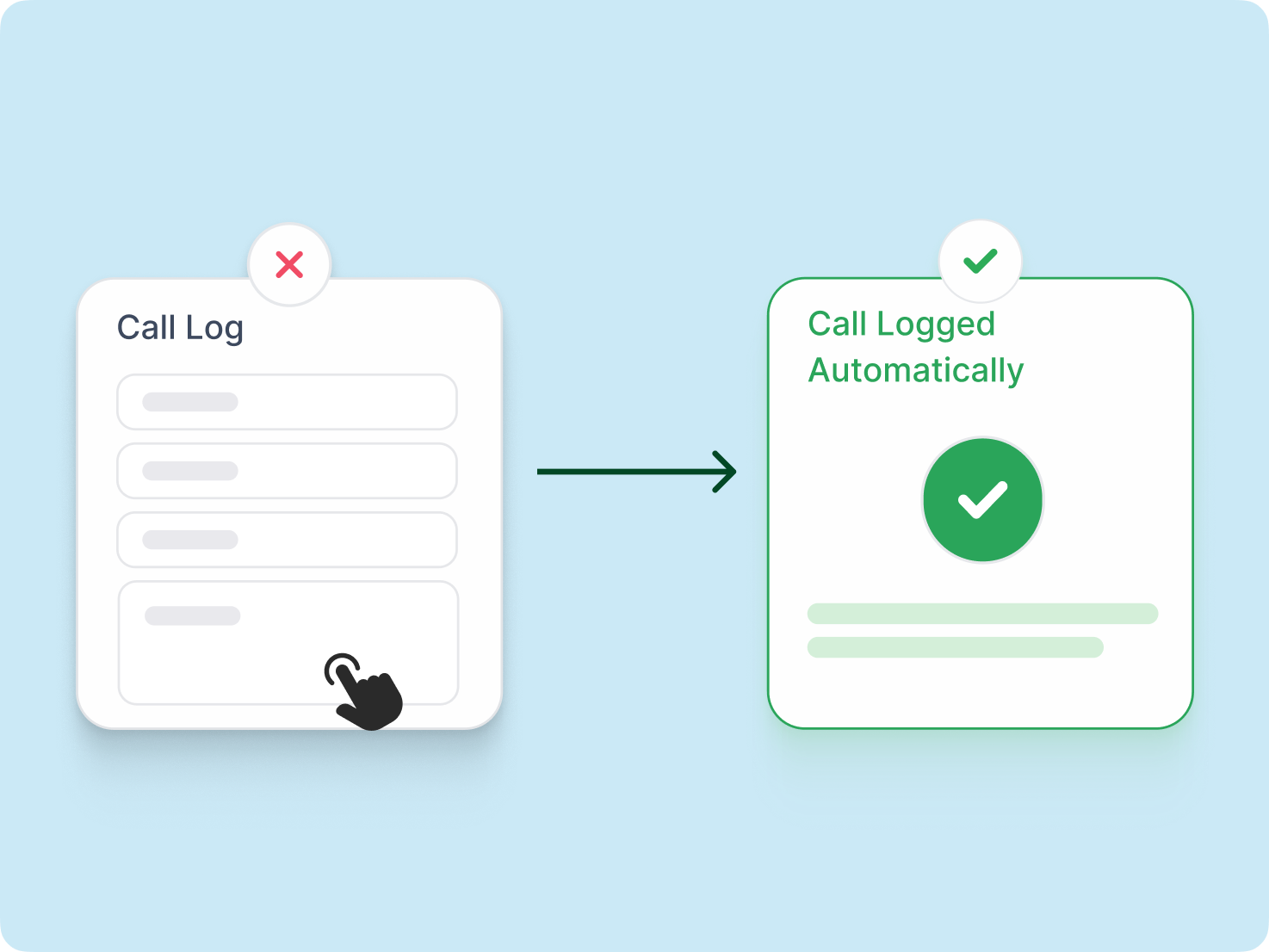
Give sales teams customer context, smoother follow-ups, and pipeline activity to move prospects toward conversion.

Send instant SMS from a business number while keeping conversations connected to CRM contacts for follow-ups.
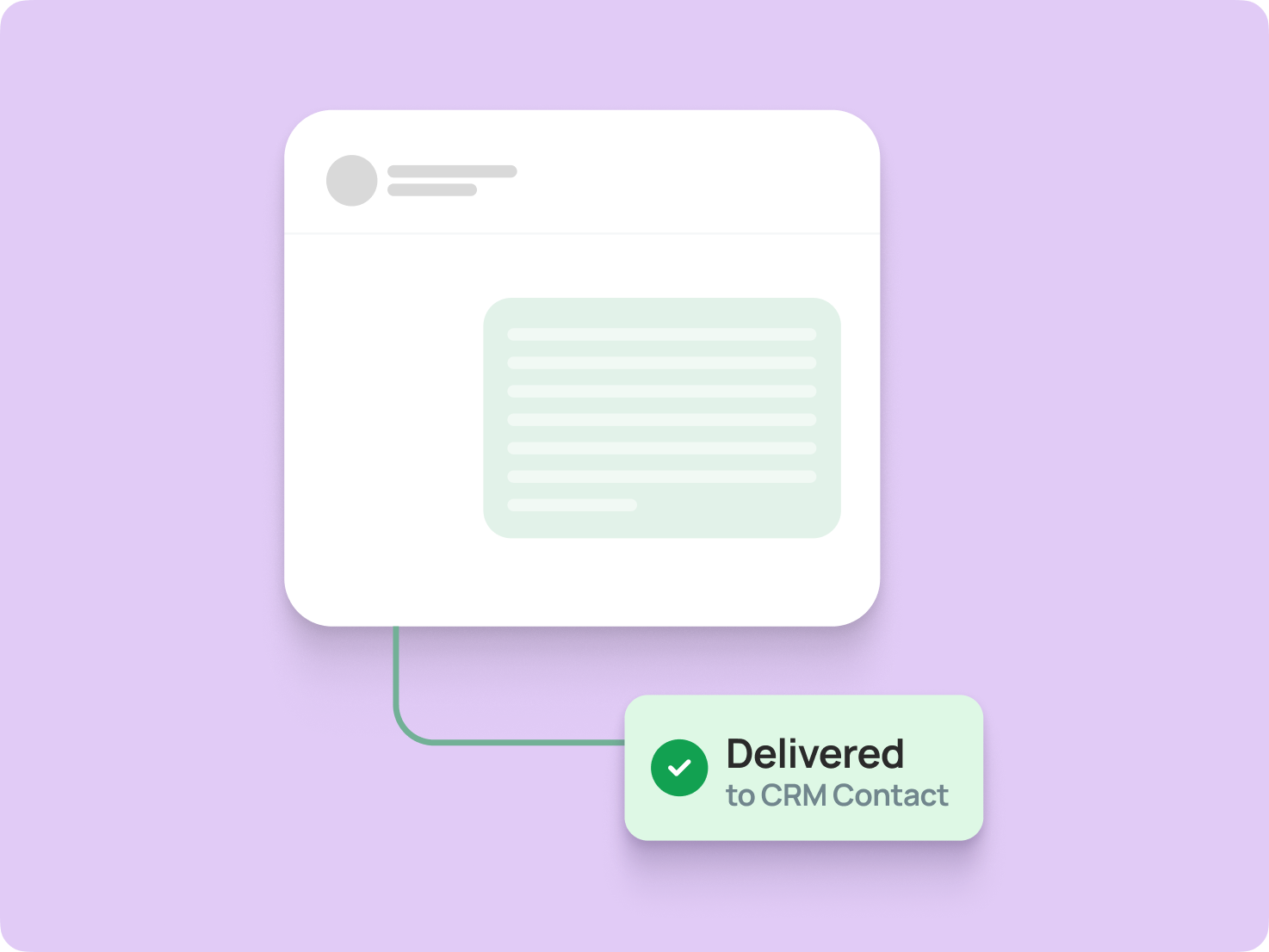
Boost Agent Output With Dialaxy x Capsule CRM Integration
Boost agent output by connecting Dialaxy with Capsule CRM for communication, organized data, streamlined workflows, and less time switching tools.
Enhance Customer Support
Give support agents a connected view of customer conversations, contact details, and communication history, helping them respond faster, deliver consistent service, personalize every interaction, and resolve customer needs with confidence and consistency.
Call Directly From Capsule CRM
Use Click-to-Call with supported Capsule CRM contacts to simplify outbound communication, reduce manual dialing, and help agents start conversations without switching between applications, improving speed, focus, productivity, and efficiency every day.
Actionable Insight
Turn customer activity into actionable insight by connecting communication data with CRM records, helping teams understand interactions, identify follow-up needs, and make faster sales decisions with greater confidence and context for teams.
Safe Data Access
Keep customer data protected through controlled access and secure integration practices, helping teams manage CRM information responsibly while maintaining dependable communication across connected tools and business workflows with reliable access for teams.
Real-Time Contact Syncing
Keep your contacts synchronized in real time. Whenever customer information is updated in one platform, the changes are immediately mirrored in the other, maintaining accurate, up-to-date, and consistent customer records across both systems.
Automated System
Use automation and workflow automation to streamline routine communication tasks, synchronize relevant activity, and create a more efficient customer journey with fewer manual steps and less administrative effort across teams every day.
Connect Capsule CRM with Dialaxy and Get Started Toda
Integrate Capsule CRM with Dialaxy to streamline customer communication, centralize contact data, manage calls and messages efficiently, and give your team a faster, more connected workflow.
Explore More Integrations
Connect Dialaxy with your favorite tools to enhance productivity and smooth communication effortlessly.
Easiest Guide to Integrating Capsule CRM with Dialaxy
Log in to your Dialaxy account to get started with the Capsule CRM integration.
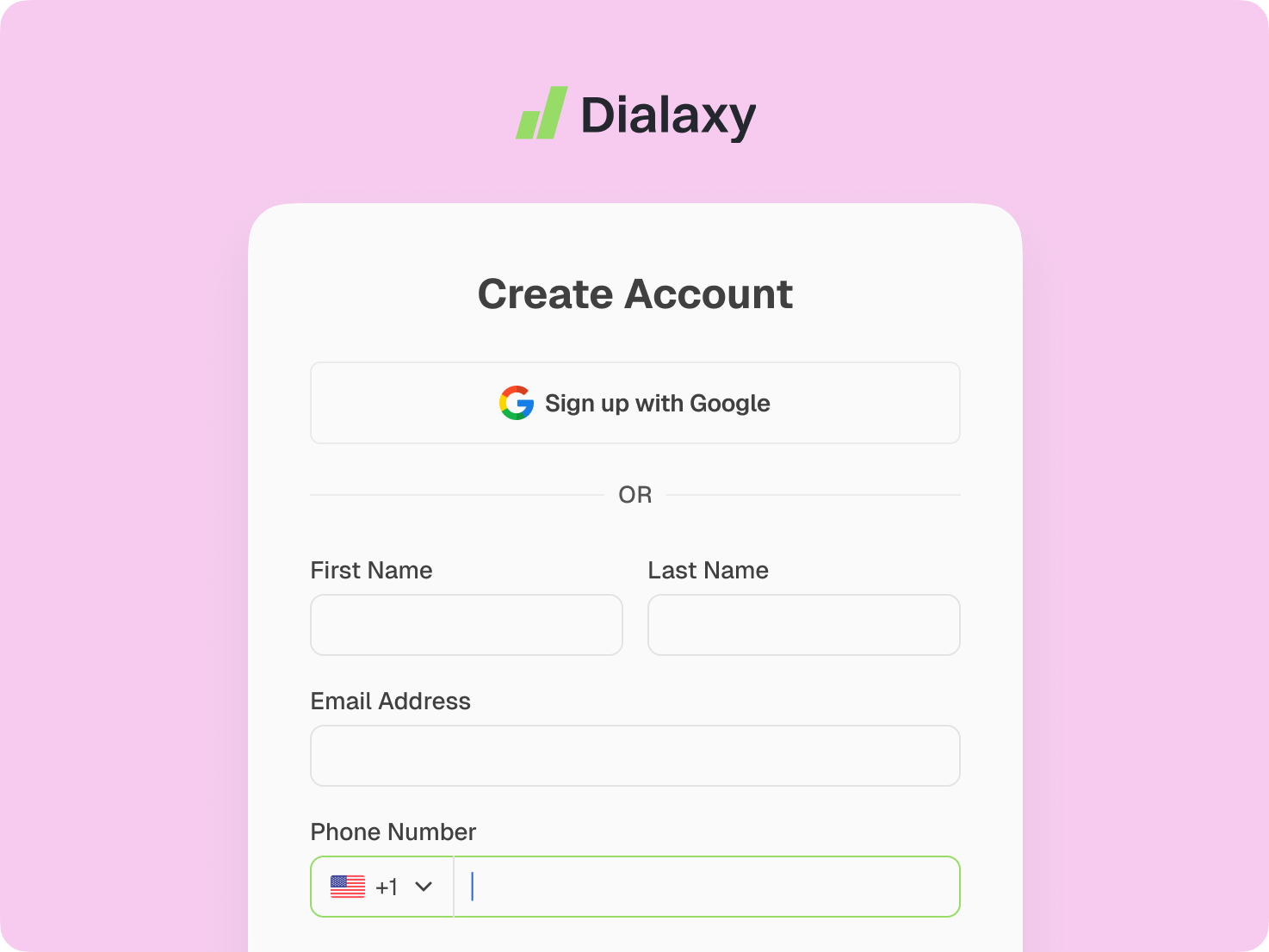
Navigate to the Settings menu, select Integrations, open the Marketplace, and choose Capsule CRM to begin the setup.
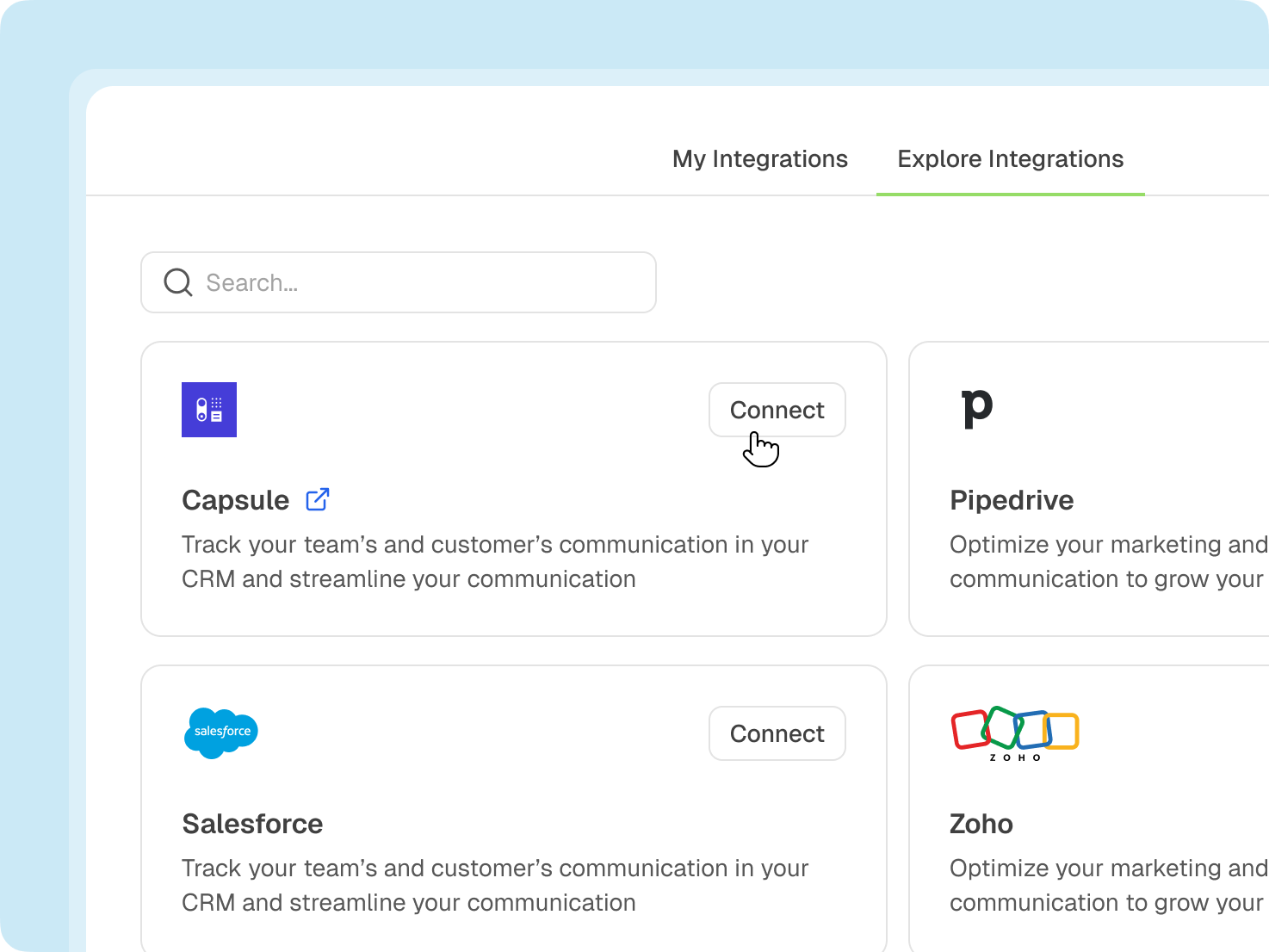
Provide the site address associated with the Capsule CRM account you want to connect.
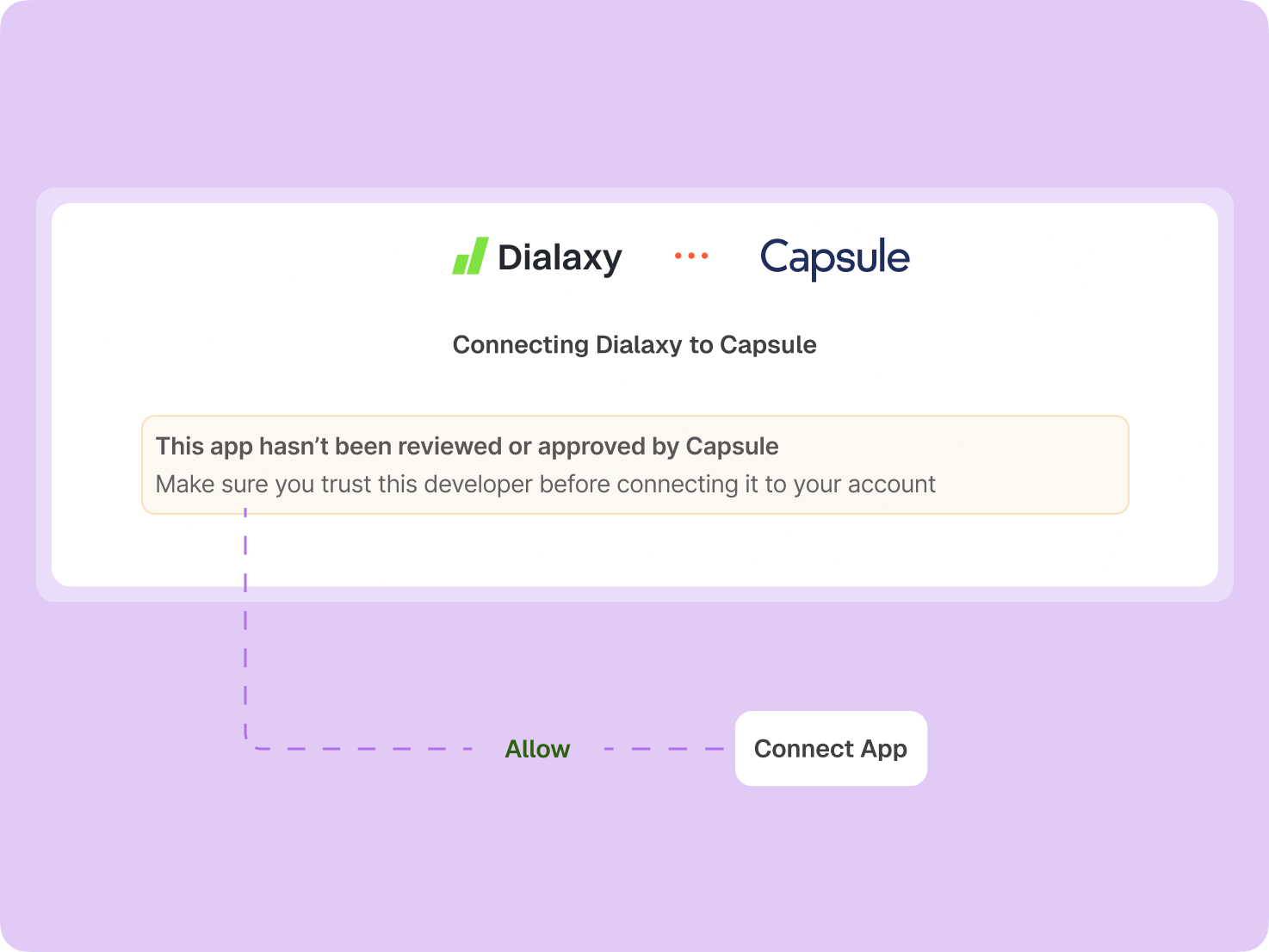
Click Allow to authorize the connection. You'll then be redirected to Dialaxy, where a confirmation message will indicate that the integration was completed successfully.
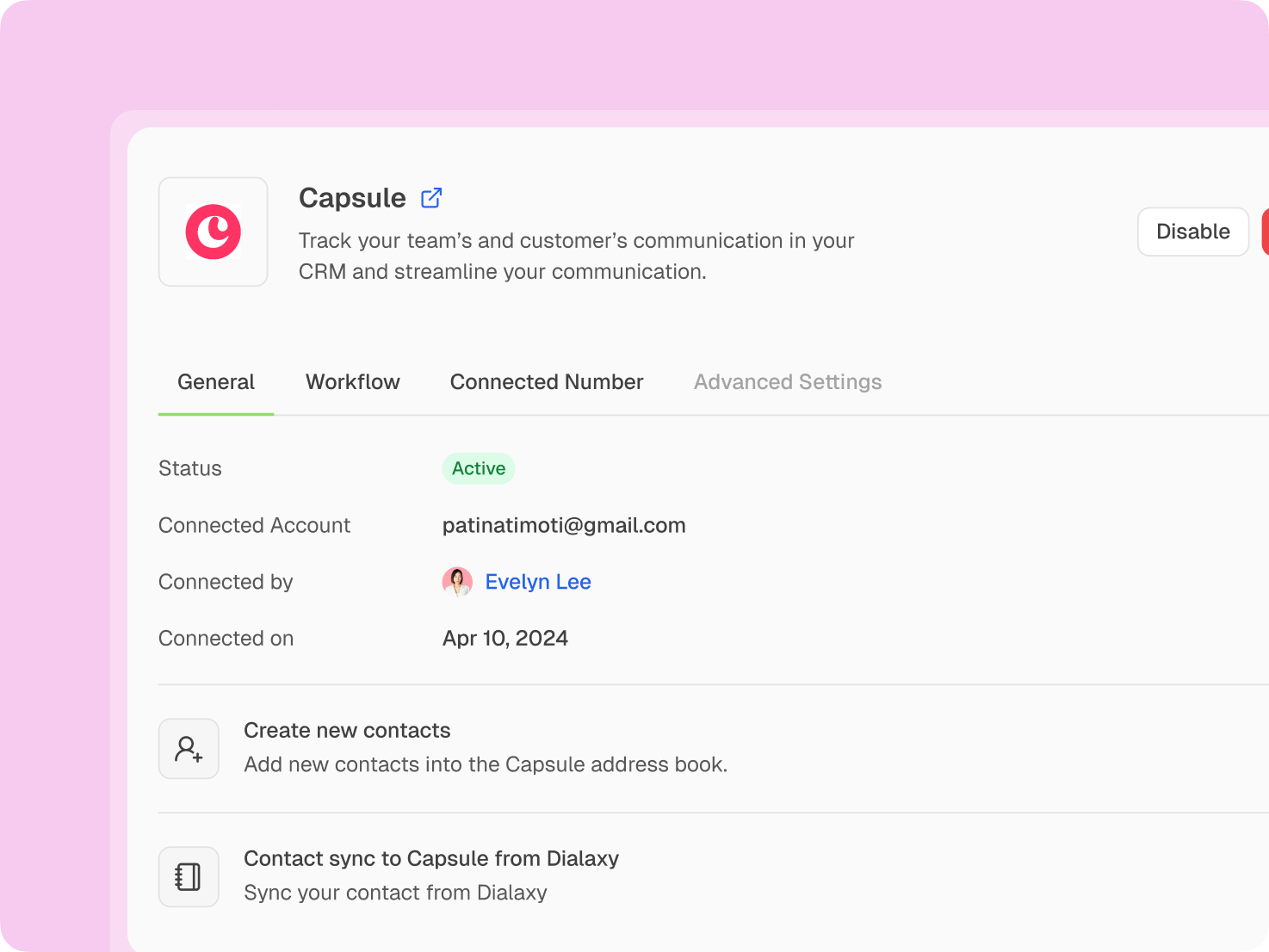
Configure the general workflow, connected numbers, and advanced options according to your needs for a smooth and efficient integration.
Benefits of Integrating Dialaxy with Capsule CRM
Collect Accurate Data
Keep CRM records more accurate by reducing repetitive data entry and supporting CRM data sync between communication activity and customer records, helping teams work from consistent, reliable information every day.
Enhance Agent Performance
Give agents faster access to customer context, reduce repetitive administrative work, and streamline communication workflows so teams can handle conversations efficiently while maintaining accurate CRM records throughout the customer journey.
Spot the Opportunity
Use connected customer data and activity information to identify promising prospects, recognize follow-up opportunities, and help sales teams act sooner throughout the sales pipeline before valuable opportunities are missed today.
Improve Customer Experience
Connect customer communication with CRM information to deliver faster responses, more personalized conversations, and smoother follow-ups that create a more consistent customer experience across every support and sales interaction daily.
Secure Personal Data
Protect customer information with secure integration practices and controlled access, helping teams maintain trust while connecting communication activity with essential CRM records and workflows across their organization every day responsibly.
Actionable Call Insights
Review call activity alongside CRM information to uncover useful conversation patterns, improve follow-ups, support sales coaching, and help teams make more informed customer communication decisions with greater context and confidence.
Frequently Asked Questions
Supported integration capabilities may include CRM contact synchronization, call logging, Click-to-Call, communication activity, and customer data workflows. The exact capabilities depend on the available Dialaxy integration setup.
Pricing depends on the Dialaxy plan and the integration capabilities available with that plan. Check Dialaxy’s current pricing and integration options before choosing the setup that best fits your business needs.
If Click-to-Call and calling integration are supported in your setup, agents can use Capsule CRM contact information to initiate calls through Dialaxy, reducing manual dialing and improving communication efficiency.
Where automatic call logging is supported, communication activity can be recorded against relevant CRM contacts, helping teams maintain clearer customer histories without manually entering every interaction.
Availability can depend on the current Dialaxy plan and integration configuration. Review the latest plan details or contact the Dialaxy team to confirm which Capsule CRM integration capabilities are included.
Setup time depends on the integration method, account configuration, and required permissions. A straightforward setup can be completed quickly when the required accounts and access credentials are ready.
Historical data synchronization depends on the supported integration configuration. Before connecting, confirm whether your chosen setup supports existing records, new records, or both.
If the integration exposes relevant Capsule CRM pipeline information, teams can use connected CRM data alongside communication activity to maintain better sales pipeline visibility and prioritize follow-ups.