

How to Set Up Your AI Receptionist: A Complete Guide

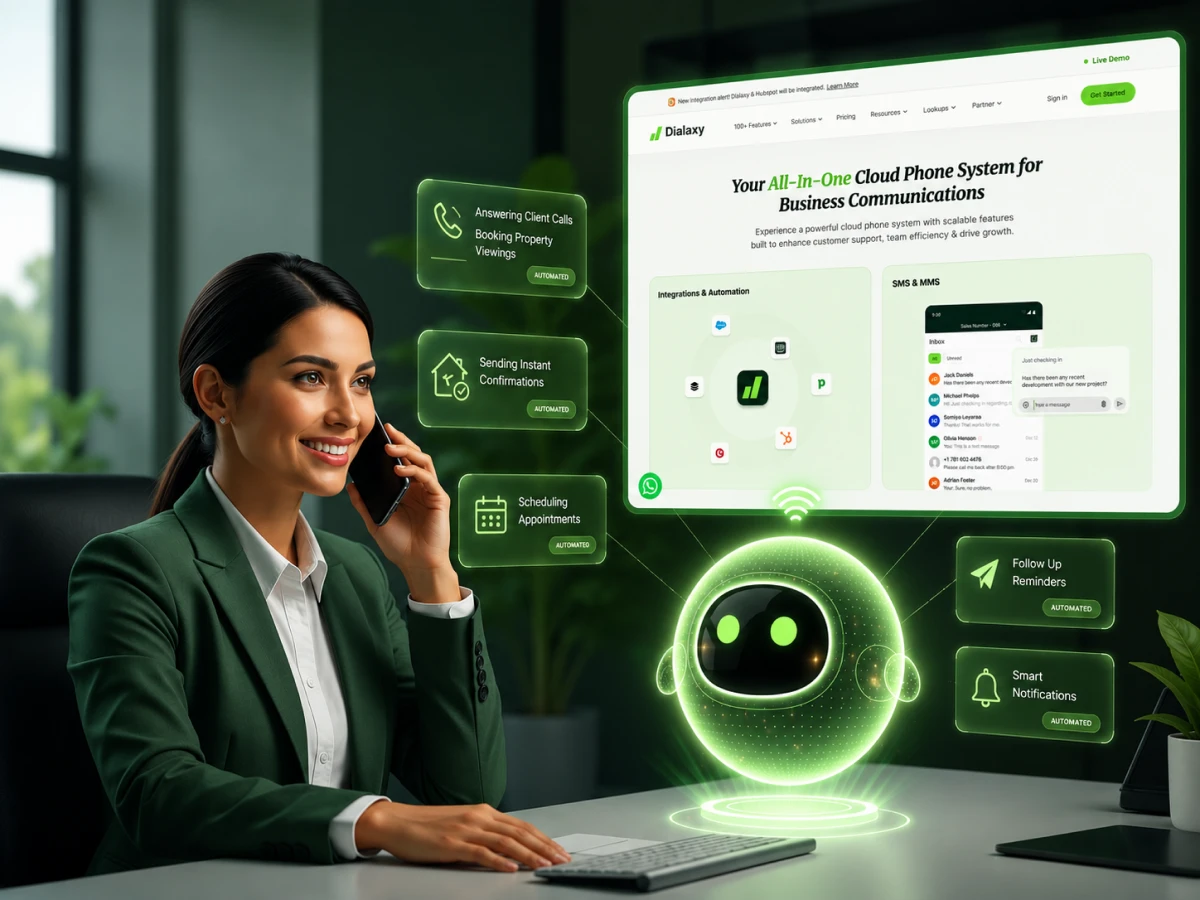
Missing a phone call is missing a paycheck. Yet, staying glued to your phone 24/7 is impossible when there’s a business to run. That’s why smart companies are moving toward a conversational AI approach to handle their inbound calls.
This guide covers exactly how to set up an AI receptionist that sounds professional and never sleeps. From the initial checklist to post-launch optimization, stop worrying about busy signals for good.
An AI receptionist is a voice AI system that answers phone calls just like a human would. Unlike a traditional IVR, those annoying “press 1 for sales” menus, this is a true AI agent. It uses speech recognition to understand what callers want and responds in a natural, helpful way.
It is not just a fancy voicemail. A modern AI phone voice agent can book an appointment, answer complex questions about your pricing, and even handle payment collection. While traditional AI chatbots live on websites, this technology lives on your phone lines.
Recent data shows businesses answer only 37.8% of their calls. For a service business, that means thousands of dollars in lost revenue every month. Using an AI virtual receptionist ensures every caller gets a response on the first ring.
Call & Contact Center
Dec 10, 2025
Read More
No computer science degree needed here. But having a clear picture of your business operations helps a lot. Getting your data ready makes the setup process much faster.
Before logging in to a platform like Dialaxy, gather these items:
Here’s a step-by-step guide on how to set up an AI receptionist:
There are a lot of choices available in the market, but not all phone agents are the same. Find a platform that offers a combination of user-friendliness and extensive functionality. Speech recognition and straightforward CRM integration are essential.
| Feature | Dialaxy | Nextiva | RingCentral | Dialzara |
|---|---|---|---|---|
| Setup Time | 30–45 Mins | 2–3 Hours | 4+ Hours | 1 Hour |
| Virtual Numbers | 100+ Countries | US/Canada only | Limited Global | US Only |
| CRM Sync | Native/Zapier | Native | Native | Limited |
| Free Trial | Yes | No | Yes | Yes |
| Starting Price | Competitive | High | Premium | Mid-range |
Dialaxy is best for global teams and sales-led businesses that need to handle international client calls. If you need a receptionist for your business that works across borders, the choice is clear.
Once you pick your platform, decide how callers will reach your AI receptionist. There are three main paths:
Service-based businesses usually prefer forwarding, while growing SaaS companies often opt for new virtual numbers to track specific marketing campaigns. For more on how these numbers work, check out our guide on the second phone number app.
This is where you build an AI receptionist by giving it a “brain.” Most modern systems let you import data directly from a URL. The AI reads your “About Us” page, “FAQ” page, and service descriptions.
But don’t rely 100% on the auto-scan. Manually add details that might not be on your site, like specific holiday hours or off-menu pricing. When writing instructions, use plain English. Skip the technical jargon.
Real example prompt: “You are the receptionist for [Business Name]. Greet callers warmly. Answer questions about our residential cleaning services based on the attached price list. If they ask about commercial cleaning, tell them we require a custom quote. Always offer to book an appointment at the end of the call.”
There will always be situations that require a human to answer. Define clearly when the AI should step aside.
Set up “Urgency Detection.” For example, if a caller mentions a “burst pipe” or a “legal emergency,” the AI should immediately transfer the call to a live team member. For routine tasks like booking appointments, the AI handles it solo.
Also set rules for after-hours. During the day, the AI transfers complex leads to sales. At night, it takes a message and promises a callback by 9:00 AM.
For service businesses, the lead generation feature is a must. Configure a three-question sequence, Name, Problem, Zip Code, so the right data is ready before anyone calls back.
Your voice is the first thing a customer hears. It needs to match your brand. Most platforms offer a variety of text-to-speech (TTS) voices. Pick one that sounds natural and fits your industry. A law firm may want a serious, formal tone. A trendy hair salon might want something more upbeat and conversational.
Keep the opening greeting short:
The objective is to get the caller to feel heard right away. If you are not using a high-quality speech recognition setting, the AI may not work with various voices or background noises.
This step takes your AI receptionist from talker to doer. Link your Google Calendar or Calendly. If someone calls to book on Thursday at 2:00 PM, the AI will verify the availability of that time slot and make the booking. No more phone tag.
Next, sync your CRM. Every time the AI finishes a call, it should create a log. New caller? The AI creates a new contact. Existing customer? It attaches the call summary to their profile. This gives your human phone agents full context if they need to follow up later.
Set an automatic SMS confirmation after a booking is made. This significantly decreases no-shows. A temporary phone number can help if you need a temporary solution for testing SMS flows.
Don’t go live without a test. Check whether the speech-to-text (STT) is functioning properly and if the AI is able to comprehend your industry jargon.
Execute 10 or more scenarios. Example:
Here’s a real example: a pest control company’s AI got confused by the word “yellowjacket.” The website said “stinging insects,” but the AI didn’t make the connection and told the customer they didn’t handle bees.
That’s exactly why testing matters. Listen to the recordings and refine your knowledge base prompts until the answers are accurate.
Once confident, hit the “Go Live” button. But the work isn’t done yet. During the first seven days, review your call handling rate and transfer rate every evening.
Expect around 80–85% accuracy in the first week. A few “knowledge gaps” will show up, questions that weren’t anticipated. By reviewing transcripts and updating business info, accuracy typically climbs to 90–95% by the end of the first month.
Unless it’s a total breakdown, let the AI work through interactions on its own; it gets better with each one.
Now that you know how to set up an AI receptionist, let’s learn how to optimize it after the launch.
Setup is not a one-time event. To get the most from your AI receptionist, a maintenance plan is essential. This is the difference between a tool that “works” and a tool that grows your business.
Then you can even A/B test your greetings, use a brief one for two weeks, then a longer one for another two weeks, and see which performs better in terms of booking appointments.
Once the business starts expanding, you can start using more advanced AI workflows on your CRM that will start sending email sequences depending on the call’s outcome.
Here are the most common mistakes businesses make when setting up a virtual receptionist, and what to do instead:
Running a business across multiple countries? Standard phone agents won’t cut it. A platform built for international scale is what’s needed, and that’s where Dialaxy stands out.
Most platforms give you a local number and call it a day. Dialaxy offers virtual numbers in more than 100 countries with an AI receptionist that sounds local to the caller, from London to New York, or Tokyo.
It delivers top-tier voice AI, advanced SMS functionality, and extensive CRM integration. That means your AI agent doesn’t just talk, it manages the entire communication workflow across the globe.
It’s the best fit for remote-first businesses and international sales teams who can’t afford to let inbound calls go to voicemail because of time zone differences.
Set up your AI receptionist with a global phone presence.
Setting up an AI receptionist is the smartest move any modern business can make. It ends busy signals, ensures all leads are seen, and integrates with other tools such as Google Calendar.
From selecting the right platform to weekly optimization, each measure and step in this guide contributes to making your business’s receptionist professional 24/7.
Looking to automate your front desk? Get Started with Dialaxy today!
The initial setup for most small to medium businesses is between 30 and 60 minutes. This involves linking your phone number, scanning your site for information, and scheduling your calendar. It can take a couple of hours to configure advanced setups with complex CRM workflows.
No coding experience is necessary. Modern platforms such as Dialaxy employ no-code interfaces. Just enter instructions in plain English, upload your documents, and utilize point-and-click menus to link your other business tools, such as your CRM or calendar.
Yes. You can get your current provider to route calls over to the AI platform. This allows you to maintain the existing number and experience AI answering. If you’d like to change providers completely, you can also port your number permanently.
The AI requires your fundamental business information: name, address, phone number, and hours of business. In addition, it requires a knowledge base, typically your website content, a list of services, pricing, and answers to your most frequently asked questions.
Training is done by creating a knowledge base. Upload PDFs, DOC files, or simply type text into the platform. A system prompt guides the AI on its behavior and the particulars it should focus on during communication with customers.
If the AI is unable to respond to a question, it will execute the escalation rules you have set. It will either put the caller in contact with a member of the human team or take a detailed message and follow up with the proper information.
Yes, this is one of the most requested features. The AI syncs with platforms such as Google Calendar, Outlook, or Calendly, allowing it to check availability and book appointments within the same platform.
The pricing depends on the number of calls and features. The monthly cost of most entry-level plans begins at $30 to $50 per month. Advanced plans with higher call volumes and extensive CRM integration can cost $150 to $500 a month.
It is quite ideal for small businesses. It lets a one-person team or a small crew appear much larger and more professional. It ensures no lead is missed while the team is busy working, essentially acting as a 24/7 sales assistant.
A virtual receptionist service is staffed by human call centers that can be costly and unreliable. An AI receptionist is a virtual voice assistant powered by artificial intelligence. It is more affordable, operates without fatigue, and provides immediate responses without making callers wait.
