

Top Call Management System for Small Business in 2026

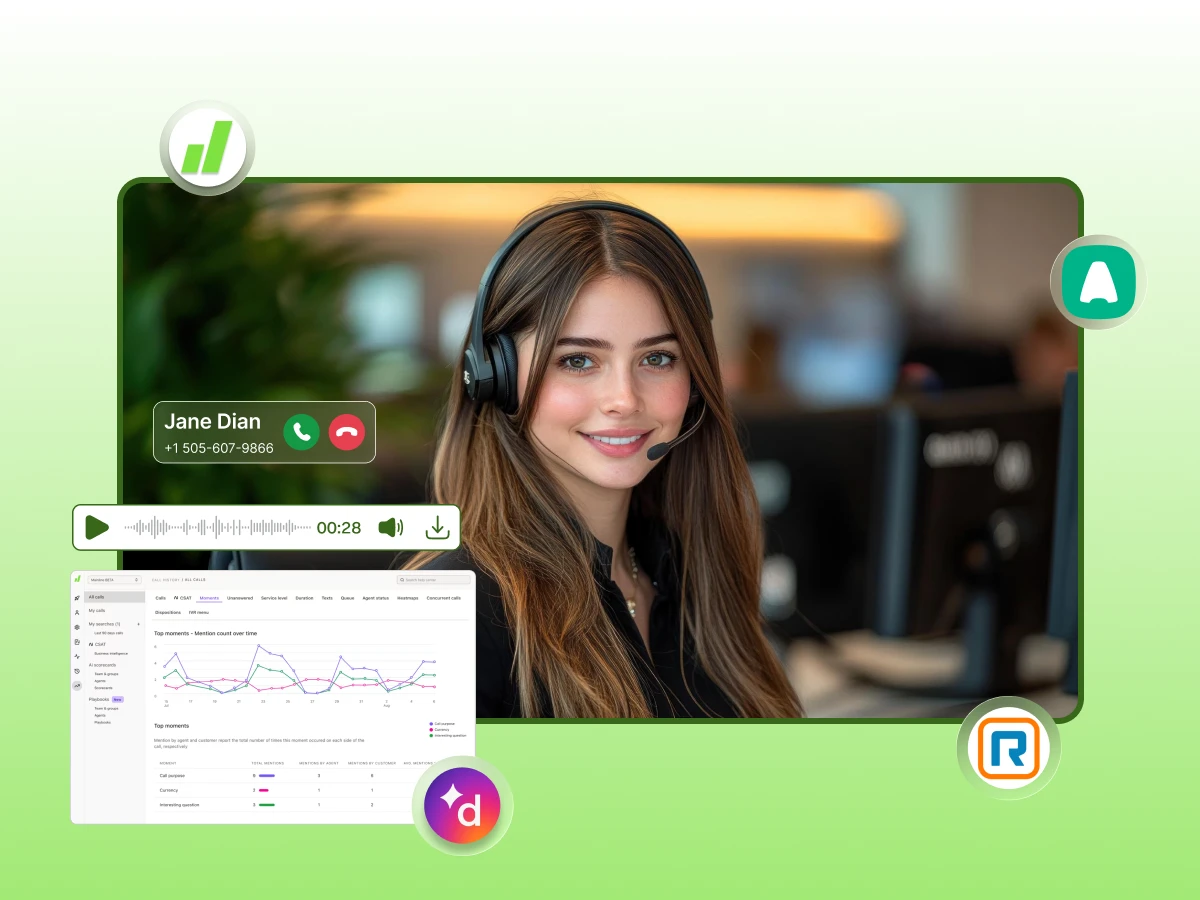
Let’s be honest: most small businesses don’t lose people because their product is bad. They lose them because of a missed call or a messy phone experience.
Juggling work calls on your personal cell phone with no call history or routing, instead of a virtual phone, is a recipe for disaster. It looks unprofessional, and it’s impossible to grow that way.
Businesses using structured and effective call management see a huge jump in call resolution, happy customers, and first-call fixes.
This guide walks you through what these systems are, the best call management systems for 2026, and how to pick one that actually fits your budget.
Think of a call management system as a smart traffic controller for your phone lines. It is a software platform that takes over the moment someone dials your number. It decides where that call goes through an automated call routing process and how it gets handled, managing the entire call flow automatically.
This system uses a mix of rules and tools to manage different types of calls, including inbound call center support and outbound call tasks. It isn’t just a basic phone; it’s a full strategy for your business communications. It helps you deal with handling incoming high call volumes while reducing missed and abandoned calls, without losing your mind.
It’s different from a traditional call setup because it tracks everything. It logs every incoming call, records the audio, and syncs with your customer lists.
If you have a team of 5 or 50, call management means making sure no lead falls through the cracks. You probably don’t have a full IT team or a huge budget. You need a system that works hard so you don’t have to.
The real cost of a bad setup is huge. One missed call from a big lead can cost you more than a whole year of software. It makes you look disorganized and unreliable to your customers.
Your needs change as you grow. A 3-person team needs simple routing, while a 30-person team needs detailed call analytics and better workforce management. A good system scales with you as your business call volume goes up.
Before we get into the details, let’s look at the top contenders for the coming year. Here is a quick comparison to help you spot the winner.
| Tool | Starting Price | Best For | Standout Feature | Free Trial |
|---|---|---|---|---|
| Dialaxy | $10/user/month | SMB to enterprise, global teams | 100+ country coverage + CRM sync | No |
| Dialpad | $15/user/month | AI-first small teams | AI call transcription + summaries | ✅ 14 days |
| CallRail | $45/user/month | Marketing-focused SMBs | Call tracking + attribution | ✅ 14 days |
| Aircall | $30/user/month | Fast-growing teams | One-click setup, ring groups | ✅ |
| RingCentral | $30/user/month | Multi-channel SMBs | Unified voice + SMS + video | ✅ |
Dialaxy is a cloud-based business phone system that offers global virtual numbers and smart routing. It is built for teams that want a professional look without the high price tag. It handles everything from basic calls to complex SMS campaigns.
Key features:
Pricing: Basic $10, Plus $40, and Pro $60. For Enterprise: Contact Sales
Best for: Small businesses that need affordable international calling but want to keep their costs low.
Unique advantage: You get coverage in over 100 countries at the lowest starting price in this entire category.
Get enterprise-level call routing at a small-business price with advance features.
Dialpad puts artificial intelligence right at the center of your phone system. It is great for small teams that want the software to do the heavy lifting, like taking notes during a call.
Key features:
Pricing: Starts from $15/user/month.
Best for: Tech-savvy small teams that want AI features without a lot of complicated setup.
Limitation: If you need a lot of international numbers at a low price, this might not be the best fit.
CallRail is less about being a phone and more about being a detective. It helps you see exactly which marketing ads made a customer pick up the phone and call you.
Key features:
Pricing: Starts from $45/month.
Best for: Small businesses that spend a lot on ads and need to track their ROI perfectly.
Limitation: It is not a complete phone system on its own; you usually use it alongside another tool.
Aircall is designed for teams that are moving fast. It’s very easy to set up and integrates with almost every other business app you already use.
Key features:
Pricing: Starts from $30/user/month.
Best for: Teams that are hiring fast and need a system that can be set up in minutes.
Limitation: The price jumps up quickly as you add more people to your team.
RingCentral is a massive platform that does a bit of everything. It combines your phone, text messages, video meetings, and team chat into one unified communications app.
Key features:
Pricing: Starts from $30/user/month.
Best for: Businesses that want all their communication tools in one single place.
Limitation: It has so many features that it can feel a bit overwhelming for a very small team.
Don’t get distracted by every flashy system feature. Focus on the call management features that actually make your life easier and your customers happier.
Think of this as your digital front desk. It greets callers and sends them to the right person. It makes your 2-person shop sound like a 20-person company.
Pro Tip: A well-configured auto-attendant makes a 2-person business sound like a 20-person team to callers.
This sends calls based on who is available or who has the right skills, so they are intelligently routed to the right agent. It reduces your response time and the customer’s wait time on hold.
Recording calls is a lifesaver for training and solving “he said, she said” arguments. Look for a system that transcribes calls so you can read them instead of listening to them.
Your phone should talk to your customer database. When a customer calls, their info should pop up. This ensures you never have to ask, “Who am I speaking with?” again.
You can’t fix what you don’t measure. You need to see your missed call rate, average handle time, and how long agents spend on calls to keep things running smoothly.
Voicemail drop lets you leave a message with one click. SMS campaigns allow you to follow up with leads via text, which is how many people prefer to talk today.
Using a local phone number makes people more likely to pick up. Even a small business can have a local presence in 100 different countries using virtual technology.
Your team isn’t always at a desk. You need an app that works on iPhones, Androids, and laptops so you can handle business calls from anywhere.
Many people think these are the same, but they aren’t. A phone system lets you talk. A call management system or call center software platform helps you manage the business of talking.
| Feature | Basic Business Phone | Call Management System |
|---|---|---|
| Receive/make calls | ✅ | ✅ |
| Call routing rules | ❌ | ✅ |
| Call analytics | ❌ | ✅ |
| CRM integration | ❌ | ✅ |
| Auto-attendant/IVR | ❌ | ✅ |
| Call recording | Limited | ✅ |
| SMS campaigns | ❌ | ✅ |
| Global virtual numbers | ❌ | ✅ |
Pricing can be tricky. Most companies charge per user, but some have flat fees. You need to look at the “hidden” costs, like setup or extra storage.
“`html id=”tbl-budget-range-options”
| Budget Range | What You Get | Best Option |
|---|---|---|
| Under $15/user/month | Basic routing, virtual numbers, SMS | Dialaxy Basic ($10) |
| $15–40/user/month | AI features, transcription, integrations | Dialpad, RingCentral |
| $40–70/user/month | Advanced analytics, ring groups | Aircall Professional |
| $50+/month flat | Call tracking + marketing attribution | CallRail |
Don’t just look at the monthly bill. Think about how much time you’ll save and how many more leads you’ll close with the right tools.
If you’re wondering if you need one, you probably do. But let’s be sure. Take this quick quiz to see if your current setup is failing you.
Self-Assessment Checklist:
Scoring:
Setting up a call management system for your small business may seem like a daunting task, but it can be done quite easily if you know the right way to do it.
Look at how calls happen right now. Who answers first? What happens if they are busy? Plan the “path” that a caller will follow on dialing your number.
Decide where calls should go using smart routing and call forwarding rules. It can be configured to make all team phones go off simultaneously or sequentially to the most experienced individual.
Pick your numbers. Consider using one local phone number for your community and a toll-free number for customers nationwide.
Link your system to your CRM. This way, all calls are recorded automatically, which means your team won’t need to spend hours typing up notes.
Spend an hour showing your team how to use the app. Remind them to transfer calls, familiarize themselves with the call transferring process, and review their call logs.
After a week, examine the data. If there are a ton of missed calls during lunch, update your call routing for the time so someone is always free.
Even with the best tools, you can still mess up. Avoid these common blunders to keep your phone lines running smoothly.
AI isn’t just a buzzword anymore; it’s a real tool that saves you time. In 2026, even small shops can use “brainy” software.
Every business is a little different. They need a different center solution based on their goals and team size. Don’t just pick the first one you see on Google. Use this guide to find your perfect match.
| Your Situation | Best Choice | Why |
|---|---|---|
| Low budget, need global reach | Dialaxy | $10/mo and 100+ countries |
| Need to track ad performance | CallRail | Built for marketing data |
| Want AI to take all the notes | Dialpad | AI is built into the core |
| Need video and chat too | RingCentral | Everything in one app |
| Want it set up in 5 minutes | Aircall | Super simple interface |
Dialaxy is the “Goldilocks” of call management. It isn’t too expensive, and it isn’t too basic. It’s just right for a growing business.
Starting at $10 a month, it’s hard to find a better deal. You get features like automatic call distribution (ACD) and the ability to handle concurrent calls, so no one ever gets a busy signal. It works on your laptop, your phone, and your browser.
It also helps you with outbound call tasks like cold calling, through SMS campaigns, voicemail drops, and a progressive dialer. You get a professional omnichannel customer experience without the enterprise price tag. It’s easy to use, easy to scale, and built specifically for the needs of small teams in 2026.
Ready to give your small business a professional call management system?
Upgrading your call management is one of the smartest moves you can make in 2026. It takes the stress out of your phone lines and gives you the data you need to win.
By picking a tool like Dialaxy or Dialpad, you can stop worrying about missed calls and start focusing on your customers.
Remember to keep your setup simple, integrate your tools, and always watch your analytics. A professional phone experience is the first step toward building a business that lasts.
It is software that handles your business calls. It routes them, records them, and tracks the data so you can provide better service.
Dialaxy is a top choice for value, while Dialpad is great for AI features. It depends on what your specific goals are.
You can start for as little as $10 per user per month. Most advanced systems cost between $15 and $40.
A phone system just makes calls. A management system uses rules and data to make sure those calls help your business grow.
Yes, if you want to look professional and grow. It stops you from missing leads and helps you manage your team’s time.
Look for an auto-attendant, call routing, and CRM sync. These three things will save you the most time and effort.
Usually, yes. Most companies let you move your current number over to their digital platform for free or a small fee.
AI handles the boring stuff like taking notes and summarizing messages. It lets your small team focus on talking to customers.
