

How to Activate Call Barring on Android & iPhone

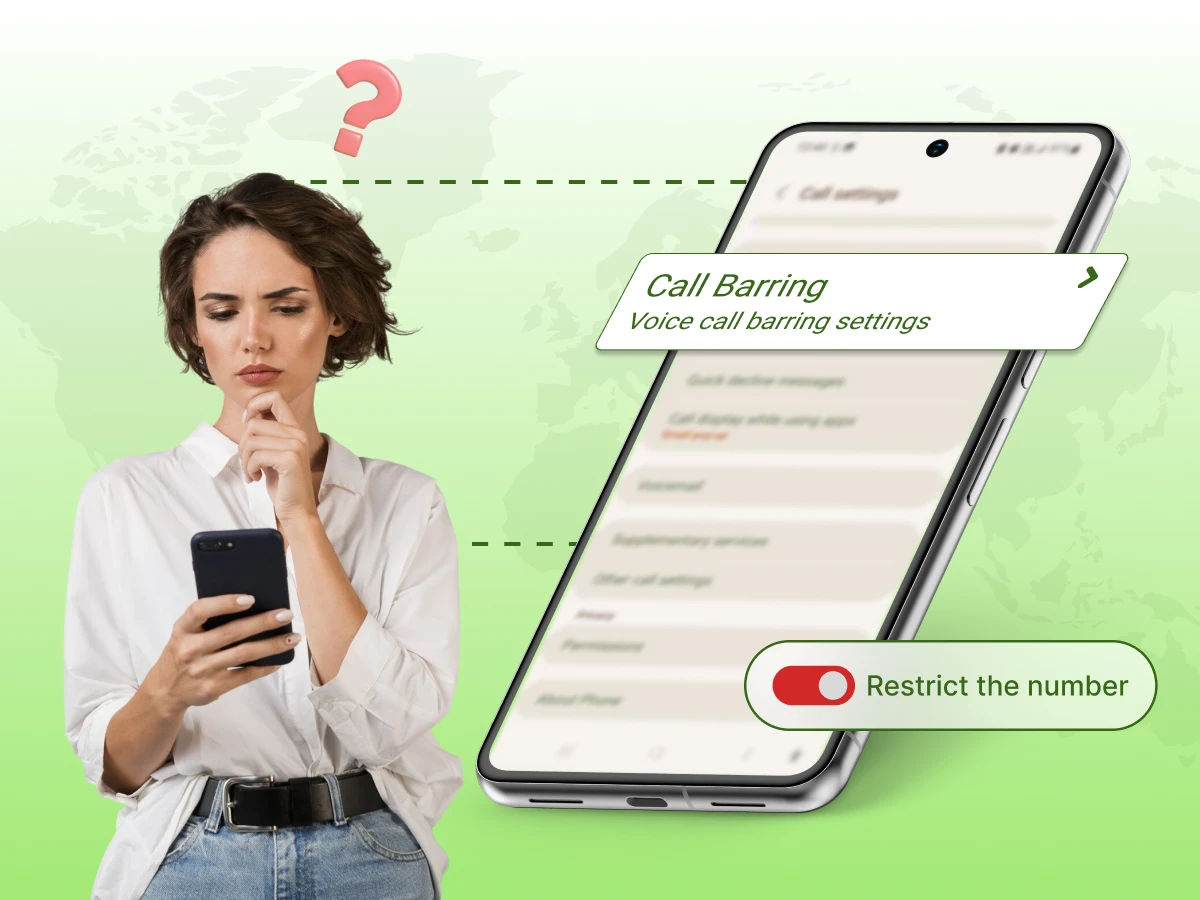
Overview: Call barring is a network-level feature that lets you manage specific types of incoming or outgoing calls, such as international or roaming calls. You can activate it directly from your phone’s settings or by using simple dialer codes. Both Android and iPhone devices offer easy ways to manage these restrictions for greater control over your calls.
Do you have your phone ringing with calls you are not willing to pick up? You can activate call barring to create a digital barrier that keeps your line private and secure. It is an effective method of managing the unwanted traffic without blocking out single numbers.
It is an ideal feature of a person who wants a distraction-free environment. It gives you the option to block certain types of calls, such as outgoing long-distance or all incoming roaming calls. Your phone remains a tool for your needs, not a source of constant interruptions.
We have mentioned all the steps you need to effectively activate call barring. From finding hidden menus to using secret carrier codes, we cover it all here. Let’s get started on reclaiming your privacy and lowering your monthly costs.
Call barring is a network-level feature that allows you to restrict specific types of phone calls on your mobile or landline device. It acts as a digital filter for your phone line, managing both outgoing and incoming calls.
This feature works differently from a basic call blocking function. While typical apps stop one specific person, this call barring feature stops entire groups of phone calls. You can use it to manage outgoing calls or stop all incoming calls when you want total confidentiality. It is a reliable communication tool for anyone who needs strict call restrictions.
Key Features of call barring include:
The system works by communicating directly with your mobile network to set limits. It checks your account status before any phone calls connect to your device.
Here is how the system processes your request:
Your phone sends a special code to the main network server for verification. The step will make sure that the owner of the phone line is the only one to change the rules. You will have to enter your PIN so as to identify yourself. The system compares this number with your official profile to avoid any unauthorized intrusion. This high level of phone security keeps your mobile settings safe from others.
The server looks at your plan to determine which barring options are available to you. The system confirms if your specific phone feature is active on your current plan. This check helps the system understand how to route your calls correctly. It ensures the network support is ready to handle your new request immediately.
Once the server approves the change, it applies the new rule to your local phone app. Your phone now knows exactly which number prefixes to allow or block. This does not rely on thirdparty apps to function since the rule is stored on your SIM. It creates a strong barrier for all incoming or outgoing calls, depending on your settings.
Once a call is barred, the network sends a rejection signal back to the device. For outgoing calls, your screen might show an error like “Call Restricted” or “Call Barred”. For Incoming calls, the network tells the person that you are not accepting their Calls. This process usually sends the person straight to your voicemail so they can still leave a message.
Using these settings protects your account from unexpected charges. It gives you full control over every phone line you own.
So here are the best times to use this call barring feature:
You can stop all international calls to keep your budget safe while abroad. This call barring feature is an effective call management tool that prevents your phone from dialing expensive overseas numbers by mistake. Many people use this to avoid high call rates that some carriers charge for long-distance calls. It is a smart way to maintain your calling costs without a lot of effort.
You can limit how children use their devices by turning on the call barring feature. This prevents them from dialing long-distance or reaching high-rate number prefixes. It acts as a safety barrier for your family account and monthly budget. You can rest knowing they cannot make unauthorized phone calls.
Sometimes other people might use your phone device without your permission. You can activate call barring with a PIN to lock down the line. This stops anyone from making long phone calls that you would have to pay for later. It is a simple network service that gives you better control over your device.
Traveling to another country often leads to high roaming fees for every minute you talk. You can block Incoming calls while you are away to save a lot of money. This phone feature prevents the network from redirecting phone calls to your present location. You can go on with other tasks on your devices without having to worry about the hidden roaming costs.
The way you manage your phone calls depends on the level of management you need. You might want to block calls from one person or silence your whole phone device for a while. Or use call barring to restrict certain types of calls, such as international or outgoing calls.
Let’s have a look at the main differences:
| Feature | Call Barring | Call Blocking | Do Not Disturb (DND) |
|---|---|---|---|
| 1. Control Level | Network level (Carrier/SIM) | Device level (Phone software) | User interface level (Silent mode) |
| 2. Main Purpose | Restricting categories of calls, such as international calls. | Stopping specific individual numbers from your Phone app. | Silence all alerts for focus or sleep on your phone. |
| 3. How it Works | The network stops the call before it reaches your phone. | Your phone identifies the number and automatically rejects the call. | The call reaches your phone line but stays silent. |
| 4. Configuration | Requires a PIN and specific network support. | Managed via your contacts or your recent phone activity log. | Set via Device settings or quick menu to silence phone calls. |
| 5. Outgoing Calls | Can stop outgoing calls to save on roaming charges. | Only affects incoming calls. | Does not restrict you from making any phone calls. |
To activate the call barring feature is easy once you know where to look. You can secure your line in just a few minutes by following these steps on your device.
Here is how you can use this feature on Android and iPhone devices:
In Android, most users will find these barring options under the advanced call settings or supplemental services menu. You should ensure your network connection is strong before you try to activate call barring on your line.
Follow these steps to activate call barring on your Android:
Apple handles these restrictions a bit differently compared to other devices. You will not find the barrier activation built-in features like those on an Android device.
You can manage these restrictions through your account settings, on their official website, or mobile app.
Follow these steps to activate call barring on your iPhone via Carrier settings:
Step 1: Contact your mobile carrier’s customer service or log in to your account.
Step 2: Ask them to enable the specific type of barring you want (E.g., incoming, outgoing, or international roaming)
Step 3: Once the request is processed, your carrier will activate the service and may provide you with a PIN to manage settings.
You can activate call barring with special codes. It means your specific network manages it via code instead. In many cases, the default PIN is set to 0000 or 1234, unless it has already been changed.
| Barring Type | Activation Code | Deactivation Code |
|---|---|---|
| All Outgoing Calls | *33*PIN# | *33*PIN# |
| All Incoming Calls | *35*PIN# | *35*PIN# |
| International Outgoing | *331*PIN# | #331*PIN# |
| Incoming (Roaming) | *351*PIN# | #351*PIN# |
Call Barring settings can sometimes feel tricky for both Android and iPhone users. These issues usually happen because of a wrong PIN or missing carrier support for your specific account. You can easily fix these errors to ensure you have a smooth mobile experience every time.
Below are the common problems and their solution:
The most common problem that one can commit is not using the correct code when trying to secure his/her account.
Solution: Most carriers have a default code, like 0000 or 1234, but it can be guessed several times, and your functionality will be disabled. In case the standard numbers fail to work, simply make a call and request that your customer support reset them. They can verify your identity and issue a new barring PIN to regain access. Keeping this code in a safe password manager will prevent this issue from happening again.
You might notice that unwanted calls from a specific person still get through even after you activate Call Barring.
Solution: This happens because this feature targets broad categories like all voice calls, rather than individual people. If you want to stop one specific caller, you should use the call blocking function on your Android and iPhone instead. Barring is designed for high-level call management, such as stopping all international calls at once. Use a mix of both tools for better call handling to filter your incoming traffic perfectly.
Users often face issues with outgoing call barring when they are already travelling abroad.
Solution: International roaming settings can sometimes conflict with your home network rules while you are connected to a foreign network. To fix this, try to select call settings while you still have a strong home signal before travelling abroad. If you are already away, toggle your airplane mode on and off to refresh the connection to the local carrier. This usually forces the system to recognize your active call restrictions.
Finding the right menu can be tricky, depending on your device and the software version you use.
Solution: To avoid cases of accidentally disabling their services, some providers will hide the call barring option. If it is missing from your Phone app settings, you can use GSM code commands on your keypad dial instead. Simply type the correct number sequence and symbols to send the request directly to the network. This bypasses the visual menus and works on almost all devices.
It is frustrating when you try to save on call expenses, but the system returns an “Error” or “Failed” message.
Solution: This often occurs because the service is not yet enabled on your specific postpaid plan or prepaid account. You may need to ask your provider to “provision” the barring service for your Phone line specifically. Once they turn it on at the source, you will be able to change your barring settings without any errors. This can easily be resolved within a few minutes through a quick conversation with a support agent.
The smart methods will help you in maximizing your mobile plan and security features. There are a few simple ways to follow so that you can avoid many common mistakes with your phone line.
So, here are the top ways to maintain your settings for the best results:
Always change the default code provided by your mobile company. A custom code prevents others from changing your barring settings without your permission. This simple step adds a vital layer of security to your mobile plan.
Using a unique code protects your privacy when you share your phone. It ensures that no one can change your type of call barring while you are not looking. Keep this number in a safe place so you do not get locked out of your account.
It is a good pratice to verify your active restrictions once a month. Sometimes, network updates can reset your preferences without any warning on your screen. Checking your status ensures your plan is always working exactly how you want it.
With your phone menu, you can easily check whether your filters are still working or not. You can deactivate call barring in a matter of seconds if you no longer require a restriction. It is important to keep in mind your settings also, so as not to get any unnecessary billing.
You should first contact your provider before you move out of the country to go on vacation or on a business trip. They can offer specific bundles that work alongside your current network restrictions. This helps you balance your needs for connectivity and low costs while away.
Ask about any special roaming deals that might save you more money than being alone. Your provider can confirm if your type of call barring will work on foreign networks. This would be the optimal way of keeping your phone without having to pay a lot of money in charges.
Every mobile provider has a different way of handling network-level requests. Some companies might require you to call them to enable certain blocking features on your line. When changing a setting, you do not get frustrated knowing these rules.
Visit the site of your provider and look at its features to understand what you can have as a monthly plan. It is possible that certain barring options are only applicable to selected levels of accounts. It is important to know these details in order to enjoy the best of your mobile service.
Learning a few short dialer codes can save you a lot of time. These codes are effective even when you are unable to locate the appropriate menu in your phone settings. They provide a direct way to talk to the network servers without any lag.
You can dial a short number sequence to deactivate call barring instantly. This is the fastest way to regain full access to your phone line when you are in a hurry. Store these codes in your contacts list, so you always have them ready for use.
Setting up this network tool is a smart way to protect your mobile account. You now know how to manage your phone line to avoid high roaming charges. This blog showed you that controlling phone calls is possible without extra apps.
We looked at how this system works for both Android and iPhone users. You learned the steps to find your barring settings and use your barring PIN correctly. These steps help you stop unwanted calls and manage your calling costs from any location.
Taking these actions gives you full control over your digital life. You can travel or share your phone device without any fear of hidden fees. Start using these barring options today to enjoy a more secure and predictable mobile experience.
In All the post should be change FAQ (v3)
You can choose to filter calls that are incoming, outgoing, or international to suit your needs. This flexibility ensures your account remains protected from expensive long-distance fees or unwanted disruptions.
You must locate the specific barring settings within your phone and enter your unique PIN code. This code is usually a default set by your carrier, like 0000, to authorize the change.
The availability of call barring on iPhone often depends on whether your specific phone carrier supports the feature in the menu. If the toggle is missing, you must use GSM code commands on the dial pad to manage your restrictions.
The location of the settings for call barring may vary depending on your specific phone model and software version. Check under the “Supplementary Services” or “Calling Accounts” section within your phone app settings.
Standard call barring is for categories like international numbers, so it does not allow you to block individual contacts. You should use the local blocking settings in your phone app if you want to stop one specific caller.
