

Simply Import Contacts With Dialaxy
Easily organize and filter your imported contacts to target the right audience, enhancing communication and streamlining your outreach efforts.
What Is Import Contact?
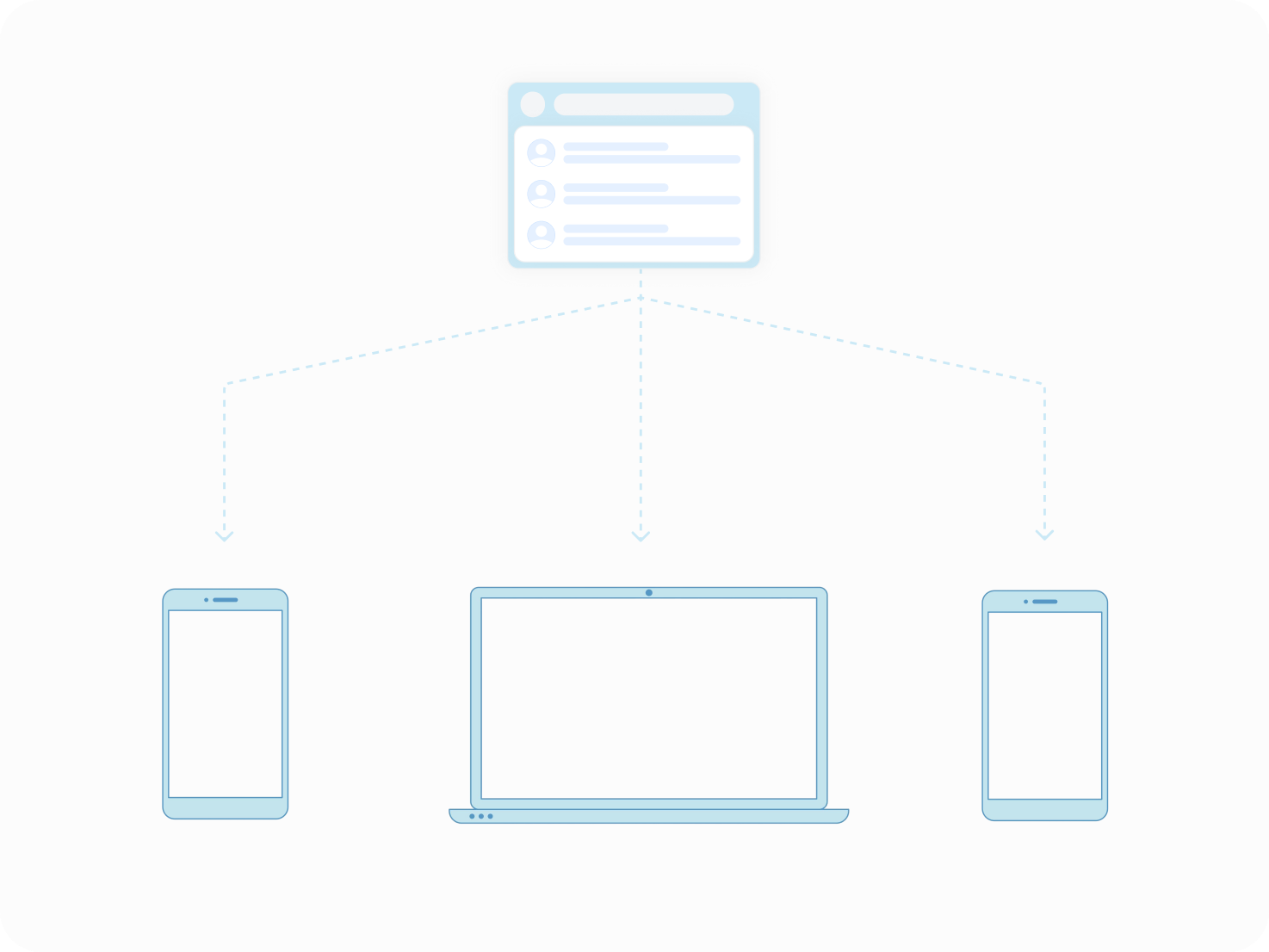
Importing contacts means moving contact details from one place to another. This includes names, phone numbers, and emails. The process helps bring contacts into a new system or device easily. It often uses tools like CSV upload or vCard files. Importing contacts avoids manual typing and saves time. It supports bulk contact import and helps merge contacts from different sources.
Whether from Gmail, Outlook, or phone contacts, it keeps your contacts organized. Efficient contacts import plays a crucial role in cloud-based phone systems, ensuring your communication flows smoothly.
This simple step is key for smooth contact management and syncing across platforms. It also reduces errors that happen when entering contacts manually.
How to use Dialaxy to import contacts?
Dialaxy’s Import Contact feature streamlines your contact management by enabling easy and quick importation of contacts from various sources. Here’s how it works:
- Log in to your Dialaxy account.
- Go to the portal contact menu.
- Click the import button and upload your contact details
- Review and confirm
How Does Import Contact Work?
Choose the Source File
Start by selecting the file or platform where your contacts are stored. This could be a CSV, Excel spreadsheet, vCard, or an account like Gmail or Outlook.
Upload or Connect to the Source
Upload the contact file or link your account through the contacts import export feature. This lets the tool access your contacts for transfer.
Map Contact Fields
Match fields like name, phone number, and email to the right columns in the destination system. This ensures data imports correctly without confusion.
Start the Import Process
Initiate the transfer to move contacts into your new contacts database. The tool processes the data and uploads the contacts accordingly.
Review and Confirm
Check imported contacts for accuracy and completeness. This step helps spot any import errors or duplicate contacts before finalizing.
Sync and Backup Contacts
Once imported, sync contacts across your devices using cloud contacts sync. It also provides an option to back up contacts for future recovery.
Benefits of using Dialaxy's import contact
Easy Contacts Migration
Dialaxy simplifies contact migration by supporting multiple file formats like CSV, Excel, and vCard. This makes transferring contacts from different sources smooth and hassle-free.
Bulk Contacts Import
With Dialaxy, you can perform bulk import contacts quickly without manual entry. It handles large contacts upload efficiently, saving you time and effort.
Seamless Contacts Synchronization
Dialaxy acts as a reliable contacts sync app, enabling cloud contacts sync across devices. This keeps your contacts updated and consistent everywhere.
Duplicate Contacts Removal
The app helps delete duplicate contacts automatically during import. This ensures a clean contacts database without repeated entries.
Backup and Recovery Features
Dialaxy provides contact backup software tools to secure your contacts. You can easily restore contacts if data loss occurs.
Wide Compatibility
Whether you need to import contacts from Gmail, Outlook, or a phone, Dialaxy supports it all. This makes it a versatile contacts transfer app for any platform.
Why use Dialaxy for Import Contacts?
Choosing Dialaxy for your import contacts needs means access to a powerful contacts migration tool designed for smooth contacts import and export. It supports bulk import of contacts from CSV, Excel, Gmail, Outlook, and more. Dialaxy ensures contact synchronization and cloud contact sync across devices.
Its contact backup software and contact recovery features protect your valuable contact data. The contacts sync app prevents duplicates and errors during contacts upload.
Managing multiple phone numbers and call routing are additional Dialaxy features that complement contact import, helping streamline communication and organization.
Effortless Contacts Transfer
Dialaxy supports contact transfer from multiple sources, including spreadsheets and email clients. It simplifies the process, reducing the risk of contact import errors and saving time. This allows users to focus on their work without worrying about data loss or formatting issues.
Reliable Contacts Backup
With built-in contacts backup software, Dialaxy protects your data from accidental loss. It also offers contact recovery options, ensuring your contacts are safe. Regular backups help maintain an updated contacts database, preventing the need for repeated imports.
Duplicate Contacts Management
Dialaxy automatically detects and deletes duplicate contacts during import. This keeps your contacts database clean and easy to navigate. Removing duplicates also improves the efficiency of contact synchronization and reduces clutter.
Things to consider when implementing the import contact
-
Verify compatibility with common contact file formats like CSV, vCard, and Excel.
-
Ensure smooth data transfer from various sources.

-
Map fields correctly to match Dialaxy’s contact database structure.
-
Validate imported data to prevent errors and ensure accuracy.

-
Check for duplication and merge options to maintain a clean contact list.
-
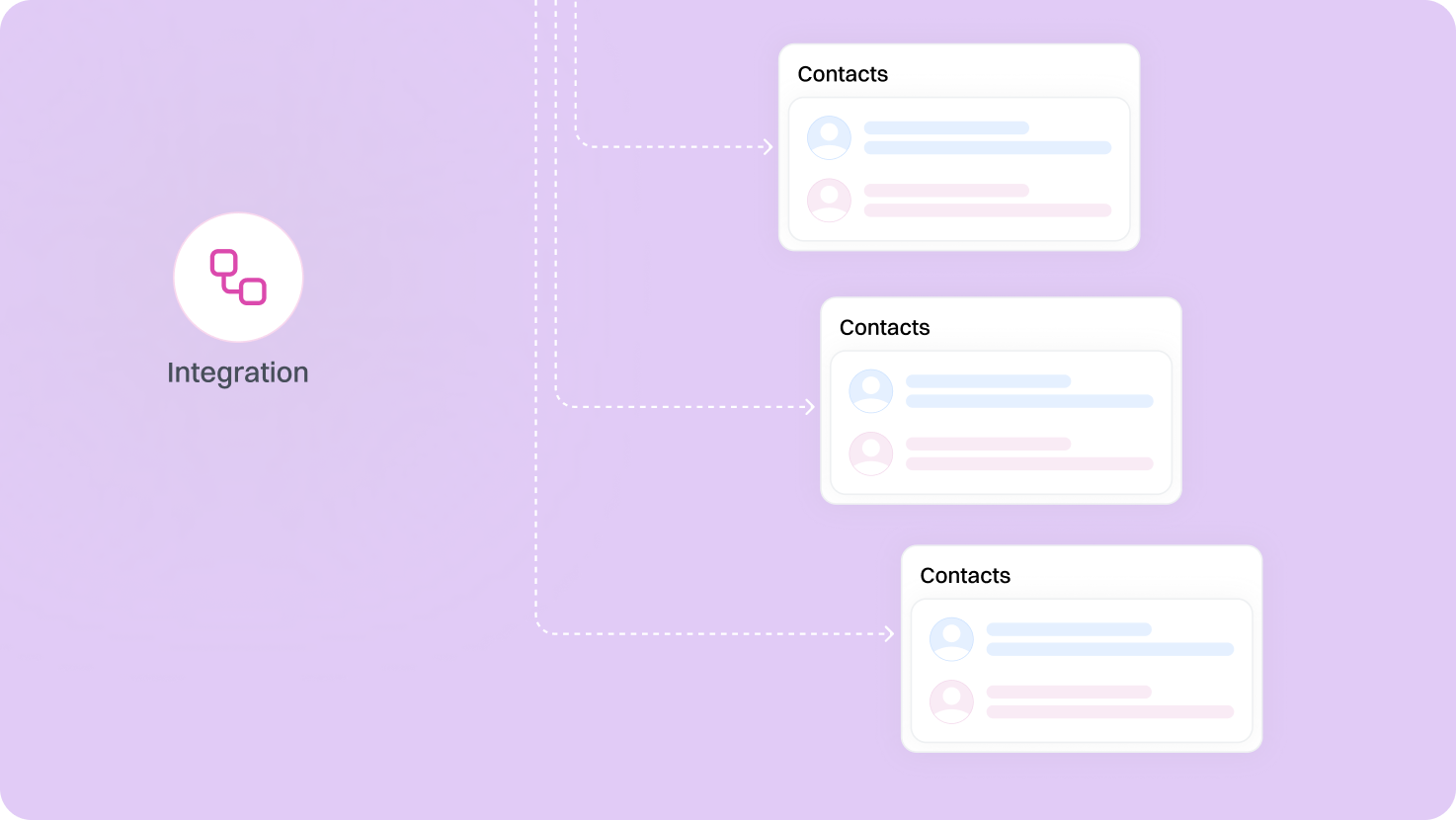
Ensure imported contacts seamlessly integrate with existing entries.
-
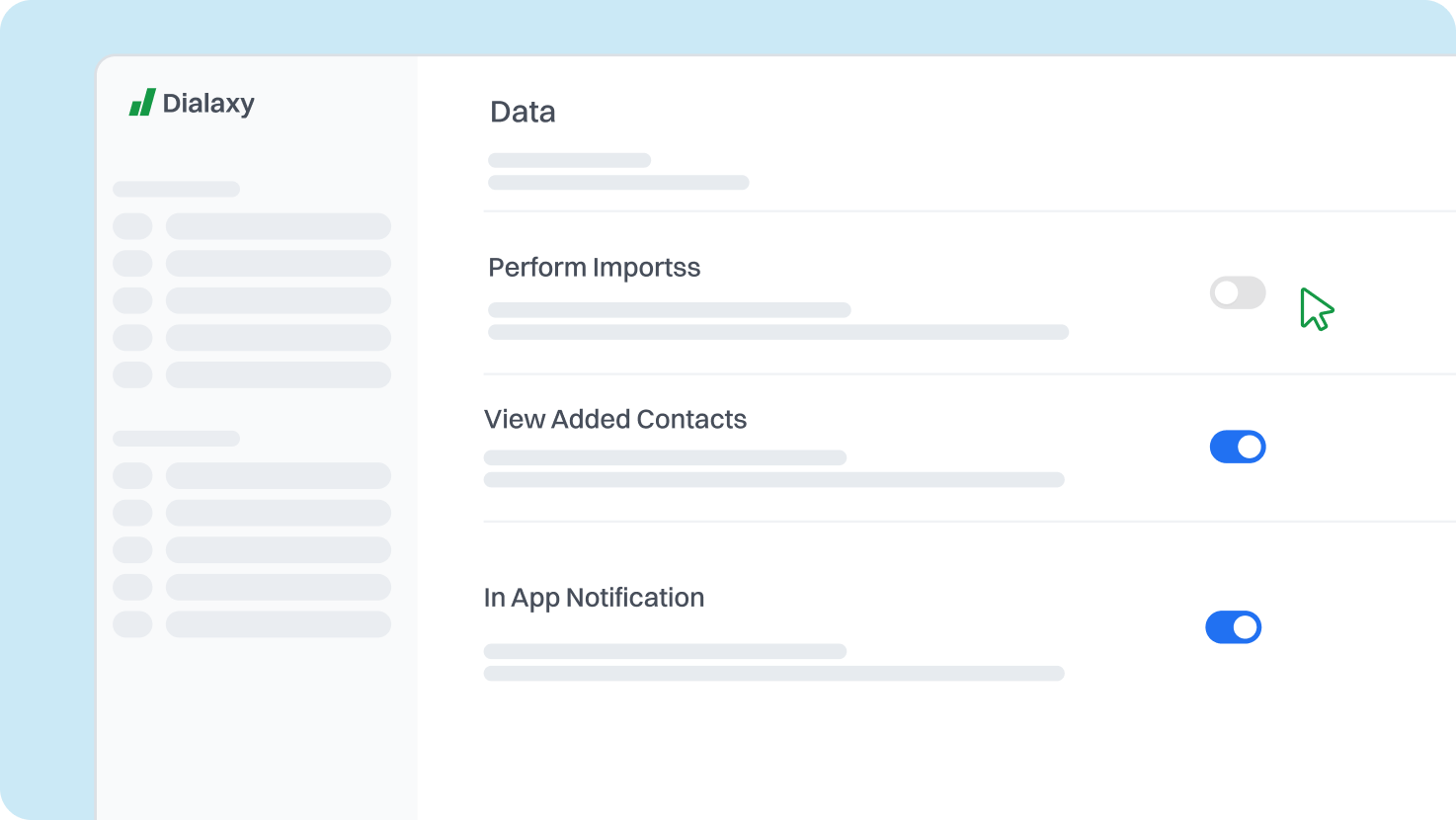
Define access rights for users importing contacts to control data visibility.
-
Set up permissions to manage who can perform imports and view added contacts.
Contact Import Solutions: Designed for Businesses Ready to Grow
Sales and Marketing
Sales teams import contacts from CRM, emails, and events. Dialaxy merges contacts smoothly, avoiding duplicates. Bulk importing contacts speeds up campaigns. Syncing contacts keeps leads accessible on all devices. This ensures sales efforts remain focused and effective.
Customer Support
Support staff import contacts from email and phone systems. Dialaxy backs up contacts and syncs them across platforms. This ensures quick, error-free customer responses. Clean contacts improve service quality. Reliable contact management reduces delays in handling requests.
Event Management
Organizers collect contacts from forms and social media. Dialaxy makes bulk import easy and keeps data organized. Importing from CSV files helps manage attendees efficiently. Syncing contacts aids follow-up communication. This streamlines event planning and guest outreach.
Healthcare Providers
Healthcare providers import contacts from patient systems and referrals. Dialaxy secures and backs up sensitive contacts. It helps keep contact info updated for appointments. Contact recovery protects against data loss. Accurate contacts help improve patient care and coordination.
Do’s and Don’ts of importing contacts
Do’s
-
Ensure compatibility with supported formats (e.g., CSV, vCard).
-
Remove duplicates and errors before importing.
-
Match your file’s fields with Dialaxy’s contact fields.
Don’ts
-
Avoid unsupported formats or corrupted data.
-
Skip removing outdated or incorrect contacts.
-
Ensure thorough verification of data post-import.
Additional Features like Import Contacts
Unlimited Contacts
With Dialaxy, you can store unlimited contacts, which supports expanding your database without worry. This complements Dialaxy’s bulk contacts import, making contacts management smooth and scalable.
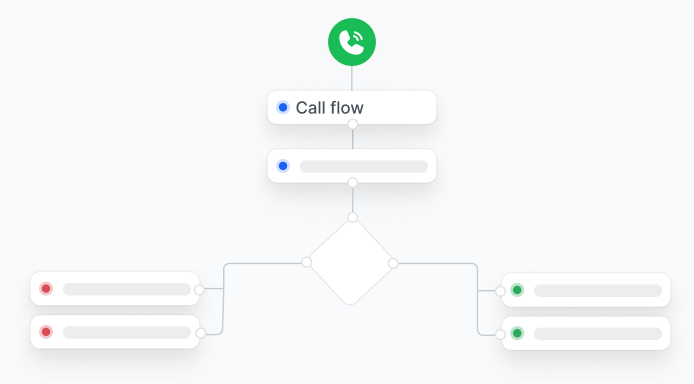
Call Flow Designer
Dialaxy’s call flow designer lets you create automated routing paths based on your imported contacts. Using Dialaxy, calls reach the right agents faster, enhancing customer communication and response times.
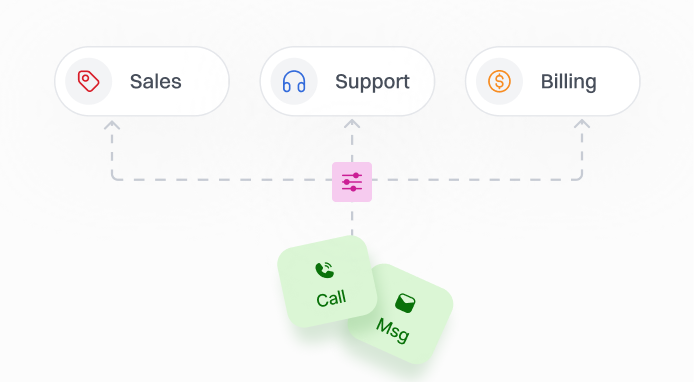
Advanced Filtering
The advanced filtering tools in Dialaxy help organize and segment your imported contacts. Dialaxy makes it easy to sync and target specific contact groups, improving your outreach and contact synchronization.
Frequently Asked Questions
CSV and vCard formats are most reliable. They keep contact details intact and are fully compatible with Dialaxy’s contacts upload tool.
Dialaxy supports importing contacts from Gmail, Outlook, and phones. Each account is imported separately to maintain accuracy and avoid conflicts.
Dialaxy automatically finds duplicates and lets you merge or skip them. This keeps your contacts database neat and easy to use.
Data loss is rare if the import file is correctly formatted and fields are mapped properly. Dialaxy helps detect any errors to avoid losing important information.
Errors usually come from missing fields or incorrect formatting. Dialaxy highlights these issues and offers tips to correct them before completing the import.
Dialaxy does not currently offer scheduled imports. Instead, it focuses on instant import and real-time contact synchronization.
Yes. Dialaxy integrates with many CRM platforms, making contact import and synchronization simple and reliable.
Dialaxy’s call flow designer automated call routing using your rules. This connects callers to the right agent faster and improves overall communication.
Yes. Dialaxy’s advanced filtering sorts contacts into groups. This makes SMS campaigns more targeted and effective.